
A television should deliver a consistent, vibrant image across its entire display. When half of the screen appears noticeably darker than the other side, it disrupts viewing and raises concerns about long-term damage. This issue can stem from hardware malfunctions, software glitches, or incorrect settings. Understanding the root cause is essential for effective resolution. Whether you're dealing with an LCD, LED, or OLED model, this guide breaks down the most likely reasons behind uneven screen brightness and provides actionable solutions.
Common Causes of Half of TV Screen Being Dark
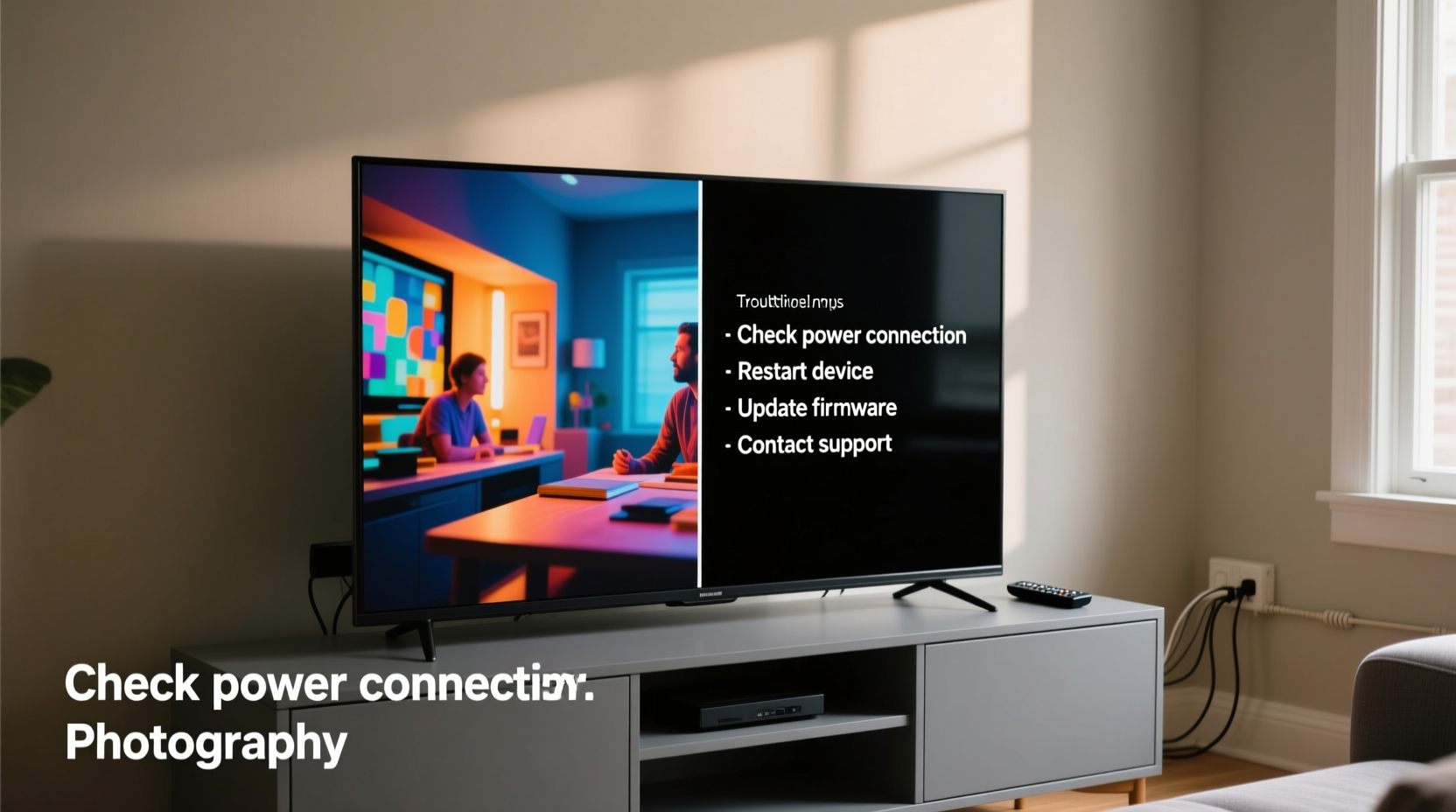
An unevenly lit display isn't always a sign of permanent failure. Several factors—ranging from user-adjustable settings to internal hardware degradation—can create the illusion or reality of one side being darker.
- Backlight failure: In edge-lit TVs, the backlight runs along the sides. If one side's LEDs fail, that portion of the screen dims.
- Poor panel alignment: Physical pressure or manufacturing defects can misalign internal layers, causing light leakage or shadowing.
- Faulty T-Con (Timing Control) board: This board controls how image data is sent to the screen. A malfunction can result in partial dimming or flickering.
- Software or firmware bugs: Updates or corrupted system files may incorrectly process brightness distribution.
- Power supply issues: Uneven voltage delivery to the backlight system can dim one side.
- Eco or ambient light sensors: Some TVs automatically adjust brightness based on room lighting, which may create asymmetrical results.
“Uneven brightness often starts subtly. Catching it early can prevent full backlight failure.” — James Lin, Display Technician at AV Repair Labs
Troubleshooting Steps to Fix a Partially Dark Screen
Before assuming hardware damage, follow a methodical approach to rule out simple fixes.
Step 1: Check Picture Settings
Navigate to your TV’s picture menu and verify the following:
- Brightness and contrast are set evenly.
- Local dimming is either disabled or properly calibrated.
- Picture mode is not set to “Cinema” or “Warm,” which may exaggerate shadows.
Step 2: Disable Ambient Light Sensors
Many modern TVs have an “Eco Sensor” or “Light Sensor” feature that adjusts brightness based on room conditions. Turn this off temporarily to test if the screen evens out.
Step 3: Test Multiple Inputs and Devices
Connect different sources (cable box, streaming stick, game console). If the issue persists across all inputs, it’s likely the TV. If only one device shows the problem, the source may be faulty.
Step 4: Inspect for Physical Damage
Examine the screen for cracks, pressure marks, or warping. Even minor impacts can affect backlight diffusion or panel alignment.
Step 5: Update Firmware
Check for available system updates in the TV’s settings. Manufacturers often release patches for display anomalies.
Hardware Diagnosis: When It’s More Than a Setting
If software adjustments don’t resolve the issue, the problem likely lies in the hardware. Here’s how to assess each component:
| Component | Symptom | Solution |
|---|---|---|
| Backlight (LED strips) | One side dim or completely dark; visible banding near edges | Replace faulty LED strip (requires disassembly) |
| T-Con Board | Half-screen flicker, lines, or color distortion alongside dimness | Test with replacement board; soldering may be needed |
| Power Supply Unit (PSU) | Inconsistent power delivery; screen dims under load | Measure output voltages; replace if outside tolerance |
| Display Panel | Permanent shadow, dead pixels, or clouding | Panel replacement (costly; may exceed TV value) |
Mini Case Study: Resolving a Samsung LED TV Issue
A homeowner reported that the left half of their 55-inch Samsung LED TV had gradually darkened over three weeks. Initial checks ruled out input devices and settings. The eco sensor was disabled, and a factory reset didn’t help. Upon opening the back panel, a technician noticed one of the edge-mounted LED strips had several non-functioning sections. After sourcing a compatible replacement strip and carefully installing it, the screen returned to uniform brightness. Total repair cost: $75 for parts and two hours of labor—far less than replacing the TV.
DIY vs. Professional Repair: What to Consider
While some repairs are accessible to skilled individuals, others require specialized tools and expertise.
When DIY Makes Sense:
- You’re replacing a known-faulty component like the T-Con board.
- You have experience with electronics and anti-static handling.
- The part is affordable and widely available online.
When to Call a Pro:
- The issue involves the main display panel.
- You lack tools like a multimeter or soldering iron.
- The TV is still under warranty.
“Opening a TV without proper knowledge can lead to further damage. If in doubt, consult a certified technician.” — Luis Mendez, Consumer Electronics Repair Specialist
Troubleshooting Checklist
Use this checklist to systematically identify and fix the issue:
- ✅ Confirm the problem occurs on multiple inputs (HDMI, antenna, streaming apps).
- ✅ Disable Eco Mode, Light Sensor, or Auto Brightness features.
- ✅ Reset picture settings to default.
- ✅ Check for firmware updates and install if available.
- ✅ Inspect the screen for physical damage or pressure marks.
- ✅ Test with a flashlight (shine at an angle): look for uneven backlight glow.
- ✅ Listen for faint buzzing or flickering sounds (sign of failing LEDs).
- ✅ Consider professional diagnosis if steps 1–7 don’t resolve the issue.
Frequently Asked Questions
Can a dark half-screen be fixed without replacing parts?
Yes, sometimes. If the issue is caused by incorrect settings, firmware bugs, or temporary power fluctuations, a reset or update may fully restore normal function. However, persistent darkness usually indicates hardware wear and will require component replacement.
Is it worth repairing a TV with half the screen dark?
It depends on the TV’s age, size, and repair cost. For newer or high-end models, fixing a backlight or T-Con board is often economical. But if the panel itself is damaged, the repair may cost 50–70% of a new unit, making replacement more practical.
Why does the dark side get worse over time?
Gradual dimming typically points to failing LEDs or deteriorating capacitors on the power board. As components degrade, they deliver less consistent current, worsening the imbalance. Early intervention can prevent total failure.
Prevention Tips for Long-Term Display Health
Maintaining your TV properly can delay or prevent display issues:
- Avoid prolonged static images (e.g., news tickers, video game HUDs) to prevent burn-in or uneven aging.
- Keep the TV in a well-ventilated area to prevent overheating, which stresses internal components.
- Use a surge protector to shield against voltage spikes.
- Adjust brightness to moderate levels; maximum brightness accelerates LED wear.
Conclusion
A half-dark TV screen is a frustrating but often solvable issue. Start with basic troubleshooting—settings, inputs, and firmware—before moving to hardware inspection. Many cases stem from failed backlight strips or faulty control boards, both of which can be repaired at a fraction of the cost of a new television. By understanding the underlying causes and knowing when to seek expert help, you can extend your TV’s lifespan and maintain a flawless viewing experience.




 浙公网安备
33010002000092号
浙公网安备
33010002000092号 浙B2-20120091-4
Comments
No comments yet. Why don't you start the discussion?