
In the evolving landscape of portable gaming, two dominant forces have emerged: dedicated handheld gaming consoles and mobile cloud gaming platforms. While both promise high-quality gaming on the go, their approaches differ fundamentally—one relies on local hardware, the other on remote servers and streaming technology. The central question for players is no longer just about convenience or game selection, but about performance: which platform delivers smoother, more responsive gameplay?
Smoothness in gaming isn’t just about frame rates; it encompasses input responsiveness, visual consistency, load times, and freedom from interruptions. A stutter-free 60 frames per second (fps) experience feels vastly different from one plagued by lag spikes or compression artifacts. To determine whether a handheld console or cloud gaming on mobile provides superior smoothness, we need to examine how each system handles processing, connectivity, optimization, and user expectations.
Understanding \"Smooth Play\": What It Really Means
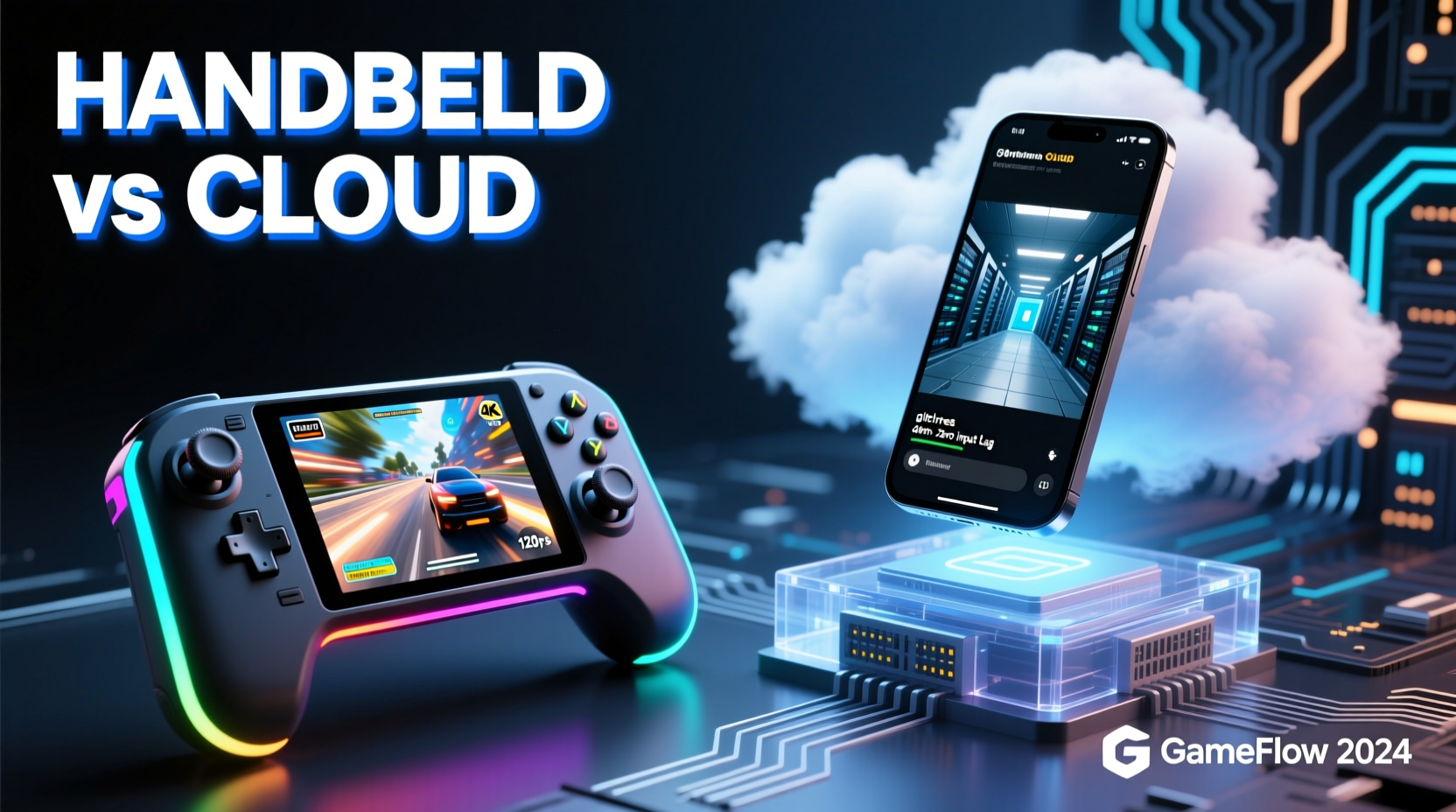
\"Smooth play\" refers to a seamless gaming experience where actions are immediately reflected on screen, visuals remain stable, and there are no perceptible delays between input and response. This involves several technical factors:
- Frame rate consistency: Maintaining a steady 30 or 60 fps without drops.
- Input latency: The time between pressing a button and seeing the result—ideally under 50ms.
- Visual fidelity: Resolution, texture clarity, and absence of compression noise.
- System stability: Minimal crashes, overheating, or background interference.
Handheld consoles like the Nintendo Switch, Steam Deck, and ASUS ROG Ally process games locally using built-in CPUs, GPUs, and storage. This means all rendering happens on-device, giving developers tight control over performance tuning. In contrast, mobile cloud gaming services such as Xbox Cloud Gaming (xCloud), NVIDIA GeForce NOW, and PlayStation Plus Premium stream games from data centers to smartphones or tablets over the internet. The device acts only as a display and input receiver—the heavy lifting occurs remotely.
“Latency is the invisible enemy of smooth gameplay. Even with perfect visuals, a 100ms delay can ruin competitive precision.” — David Lin, Lead Engineer at CloudStream Technologies
Performance Comparison: Local Processing vs. Streaming
The core distinction lies in where computation takes place. Handheld consoles run games natively, allowing developers to optimize titles specifically for known hardware configurations. For example, the Steam Deck’s AMD APU is fixed across all units, enabling Valve and third-party studios to fine-tune performance settings that balance graphical quality and frame stability.
Mobile cloud gaming, however, depends heavily on network conditions. Even with powerful server-side hardware, any fluctuation in bandwidth or ping introduces variability. A strong Wi-Fi connection might deliver near-console-level smoothness, but switching to cellular data—even 5G—can introduce jitter, packet loss, or throttling, especially during peak hours.
Latency Breakdown: Why It Matters
Latency in cloud gaming consists of multiple components:
- Input transmission: Time for your touch or controller command to reach the server (~10–40ms).
- Server processing: Game logic and rendering on remote hardware (~16ms at 60fps).
- Video encoding: Converting frames into a streamable format (~10–20ms).
- Network travel: Round-trip data transfer, highly dependent on distance and congestion.
- Decoding and display: Reconstructing video on your phone (~10–30ms).
Total end-to-end latency typically ranges from 60ms to over 150ms in suboptimal conditions. By comparison, a handheld console processes inputs and renders frames internally, often achieving input-to-display times below 40ms—even lower with optimized firmware.
Hardware Reliability and Optimization
Dedicated handhelds benefit from purpose-built design. Components are selected and integrated to work together efficiently. Thermal management systems prevent sustained throttling, and operating systems are stripped of unnecessary background tasks. The Steam Deck’s Linux-based SteamOS, for instance, prioritizes gaming processes and minimizes UI overhead.
Smartphones, while increasingly powerful, face inherent limitations when used for cloud gaming. They run full consumer operating systems (iOS or Android) that multitask aggressively. Background app refresh, notifications, and automatic updates can interrupt streaming sessions. Additionally, mobile GPUs aren't designed for prolonged high-load scenarios, leading to thermal throttling during extended play.
| Factor | Handheld Console | Mobile Cloud Gaming |
|---|---|---|
| Processing Location | On-device | Remote server |
| Average Input Latency | 30–50ms | 60–150ms |
| Internet Dependency | Minimal (only for downloads/updates) | High (continuous stable connection required) |
| Frame Rate Stability | Consistent (hardware-controlled) | Variable (network-dependent) |
| Battery Drain During Gameplay | Moderate (optimized power delivery) | High (screen + decoding + network) |
| Visual Quality | Native resolution, minimal compression | Compressed stream, potential artifacts |
Moreover, handhelds allow offline play. Once a game is installed, it runs independently of external infrastructure. Cloud gaming requires constant connectivity, making it unsuitable for flights, rural areas, or crowded networks.
Real-World Example: Competitive Gaming on the Go
Consider Alex, a fan of fast-paced shooters like *Halo Infinite* and *Apex Legends*. He travels frequently and wants to maintain his skill level while commuting. At home, he uses a Steam Deck connected to his router via Ethernet, achieving rock-solid 60fps gameplay with negligible input lag. On the train, he switches to cloud gaming using his iPhone and a Bluetooth controller.
Despite having a 5G connection, Alex notices subtle but critical differences: shots register slightly late, movement feels “floaty,” and during intense firefights, the stream occasionally blurs due to bitrate reduction. These micro-delays cost him kills and frustrate his team. After two weeks, he reverts to playing only single-player titles via cloud and reserves multiplayer for his handheld.
This scenario illustrates a common pattern: cloud gaming works well for narrative-driven or turn-based games but struggles under real-time competitive pressure where split-second timing is essential.
When Cloud Gaming Excels—and Falls Short
Cloud gaming shines in accessibility. It allows users to play AAA titles on devices that couldn’t run them natively. Someone with a mid-range Android phone can stream *Cyberpunk 2077* at 1080p through GeForce NOW, bypassing hardware limitations entirely. Services also offer instant access—no downloads, patches, or storage concerns.
However, this convenience comes at the cost of predictability. Network congestion, ISP throttling, or even Wi-Fi interference from neighboring devices can degrade performance instantly. There’s no way to fully eliminate these variables, regardless of how advanced the encoding algorithms become.
In contrast, handheld consoles provide deterministic performance. Manufacturers set conservative clock speeds and thermal limits to ensure consistent output. Firmware updates often improve efficiency rather than disrupt it. Games may be scaled down graphically compared to desktop counterparts, but the trade-off ensures reliability.
Checklist: Optimizing Smoothness Based on Platform
To get the smoothest experience from either option, follow these actionable steps:
- For Handheld Consoles:
- Keep firmware updated for performance patches.
- Use performance modes wisely—balance battery life and frame rate.
- Ensure adequate ventilation; avoid blocking exhaust vents.
- Install games on internal SSD or high-speed microSD cards.
- Lower graphics settings if targeting 60fps stability.
- For Mobile Cloud Gaming:
- Test your connection with speed and ping checks before starting.
- Use a controller instead of touch controls for better precision.
- Select closest available server region in the app settings.
- Set video quality to “High” or “Auto” based on current bandwidth.
- Avoid simultaneous streaming or downloads on the same network.
Frequently Asked Questions
Can 5G make mobile cloud gaming as smooth as handheld consoles?
While 5G offers faster speeds and lower latency than 4G, real-world performance varies widely. Urban areas with dense tower coverage may approach acceptable levels (~40–60ms round-trip), but signal handoffs, congestion, and indoor penetration issues still cause instability. Even under ideal conditions, cloud gaming adds layers of encoding and decoding that local hardware avoids. Thus, 5G improves feasibility but doesn’t eliminate the fundamental latency gap.
Are newer handhelds catching up to console performance?
Yes. Devices like the Steam Deck OLED and ASUS ROG Ally feature custom APUs capable of running modern AAA titles at native 1080p with high settings. With software optimizations like FSR (FidelityFX Super Resolution), they achieve performance once reserved for home consoles. Unlike phones repurposed for gaming, these devices are engineered from the ground up for sustained gaming loads, resulting in fewer thermal bottlenecks and smoother long-term play.
Does internet speed guarantee smooth cloud gaming?
Not necessarily. While a minimum of 15–25 Mbps is recommended, speed alone doesn’t ensure smoothness. Ping (latency), jitter (variation in delay), and packet loss are equally—if not more—important. A stable 10 Mbps connection with 30ms ping often outperforms a 100 Mbps link with high jitter. Always prioritize low-latency connections over raw bandwidth.
Conclusion: Choosing the Smoother Path
When evaluating handheld gaming consoles against mobile cloud gaming for smoothness, the evidence strongly favors local hardware. Handhelds offer predictable performance, lower input latency, and immunity to network fluctuations—all critical for a fluid, immersive experience. They are especially superior for fast-paced, competitive, or rhythm-based games where timing is everything.
Cloud gaming remains a compelling alternative for casual players, those with limited budgets, or users seeking instant access to large libraries without installation hassles. Advances in edge computing and AV1 encoding may narrow the gap in coming years, but until network infrastructure becomes universally ultra-reliable, it will struggle to match the consistency of dedicated devices.
If smooth, uninterrupted gameplay is your priority, a modern handheld console is the more dependable choice. For occasional play or supplemental access, cloud gaming fills a valuable niche—but don’t expect parity in responsiveness or stability.




 浙公网安备
33010002000092号
浙公网安备
33010002000092号 浙B2-20120091-4
Comments
No comments yet. Why don't you start the discussion?