
Every modern home entertainment setup relies on HDMI connections—whether it’s linking a gaming console to a TV, connecting a laptop to a monitor, or setting up a home theater system. But confusion often arises when people face the choice between an HDMI cable and an HDMI adapter. Are they interchangeable? Can one replace the other? More importantly, are you spending money unnecessarily on equipment that doesn’t solve your actual problem?
The short answer: yes, many consumers waste money by buying expensive premium HDMI cables when a simple adapter would have sufficed—or worse, using adapters where a proper cable is required, leading to signal loss and frustration.
Understanding the Basics: What Is an HDMI Cable?
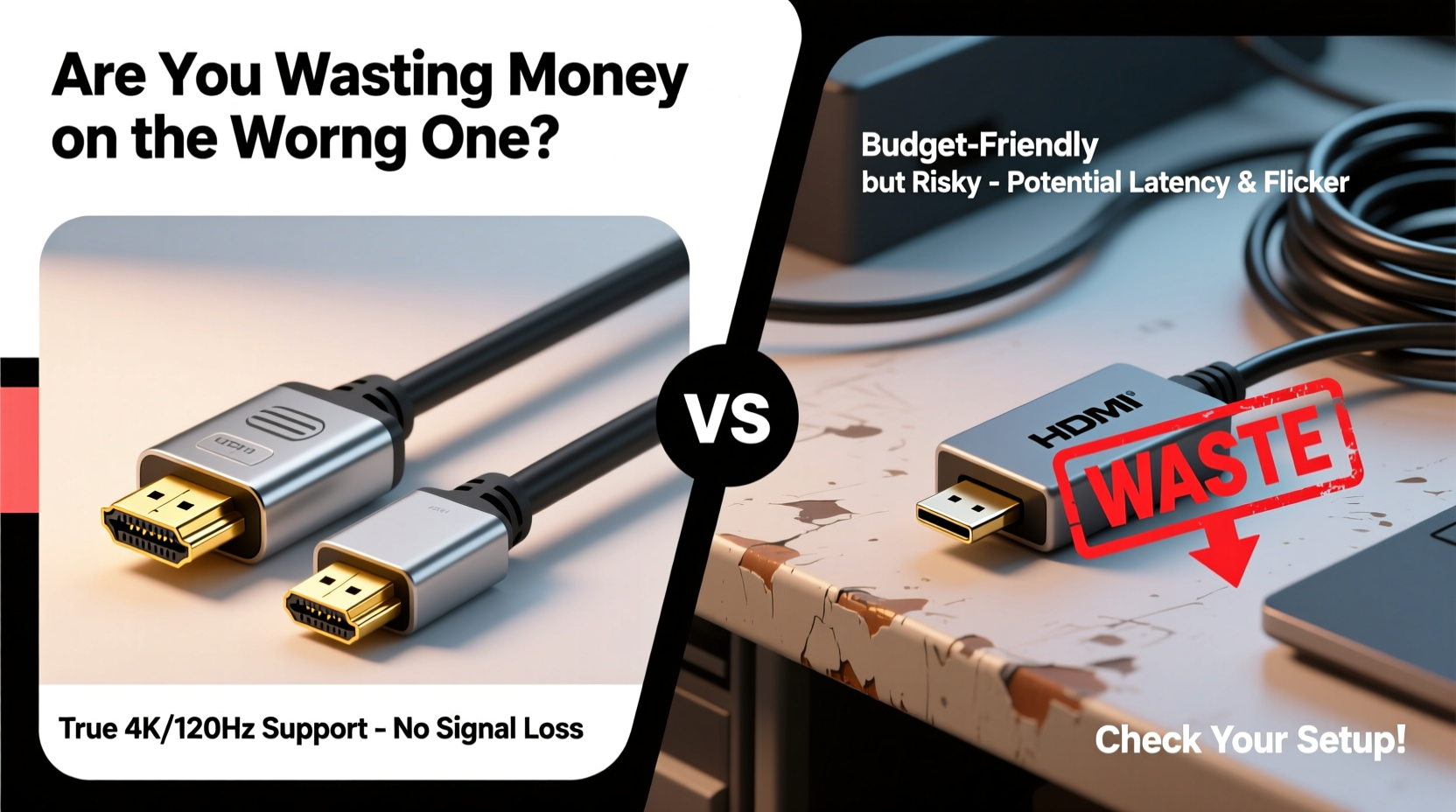
An HDMI (High-Definition Multimedia Interface) cable is a physical connector designed to transmit high-quality audio and video signals between two compatible devices. It has standardized connectors on both ends—most commonly Type A (standard HDMI), but also Mini and Micro variants for smaller devices like tablets or cameras.
HDMI cables come in various versions (1.4, 2.0, 2.1) and categories (Standard, High Speed, Ultra High Speed). These determine bandwidth, resolution support (up to 8K), HDR compatibility, refresh rates, and features like eARC or VRR. However, beyond a certain point, higher specs don't matter unless your devices actually require them.
What Exactly Is an HDMI Adapter?
An HDMI adapter serves a different purpose entirely. Instead of connecting two HDMI ports directly, it converts or extends connectivity between mismatched interfaces. Examples include:
- USB-C to HDMI adapters (for laptops)
- HDMI female-to-female couplers
- DVI-to-HDMI or VGA-to-HDMI converters
- HDMI to AV (RCA) converters for older TVs
Adapters do not carry data themselves—they rely on either passive electrical translation or active signal conversion. Active adapters contain internal circuitry to process and reformat signals, which can introduce latency or quality loss if poorly designed.
“Many users assume all HDMI accessories work the same way. The truth is, adapters change signal types; cables just carry them.” — James Lin, AV Integration Specialist
Key Differences: Cable vs Adapter at a Glance
| Feature | HDMI Cable | HDMI Adapter |
|---|---|---|
| Purpose | Transmit signal between two HDMI-compatible devices | Convert or extend connection between non-matching ports |
| Signal Quality | Preserves original signal integrity (if cable meets spec) | Risk of degradation, especially with analog conversions |
| Cost Range | $5–$30 for most practical uses | $10–$80+, depending on complexity |
| Lifespan | Years with proper handling | Shorter due to fragile electronics in active models |
| Best Used When | Both devices have HDMI ports | One device lacks native HDMI output/input |
Common Scenarios Where People Waste Money
Let’s look at real-world examples where consumers spend unnecessarily due to misunderstanding these tools.
Mini Case Study: The Overpriced “Gaming” HDMI Cable
Mark bought a $70 “Ultra Premium 8K Gaming HDMI Cable” for his PS5 and 4K OLED TV. His setup supports HDMI 2.1, but only uses 4K at 60Hz with basic HDR. After testing, he found no difference in performance compared to a $12 AmazonBasics High-Speed HDMI cable. The expensive cable offered no measurable benefit—just marketing hype.
This is common. Retailers often charge premiums based on fear of incompatibility, even though HDMI standards are well-regulated. As long as a cable is certified and matches your device requirements, price does not correlate with performance.
When Adapters Become a False Economy
Sarah tried to connect her new MacBook Pro (with only USB-C ports) to her projector using a $9 unbranded USB-C to HDMI adapter. The image flickered, audio dropped out, and sometimes failed to detect. She eventually spent $35 on a certified adapter from Anker—and solved the issue instantly.
Cheap adapters cut corners on shielding, power delivery, and chipset quality. In this case, the initial savings cost her time, frustration, and ultimately more money.
Step-by-Step Guide: Choosing the Right Tool for Your Setup
- Identify both devices’ output and input ports. Check manuals or device labels. Look for HDMI, USB-C, DisplayPort, VGA, etc.
- If both have HDMI ports, use a cable. Match the version to your needs (e.g., HDMI 2.0 for 4K/60Hz).
- If one lacks HDMI, choose an adapter. Prefer active adapters for digital-to-analog conversion (e.g., HDMI to VGA).
- Avoid daisy-chaining multiple adapters. Each conversion increases failure risk.
- Verify certification. Look for HDMI Licensing Administrator certification logos or reputable brands (Anker, Cable Matters, StarTech).
- Test immediately. Return within window if there are handshake issues, black screens, or audio sync problems.
Checklist: Before You Buy Any HDMI Accessory
- ✅ Confirm port types on both source and display devices
- ✅ Determine max resolution and refresh rate needed
- ✅ Decide whether you need a cable or adapter
- ✅ Avoid gold-plated connectors as a selling point—they offer no real benefit
- ✅ Skip \"internet-rated\" HDMI cables unless doing media sharing over HDMI
- ✅ Choose shorter lengths when possible (under 6 feet ideal for minimal interference)
- ✅ Read reviews focused on reliability, not just speed claims
Frequently Asked Questions
Can I use an HDMI adapter instead of a cable?
No—not directly. An adapter changes the connector type or signal format. You still need a cable unless the adapter plugs straight into the display (like some dongles). Using an adapter without understanding its function often leads to failed connections.
Do expensive HDMI cables improve picture quality?
No, not once basic standards are met. A $10 certified High-Speed HDMI cable delivers the same pixel-perfect 4K image as a $100 branded one—if both meet the same specification. Digital signals are binary: they either work or fail. There’s no \"smoother\" 4K.
Why does my HDMI adapter keep disconnecting?
This usually stems from insufficient power delivery (common with USB-C adapters), poor build quality, or lack of driver/firmware support. Try plugging into a powered USB hub or using a different port. Also ensure macOS or Windows recognizes the external display properly.
Conclusion: Stop Wasting Money—Use the Right Tool
The distinction between HDMI cables and adapters isn’t trivial—it’s fundamental. A cable moves a signal. An adapter transforms it. Confusing the two leads to wasted purchases, technical headaches, and underperforming setups.
You don’t need the most expensive option. You need the correct one. Invest in a well-made, appropriately specified HDMI cable when both devices support HDMI. Use trusted, certified adapters only when interface mismatch demands it. And never assume that higher price equals better performance—especially in the world of digital connectivity, where compliance matters far more than branding.




 浙公网安备
33010002000092号
浙公网安备
33010002000092号 浙B2-20120091-4
Comments
No comments yet. Why don't you start the discussion?