
Staying in an Airbnb can be a comfortable and affordable alternative to hotels, but recent reports of hidden cameras in rentals have raised serious privacy concerns. While most hosts are trustworthy, the risk of unauthorized surveillance is real—and increasingly common. Knowing how to detect hidden cameras and properly sweep your space can protect your personal privacy and peace of mind. This guide provides actionable steps, tools, and strategies to help you identify potential surveillance devices during your stay.
Why Hidden Camera Detection Matters
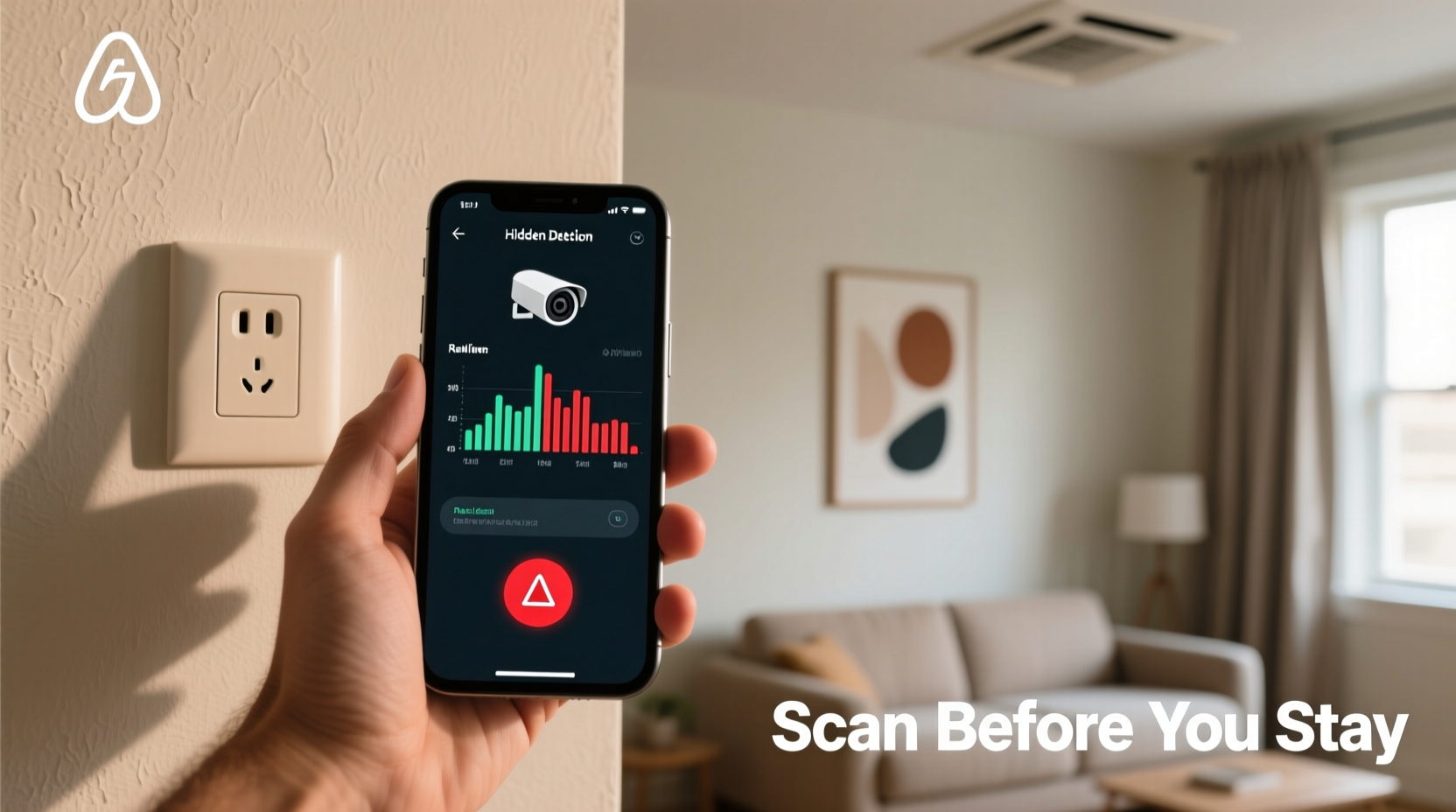
The convenience of short-term rentals comes with reduced oversight compared to traditional hotels. Unlike regulated accommodations, private homes may not undergo routine security audits. Some unscrupulous hosts or third parties have exploited this gap by installing covert recording devices—often disguised as everyday objects like smoke detectors, power outlets, or wall clocks.
A 2023 report from the American Civil Liberties Union (ACLU) highlighted dozens of verified cases where guests discovered active cameras in bedrooms and bathrooms. In one instance, a couple found a camera embedded inside a wall-mounted air purifier, streaming live to an external server. These incidents underscore the importance of proactive privacy protection.
“Guests have a reasonable expectation of privacy in private areas like bedrooms and bathrooms. Any recording without consent is illegal in most jurisdictions.” — Sarah Lin, Digital Privacy Advocate at the Electronic Frontier Foundation
How Hidden Cameras Are Typically Concealed
Modern spy cameras are small, wireless, and designed to blend into their surroundings. Common hiding spots include:
- Smoke or carbon monoxide detectors
- Power strips and electrical outlets
- Decorative items (vases, picture frames)
- TVs, DVD players, or cable boxes
- Wall clocks with built-in lenses
- Vent covers or air conditioning units
- Books or fake chargers on nightstands
Many of these devices use infrared LEDs for night vision, transmit footage over Wi-Fi, or store data on microSD cards. They often require a power source, so look for anything plugged in that seems unnecessary or oddly positioned.
Step-by-Step Guide to Sweeping an Airbnb for Hidden Cameras
Conducting a thorough sweep takes time and attention to detail. Follow this timeline-based approach upon arrival to ensure maximum privacy.
- Arrival & Initial Scan (5–10 minutes): As you enter, pause and observe. Note any unusual devices, especially those pointed toward private zones. Avoid touching anything yet.
- Room-by-Room Visual Inspection (15–20 minutes): Start in the bedroom and bathroom—the highest-risk areas. Examine each object within eye level and near furniture. Look for mismatched hardware, odd reflections, or tiny pinholes.
- Use Your Smartphone Flashlight (5 minutes): Turn off the lights and shine a bright flashlight across walls and surfaces. Camera lenses often reflect light, appearing as small glints or dots.
- Check for Infrared Signals (5–10 minutes): Use your phone’s front-facing camera (which detects IR). Scan suspicious devices—if you see a faint purple or white glow, it could be an IR LED.
- Network Analysis (Optional, 10 minutes): Connect to the Wi-Fi and use a network scanner app (like Fing) to identify connected devices. Look for unknown gadgets with names like “IPCAM” or “XiaomiCam.”
- Physical Inspection (5–10 minutes): Gently unplug or reposition suspicious items. Check behind wall art, under furniture, or inside vents if safe to do so.
- Final Decision (Immediate): If you find a camera in a private area, document it, disconnect it, and contact Airbnb support immediately.
Tools and Apps That Help Detect Hidden Cameras
You don’t need expensive gear to start detecting surveillance. Many effective tools are already in your pocket—or available as low-cost downloads.
| Tool | Function | Pros | Limitations |
|---|---|---|---|
| Smartphone Camera | Detects IR emissions | Always available, no cost | May miss non-IR cameras |
| Flashlight | Finds lens reflections | Simple and effective | Requires dark room |
| Fing App | Scans Wi-Fi network | Identifies unknown devices | Can’t detect offline cameras |
| RF Detector (e.g., K18) | Picks up wireless signals | Covers Bluetooth/Wi-Fi | Expensive; false alarms |
| Lens Detector (LED ring) | Finds optical reflections | Highly accurate | Requires manual scanning |
For frequent travelers, investing in a compact RF (radio frequency) detector or dedicated lens finder is worthwhile. These handheld devices emit alerts when they pick up transmission signals or lens reflections, significantly increasing detection accuracy.
Real Example: A Guest’s Discovery in a Lisbon Rental
In early 2024, a solo traveler named Marcus rented a highly-rated apartment in central Lisbon. After noticing a small red dot glowing faintly from a smoke detector at night, he used his phone’s camera to investigate. Through the screen, he saw multiple infrared lights active even when the room was lit—a telltale sign of a night-vision camera.
Marcus disconnected the unit and found it wasn’t hardwired—it was battery-powered and labeled “SpyGear Pro.” He took photos, reported it to Airbnb, and received a full refund plus compensation. The host was permanently banned from the platform after investigation.
This case illustrates how simple observation and basic tools can prevent serious privacy violations. Marcus didn’t have professional equipment, but his awareness saved him from being recorded unknowingly.
Do’s and Don’ts When Checking for Hidden Cameras
| Do’s | Don’ts |
|---|---|
| Inspect all electronic devices, even decorative ones | Assume a listing is safe because it has high ratings |
| Use your phone’s camera to check for IR lights | Disassemble wiring or electrical panels |
| Scan the Wi-Fi network for unfamiliar devices | Confront the host directly without evidence |
| Document anything suspicious with photos/video | Ignore gut feelings about strange objects |
| Contact Airbnb or local authorities if a camera is found | Leave a hidden camera active out of fear or uncertainty |
“The best defense is vigilance. Ten minutes of inspection can save you from lifelong embarrassment or harm.” — Daniel Reyes, Cybersecurity Consultant and Former FBI Forensics Analyst
What to Do If You Find a Hidden Camera
Discovering a camera can be alarming, but staying calm and acting quickly is crucial. Follow this checklist to protect yourself and hold responsible parties accountable.
Hidden Camera Response Checklist
- ✅ Stop using the area immediately – Avoid the bedroom or bathroom until resolved.
- ✅ Document the device – Take clear photos and video showing its location and appearance.
- ✅ Do not destroy or remove it – Preserve evidence. Simply unplug it if wireless.
- ✅ Contact Airbnb Support – Use the app or website to report the issue with your evidence.
- ✅ Request a refund and relocation – Airbnb typically offers both in confirmed cases.
- ✅ Report to local law enforcement if necessary – Especially if the camera was in a bathroom or recording audio.
- ✅ Preserve communication records – Save messages with the host and Airbnb support.
Under Airbnb’s policies, any recording in private spaces without explicit disclosure is strictly prohibited. Hosts must declare surveillance only in common areas, and never in bedrooms or bathrooms. Violations result in account suspension and possible legal action.
FAQ: Common Questions About Hidden Camera Detection
Are there laws against hidden cameras in Airbnbs?
Yes. In the U.S., Canada, the UK, and most EU countries, installing a camera in a private room without consent is illegal and can lead to criminal charges, including invasion of privacy and voyeurism. Even in shared spaces, hosts must disclose surveillance in writing.
Can I use a drone or thermal camera to scan the room?
Thermal cameras can detect heat signatures from active electronics and may reveal hidden devices, but they’re expensive and impractical for casual travelers. Drones are not recommended—they’re intrusive, noisy, and unlikely to access tight spaces effectively.
What if the host claims the camera is for security?
Security is not a valid excuse for placing cameras in private rooms. Even if the host says it’s “for your safety,” it’s still a violation. Politely inform them it’s unacceptable, document the conversation, and escalate to Airbnb immediately.
Protecting Your Privacy Starts with Awareness
Your right to privacy shouldn’t depend on luck or trust alone. By learning how to detect hidden cameras and taking a few deliberate steps upon arrival, you reclaim control over your personal space. The process doesn’t need to be complicated—basic observation, smartphone tools, and a methodical approach are enough to catch most threats.
As short-term rentals grow in popularity, guest vigilance becomes a critical part of travel safety. Whether you're on a weekend getaway or a month-long stay, taking ten minutes to sweep your Airbnb is a small price for peace of mind.




 浙公网安备
33010002000092号
浙公网安备
33010002000092号 浙B2-20120091-4
Comments
No comments yet. Why don't you start the discussion?