
In today’s fast-moving tech market, wireless earphones from major brands like Huawei are prime targets for counterfeiters. With sleek designs and advanced features, genuine Huawei FreeBuds and other models offer solid audio performance and seamless integration with smartphones. But the rise of ultra-cheap imitations—often sold through third-party platforms or informal vendors—means buyers must be vigilant. These clones may look identical at first glance but often fall short in sound quality, durability, battery life, and even safety. Knowing how to distinguish authentic Huawei earphones from fakes isn’t just about protecting your investment—it’s about ensuring reliability and avoiding potential risks.
Examine the Packaging and Documentation
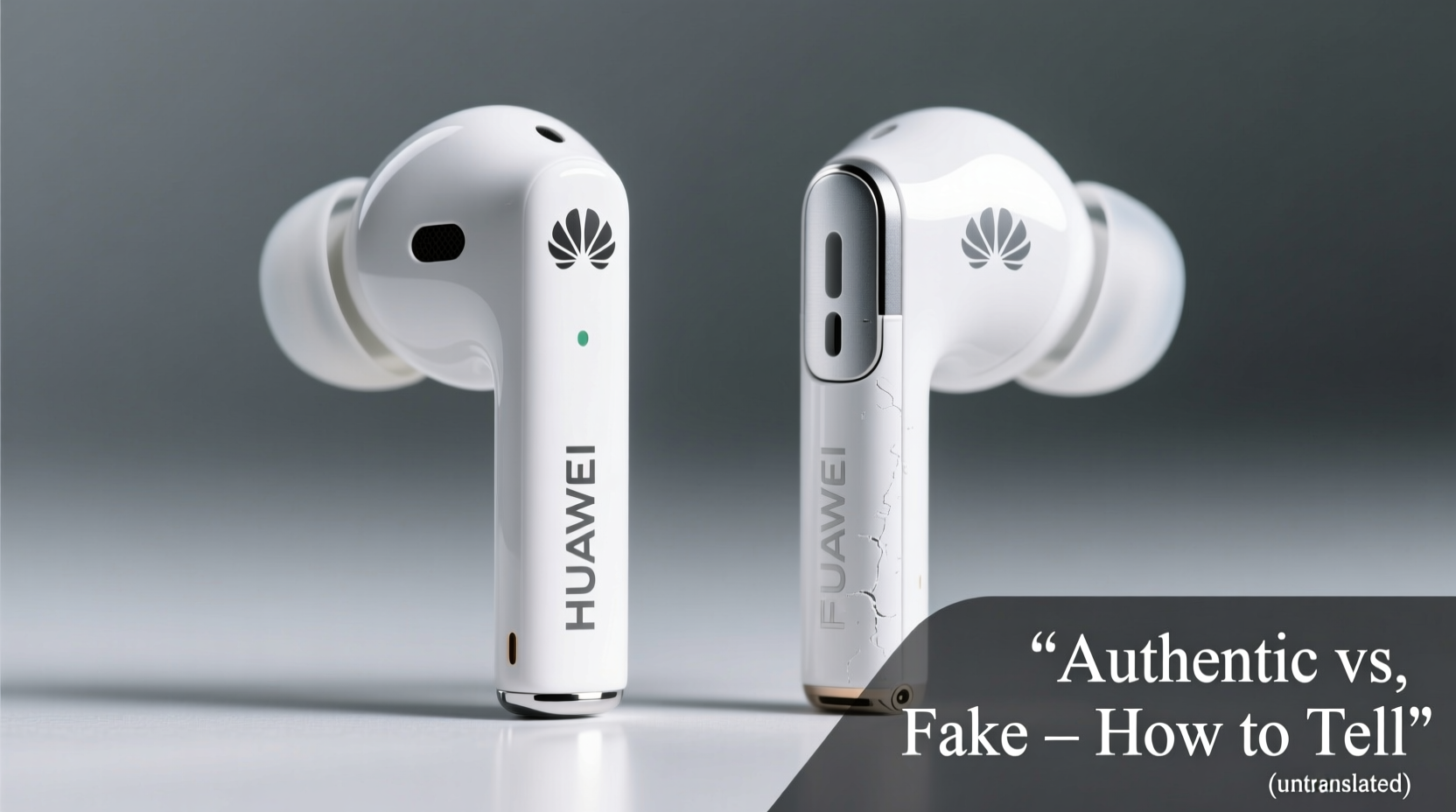
The first clue to authenticity lies in the box. Genuine Huawei products come with meticulously designed packaging that reflects the brand’s premium positioning. Counterfeit versions often use flimsy cardboard, incorrect fonts, or poorly printed logos.
- Box Quality: Authentic boxes feel sturdy, have a matte or semi-gloss finish, and feature precise alignment of text and images.
- Huawei Logo: Check for crispness. Fakes often have blurry or misaligned emblems.
- Serial Numbers and Barcodes: Every genuine pair has a unique serial number on both the device and box. Verify this matches exactly.
- Manuals and Accessories: Original packages include a multilingual user guide, warranty card, and correctly molded silicone ear tips. Clones may omit these or provide generic inserts.
Inspect Build Quality and Design Details
Authentic Huawei earbuds are engineered with precision. The materials, weight, and tactile feedback differ significantly from low-cost replicas.
Start by holding the earbuds. Genuine units typically use high-grade plastics or composites that feel smooth but not overly glossy. Fake versions often feel lighter due to cheaper plastic and may have visible mold lines or uneven seams.
Pay attention to:
- Charging Case Hinge: Real Huawei cases open and close with a satisfying snap. Knockoffs frequently have loose or wobbly hinges.
- LED Indicators: On genuine models, LEDs glow evenly and pulse softly. Clones may have overly bright or flickering lights.
- Touch Controls: Authentic touch panels respond accurately and consistently. Fakes often register false taps or fail to respond altogether.
- Magnet Strength: True Huawei earbuds snap securely into the case. Weak magnets are a red flag.
“Manufacturing consistency is one of Huawei’s strengths. If one earbud feels different from the other, it’s likely counterfeit.” — Lin Zhao, Senior Audio Technician at Shenzhen Electronics Lab
Verify Software Integration and App Support
One of the most reliable ways to confirm authenticity is through software. Genuine Huawei earphones integrate seamlessly with the AI Life app (formerly Huawei Health), allowing users to customize touch controls, check firmware updates, and monitor battery levels.
To verify:
- Pair the earphones with a Huawei smartphone or any Android device with the AI Life app installed.
- Open the app and navigate to the “Devices” section.
- If the earphones appear with full model details, firmware version, and customization options, they’re likely authentic.
- Fake models either won’t connect, show up as generic Bluetooth devices, or lack configuration features.
| Feature | Genuine Huawei | Counterfeit Clone |
|---|---|---|
| AI Life App Support | Full integration with settings and updates | No recognition or limited function |
| Firmware Updates | Available via app | None or manual only |
| Battery Display | Showcase per-earbud and case levels | No display or inaccurate readings |
| Custom Touch Controls | Adjustable via app | Fixed or non-functional |
Conduct a Sound and Performance Test
Audio quality is where clones reveal their limitations. While some counterfeits mimic the外观 (appearance), few replicate Huawei’s acoustic engineering.
Play a variety of tracks—vocals, classical, and bass-heavy music—to assess clarity, balance, and depth. Genuine Huawei earphones deliver balanced sound profiles with clear mids and controlled bass. Many fakes suffer from tinny highs, muddy lows, or volume imbalance between ears.
Also test:
- Call Quality: Make a test call. Authentic models use beamforming mics and noise reduction algorithms. Your voice should sound clear to the recipient, even in mild wind.
- Connection Stability: Walk around while playing audio. Genuine units maintain stable Bluetooth 5.2+ connections within ~10 meters. Clones often drop signals or stutter.
- Battery Life: Use them continuously. If they die well before the advertised time (e.g., less than 2 hours on FreeBuds 5), they’re likely fake or defective.
Mini Case Study: Maria’s Online Purchase
Maria bought what appeared to be Huawei FreeBuds SE 2 online for 40% off retail. The box looked right, but when she opened the case, the LED blinked erratically. After pairing, the AI Life app didn’t recognize the device. During a commute, the left bud cut out repeatedly. She compared her unit to a friend’s authentic pair and noticed the fake was 3 grams lighter and lacked the subtle texture on the touch panel. She returned the product and later learned the seller had been flagged for selling counterfeit electronics. Her experience underscores the importance of testing beyond appearance.
Step-by-Step Guide to Authenticating Your Huawei Earphones
Follow this checklist immediately after purchase to verify legitimacy:
- Inspect the Box: Look for correct branding, serial number alignment, and included accessories.
- Weigh the Case and Buds: Compare specs from Huawei’s official site. A significant difference indicates a clone.
- Check Serial Number: Locate the SN on the case and each earbud. Cross-reference with the box label.
- Pair with AI Life App: Confirm full device recognition and firmware visibility.
- Test Audio and Controls: Play music, adjust volume via touch, and make a call.
- Verify Charging Behavior: Genuine units charge quickly and display accurate battery levels.
- Contact Huawei Support: Submit the serial number via Huawei’s official support portal for validation.
Frequently Asked Questions
Can I authenticate Huawei earphones without the original box?
Yes, though it’s harder. Use the AI Life app to check for full functionality. Also, inspect internal markings on the earbuds and case for model numbers and certifications like CE or FCC. When in doubt, contact Huawei customer service with the serial number engraved inside the charging case.
Are counterfeit Huawei earphones dangerous?
Potentially, yes. Poorly made lithium-ion batteries in clones can overheat or swell. Some units lack proper insulation or fail electrical safety standards. While rare, there have been documented cases of counterfeit earphones causing minor burns or fire hazards. Always buy from authorized sellers.
Do fake Huawei earphones work with Android phones?
They may pair via standard Bluetooth, but without proprietary codecs like LHDC or app integration, you’ll miss key features. Sound quality, latency, and battery management will also be inferior. They’re functional but far from optimal.
Final Thoughts: Protect Your Purchase and Performance
Telling real Huawei earphones from fakes requires attention to detail—from packaging texture to software behavior. While clones may save money upfront, they compromise on safety, longevity, and user experience. The best defense is buying from trusted retailers: official Huawei stores, certified e-commerce partners, or authorized resellers. If a deal seems too good to be true, it probably is.
Take a moment to verify your device using the steps outlined. Not only does this protect your hearing and data privacy, but it also supports innovation by rewarding genuine manufacturers. In a world flooded with look-alikes, being an informed buyer is your strongest asset.




 浙公网安备
33010002000092号
浙公网安备
33010002000092号 浙B2-20120091-4
Comments
No comments yet. Why don't you start the discussion?