
WE TV has become a go-to destination for fans of reality drama, lifestyle programming, and original series like *Love & Hip Hop*, *Marriage Boot Camp*, and *The Braxtons*. Whether you're catching up on missed episodes or binge-watching your favorite shows, knowing how to access WE TV across devices ensures you never miss a moment. This comprehensive guide walks you through every method available—from cable logins to standalone streaming apps—so you can watch WE TV anytime, anywhere.
Understanding WE TV Access Options
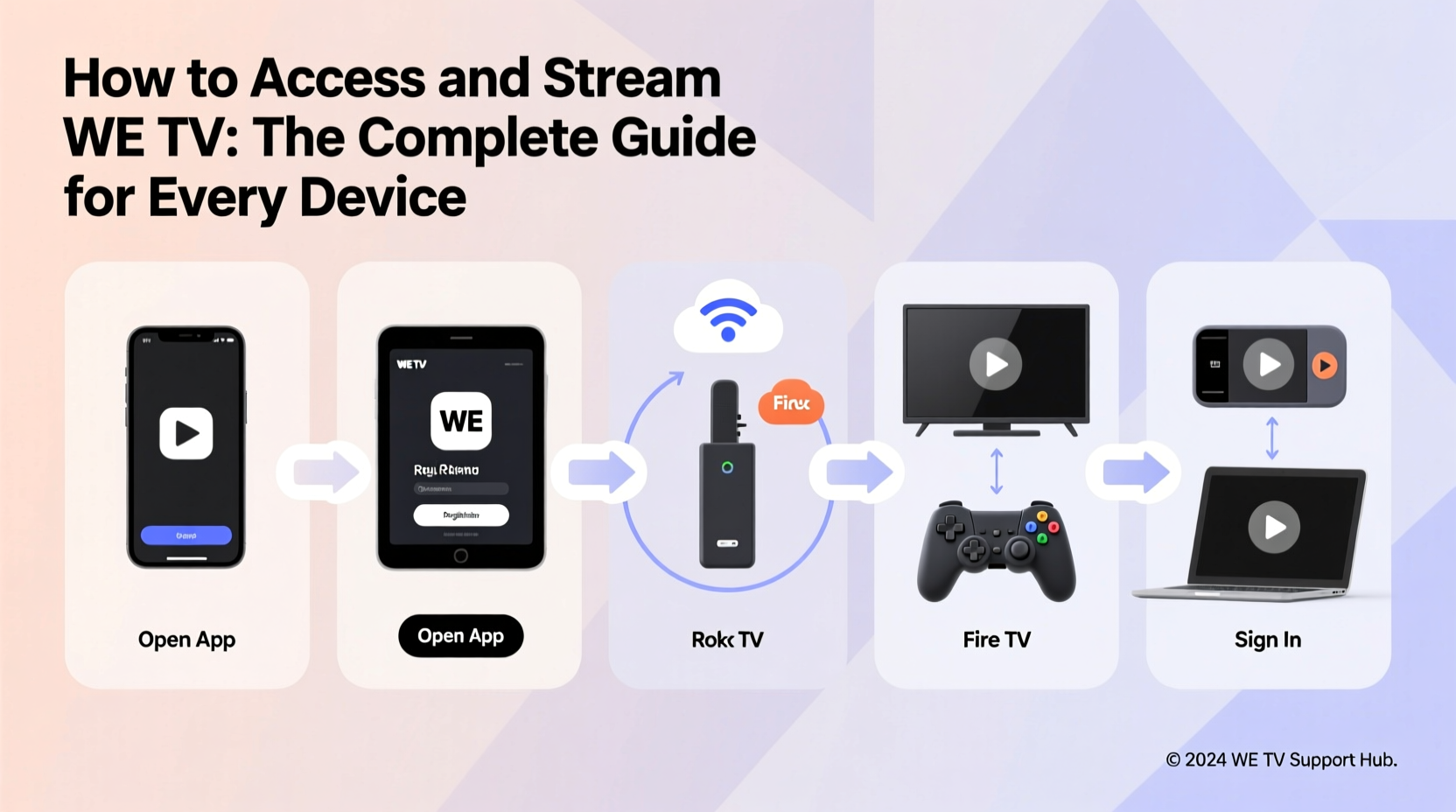
Before diving into device-specific instructions, it's important to understand the two primary ways to access WE TV: through a traditional pay-TV provider login or via standalone streaming platforms. WE TV is a cable network, so full access traditionally required authentication with a participating TV provider. However, in recent years, the network has expanded its availability through digital platforms, allowing cord-cutters to stream content without a cable subscription.
The official WE TV app and website offer free and premium tiers. The free tier includes limited on-demand content supported by ads, while full access to live TV and exclusive originals typically requires either a cable login or a subscription through a supported streaming service.
How to Stream WE TV on Smart TVs and Streaming Devices
Most modern smart TVs and streaming devices support the WE TV app, making it easy to enjoy your favorite shows on the big screen. Below are step-by-step instructions for popular platforms.
On Roku
- Power on your Roku device and navigate to the home screen.
- Select “Streaming Channels” from the menu.
- Search for “WE TV” using the search bar.
- Add the WE TV channel to your account.
- Launch the app and sign in with your TV provider credentials to unlock full content.
On Amazon Fire TV
- Go to the Home screen and select “Apps.”
- Use the search function to find “WE TV.”
- Download and install the app.
- Open the app and choose “Sign In with Provider.”
- Select your cable or streaming provider and enter your login details.
On Apple TV
- From the home screen, open the App Store.
- Search for “WE TV” and install the app.
- Launch the app and authenticate with your TV provider.
- Once logged in, browse live TV, on-demand shows, and curated playlists.
On Android TV and Google TV
- Navigate to the Play Store from your home screen.
- Search for “WE TV” and install the official app.
- Open the app and sign in using your provider account.
- If you don’t have a provider, explore the free on-demand section.
“We see increasing demand for authenticated access across devices. Our goal is to make WE TV available wherever our audience spends their time.” — WE TV Digital Operations Team
Accessing WE TV on Mobile and Tablets
For viewers on the move, the WE TV mobile app offers a seamless way to stream content on smartphones and tablets. The app is available for both iOS and Android devices.
iOS (iPhone/iPad)
- Open the App Store and search for “WE TV.”
- Download the free app.
- Launch the app and tap “Sign In.”
- Select your TV provider from the list.
- Enter your username and password to authenticate.
- Begin watching live streams or browse on-demand episodes.
Android Devices
- Visit the Google Play Store and download the WE TV app.
- After installation, open the app and proceed to the login screen.
- Choose your provider and log in with your credentials.
- Enable location services if prompted for regional content access.
- Enjoy offline viewing by downloading select episodes for later.
Streaming WE TV Without Cable: Supported Platforms
You don’t need a traditional cable subscription to watch WE TV. Several live TV streaming services include WE TV in their channel packages. These platforms act as virtual cable replacements and allow you to stream live and on-demand content.
| Streaming Service | Includes WE TV? | Starting Price | Free Trial Available? |
|---|---|---|---|
| Sling TV (Sling Blue) | Yes | $40/month | Yes (3–5 days) |
| Hulu + Live TV | Yes | $76.99/month | Yes (7 days) |
| fuboTV | Yes | $74.99/month | Yes (7 days) |
| YouTube TV | Yes | $72.99/month | No |
| Philo | No | $28/month | Yes (7 days) |
Among these, Sling Blue is often the most cost-effective option for accessing WE TV. It also allows add-ons like the Lifestyle Extra package, which enhances lifestyle and reality content.
Case Study: Streaming WE TV with Sling TV
Sarah, a 34-year-old marketing professional in Austin, canceled her cable subscription two years ago. She wanted to keep watching *Love & Hip Hop: Atlanta* but didn’t want to pay for a full cable package. After researching options, she chose Sling Blue at $40/month. She installed the Sling app on her Roku and signed in. Within minutes, she was able to authenticate and stream WE TV live. She now watches new episodes weekly and uses cloud DVR to record others. Her total monthly entertainment spend dropped by over 60%, and she still enjoys all her favorite WE TV shows.
Using the WE TV Website
The official WE TV website (wetv.com) is another reliable way to stream content. Simply visit the site using a web browser on your computer or tablet.
- Navigate to wetv.com.
- Browse the “Shows” or “Live TV” sections.
- Click on any episode or live stream.
- When prompted, click “Log In with Provider.”
- Select your TV or streaming service and enter your credentials.
- Start watching immediately.
The website interface is clean and intuitive, with personalized recommendations based on viewing history. For users without a provider, a rotating selection of free episodes is available—though these are ad-supported and may not include the latest seasons.
Frequently Asked Questions
Can I watch WE TV for free?
Yes, but with limitations. The WE TV app and website offer a selection of free, on-demand episodes supported by ads. Full access to live TV and current-season episodes requires authentication with a participating TV provider or subscription to a live TV streaming service that includes WE TV.
Is WE TV available on Hulu’s on-demand library?
No. While Hulu + Live TV carries the live WE TV channel, Hulu’s standard on-demand subscription does not include WE TV shows. You must use the WE TV app with provider login or a live TV plan to access current episodes.
Why won’t my provider login work on the WE TV app?
This issue may occur due to outdated app versions, incorrect credentials, or your provider not being partnered with WE TV. Ensure your app is updated, double-check your login details, and confirm that your provider supports WE TV access. If problems persist, contact customer support for your TV service.
Final Tips and Checklist
Whether you’re using a smart TV, mobile device, or web browser, a few best practices ensure smooth streaming and uninterrupted access.
- ✔ Download the official WE TV app or visit wetv.com
- ✔ Confirm your TV provider or streaming service includes WE TV
- ✔ Have your login credentials ready
- ✔ Update your device and app for optimal performance
- ✔ Use strong Wi-Fi or Ethernet connection for HD streaming
- ✔ Explore free episodes if you don’t have a provider
Conclusion
Streaming WE TV has never been easier, regardless of whether you’re a cable subscriber or a cord-cutter. With native apps on nearly every major platform, integration with top live TV services, and flexible viewing options, you can stay connected to your favorite reality hits and lifestyle series from any screen. Take the steps outlined in this guide, authenticate your account, and start enjoying uninterrupted access today.




 浙公网安备
33010002000092号
浙公网安备
33010002000092号 浙B2-20120091-4
Comments
No comments yet. Why don't you start the discussion?