
Determining the exact model of your iPhone SE can be more complicated than it seems—especially when Apple has released multiple versions under the same name. With three distinct generations launched in 2016, 2020, and 2022, each carrying similar design cues but vastly different internal capabilities, knowing which one you own is essential for software updates, accessory compatibility, repair options, and resale value. This guide walks you through reliable methods to pinpoint your iPhone SE model with confidence.
Why Knowing Your iPhone SE Model Matters
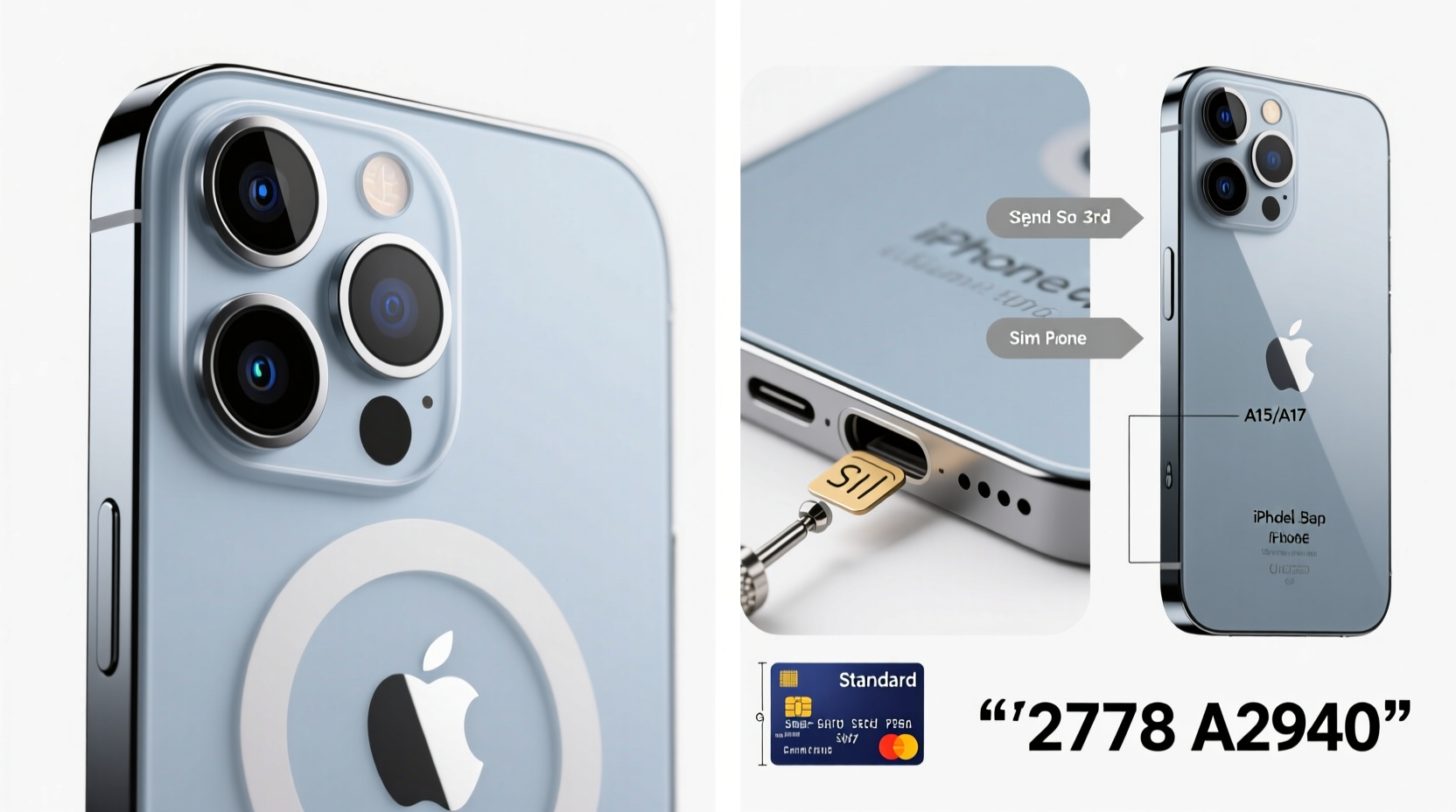
The iPhone SE line was designed to offer flagship-level performance in a compact, budget-friendly package. However, the differences between models go beyond price. The original 2016 version lacks support for iOS updates beyond iOS 15, while the second (2020) and third (2022) generations run the latest iOS versions and support features like Night mode, faster charging, and 5G connectivity.
Mistaking one model for another can lead to incorrect battery replacements, incompatible screen repairs, or wasted time trying to use features that simply aren’t available. Accurate identification ensures you make informed decisions about upgrades, repairs, and usage.
“Many users assume all ‘iPhone SE’ devices are the same. But the gap in performance and longevity between the first and third generation is as wide as between an iPhone 7 and an iPhone 14.” — David Lin, Mobile Device Analyst at TechInsight Group
Step-by-Step: How to Identify Your iPhone SE Model
Follow these clear, sequential steps to determine your iPhone SE generation without guesswork.
- Check the Settings App
Open Settings > General > About. Look for the “Model Name” field. On newer iPhones, this will display “iPhone SE (3rd generation)” or “iPhone SE (2nd generation).” If only “iPhone SE” appears without a generation label, you likely have the 2016 model. - Locate the Model Number
Still in the About section, tap on “Model Number” to reveal the alphanumeric identifier starting with “A.” This is your device’s unique FCC code. Note it down (e.g., A1723). - Cross-Reference the Model Number
Compare your number to the official list below. This is the most accurate way to confirm your model. - Examine Physical Design Cues
Hold your phone and observe key hardware traits: size, weight, button layout, and camera placement. These vary subtly between generations. - Verify via Apple’s Check Coverage Tool
Visit checkcoverage.apple.com, enter your serial number, and let Apple’s system identify your device officially.
iPhone SE Model Comparison Table
| Feature | iPhone SE (1st Gen, 2016) | iPhone SE (2nd Gen, 2020) | iPhone SE (3rd Gen, 2022) |
|---|---|---|---|
| Model Numbers | A1662, A1723, A1724 | A2275, A2296, A2298 | A2595, A2782, A2784 |
| Processor | A9 chip | A13 Bionic | A15 Bionic |
| Display Size | 4.0 inches | 4.7 inches | 4.7 inches |
| Rear Camera | 12MP (no Portrait mode) | 12MP (Portrait mode, Smart HDR) | 12MP (Night mode, Deep Fusion) |
| Front Camera | 1.2MP | 7MP | 7MP (Center Stage on FaceTime) |
| Network Support | LTE only | LTE only | 5G capable |
| Battery Life (Video Playback) | Up to 13 hours | Up to 13 hours | Up to 15 hours |
| Fingerprint Sensor | Touch ID (1st gen) | Touch ID (2nd gen) | Touch ID (3rd gen) |
| iOS Support Status | Max: iOS 15 | Supports iOS 17 | Supports iOS 17 and future updates |
Physical Identification Tips
If you don’t have access to the device settings—such as when buying a used phone—visual inspection becomes crucial. Here’s what to look for:
- Size & Weight: The 2016 model feels noticeably lighter (113g vs. 148g) and slightly smaller in height and width despite the same screen aspect ratio.
- Camera Module: The first-gen SE has a single lens flush with the back. The 2020 and 2022 models feature a slightly protruding lens with a brighter True Tone flash ring around it.
- Back Engraving: All models say “iPhone” and “Designed by Apple in California,” but only the 2020 and later models include “Assembled in China” or “India” beneath the text. Also, the font and spacing differ slightly across generations.
- Charging Port: While all use Lightning, the 2022 model supports faster charging with compatible adapters (up to 20W), though there's no visual difference in the port itself.
Real-World Example: Buying Used and Avoiding Mislabeling
Jamie purchased what was advertised online as an “iPhone SE 2020” for $180. Upon receiving it, she noticed the device couldn’t update past iOS 15. After checking the model number (A1723) and comparing it to Apple’s database, she realized she had received the original 2016 model—a two-generation downgrade. She returned the phone and requested a refund, avoiding long-term frustration with outdated software and limited app compatibility.
This case highlights why relying solely on seller descriptions is risky. Always verify using the model number or serial number, especially in secondhand markets where misidentification—or intentional misrepresentation—is common.
Checklist: Confirm Your iPhone SE Model in 5 Minutes
Use this quick-reference checklist to verify your iPhone SE model efficiently:
- ✅ Open Settings > General > About
- ✅ Read the “Model Name” (e.g., iPhone SE (3rd generation))
- ✅ Tap “Model Number” to see the “A” number (e.g., A2595)
- ✅ Match the number to the correct generation using the table above
- ✅ Confirm with Apple’s official tool: checkcoverage.apple.com
Frequently Asked Questions
Can I tell the iPhone SE generation just by looking at it?
Not reliably. The 2020 and 2022 models are nearly identical in appearance. The 2016 version is smaller and lighter, but precise identification requires checking the model or serial number.
Does the iPhone SE (2022) support 5G?
Yes. The third-generation iPhone SE (released in March 2022) includes 5G connectivity on supported carriers, unlike the 2016 and 2020 models, which are limited to LTE.
Why won’t my iPhone SE update to the latest iOS?
If your device stops at iOS 15, it’s almost certainly the first-generation iPhone SE (2016). That model does not support iOS 16 or later due to hardware limitations of the A9 chip.
Final Thoughts and Action Steps
Identifying your iPhone SE model isn’t just a technical exercise—it’s a practical necessity. Whether you’re troubleshooting, upgrading, repairing, or reselling, knowing your exact model empowers better decisions. The process takes less than five minutes and can prevent costly mistakes down the line.
Take action today: pick up your device, navigate to Settings, find the model number, and confirm which generation you’re using. Share your findings with friends or family who might be using outdated information. Knowledge is power—especially when it comes to the tech we rely on every day.




 浙公网安备
33010002000092号
浙公网安备
33010002000092号 浙B2-20120091-4
Comments
No comments yet. Why don't you start the discussion?