
Finding a lost or misplaced mobile phone can be stressful, especially when it contains sensitive data or personal memories. Fortunately, modern smartphones come equipped with advanced location technologies that make recovery both possible and precise. Whether you're helping a family member track their device or trying to find your own, understanding how these systems work—and how to use them effectively—can make all the difference.
This guide walks through reliable, legal methods to pinpoint a mobile phone’s location across iOS, Android, and cross-platform devices. The techniques apply whether the phone is nearby, lost in public, or potentially stolen—provided proper setup was done in advance.
Understanding How Phone Location Tracking Works
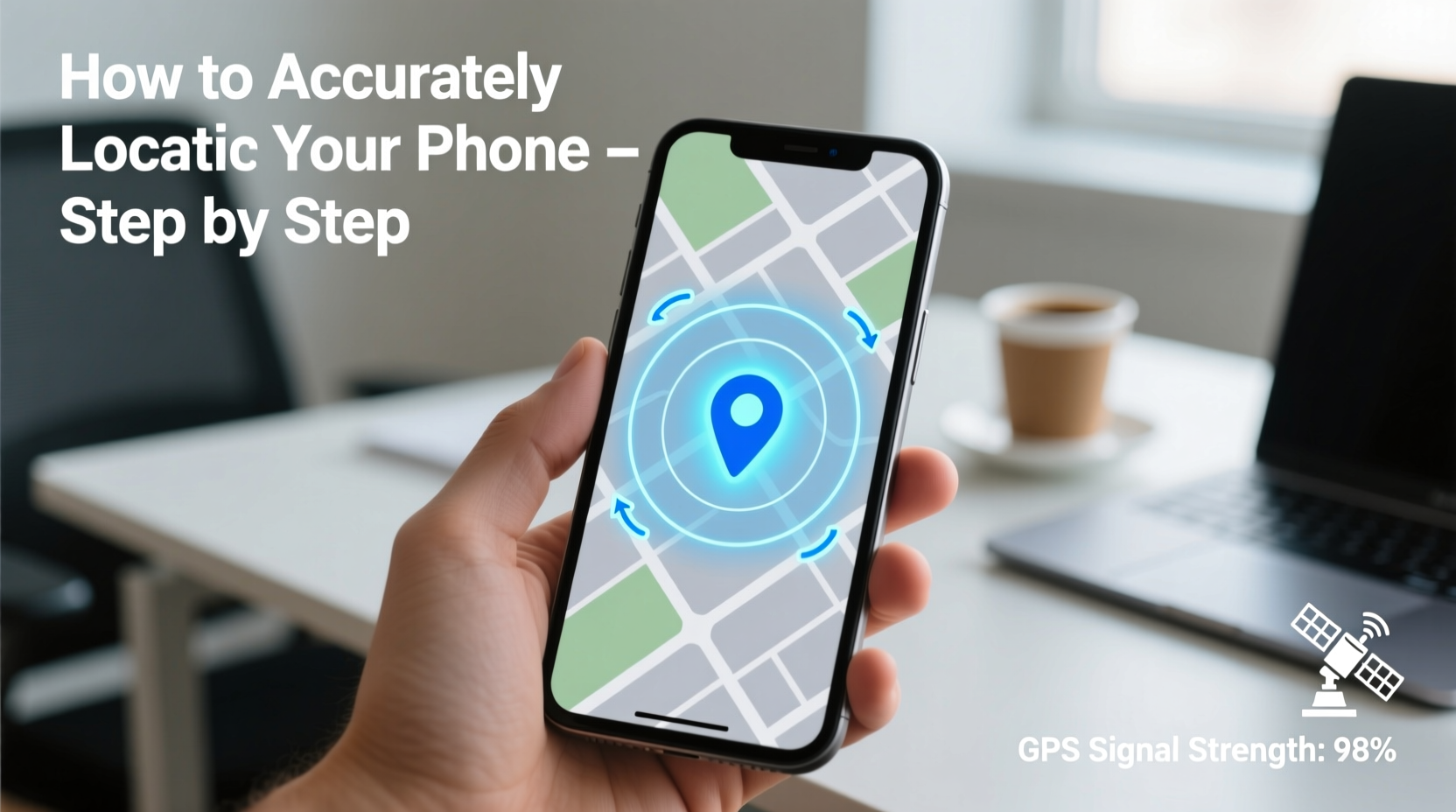
Mobile phones determine their position using a combination of GPS (Global Positioning System), Wi-Fi triangulation, cellular network signals, and Bluetooth beacons. Each method has its strengths:
- GPS: Most accurate outdoors; can pinpoint within 5 meters.
- Wi-Fi positioning: Effective indoors by detecting nearby networks.
- Cell tower triangulation: Less precise but works even without GPS signal.
- Bluetooth Low Energy (BLE): Used for proximity detection in ecosystems like Apple’s Find My network.
Operating systems integrate these inputs into services such as Apple’s “Find My” and Google’s “Find My Device,” which allow remote access to location data when enabled. These tools rely on prior user consent and account authentication, ensuring privacy while enabling recovery.
“Location accuracy depends heavily on pre-setup. Devices must have location services enabled and be signed into an active cloud account.” — Dr. Lena Patel, Mobile Security Researcher at CyberSafe Labs
Step-by-Step Guide to Locate Any Mobile Phone
The following sequence applies universally, though specific steps vary slightly between platforms. Follow each phase carefully for maximum success.
- Stay Calm and Recall Last Known Location
Before launching apps, think about where you last used the phone. Was it at home? In a café? This helps verify if the reported location makes sense. - Use Another Device to Access Tracking Service
Log into one of the official tracking platforms below from a computer or secondary smartphone. - Verify Internet and Power Status
A powered-off or offline phone cannot transmit its location in real time. However, most services show the last known location before disconnecting. - Activate Lost Mode (if available)
This locks the device remotely and displays a custom message with contact info—useful if someone finds it. - Contact Carrier or Authorities if Necessary
If theft is suspected and location data confirms movement, provide evidence to law enforcement.
Platform-Specific Instructions
| Platform | Service Name | Access URL | Requirements |
|---|---|---|---|
| iOS (iPhone) | Find My | findmy.apple.com | Apple ID login, Find My iPhone enabled, device online or recently connected |
| Android | Google Find My Device | google.com/android/find | Google Account logged in, Location & IMEI enabled, screen lock active |
| Cross-Device | Third-party apps (e.g., Prey, Cerberus) | Varies by app | App installed and activated beforehand, background permissions granted |
Enhancing Accuracy: Advanced Tips and Tools
Standard tracking works well under ideal conditions, but environmental factors can reduce precision. To improve results:
- Check historical location data via Google Timeline (for Android users) or iCloud's Significant Locations (iOS).
- Enable Offline Finding features—Apple uses nearby devices to detect lost iPhones anonymously; Samsung and Google offer similar crowd-sourced networks.
- Use SIM-based tracking: Some carriers allow basic location lookup using the SIM card number, though this requires cooperation and may involve fees.
Real Example: Recovering a Misplaced Phone at the Airport
Sophie left her iPhone in the lounge chair after boarding a flight. Realizing it mid-air, she borrowed a tablet and visited findmy.apple.com. Her account showed the phone still at Gate B12. She called her number; a staff member answered. Using Lost Mode, she locked the device and sent a thank-you note with her email. Two days later, airport security returned it via courier.
The key factors in recovery were: Find My enabled, battery not drained, and immediate action taken upon realization.
Common Mistakes That Prevent Successful Tracking
Even with robust technology, many attempts fail due to preventable oversights. Avoid these pitfalls:
- Not enabling location services: Without GPS or network location, no tracking is possible.
- Disabling Find My Device/Phone: Often turned off during initial setup to save battery or for privacy concerns.
- Using a weak passcode or none at all: Makes remote locking impossible and increases risk of data theft.
- Waiting too long to act: Battery dies quickly in lost mode, cutting off communication.
“Over 60% of lost phones go unrecovered not because tracking failed—but because the feature wasn’t activated.” — National Consumer Tech Survey, 2023
FAQ
Can I locate a phone without an internet connection?
No real-time tracking is possible without internet, but some systems cache the last known location before disconnection. Apple’s Offline Finding uses Bluetooth signals detected by other devices to report approximate locations even when offline.
Is it legal to track someone else’s phone?
Only if you have explicit permission. Tracking a device without the owner’s knowledge violates privacy laws in most countries. Parents may monitor children’s phones under supervised accounts, and employers may track company-owned devices with disclosure.
What if the thief removes the SIM card?
Modern tracking does not depend on the SIM. As long as the device powers on and connects to Wi-Fi or cellular networks—even temporarily—it can broadcast its location. On iPhones, Activation Lock prevents use without the original Apple ID, discouraging tampering.
Final Checklist Before You Begin
📋 Preparation Checklist – Ensure Your Device Is Trackable:- ✅ Location Services are enabled (High Accuracy mode recommended)
- ✅ Find My [iPhone/Device] is turned on
- ✅ Signed into your primary cloud account (iCloud/Google)
- ✅ Screen lock (PIN, password, or biometric) is active
- ✅ Offline Finding / Send Last Location is enabled
- ✅ Family members know how to access tracking if needed
Conclusion
Accurately locating a mobile phone doesn't require technical expertise—just preparation and awareness. By activating built-in tracking tools ahead of time and understanding how they function, you dramatically increase the chances of recovering a lost device. Technology alone isn’t enough; timely action and correct setup are what truly matter.
Take five minutes today to verify your settings. Enable offline finding, test remote ringing, and confirm your account access. These small steps could save hours of stress tomorrow.




 浙公网安备
33010002000092号
浙公网安备
33010002000092号 浙B2-20120091-4
Comments
No comments yet. Why don't you start the discussion?