
Subscriber count is one of the most visible metrics on YouTube, often serving as a proxy for credibility and reach. But simply watching the number go up or down isn’t enough. To grow your channel strategically, you need to understand not just *how many* people are subscribing, but *why*, *when*, and *from where*. Accurate tracking and deep analysis transform raw numbers into actionable insights that fuel long-term success.
Many creators fixate on milestones—1,000 subscribers, 10,000—but overlook the patterns behind those gains. Sustainable growth comes from consistent optimization based on reliable data. This guide walks through the tools, techniques, and mindset shifts needed to turn your subscriber metrics into a roadmap for expansion.
Understanding Subscriber Metrics Beyond the Surface
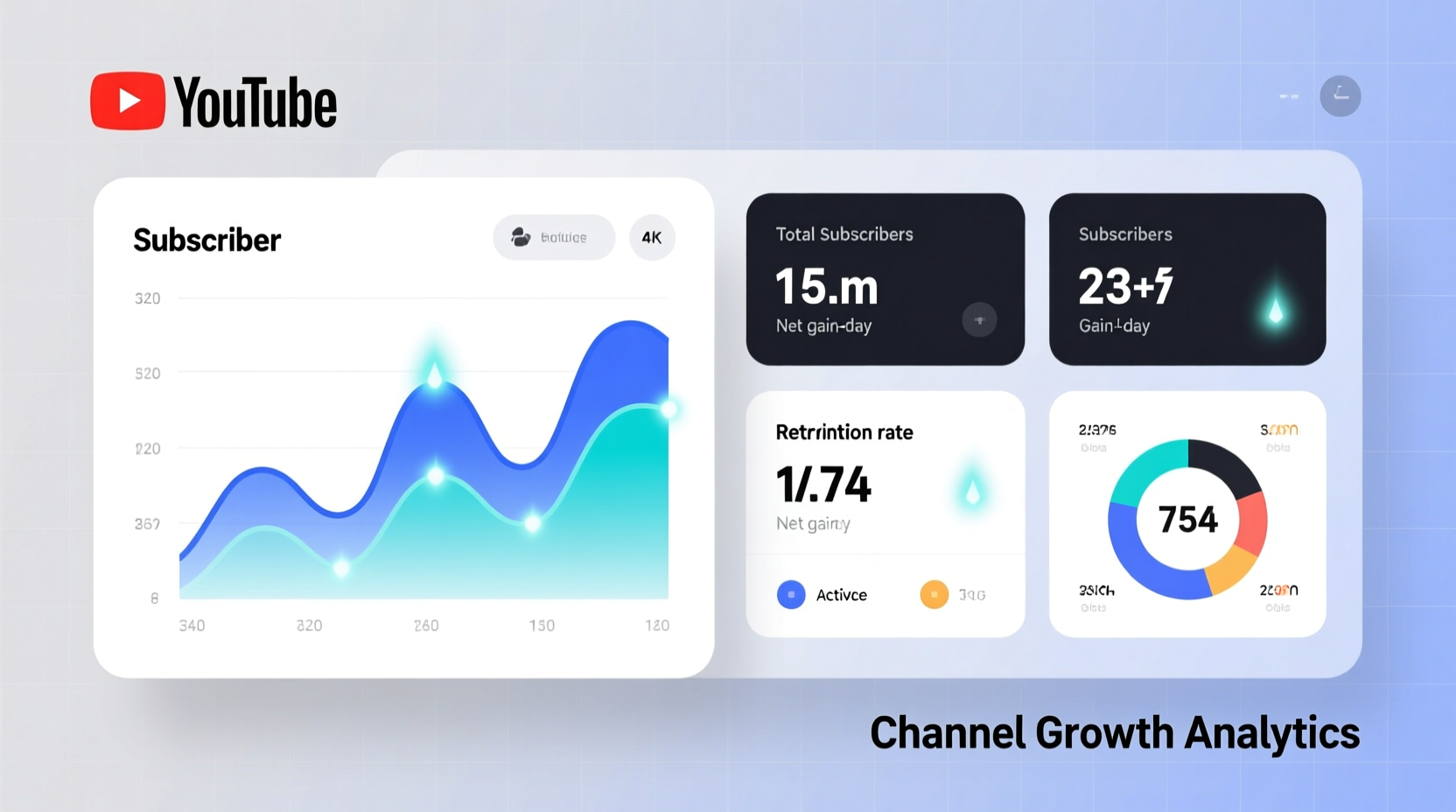
YouTube provides several layers of subscriber data in YouTube Studio, but only a fraction of creators use them effectively. The public subscriber count—visible on your channel page—is just the tip of the iceberg. Behind it lies a wealth of information: net subscriber change, traffic sources, audience demographics, and retention trends.
Net subscriber change accounts for both new subscriptions and unsubscribes. A channel gaining 500 subscribers but losing 300 has a net gain of 200—a more accurate picture than the headline number alone. Monitoring this metric helps identify whether content spikes lead to lasting audience loyalty or short-term curiosity.
“Growth isn’t about viral moments. It’s about building trust that keeps viewers coming back.” — Sarah Lin, YouTube Strategy Consultant
Equally important is understanding *when* subscribers join. Are they hitting subscribe after watching a tutorial? During a live stream? After seeing a Shorts video? Pinpointing these triggers allows you to replicate successful patterns across future content.
Step-by-Step Guide to Tracking Subscriber Trends
To extract meaningful insights, follow this structured approach using YouTube Studio and supplemental tools:
- Access YouTube Studio Analytics: Log in to your account and navigate to “Analytics” in the left-hand menu. Select the “Audience” tab for subscriber-specific data.
- Set a Baseline Period: Choose a timeframe (e.g., last 28 days) to establish current trends. Compare against previous periods monthly to detect acceleration or decline.
- Analyze Net Subscriber Change: Look at the graph showing daily subscriber gains and losses. Identify spikes and correlate them with specific videos, promotions, or external mentions.
- Review Traffic Sources: Under “Reach,” check which sources (e.g., Browse, Suggested Videos, External links) are driving subscriptions. High-performing sources should be prioritized in promotion.
- Cross-Reference with Engagement: Match subscriber surges with watch time, average view duration, and click-through rate (CTR). High CTR + low retention may indicate misleading thumbnails; high retention + rising subs signals strong content alignment.
- Export Data Monthly: Use the export feature to download CSV reports. Store these for long-term trend analysis and seasonality comparisons.
Do’s and Don’ts of Subscriber Analysis
| Do’s | Don’ts |
|---|---|
| Track net change (subs minus unsubs) | Focus only on total subscriber count |
| Correlate spikes with specific content or campaigns | Assume all growth comes from your latest video |
| Compare performance across quarters | React emotionally to short-term dips |
| Use annotations to mark promotional efforts | Ignore audience geography and device trends |
| Segment data by traffic source | Overlook churn during algorithm updates |
Real Example: How a Cooking Channel Doubled Retention
A mid-sized cooking channel with 42,000 subscribers noticed fluctuating growth despite regular uploads. Over three months, they gained 7,000 new subscribers but lost over 3,500—netting just 3,500. Using YouTube Studio, they discovered that while their recipe videos had high initial views, retention dropped sharply after 30 seconds.
They also found that 48% of new subscribers came from Shorts, but those viewers rarely returned. In response, they redesigned their longer-form intros to be more engaging, added chapter markers, and began including end screens linking to related full-length videos from Shorts.
Within two months, average view duration increased by 41%, and unsubscribe rates fell by 62%. Their net subscriber gain rose to 5,200 in the next quarter—even though total views grew only marginally. The lesson: quality engagement drives sustainable growth more than raw visibility.
Essential Tools for Deeper Analysis
While YouTube Studio offers robust native analytics, third-party tools can enhance tracking precision:
- Tubebuddy: Tracks real-time subscriber changes, tags performance by topic, and forecasts growth trends.
- vidIQ: Provides benchmarking against similar channels and alerts for abnormal subscriber drops.
- Google Sheets + YouTube API: For advanced users, automated dashboards can pull daily metrics and generate visual reports.
- Notion or Airtable: Organize content calendars alongside performance data to align publishing strategy with subscriber behavior.
These tools help automate routine checks, freeing time for creative development. However, avoid over-reliance on external platforms—always verify critical data against YouTube Studio to ensure accuracy.
Checklist: Monthly Subscriber Audit
Conduct this review every 30 days to maintain momentum and catch issues early:
- ✅ Export Audience report from YouTube Studio
- ✅ Record net subscriber change (gains minus losses)
- ✅ Identify top 3 videos driving new subscriptions
- ✅ Note traffic sources contributing to subscriber growth
- ✅ Review audience demographics (age, gender, location)
- ✅ Check average view percentage on top subscription-driving videos
- ✅ Document any external factors (collabs, social media boosts, algorithm shifts)
- ✅ Update long-term growth spreadsheet or dashboard
Frequently Asked Questions
Why did my subscriber count drop overnight?
YouTube periodically removes inactive or spam accounts from counts. These purges are normal and don’t reflect content quality. Focus on net change over time rather than isolated dips. If the drop is severe and sustained, check for policy violations or sudden shifts in audience retention.
Should I worry if my subscriber growth slows?
Not necessarily. Growth naturally plateaus as channels mature. What matters is whether your audience remains engaged. Evaluate watch time, comments, and likes per subscriber. Stable engagement with slower growth often precedes breakout moments, especially after refining content strategy.
Can I see who unsubscribed from my channel?
No, YouTube does not provide individual unsubscribe data for privacy reasons. You can only view aggregate trends like daily net change and estimated churn rates within the Audience report.
Turning Data Into Growth
Accurate subscriber tracking isn’t about obsessing over numbers—it’s about listening to what those numbers tell you. Every spike, dip, and plateau reveals something about your audience’s behavior. When analyzed systematically, this data guides smarter content decisions, better promotion tactics, and stronger viewer relationships.
The most successful creators don’t chase subscribers; they build communities. And communities thrive when leaders understand not just how many people are watching, but why they stay—or leave.




 浙公网安备
33010002000092号
浙公网安备
33010002000092号 浙B2-20120091-4
Comments
No comments yet. Why don't you start the discussion?