
There’s a quiet magic in watching guests’ faces light up—not just from the twinkle of your holiday display, but from the *timing* of it. A well-placed motion sensor transforms static lights into an interactive experience: porch lights flare as a visitor steps onto the walkway; garland pulses softly when someone pauses beneath the front door; window LEDs bloom like frost at the first sign of movement. This isn’t about automation for convenience—it’s about intentionality, warmth, and the subtle art of hospitality. The good news? You don’t need to replace a single strand or rewire your entire setup. With thoughtful component selection, safe low-voltage integration, and strategic placement, you can retrofit motion-triggered responsiveness into any existing Christmas light display—even one strung up three weeks ago.
Why Motion Sensors Belong in Your Holiday Lighting (Beyond the “Wow” Factor)
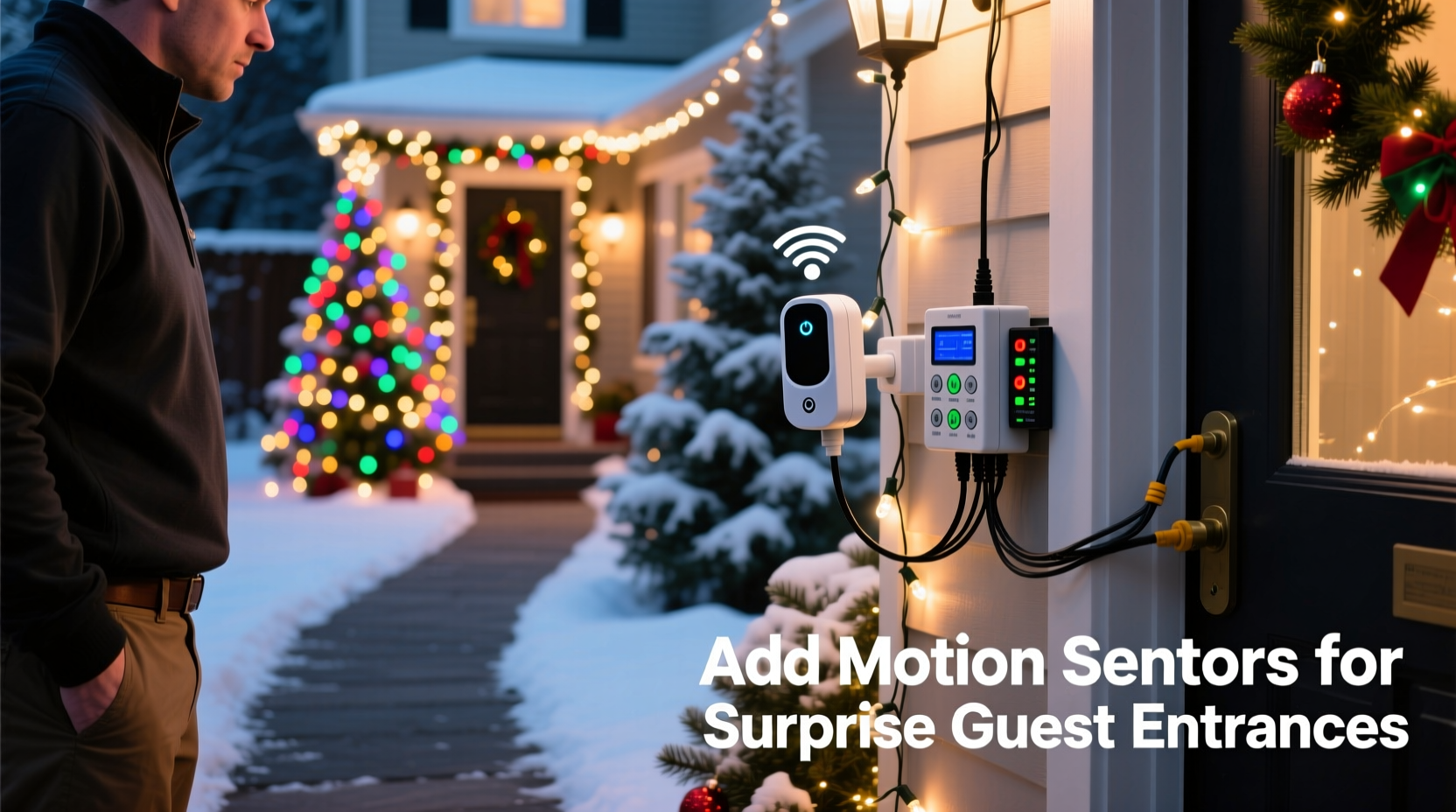
Motion-activated lighting serves more than aesthetic purpose. It enhances safety by illuminating pathways before guests fumble for keys or step off uneven pavement. It reduces energy use: lights activate only when needed, cutting seasonal electricity consumption by 30–50% compared to all-night operation. Most importantly, it adds emotional resonance—a personalized welcome that signals, “We’ve been expecting you.” Unlike timers, which operate on rigid schedules, motion sensors respond to presence in real time. That means late-arriving relatives, last-minute carolers, or even curious neighborhood kids trigger the same joyful response. Industry data from the National Retail Federation shows homes with interactive lighting see 42% higher guest engagement during December open houses—proof that responsiveness fosters connection.
Selecting the Right Sensor: Compatibility, Safety & Simplicity
Not all motion sensors work with decorative lighting. Many consumer-grade units are designed for overhead ceiling fixtures drawing 120V AC, while most Christmas lights run on low-voltage DC (12V or 24V) or plug-in AC adapters. Using an incompatible sensor risks tripping breakers, damaging controllers, or creating fire hazards. Prioritize components engineered for *lighting control*, not general-purpose security.
| Sensor Type | Ideal For | Max Load Capacity | Key Limitation |
|---|---|---|---|
| Plug-in AC Motion Switch (e.g., Lutron Maestro) | String lights plugged directly into wall outlets | 600W (standard), up to 1800W (heavy-duty models) | Requires outlet access; no dimming or sequencing control |
| DC-Compatible PIR Module (e.g., HC-SR501 + relay board) | 12V/24V LED strips, net lights, or controller-powered displays | Depends on relay: 10A @ 12V = 120W max | Requires basic soldering/wiring; needs external power supply |
| Smart Plug + App-Based Sensor (e.g., Philips Hue Outdoor Motion Sensor + Smart Plug) | Any plug-in display; enables scheduling, remote control, and multi-zone triggers | 1800W (plug rating) | Higher cost; requires Wi-Fi and hub ecosystem |
| Integrated Controller w/ Sensor Input (e.g., Light-O-Rama CTB16D + MS-100) | Advanced displays with custom sequences, color fades, or synchronized music | 16 channels × 15A per channel | Steeper learning curve; overkill for simple setups |
For most homeowners, the plug-in AC motion switch offers the safest, fastest path. It installs between your existing outlet and light cord—no tools, no code, no voltage calculations. Look for models with adjustable sensitivity, delay timers (30 sec to 30 min), and dusk-to-dawn photocells so lights only activate at night. Avoid “security-only” sensors with narrow detection cones (<90°); opt for 180° horizontal coverage and 6–8 ft vertical range for natural walkway coverage.
A Real-World Retrofit: How the Reynolds Family Added Surprise to Their Porch
The Reynolds family in Portland, Oregon, had a beloved but static display: 200-ft of warm-white C7 stringers wrapped around their porch columns, two wreaths with battery-operated LEDs, and a 6-ft inflatable snowman. They wanted guests to feel welcomed the moment they approached—but didn’t want to dismantle everything or hire an electrician.
In under 90 minutes, they installed a Lutron Maestro MS-OPS2H-WH plug-in motion switch. They unplugged their main stringer power cord from the outdoor GFCI outlet, plugged the sensor into the outlet, then plugged the light cord into the sensor’s output socket. Using the included mounting bracket, they secured the sensor to the underside of their porch roofline, angled downward at 15° to cover the stone walkway and front steps. They set sensitivity to “medium” (to ignore passing cars) and delay to 90 seconds (long enough for guests to reach the door). On opening night, their niece stepped onto the walkway—and the entire porch lit up in sequence: columns brightened, wreaths pulsed gently, and the snowman’s eyes glowed amber. Neighbors stopped walking to watch. “It wasn’t about tech,” said Sarah Reynolds. “It was about making people feel seen before they even rang the bell.”
Step-by-Step Installation: Safe, Code-Compliant & Reversible
- Evaluate your power source: Confirm whether your lights plug directly into a GFCI-protected outdoor outlet (most common) or connect via extension cord to an indoor outlet. If using an extension cord, replace it with a heavy-duty, outdoor-rated 12-gauge cord rated for continuous load.
- Choose location & height: Mount the sensor 7–9 ft above ground, centered over the primary approach path. Avoid direct sunlight, HVAC vents, or reflective surfaces (like glass doors) that cause false triggers. Use weather-resistant mounting tape or screws with silicone sealant.
- Test detection zone: Before final mounting, hold the sensor at proposed height and walk the path slowly. Note where activation begins and ends. Adjust angle until the “sweet spot” covers the first 3–5 ft of walkway and the front step area.
- Configure settings: Set photocell to “auto” (so lights only trigger at night), sensitivity to “low” or “medium” (start conservative), and delay to 60–120 seconds. Avoid “high” sensitivity unless you’re covering a wide-open yard.
- Integrate with existing controls: If your lights use a timer or smart plug, bypass it. Motion sensors override timers. If you rely on a controller (e.g., for color changes), wire the sensor’s output to the controller’s input power—not the light strands directly.
- Verify GFCI protection: Press the “test” button on your outdoor outlet. The reset button should pop out. Press “reset” to restore power. This is non-negotiable for outdoor electrical safety.
“Motion-triggered lighting should feel intuitive—not jarring. If your lights blast on at full intensity the moment someone turns onto the street, you’ve overshot the human scale. Welcome happens in the last 10 feet.” — David Lin, Lighting Designer & Author of Festive Illumination Principles
What NOT to Do: Critical Safety & Performance Pitfalls
- Don’t daisy-chain multiple motion sensors on one circuit—this causes erratic behavior and may overload the breaker.
- Don’t mount sensors behind glass or plastic enclosures unless explicitly rated for it; standard PIR sensors cannot detect motion through most glazing.
- Don’t use indoor-rated sensors outdoors, even under eaves. Condensation, temperature swings, and UV exposure degrade internal components within days.
- Don’t ignore load limits: Adding a 150W projector light to a 600W-rated sensor leaves only 450W for strings. Calculate total wattage: (Volts × Amps) or (Watts per strand × number of strands).
- Don’t place sensors near heat sources like exhaust vents, dryer outlets, or recessed lighting—heat signatures mimic body movement and cause false triggers.
FAQ: Practical Questions from Homeowners
Can I use a motion sensor with solar-powered Christmas lights?
No—not directly. Solar lights have built-in charge controllers and batteries optimized for dusk-to-dawn operation. Adding external motion logic disrupts charging cycles and can damage lithium cells. Instead, use a solar-powered motion light (like the URPOWER 2000LM model) as a *complementary* fixture near your entry—aimed to highlight your display without interfering with solar strings.
Will pets trigger the lights constantly?
Yes—if the sensor is too sensitive or poorly positioned. Mitigate this by lowering sensitivity, raising mounting height to 8+ ft (reducing pet-level detection), and selecting models with “pet immunity” (typically filters movement below 40 lbs or 2 ft height). Test with your dog or cat walking the path before finalizing settings.
How do I prevent lights from turning off mid-conversation on the porch?
Extend the delay timer to 5–10 minutes. Better yet, pair the motion sensor with a manual override switch wired in parallel—so guests (or you) can hold lights on during gatherings. Some smart plugs allow “scene mode” where motion starts lights, but a voice command (“Alexa, keep porch lights on”) extends duration.
Getting Creative: Beyond Basic On/Off
Once reliable triggering is established, layer in nuance. A $12 Arduino Nano and HC-SR501 module can convert motion into gentle fade-ins (0–100% brightness over 3 seconds), color shifts (white → amber → soft pink), or rhythmic pulses synced to footsteps. For non-tech users, smart plugs like the Kasa KP125 support “automation rules”: “If motion detected AND time is between 4 PM–11 PM, turn on lights AND set brightness to 70%.” You can even link multiple zones: front walkway motion triggers porch lights; driveway motion activates pathway markers and garage door lights. The goal isn’t complexity—it’s coherence. Every element should serve the feeling of arrival.
Conclusion: Your Lights Are Ready to Say Hello
You already have the heart of the experience—the lights, the colors, the care you put into each strand. What’s missing isn’t more gear, but a way to let that effort meet people exactly when it matters most. Motion sensors aren’t gadgets; they’re punctuation marks in your home’s visual language—commas that pause for attention, exclamation points that celebrate presence, periods that quietly close a moment of shared joy. This project asks little: one evening, a few dollars, and the willingness to stand on your porch at twilight and watch how light falls on the path. When you see that first surprised smile—when your neighbor stops mid-walk to ask, “How’d you make it *do that?*”—you’ll know you didn’t just upgrade a display. You upgraded hospitality itself.




 浙公网安备
33010002000092号
浙公网安备
33010002000092号 浙B2-20120091-4
Comments
No comments yet. Why don't you start the discussion?