
Stringing up Christmas lights is a cherished holiday tradition, but the standard steady glow can sometimes feel too static. A twinkle effect—where individual bulbs flicker randomly or in sequence—adds depth, warmth, and a magical ambiance reminiscent of starlight. While many pre-made light sets come with built-in twinkling modes, most basic LED Christmas lights do not. The good news? You don’t need to replace your entire setup. With a few tools and some practical know-how, you can retrofit a twinkle effect onto regular LED Christmas lights. Whether you're aiming for subtle shimmer or dynamic sparkle, this guide walks you through reliable, tested methods.
Understanding LED Light Behavior and Twinkling Mechanisms
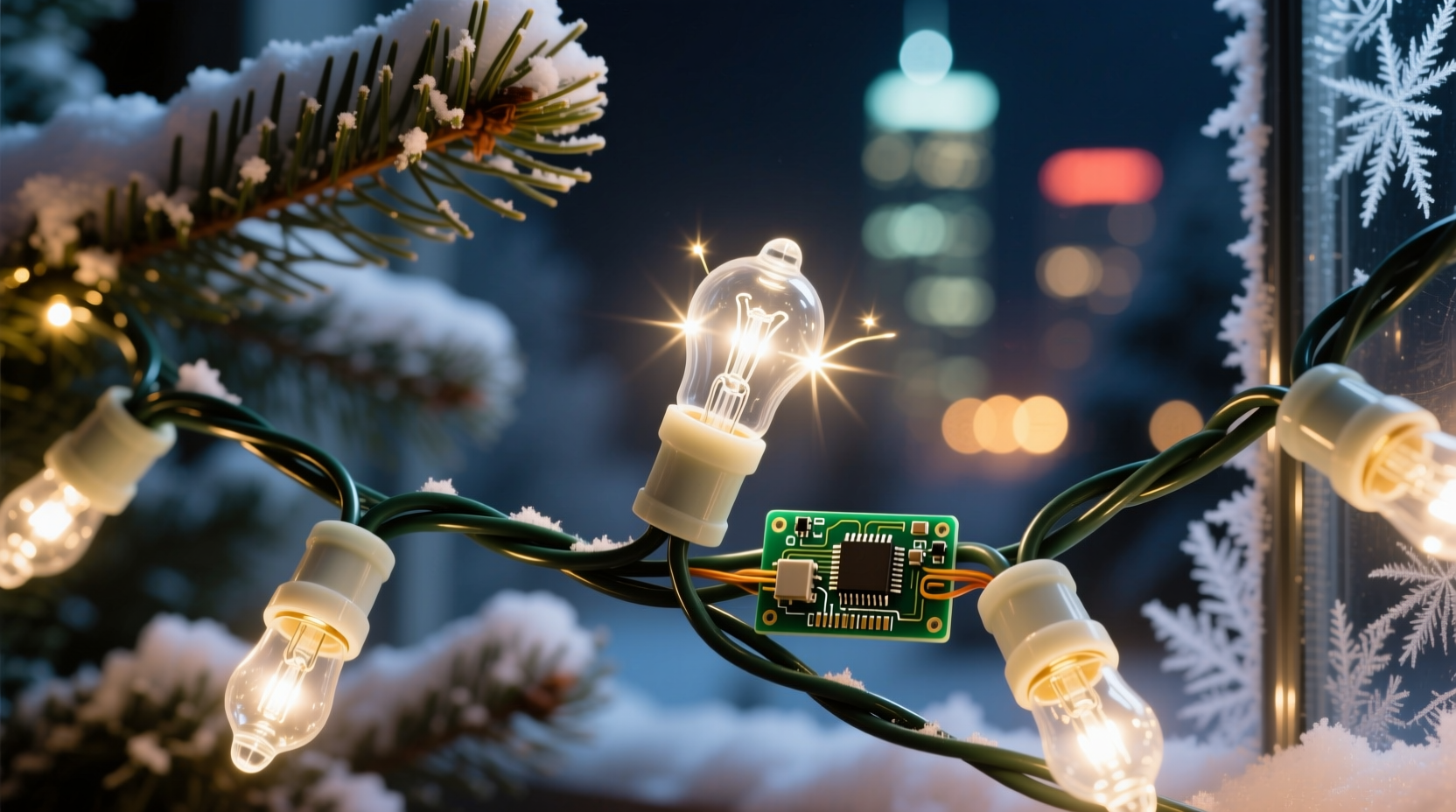
Before modifying any light string, it's important to understand how LEDs work compared to traditional incandescent bulbs. LEDs are low-voltage, energy-efficient diodes that require constant polarity and precise current regulation. Unlike older bulbs that could be easily manipulated with mechanical timers or thermal flashers, LEDs rely on electronic control for effects like twinkling.
A twinkle effect is typically achieved by rapidly switching individual LEDs or small sections on and off at irregular intervals. This creates the illusion of random flickering. In commercial \"twinkle\" light sets, this is managed by an internal controller chip embedded in the cord or plug. For standard non-twinkle LED strings, you must introduce external control.
There are three primary ways to achieve this:
- Using an external twinkle controller (plug-and-play)
- Replacing the existing power adapter with a programmable driver
- Integrating a microcontroller-based solution (e.g., Arduino) for full customization
The method you choose depends on your technical comfort level, budget, and desired outcome.
Method 1: Plug-In Twinkle Controllers (Beginner-Friendly)
The simplest way to add a twinkle effect is by using an inline twinkle controller. These are standalone devices that plug between your wall outlet and the light string’s power supply. They modulate the current flow to create a flickering pattern without altering the lights themselves.
These controllers are widely available online and in hardware stores. Most support multiple modes—steady, slow twinkle, fast twinkle, wave, or fade—and often include a remote control for convenience.
Step-by-Step Setup
- Unplug your LED light string from any power source.
- Plug the twinkle controller into a wall outlet.
- Connect your LED light string to the output port on the controller.
- Turn on the controller and select the desired twinkle mode.
- Test the lights for even flickering and adjust placement if needed.
This method works best with low-power LED strings under 50 feet and rated below 40 watts. Higher loads may require a heavy-duty controller or splitting the run across multiple units.
“Plug-in controllers offer an instant upgrade path for homeowners who want holiday charm without complexity.” — Mark Tran, Residential Lighting Designer
Method 2: Programmable LED Drivers (Intermediate Option)
If your LED lights use a detachable power adapter (commonly labeled as an “AC/DC converter” or “LED driver”), you can replace it with a programmable version that supports dynamic effects.
Programmable drivers accept input commands via DMX, PWM (Pulse Width Modulation), or simple button controls to cycle through lighting patterns. Some models allow you to store custom sequences, including randomized twinkling that mimics natural starlight.
What You’ll Need
- Programmable LED driver compatible with your light string’s voltage (usually 12V or 24V DC)
- Connector matching your light’s input jack (typically 5.5mm x 2.1mm barrel plug)
- Screwdriver or crimping tool (if rewiring)
- Multimeter (to verify polarity and voltage)
Installation Steps
- Identify the voltage and polarity requirements printed on your original driver.
- Purchase a programmable replacement with matching specs and twinkling functionality.
- Disconnect the old driver and connect the new one, ensuring correct polarity (center positive/negative).
- Power on and use onboard buttons or a remote to select the twinkle mode.
- Secure connections with electrical tape or heat shrink tubing to prevent shorts.
This method gives more control than plug-in modules and integrates cleanly into permanent installations, such as outdoor eaves or indoor cove lighting.
| Driver Type | Best For | Twinkle Quality | Difficulty Level |
|---|---|---|---|
| Basic PWM Driver | Indoor decor, short runs | Uniform flicker | Medium |
| DMX-Compatible Driver | Custom displays, sync with music | Highly customizable | Advanced |
| Infrared Remote Driver | Easy home setups | Multiple preset modes | Low-Medium |
Method 3: DIY Microcontroller Solution (Advanced Customization)
For those comfortable with electronics, building a custom twinkle circuit offers unparalleled flexibility. Using platforms like Arduino or ESP32, you can program truly random flickering patterns, simulate candlelight, or synchronize twinkles across multiple strands.
This approach requires basic soldering skills and understanding of digital outputs, but the results are far superior to mass-produced alternatives.
Components Required
- Arduino Nano or ESP32 development board
- Breadboard and jumper wires
- MOSFET transistors (IRFZ44N recommended for higher current)
- Resistors (220Ω for signal protection)
- External 12V power supply (matching LED load)
- Prototype PCB (optional, for permanence)
Wiring Overview
- Connect the Arduino’s ground to the negative terminal of the 12V supply.
- Link the LED strip’s positive line directly to the 12V supply’s positive output.
- Attach the LED strip’s negative input to the MOSFET’s drain pin.
- Connect the MOSFET’s source to ground and its gate to a digital pin on the Arduino via a 220Ω resistor.
- Upload code that uses
random()functions to vary delay times between on/off cycles.
Sample Arduino code snippet:
int ledPin = 9;
void setup() {
  pinMode(ledPin, OUTPUT);
}
void loop() {
  digitalWrite(ledPin, HIGH);
  delay(random(50, 300));
  digitalWrite(ledPin, LOW);
  delay(random(100, 400));
}
This generates unpredictable blinking behavior that closely resembles real twinkle lights. You can expand the system to control multiple channels independently for layered effects.
“With microcontrollers, you’re not limited to twinkling—you can create breathing effects, meteor simulations, or even Wi-Fi-enabled holiday scenes.” — Lena Park, Smart Home Engineer
Real-World Example: Transforming a Porch Display
Consider Sarah, a homeowner in Vermont who installed 100 feet of warm-white LED rope lights along her porch railing. While elegant, the constant glow lacked holiday excitement. She wanted movement without replacing the entire run.
After researching options, she chose Method 2—replacing the stock driver with a programmable 24V PWM unit. She connected the new driver, used the included IR remote to select “Random Flicker,” and secured all connections in a weatherproof enclosure.
The result was immediate: her previously flat display now danced with gentle, organic sparkles visible from the street. Neighbors commented on the “cozy cabin” feel, and Sarah saved over $120 compared to buying new twinkle lights.
She later expanded the system using a second channel to control pathway markers, syncing both to pulse slowly in unison during quiet evenings.
Do’s and Don’ts of Adding Twinkle Effects
| Do | Don't |
|---|---|
| Verify voltage compatibility before connecting any new device | Use household AC dimmers with DC LED strips |
| Start with plug-in controllers to test the look | Overload a single controller beyond its wattage rating |
| Use weatherproof enclosures for outdoor modifications | Cut or splice wires without proper insulation |
| Keep spare fuses and connectors on hand | Assume all LED strings are interchangeable |
FAQ
Can I make my existing LED lights twinkle without cutting wires?
Yes. The safest non-invasive method is using a plug-in twinkle controller. Simply insert it between the outlet and your light string’s power adapter. No wiring required.
Why do my twinkling LEDs flicker unevenly or strobe?
Uneven flickering usually indicates incompatible drivers or overloaded circuits. Ensure your controller matches the total wattage of the connected lights. Also, avoid mixing different LED types (e.g., warm white with cool white) on the same controller.
Can I sync multiple twinkle light strings together?
Yes, but only if they’re powered by the same controller or synchronized system. For plug-in modules, buy units from the same brand with “sync” capability. For DIY systems, use a single microcontroller with multiple MOSFET outputs.
Checklist: Adding a Twinkle Effect in 7 Steps
- Identify your LED string’s voltage, current, and connector type.
- Determine your preferred method: plug-in, driver swap, or DIY circuit.
- Purchase compatible components with adequate power ratings.
- Test the setup indoors before final installation.
- Ensure all electrical connections are secure and insulated.
- Mount controllers in dry, accessible locations (especially outdoors).
- Label each modified strand for easy reuse next season.
Conclusion
Transforming ordinary LED Christmas lights into a twinkling display doesn’t require expensive replacements or advanced engineering. Whether you opt for a simple plug-in module, a smart driver upgrade, or a fully customized microcontroller build, the tools are accessible and the results rewarding. A well-executed twinkle effect adds emotional resonance to your holiday décor, evoking nostalgia and wonder.
The key is starting small, respecting electrical specifications, and prioritizing safety. Once mastered, these techniques can be reused year after year, adapting to new displays and creative visions.




 浙公网安备
33010002000092号
浙公网安备
33010002000092号 浙B2-20120091-4
Comments
No comments yet. Why don't you start the discussion?