
Transforming your outdoor space into a synchronized light-and-sound spectacle is no longer limited to professional installations or holiday extravaganzas. With modern smart lighting systems and wireless audio technology, homeowners can now integrate music-responsive lighting that dances in rhythm with the beat—without running a single cable between components. Whether you're preparing for a backyard party, enhancing your holiday decor, or simply elevating your home's ambiance, wireless music synchronization brings energy and precision to your outdoor display.
The key lies in understanding how smart lights interpret audio signals, communicate wirelessly, and react in real time. This guide walks through the technical foundations, compatible hardware, step-by-step configuration, and pro-level enhancements to ensure your lights don’t just glow—they perform.
Understanding Music-Synchronized Lighting Technology
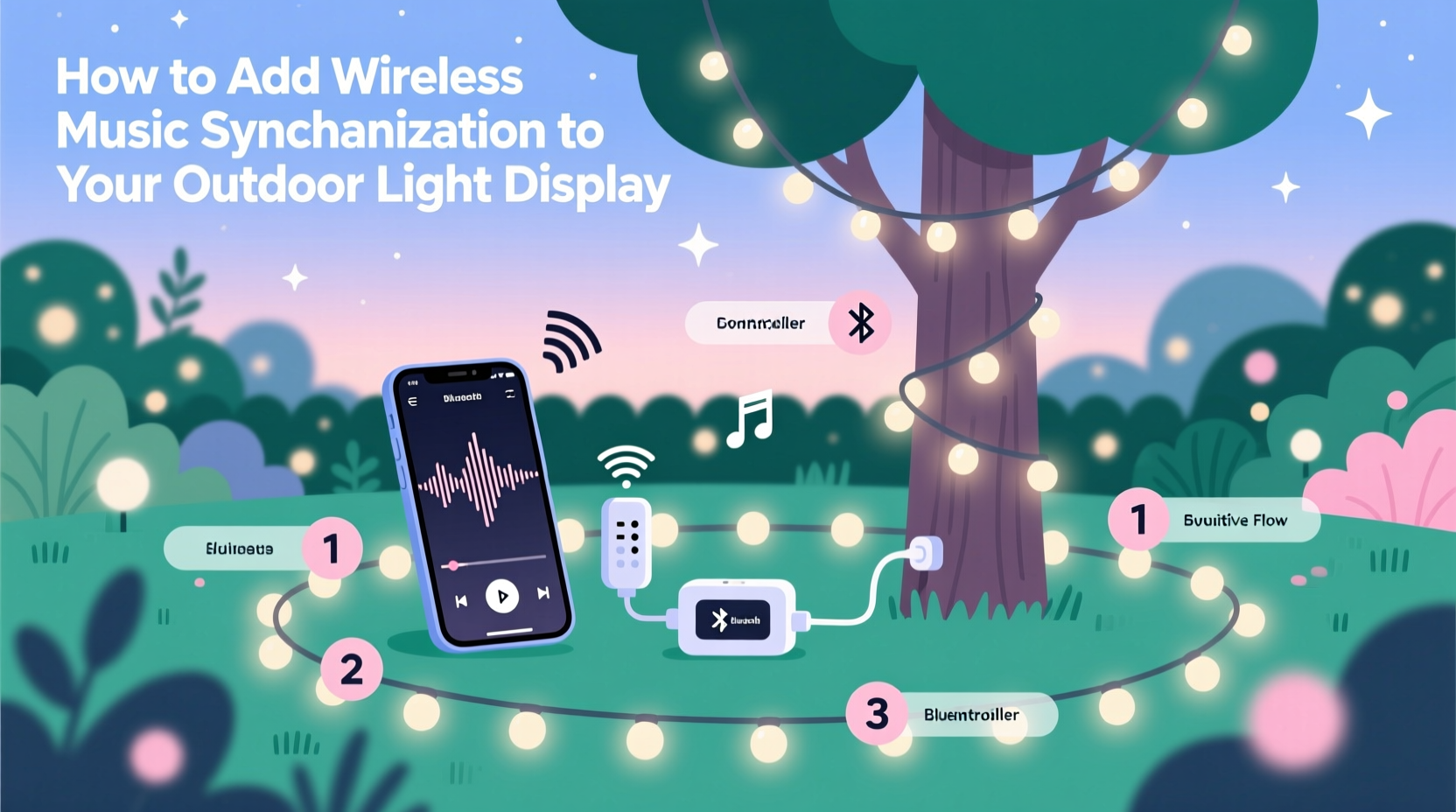
Music-synced lighting operates by analyzing an audio source in real time and translating sound characteristics—such as volume, frequency (bass, midrange, treble), and tempo—into lighting effects. These effects include color shifts, brightness changes, strobing, and pattern transitions that mirror the rhythm of the music.
In a wireless setup, this process involves three core components:
- Smart Lights: LED strips, bulbs, or nodes capable of changing colors and responding to control signals (e.g., RGBW or addressable LEDs).
- Controller Hub or Bridge: A device that receives audio input and sends lighting commands via Wi-Fi, Bluetooth, or proprietary protocols.
- Audio Source: A smartphone, tablet, speaker, or computer streaming music locally or over a network.
Unlike older plug-in controllers with microphone-based detection, today’s solutions use digital signal processing (DSP) to extract precise audio data, enabling tighter sync and better responsiveness—even at a distance or in noisy environments.
“Modern smart lighting systems can achieve sub-100ms latency between audio output and light response, making them indistinguishable from wired setups.” — Daniel Reyes, Smart Home Integration Engineer
Choosing Compatible Equipment for Wireless Sync
Not all smart lights support music synchronization out of the box. To build a reliable system, select products designed for audio reactivity and outdoor durability.
Recommended Smart Light Types
- Addressable LED Strips (e.g., WS2812B): Allow individual pixel control for wave effects and moving patterns synced to music.
- Weatherproof Smart Bulbs (e.g., Govee, Philips Hue Outdoor): Ideal for string lights or fixture-based displays.
- RGB Garden Spots or Path Lights: Designed for landscape integration with IP65+ ratings.
Wireless Protocols and Hubs
Your choice of communication protocol affects range, reliability, and ecosystem compatibility:
| Protocol | Range | Pros | Cons |
|---|---|---|---|
| Wi-Fi | Up to 100 ft (with router) | Long-range, app control, remote access | Higher latency, network congestion risk |
| Bluetooth | 30–50 ft | Low latency, direct connection | Limited range, single-device pairing |
| Zigbee/Z-Wave | 30–100 ft (mesh networks) | Stable, low interference, scalable | Requires hub, fewer music-sync apps |
Step-by-Step Setup: Connecting Music to Your Outdoor Lights
Follow this sequence to establish a fully wireless, music-reactive lighting system outdoors.
- Install Weatherproof Lights
Select mounting locations away from standing water. Use UV-resistant adhesive or clips for strips; secure stakes or housings for bulbs and fixtures. Ensure all connections are sealed and elevated off the ground. - Connect Lights to a Controller
Most addressable LEDs require a microcontroller like WLED-compatible boards (e.g., ESP8266/ESP32). Program it via USB initially, then connect to your Wi-Fi network. For plug-and-play options, pair Govee or Hue lights directly to their respective apps. - Set Up Audio Input
Use one of two methods:- Microphone Mode: Enable built-in mic on controller or app to detect ambient sound. Best for live events but sensitive to background noise.
- Digital Audio Streaming: Route music directly from a phone or PC to the lighting app via AirPlay, Spotify Connect, or local audio capture. This ensures perfect sync without external interference.
- Configure Sync Settings
In your lighting app (e.g., Govee Home, Hue Sync, WLED with Sound Reactive Fork), adjust:- Sensitivity (to avoid false triggers)
- Frequency bands (prioritize bass for stronger visual impact)
- Effect type (e.g., “gradient wave,” “jump colors,” “candle flicker”)
- Test and Fine-Tune
Play a variety of tracks—pop, electronic, classical—to assess responsiveness. Adjust delay compensation if lights lag behind the beat. Some apps allow manual offset calibration in milliseconds.
Real Example: Backyard Summer Party Upgrade
Mark, a homeowner in Austin, TX, upgraded his patio string lights using Govee Wi-Fi RGBIC bulbs. He connected six bulbs along a pergola and paired them with the Govee app. Using the “Music Sync” feature, he selected “Outdoor Party” mode and calibrated sensitivity to respond primarily to bass frequencies. During his July 4th gathering, guests played a playlist from a Bluetooth speaker inside the house, while the app captured audio digitally via screen mirroring from a tablet near the speaker. The lights pulsed and shifted colors seamlessly with each song—no wires ran outside, and the entire system was controlled remotely. “It felt like a club atmosphere without the clutter,” Mark said. “People kept asking where the wires were.”
Optimizing Performance and Avoiding Common Pitfalls
Even well-designed systems can suffer from desynchronization or inconsistent behavior. Address these common issues proactively.
Do’s and Don’ts of Wireless Music Sync
| Action | Do | Don't |
|---|---|---|
| Audio Source | Use digital audio routing when possible | Rely solely on distant microphones in windy areas |
| Network Stability | Use a dedicated 2.4 GHz band for smart devices | Overload Wi-Fi with video streams during shows |
| Light Placement | Space LEDs evenly for smooth visual flow | Cluster too many strips near power sources |
| Maintenance | Inspect seals and connections seasonally | Leave low-rated lights exposed to heavy rain |
Extending Range with Mesh Networking
For expansive properties, consider adopting a mesh-capable system like Nanoleaf Lines or Philips Hue with a Gen 3 bridge. These platforms allow lights to relay signals to one another, maintaining strong connectivity even when the router is far from the yard. Pair with a Wi-Fi extender or outdoor access point for uninterrupted streaming.
Frequently Asked Questions
Can I sync non-smart lights to music wirelessly?
Not directly. Traditional incandescent or basic LED strings lack programmability. However, you can use a smart plug with a music-responsive outlet timer (like the Meross Smart Plug with Scene Sync), though this only controls on/off cycling—not color or patterns.
Do I need internet for music sync?
It depends. Bluetooth-only systems (e.g., some Govee models) work offline once paired. Wi-Fi systems require internet for initial setup and app access, but music sync itself can run locally after configuration. For maximum reliability, keep the network active during operation.
Can multiple zones play different effects to the same song?
Yes. Advanced systems like WLED with ESP32 allow zone segmentation. You can assign front-yard lights to pulse with bass while side-path LEDs shimmer with high frequencies—all from one audio stream. Use software like VU Meter or MilkDrop with audio-reactive firmware for granular control.
Expert-Backed Checklist for a Flawless Installation
Before launching your synchronized display, verify the following:
- ✅ All lights are rated for outdoor use (IP65 or higher)
- ✅ Power supplies are weather-protected and grounded
- ✅ Controller is within reliable wireless range of both lights and audio source
- ✅ Audio input method is tested for low latency (digital preferred)
- ✅ Sync settings are adjusted per music genre and ambient conditions
- ✅ Backup power or surge protection is in place for storm-prone areas
- ✅ System can be controlled remotely (via app or voice assistant)
Bringing It All Together: From Static Glow to Dynamic Experience
Adding wireless music synchronization transforms passive decoration into an engaging sensory experience. No longer confined by cords or limited to seasonal use, your outdoor lighting becomes a canvas for expression—responsive to mood, music, and moment.
Start small: sync a single string of patio lights to your weekend playlist. As confidence grows, expand into multi-zone choreography, timed fades, and even guest-controlled themes via shared app access. The technology is accessible, durable, and increasingly intuitive.
With careful planning and attention to signal integrity, weatherproofing, and audio fidelity, your display won’t just impress neighbors—it will redefine how you interact with your outdoor environment.




 浙公网安备
33010002000092号
浙公网安备
33010002000092号 浙B2-20120091-4
Comments
No comments yet. Why don't you start the discussion?