
Every day, millions of people unlock their phones dozens of times to perform repetitive actions: turning on Wi-Fi at home, silencing notifications during meetings, sending daily check-in messages, or launching workout playlists. These small tasks add up, draining both time and mental energy. The good news? You don’t need expensive software or technical expertise to streamline your mobile experience. With the right free automation tools, you can eliminate manual routines and let your phone work for you—quietly and efficiently.
Automation isn’t just for tech enthusiasts. It’s a practical way to reduce digital friction and reclaim focus. Whether you're using an Android device or an iPhone, there are powerful, no-cost tools that can handle tasks based on time, location, app usage, or even voice commands. By setting up simple triggers today, you can create a smarter, more responsive phone environment tomorrow.
Understanding Mobile Automation: What It Can Do
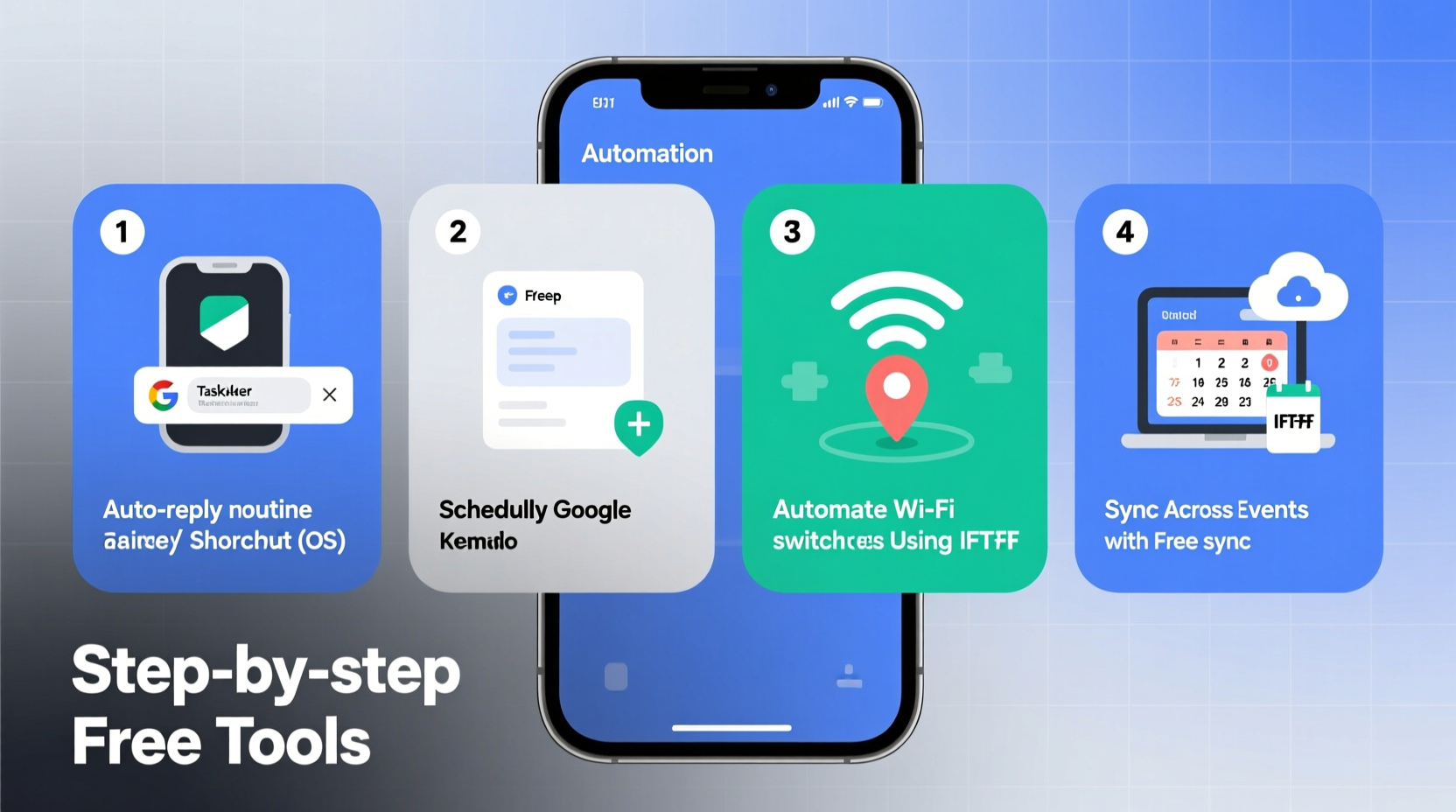
Mobile automation involves creating rules that trigger specific actions when certain conditions are met. For example, your phone can automatically switch to silent mode when you arrive at work or send a text to your partner when you leave the office. These automations run in the background, requiring no ongoing input from you once they’re set up.
Common use cases include:
- Adjusting volume or Do Not Disturb settings based on time or location
- Launching navigation apps when you start driving
- Sending recurring messages or reminders
- Syncing data between apps (e.g., saving email attachments to cloud storage)
- Tracking habits like water intake or screen time
The key benefit is consistency. Humans forget. Phones don’t—when programmed correctly.
Top Free Automation Tools by Platform
Different operating systems offer different capabilities. Here’s a breakdown of the most effective free tools available today.
| Tool | Platform | Best For | Setup Difficulty |
|---|---|---|---|
| Tasker | Android | Advanced automations, deep system control | High |
| MacroDroid | Android | Beginners, reliable triggers and actions | Low-Medium |
| IFTTT (If This Then That) | Android & iOS | Cross-app automation, social media, smart home | Low |
| Shortcuts (Apple) | iOS | Custom scripts, voice integration, file handling | Medium |
| Automate | Android | Visual flow-based logic, complex sequences | Medium-High |
While Tasker remains the gold standard for Android power users, its steep learning curve can be intimidating. MacroDroid offers a friendlier interface with over 100 built-in templates, making it ideal for newcomers. On iOS, Apple’s Shortcuts app has matured into a robust tool capable of everything from launching multi-step workflows to integrating with Siri.
“Automation isn’t about doing more—it’s about doing less manually so you can focus on what matters.” — David Sparks, productivity expert and co-host of the Mac Power Users podcast
Step-by-Step Guide: Automating Your Morning Routine
Let’s walk through a real-world scenario: automating your morning phone behavior to support a smoother start to the day. This example uses IFTTT and Apple Shortcuts but can be adapted for Android equivalents.
- Identify the routine: You wake up, check the weather, read headlines, and silence notifications until you’re fully awake.
- Select the trigger: Time-based—every weekday at 7:00 AM.
- Define the actions:
- Fetch local weather forecast
- Pull top news headlines from a preferred source
- Disable notification sounds for 30 minutes
- Play calming background music
- Choose the tool: Use Apple Shortcuts on iPhone.
- Build the shortcut:
- Open the Shortcuts app and tap the “+” icon.
- Add action: “Get Current Weather” (via Weather app).
- Add action: “Get Latest Headlines” (choose a news service like RSS or Apple News).
- Add action: “Set Volume” to 30% and disable ringer.
- Add action: “Play Music” from a designated playlist.
- Tap “Next,” then “Add to Home Screen” for quick access.
- Automate execution: In Settings > Shortcuts > Automation, create a personal automation triggered at 7:00 AM on weekdays. Link it to the shortcut.
- Test and refine: Run it manually first. Adjust timing or content as needed.
This single automation eliminates four separate interactions each morning. Over a year, that’s nearly 1,500 fewer taps and decisions.
Real Example: Maria’s Commute Automation
Maria, a project manager in Seattle, spends 45 minutes driving to work each morning. She used to manually turn on GPS, connect to Bluetooth, and check traffic—often missing updates because she was focused on the road.
She set up a location-based automation using MacroDroid on her Android phone:
- Trigger: When car Bluetooth connects or when leaving home geofence
- Actions:
- Launch Google Maps with directions to workplace
- Announce estimated arrival time via text to her assistant
- Play her “Focus Drive” playlist on Spotify
- Enable Do Not Disturb except for starred contacts
The result? She now arrives calmer, rarely misses traffic alerts, and has reduced distracted driving behaviors. “It feels like my phone finally understands my life,” she says. “I don’t have to think about anything—it just happens.”
Essential Checklist for Getting Started
Before diving into automation, follow this checklist to ensure a smooth setup process:
- ✅ Identify 1–2 repetitive phone tasks you perform daily
- ✅ Determine whether your device runs Android or iOS
- ✅ Install the appropriate free automation app (e.g., Shortcuts, MacroDroid, IFTTT)
- ✅ Enable necessary permissions (location, notifications, accessibility if required)
- ✅ Test automations manually before enabling auto-run
- ✅ Label and organize your automations for future editing
- ✅ Review battery usage weekly; disable any automation causing excessive drain
Starting small prevents overwhelm. A single well-built automation often delivers more value than five half-finished ones.
Avoiding Common Pitfalls
Even simple automations can go wrong without proper planning. Watch out for these common issues:
- Over-automation: Don’t try to automate everything at once. Too many background processes can slow your phone or cause conflicts.
- Permission fatigue: Grant only essential permissions. An automation requesting full device access may be risky.
- Location inaccuracies: Geofencing relies on GPS, which can lag indoors. Allow buffer zones (e.g., 200-meter radius) for reliability.
- Battery drain: Some tools, especially those constantly monitoring sensors, can impact battery life. Use scheduled checks instead of continuous polling where possible.
Regular maintenance matters. Revisit your automations every few weeks. Life changes—your routines should too.
FAQ
Are free automation tools safe to use?
Yes, when downloaded from official app stores and used responsibly. Tools like IFTTT and Apple Shortcuts are developed by reputable companies. Avoid granting unnecessary permissions, especially to third-party apps requesting access to messages or call logs.
Can I automate tasks between Android and iOS devices?
Direct cross-platform automation is limited, but cloud-based services like IFTTT or Google Assistant can bridge gaps. For example, a voice command on an iPhone could trigger a notification on an Android tablet via a shared account.
Do automations work when my phone is locked?
Most do, but some actions (like sending messages or opening apps) may require unlocking depending on security settings. On iOS, enable “Run in Background” in Shortcuts settings. On Android, ensure the automation app isn’t restricted by battery optimization.
Conclusion: Take Back Control of Your Digital Life
Your phone should adapt to you—not the other way around. By leveraging free automation tools, you transform a device that often demands attention into one that quietly supports your lifestyle. The initial setup takes effort, but the long-term payoff is significant: less stress, fewer distractions, and more time for meaningful activities.
Start with one task. Build one automation. See how it feels. From there, expand thoughtfully. Whether you're silencing notifications during dinner, logging workouts automatically, or preparing your environment for sleep, each small improvement compounds into a more intentional digital experience.




 浙公网安备
33010002000092号
浙公网安备
33010002000092号 浙B2-20120091-4
Comments
No comments yet. Why don't you start the discussion?