
Leaving lights on when no one is home wastes electricity, increases utility bills, and offers no real benefit—unless they're part of a deliberate automation strategy. When thoughtfully programmed, lighting systems can do far more than illuminate a room. They can reduce energy consumption, deter intruders, and adapt seamlessly to your daily life. The key lies in creating intelligent routines that align with your habits, schedule, and environment. With the right setup, your lights can turn on only when needed, simulate occupancy during vacations, and respond to natural light conditions—all without manual input.
Modern smart lighting technology has made automation accessible and affordable. Whether you use smart bulbs, switches, or an integrated home ecosystem, automating your lights is no longer reserved for tech enthusiasts. It’s a practical step toward a more efficient, secure, and comfortable home.
Understanding Lighting Automation: Beyond Simple Timers
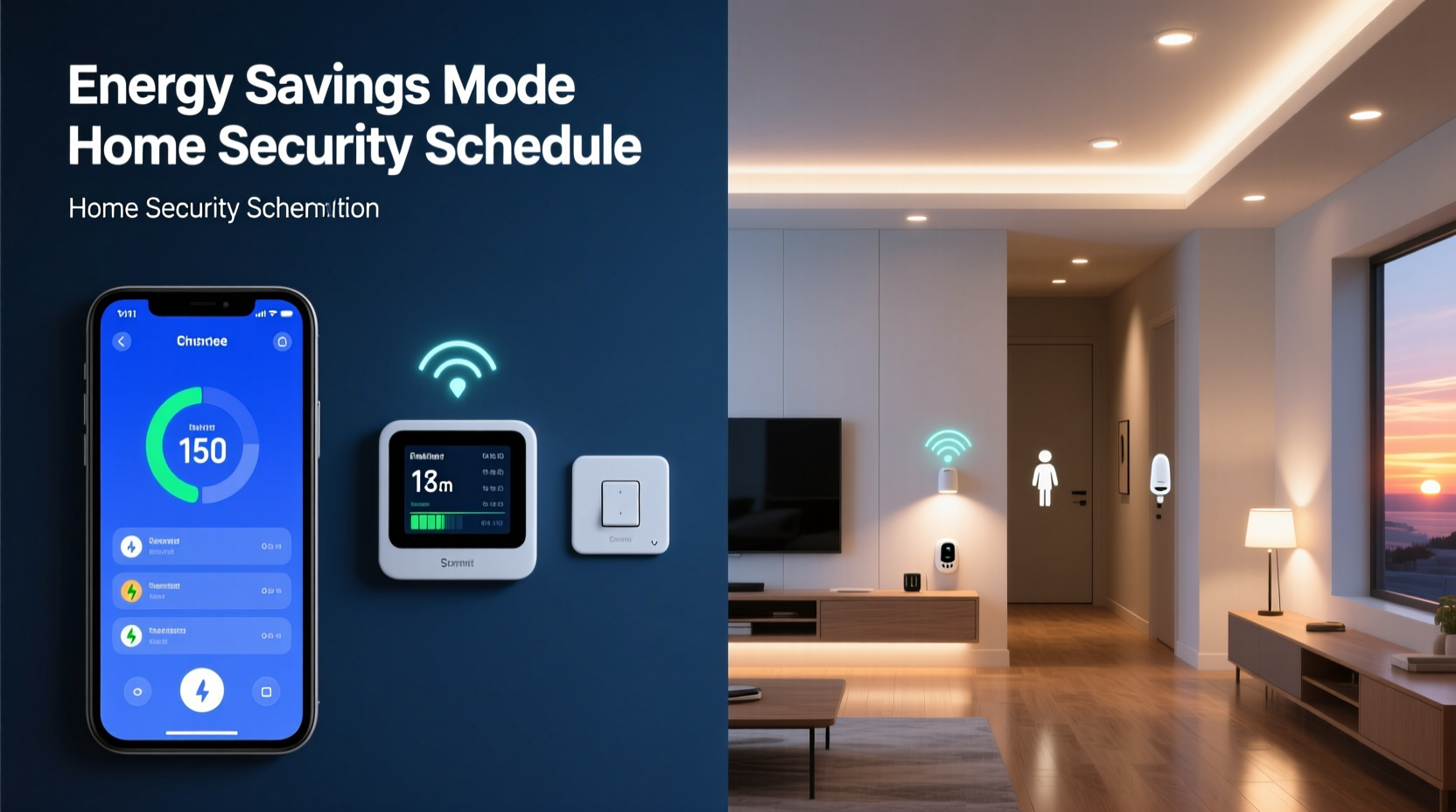
Basic timers have long been used to control outdoor lights or create the illusion of presence. However, modern lighting automation goes well beyond fixed schedules. Smart systems leverage motion sensors, geolocation, ambient light detection, and machine learning to make decisions based on context. This means your lights can react to whether you’re home, what time it is, how much daylight is available, and even your typical behavior patterns.
For example, a routine might dim hallway lights at 10 PM every night, turn on bathroom lighting when motion is detected after sunset, or power down all non-essential lights when your phone leaves the Wi-Fi network. These actions are not just convenient—they contribute directly to energy conservation and safety.
Designing Energy-Efficient Lighting Routines
Energy waste from unnecessary lighting adds up over time. According to the U.S. Department of Energy, residential lighting accounts for nearly 15% of household electricity use. Automating lights ensures they operate only when useful, reducing both consumption and costs.
To build energy-efficient routines, begin by identifying high-usage zones and common inefficiencies:
- Lights left on in unoccupied rooms
- Bright overheads used during daylight hours
- Outdoor lighting active during sunrise
- Bedroom lights remaining on late into the night
Once problem areas are identified, create automation rules that address them directly. For instance:
- Sunset-to-sunrise activation: Outdoor lights turn on at dusk and off at dawn using built-in light sensors.
- Occupancy-based control: Motion sensors trigger lights in hallways, bathrooms, and closets, turning them off after five minutes of inactivity.
- Gradual dimming: Living room lights dim by 30% at 9 PM and fully shut off at 11 PM unless overridden.
- Daylight harvesting: Lights in sunlit rooms (e.g., kitchens or offices) activate only when ambient brightness falls below a threshold.
These routines minimize runtime while maintaining comfort. Over a year, such optimizations can cut lighting energy use by 30–50%, depending on household size and behavior.
Enhancing Home Security Through Light Automation
A well-lit home is a less attractive target for intruders. But leaving lights on constantly signals either forgetfulness or an empty house. Automation bridges this gap by simulating realistic human activity.
Security-focused lighting routines should mimic natural behavior—not just random flickering. A lamp turning on at 7 PM, moving to the kitchen at 7:30, then upstairs at 9 PM creates a convincing impression of occupancy. This approach is far more effective than static or erratic patterns.
Consider these strategies:
- Randomized indoor lighting: Use apps like Philips Hue or SmartThings to set lights to turn on in different rooms at varying times during evening hours when you're away.
- Geofencing triggers: Lights activate as your smartphone approaches home, eliminating dark entries and signaling presence to potential observers.
- Vacation mode: Pre-programmed sequences run for days or weeks, combining indoor lights, blinds control, and occasional appliance activation (e.g., TV simulation).
- Instant response alerts: If a security camera detects motion at night, nearby lights can flash briefly to startle intruders and alert neighbors.
“Homes with inconsistent or no lighting patterns are 2.7 times more likely to be targeted.” — National Crime Prevention Council
Mini Case Study: The Weekend Cottage That Never Looks Empty
Sarah and Mark own a lakeside cottage they visit every other weekend. Previously, they relied on a simple timer for the porch light, but neighbors noticed it came on at exactly 6:00 PM every day—raising suspicion when the couple was absent. After installing smart bulbs and a hub, they created a dynamic routine: lights turn on between 6:30 and 7:30 PM in rotation across rooms, stay on for 1–2 hours, then shift to lower levels before shutting off. During winter months, the system activates only when weather data confirms low visibility.
The result? No break-in attempts since implementation, despite extended absences. Local law enforcement noted that the property now appears consistently occupied, even in off-seasons.
Step-by-Step Guide to Setting Up Your First Lighting Routine
Setting up automation doesn’t require technical expertise. Follow this timeline to launch your first energy- and security-conscious lighting routine within a weekend.
- Day 1: Audit Your Lighting Setup
Walk through each room and note which lights are manually controlled, hardwired, or already smart-enabled. Identify three high-priority areas (e.g., front porch, hallway, living room).
- Day 2: Upgrade to Smart Devices (If Needed)
Install smart bulbs or switches in priority zones. Popular brands include Philips Hue, Lutron Caséta, TP-Link Kasa, and Nanoleaf. Ensure compatibility with your preferred voice assistant (Alexa, Google Assistant, Siri/HomeKit).
- Day 3: Connect and Test
Download the corresponding app, connect devices to Wi-Fi or a hub, and test individual control via smartphone and voice commands.
- Day 4: Define Routine Goals
Determine whether the goal is energy saving, security, convenience, or a mix. Example: “Turn off living room lights at 11 PM unless someone is present.”
- Day 5: Build the Routine
In your app (e.g., Alexa Routines, Apple Shortcuts, Google Home), create a rule like:
- Trigger: Time = 10:55 PM
- Condition: No motion detected in last 15 minutes
- Action: Turn off living room lights
- Day 6: Refine Based on Behavior
Monitor usage for two evenings. Adjust timing or add exceptions (e.g., weekends, holidays). Consider adding a “reading mode” override if lights shut off too early.
- Day 7: Expand and Integrate
Add another routine—such as outdoor lighting based on sunset—or link lighting to other systems (thermostat, locks, cameras) for unified control.
Best Practices and Common Pitfalls
Even well-intentioned automation can backfire if poorly designed. Below is a comparison of recommended practices versus common mistakes.
| Do | Don't |
|---|---|
| Use motion sensors in low-traffic areas (closets, laundry rooms) | Rely solely on timers without occupancy checks |
| Set gradual transitions (fade in/out) for comfort | Allow sudden bright flashes at night that disrupt sleep |
| Enable geofencing for automatic arrival/departure responses | Forget to disable routines when guests are staying over |
| Review energy reports monthly (available in most smart home apps) | Assume automation runs perfectly without monitoring |
| Label scenes clearly (e.g., “Movie Night,” “Away Mode”) | Use vague names like “Scene 3” that confuse users |
Essential Checklist for Lighting Automation Success
Before finalizing your system, ensure these foundational elements are in place:
- ✅ All smart devices are connected to a stable Wi-Fi network or dedicated hub
- ✅ Routines are tested under real-world conditions (nighttime, absence, motion events)
- ✅ Family members or roommates understand how to override or pause automation
- ✅ Emergency protocols exist (e.g., lights remain functional during power outages via battery backup)
- ✅ Privacy settings are configured (e.g., location access limited to necessary apps)
- ✅ Firmware updates are enabled to maintain security and performance
Frequently Asked Questions
Can I automate lights without a smart home hub?
Yes. Many standalone smart bulbs and switches work directly with Wi-Fi and mobile apps. While hubs (like Samsung SmartThings or Apple HomePod) offer greater integration and reliability, they aren’t mandatory for basic routines.
Will automating my lights really save money?
Yes. Studies show households reduce lighting energy use by 20–40% through automation. Assuming an average lighting bill of $15/month, savings could reach $36–$72 annually. Additional savings come from extended bulb lifespan due to reduced runtime.
Are automated lights safe during power outages?
Most smart lights require power to function. However, some systems support battery-backed operation or integrate with generators. For critical areas like stairwells, consider pairing motion-activated LED strips with uninterruptible power supplies.
Conclusion: Make Your Home Smarter, Safer, and More Efficient
Automating your lights isn’t about chasing technology—it’s about solving real problems. Every unnecessary hour a light stays on represents wasted energy. Every dark window at night may invite unwanted attention. By designing thoughtful routines, you reclaim control over both efficiency and safety. The tools are accessible, the setup is manageable, and the benefits compound over time.
Start with one routine. Test it. Improve it. Then expand. Within weeks, your home will operate with a quiet intelligence that supports your lifestyle rather than demanding your attention. In a world where sustainability and security matter more than ever, automated lighting is a simple yet powerful step forward.




 浙公网安备
33010002000092号
浙公网安备
33010002000092号 浙B2-20120091-4
Comments
No comments yet. Why don't you start the discussion?