
Becoming a successful streamer in today’s digital landscape requires more than just owning a gaming console or a high-end PC. It demands strategy, technical know-how, audience engagement, and platform-specific optimization. Whether you're aiming to entertain friends or build a full-time streaming career, understanding how to present yourself as a true \"player\" — skilled, consistent, and engaging — is critical. This guide breaks down the top platforms, essential setup tips, and actionable strategies to ensure your streams run smoothly and captivate viewers from the first click.
Choosing the Right Streaming Platform
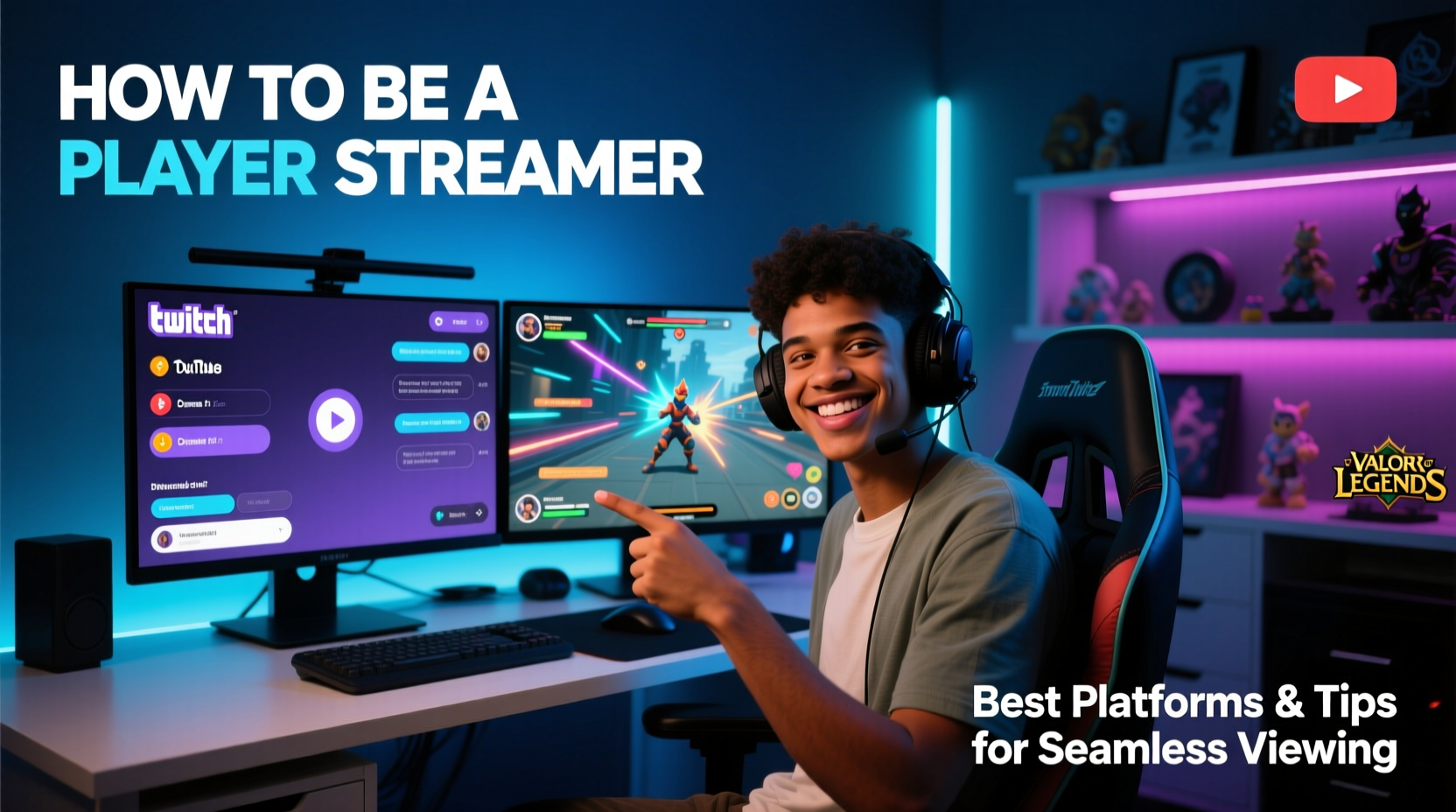
The platform you choose shapes your audience, monetization options, and growth potential. Each major service offers unique advantages depending on your goals, content type, and preferred community culture.
| Platform | Best For | Monetization Options | Viewership Potential |
|---|---|---|---|
| Twitch | Gaming, live interaction, long-form content | Subscriptions, ads, donations, sponsorships | High (largest dedicated gaming audience) |
| YouTube Live | VOD-friendly content, variety creators, tutorials | Memberships, Super Chats, AdSense, YouTube Premium | Very High (massive organic reach) |
| Facebook Gaming | Casual audiences, cross-promotion via social media | Stars, Subscriptions, Sponsorships | Moderate (growing but less niche-focused) |
| TikTok Live | Short-form, mobile-first, viral exposure | Diamonds (converted to revenue), gifts | High (especially with younger demographics) |
| Rumble | Alternative platform, ad-revenue sharing | Ad revenue share, memberships | Low to Moderate (emerging contender) |
Twitch remains the go-to for hardcore gamers due to its interactive chat, robust moderation tools, and affiliate/partner programs. YouTube excels when you want evergreen content that continues generating views after broadcast. TikTok Live rewards energetic, fast-paced performances ideal for micro-engagement, while Facebook leverages existing social networks for quick visibility.
Essential Technical Setup for Seamless Streaming
A flawless stream begins with reliable hardware and optimized software settings. Lag, audio sync issues, or dropped frames can drive viewers away within seconds.
Hardware Requirements
- CPU: Intel i7 or AMD Ryzen 7 (or higher) for encoding while gaming
- GPU: NVIDIA RTX 3060 or better; enables NVENC encoding for reduced CPU load
- RAM: 16GB minimum, 32GB recommended for multitasking
- Internet: Upload speed of at least 5 Mbps (7–10 Mbps ideal for 1080p)
- Audio: USB microphone (e.g., Blue Yeti, HyperX QuadCast) + pop filter
- Camera: 1080p webcam (Logitech Brio) or DSLR with capture card
Software Optimization Tips
- Use OBS Studio or Streamlabs for customizable scenes and overlays.
- Set bitrate between 3,500–6,000 kbps for 1080p60 streams.
- Enable “Same as Source” audio sample rate in OBS to prevent echo.
- Run a test stream weekly to check latency, audio levels, and frame drops.
- Use Ethernet over Wi-Fi to minimize packet loss and jitter.
“Streamers who prioritize stability over flashiness retain more viewers. A smooth 720p stream beats a stuttering 4K any day.” — Marcus Lin, Lead Engineer at StreamFX Labs
Step-by-Step Guide to Launching Your First Stream
Going live for the first time can be intimidating. Follow this timeline to ensure everything runs smoothly.
- Week 1: Research & Planning
Create a content calendar outlining game choices, stream times, and themes (e.g., “New Player Mondays”). Define your brand tone — funny, educational, competitive? - Week 2: Equipment Setup
Install OBS, configure sources (game capture, webcam, audio inputs), design simple overlays using Canva or Placeit. - Week 3: Test Runs
Conduct three dry runs: one solo, one with a friend watching, one recorded for review. Check audio balance, lighting, and background noise. - Week 4: Soft Launch
Go live for 30 minutes with a small group notified via Discord or social media. Gather feedback on clarity, energy, and stream layout. - Week 5: Official Debut
Announce your launch across platforms. Offer a viewer incentive (e.g., “First 10 chatters get a shoutout”). Stay on for at least 90 minutes.
Engagement Strategies That Turn Viewers Into Fans
Talent gets people to click; personality keeps them staying. The most successful streamers treat their audience like regular guests at a show, not passive observers.
- Name every new viewer as they join: “Welcome, Alex! Thanks for dropping by.”
- Ask open-ended questions: “What’s your favorite weapon in this game?” instead of “Like this map?”
- React authentically: Genuine surprise, frustration, or joy builds connection faster than scripted banter.
- Create inside jokes or recurring segments: “Every time I die here, we do a 10-second dance break.”
- Highlight contributors: Shout out subs, donators, and loyal chatters during transitions.
Mini Case Study: From Zero to 1,000 Followers in 60 Days
Jamal, a 24-year-old from Atlanta, started streaming Valorant on Twitch with fewer than 10 followers. Instead of chasing viral moments, he focused on consistency and community. He streamed every Tuesday, Thursday, and Sunday at 7 PM EST, created beginner tips clips for YouTube Shorts, and responded to every comment. Within two months, his average viewer count grew from 3 to 47, and he reached 1,200 followers. His breakthrough came when a popular streamer shared one of Jamal’s tutorial clips, calling him “the most helpful rookie I’ve seen.” Today, Jamal earns a side income through subs and affiliate links — all built on reliability and authenticity.
Frequently Asked Questions
How many hours should I stream per week?
Start with 6–9 hours across 3–4 sessions. Consistency matters more than duration. Two 3-hour streams weekly are better than one marathon session with erratic timing.
Do I need a fancy microphone to start?
No. Built-in laptop mics or basic headsets work initially. Upgrade once you notice complaints about echo or muffled speech. Focus first on clear communication, not studio-grade sound.
Can I stream on multiple platforms at once?
Yes, using services like Restream.io or StreamYard. However, some platforms restrict certain features (e.g., Twitch sub alerts won’t appear on YouTube). Review each platform’s terms before multi-streaming.
Checklist: Before You Go Live
- ✅ Test internet upload speed (minimum 5 Mbps)
- ✅ Close unnecessary background apps
- ✅ Set scene order in OBS (Intro → Live → Game → Ending)
- ✅ Mute distracting notifications (Discord pings, emails)
- ✅ Hydrate and have water nearby
- ✅ Confirm stream title and thumbnail are set
- ✅ Share stream link on social media 30 minutes prior
Conclusion
Being a player in the streaming world isn’t just about skill in-game — it’s about mastering the art of presence, preparation, and persistence. The best streamers aren’t always the fastest or loudest; they’re the ones who show up consistently, engage meaningfully, and optimize relentlessly behind the scenes. With the right platform, equipment, and mindset, anyone can build an audience worth keeping. Streaming isn’t a sprint — it’s a marathon where every viewer counts and every stream adds momentum.




 浙公网安备
33010002000092号
浙公网安备
33010002000092号 浙B2-20120091-4
Comments
No comments yet. Why don't you start the discussion?