
Spam text messages are more than just a nuisance—they can be dangerous. From phishing scams to fake prize notifications, unsolicited SMS messages flood millions of Android users daily. The good news? You don’t have to tolerate them. With the right tools and settings, you can stop spam texts in their tracks—often within minutes. This guide delivers proven, actionable methods to block spam on your Android device, using built-in features, trusted apps, and smart habits that deliver immediate results.
Why Spam Texts Are a Growing Problem
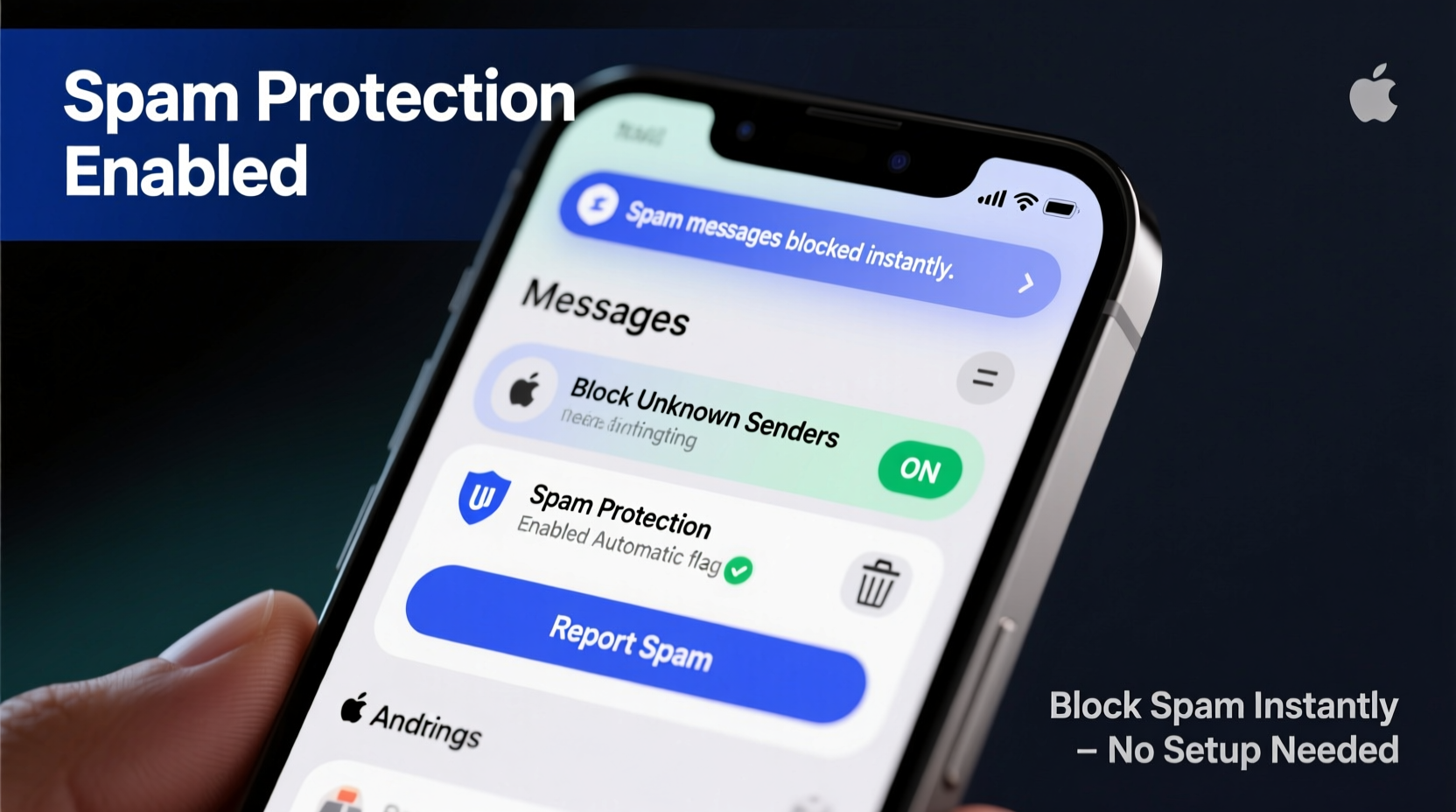
According to the Federal Trade Commission (FTC), text message scams increased by over 50% between 2021 and 2023. Scammers use spoofed numbers, automated bots, and psychological tricks to make their messages appear legitimate. Common spam texts include:
- \"Your package is delayed. Click here to reschedule.\"
- \"You’ve won $1,000! Claim now before it expires.\"
- \"Your bank account has been locked. Verify your details.\"
- \"URGENT: Your subscription will renew for $99.99 unless canceled.\"
These messages often lead to malicious websites or trick users into revealing personal information. Android’s open ecosystem makes it both powerful and vulnerable. Unlike iOS, which tightly controls messaging through iMessage, Android allows multiple messaging apps and deeper carrier-level access—making spam filtering more complex but also more customizable.
Use Built-In Messaging App Features to Block Spam
Most modern Android devices come with Google Messages as the default app. It includes robust spam protection powered by machine learning. Here's how to enable and maximize it:
- Update Google Messages: Ensure you're running the latest version from the Google Play Store.
- Enable Spam Protection: Open Google Messages > Settings > Spam protection > Toggle on “Enable spam protection.”
- Review Suspicious Messages: When a message is flagged, you’ll see a notification: “This message might be spam.” Tap “Report spam & delete” to remove it and help improve detection.
Google Messages analyzes billions of texts daily to identify spam patterns. Once enabled, it automatically filters suspicious messages into a separate “Spam” folder, which you can review or auto-delete after 30 days.
Other OEM messaging apps—like Samsung Messages—also offer similar features. On Samsung devices:
- Go to Messages > Settings > Spam protection.
- Enable “Filter spam messages” and “Block unknown senders.”
These built-in tools are free, fast, and require no additional downloads. They should be your first line of defense.
Block Individual Numbers Manually
If a particular number keeps sending spam, blocking it directly stops future messages. The process varies slightly depending on your device, but here’s the standard method:
- Open the spam message in your messaging app.
- Tap the three-dot menu (⋮) in the top-right corner.
- Select “Details” or “View contact info.”
- Choose “Block number” or “Add to reject list.”
Once blocked, all future texts and calls from that number go straight to voicemail or are deleted silently, depending on your settings.
For greater control, add numbers directly via Settings:
- Navigate to Phone app > Settings > Blocked numbers.
- Tap “Add” and enter the number manually.
This method works instantly and requires no third-party tools. However, spammers often rotate numbers, so blocking one may not stop the next wave.
Leverage Third-Party Anti-Spam Apps
While built-in tools help, dedicated anti-spam apps provide deeper protection. These apps use real-time databases, community reporting, and AI to intercept spam before it reaches you. Top performers include:
| App | Key Features | Cost | Best For |
|---|---|---|---|
| Hiya | Call + SMS blocking, scam database, caller ID | Free / Premium ($2.99/mo) | Users wanting all-in-one protection |
| Truecaller | Global spam database, crowd-sourced blocking, SMS filtering | Free / Pro ($5.99/mo) | High-volume spam recipients |
| RoboKiller | AI-powered spam detection, text blocker, scam alerts | $4.99/month | Advanced filtering and real-time alerts |
Truecaller, for example, blocks over 1 million spam messages per day globally. After installation, it scans incoming texts against its database and quarantines suspicious ones. You can customize filters by keyword (e.g., “free,” “prize,” “urgent”) and set up automatic replies like “Not interested.”
To install:
- Download Truecaller from the Google Play Store.
- Verify your phone number (required for database access).
- Go to Settings > SMS > Enable spam filtering.
- Customize block lists under “Blocked contacts” and “Keywords.”
Note: Some apps request broad permissions. Review what data they access and consider privacy implications before enabling full integration.
“Third-party apps like Truecaller significantly reduce spam exposure by leveraging global threat intelligence. They’re especially effective when combined with native Android tools.” — Dr. Lena Patel, Cybersecurity Analyst at MobileShield Labs
Activate Carrier-Level Spam Filtering
Your mobile carrier may offer free spam protection services. Major providers like T-Mobile, Verizon, and AT&T have built-in tools that block spam at the network level—before messages reach your phone.
- T-Mobile: Uses Scam Shield, which includes Scam ID and Scam Block. Enable it via the T-Mobile app or dial #SCAM# (#7226#).
- Verizon: Offers Call Filter, which extends to texts. Download the app and activate “Spam Detection” under Settings.
- AT&T: Provides Enhanced Caller ID & Call Protect. Turn on “Auto-Block” and “Spam Risk” alerts.
These services are typically free and highly effective because they analyze traffic across millions of users. They can detect coordinated spam campaigns and shut them down faster than individual apps.
To maximize protection:
- Check your carrier’s website for spam-blocking availability.
- Install the official app (e.g., “T-Mobile Scam Shield”).
- Enable all spam-related toggles, including automatic reporting.
Carrier-level blocking works silently in the background and doesn’t drain battery or require constant updates. It’s an essential layer in a comprehensive defense strategy.
Mini Case Study: How Sarah Stopped 200+ Spam Texts in One Week
Sarah, a small business owner in Austin, Texas, began receiving dozens of fake invoice texts each day. Messages claimed she owed money for software subscriptions she never signed up for. Initially, she ignored them—but soon her inbox was flooded.
She took action:
- Updated Google Messages and enabled spam protection.
- Installed Truecaller and synced her number.
- Contacted her carrier (Verizon) and activated Call Filter’s SMS protection.
- Manually blocked five recurring numbers.
Within 48 hours, new spam messages dropped by 90%. Over the next week, only 2–3 suspicious texts appeared—and they were caught by Truecaller’s filter. Sarah now receives fewer than five spam messages per month, compared to over 200 weekly.
“I didn’t realize how much mental clutter those messages caused,” she said. “Now my phone feels safer and less stressful.”
Essential Checklist: How to Instantly Block Spam Texts on Android
Follow this step-by-step checklist to secure your device immediately:
- ✅ Update your default messaging app (e.g., Google Messages).
- ✅ Enable built-in spam protection in app settings.
- ✅ Block any known spam numbers manually.
- ✅ Install a trusted third-party app (e.g., Truecaller or Hiya).
- ✅ Activate your carrier’s free spam-blocking service.
- ✅ Report spam to 7726 (SPAM) via SMS.
- ✅ Avoid replying to or clicking links in suspicious messages.
- ✅ Regularly review blocked numbers and spam folders.
Completing these steps takes less than 15 minutes and provides layered protection that adapts to evolving threats.
Frequently Asked Questions
Can I block spam texts without installing apps?
Yes. Use your device’s built-in spam filter (in Google Messages or Samsung Messages) and manually block numbers. While not as comprehensive as third-party apps, these tools can stop most common spam.
Why do I still get spam after blocking a number?
Spammers frequently change numbers or use “spoofing” technology to disguise their origin. That’s why relying on a single blocked number isn’t enough. Combine manual blocking with AI-powered filters and carrier services for best results.
Are spam blockers safe for privacy?
Most reputable apps encrypt your data and don’t sell personal information. However, some require access to your contacts and message history. Stick to well-reviewed apps like Google Messages, Hiya, or Truecaller, and review permissions carefully.
Final Thoughts: Take Control of Your Messaging Experience
Spam texts don’t have to be an unavoidable part of smartphone ownership. Android gives you powerful tools—both native and third-party—to regain control. By combining Google’s spam detection, carrier-level filtering, and smart app usage, you can reduce or even eliminate unwanted messages almost instantly.
The key is acting quickly and using multiple layers of protection. A single method might miss something, but together, they create a strong shield. Don’t wait until your inbox is overwhelmed. Apply these strategies today and enjoy a cleaner, safer texting experience.




 浙公网安备
33010002000092号
浙公网安备
33010002000092号 浙B2-20120091-4
Comments
No comments yet. Why don't you start the discussion?