
Instagram Reels has become one of the most powerful tools for creators, brands, and influencers looking to grow their audience. With over 2 billion monthly active users on Instagram, standing out requires more than just posting random videos. Visibility doesn’t happen by accident—it’s shaped by smart editing techniques and precise timing. While many focus solely on content ideas, the real edge lies in execution: how a Reel is edited, when it's posted, and how it aligns with platform behavior patterns.
The algorithm rewards content that captures attention quickly, keeps viewers engaged, and encourages interaction. This means even a brilliant idea can fall flat if the pacing is off or the visuals don’t pop. Conversely, a well-edited Reel posted at the right moment—even with modest production value—can go viral. The good news? You don’t need expensive gear or advanced software to make a difference. Small, deliberate choices in editing and scheduling can significantly amplify your reach.
Master the First 3 Seconds
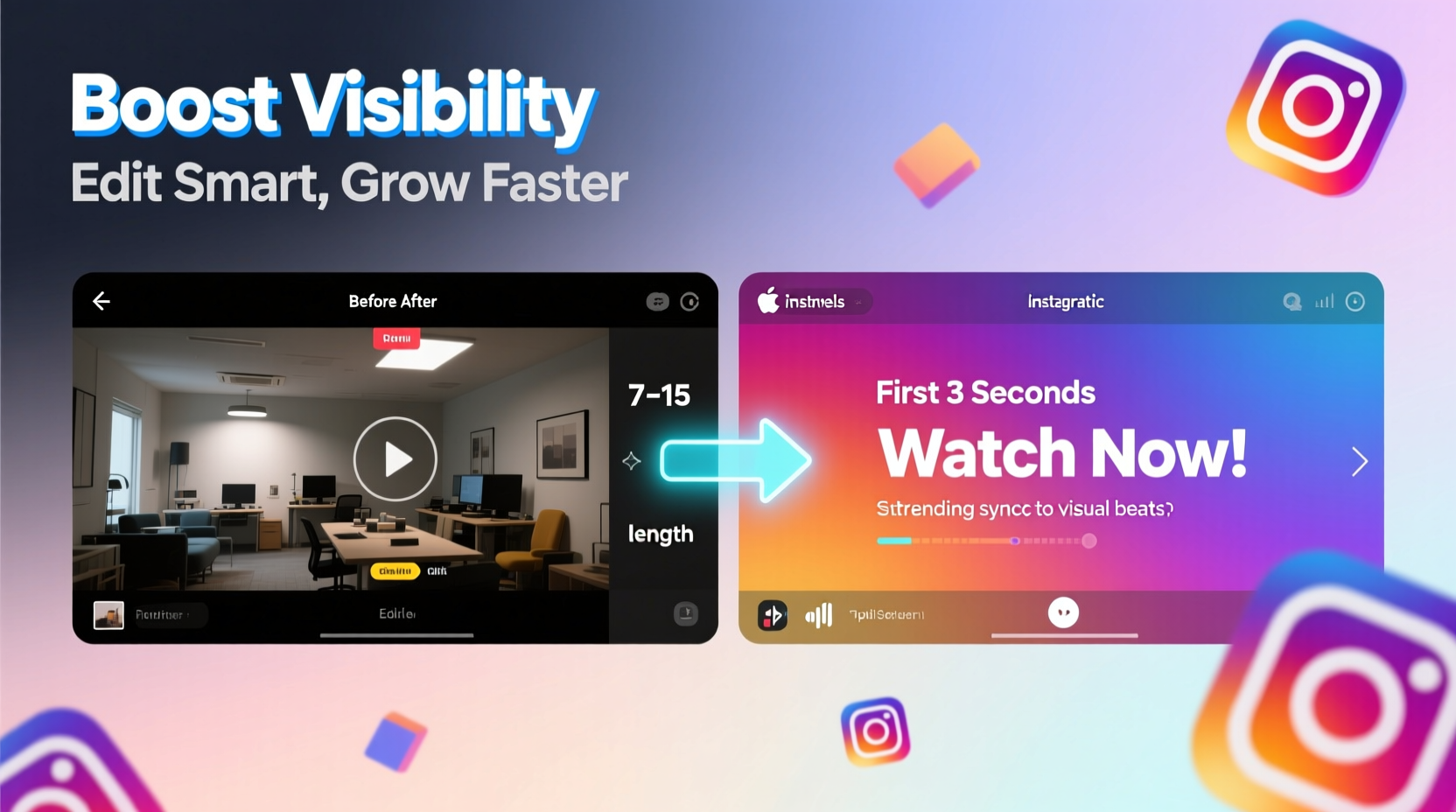
On Instagram, attention spans are measured in fractions of a second. If your Reel doesn’t hook viewers within the first three seconds, most will scroll past. This isn’t just anecdotal—data from Instagram’s internal testing shows that videos retaining 70% of viewers in the first 3 seconds are 4.5x more likely to be pushed to the Explore page.
To maximize retention, start with visual impact. Use bold text overlays, sudden movement, or an unexpected sound cue. Avoid slow pans or long introductions. Instead, jump straight into action. For example, open with a surprising result (“This $5 product fixed my cracked phone screen”) or a relatable pain point (“Raise your hand if you’ve ever spilled coffee on your laptop”).
Text overlays should be large, easy to read, and appear instantly. Use high-contrast colors (white text on dark background or vice versa) and limit each message to five words or fewer. Pair this with quick zooms or cuts to maintain momentum. Even subtle motion—like a slight pan across a static image—can prevent the viewer from perceiving the clip as “stale.”
Editing Hacks That Increase Watch Time
Watch time is one of the top signals Instagram uses to determine whether a Reel deserves wider distribution. Longer average view duration tells the algorithm the content is valuable. Fortunately, several low-effort editing techniques can dramatically improve this metric.
Use jump cuts strategically. Jump cuts create rhythm and prevent lulls. They work especially well in tutorials, routines, or storytelling. Cut every 2–3 seconds during dynamic segments, but allow slightly longer shots (4–5 seconds) when delivering key information. The goal is to mimic the pacing of successful viral Reels—snappy, but not disorienting.
Add motion to static footage. If you’re working with limited camera angles, simulate movement using digital zooms or slide transitions. Most mobile editors (like CapCut or InShot) offer “ken burns” effects that slowly zoom in or pan across still images. This small touch keeps the eye engaged and reduces drop-off.
Synchronize cuts with audio beats. Whether it’s music, voiceover, or ambient sound, aligning your edits to rhythmic elements makes the Reel feel polished and professional. Beat-synced cuts are processed faster by the brain, making the video easier to follow and more enjoyable to watch.
“Reels that match visual rhythm to audio cues see up to 30% higher completion rates.” — Maya Tran, Social Media Strategist at ContentLab NYC
Essential Editing Checklist
- ✅ Start with a strong hook in the first frame
- ✅ Use text overlays for silent viewing
- ✅ Sync cuts to music beats or speech pauses
- ✅ Keep total length under 15 seconds for highest retention
- ✅ Add subtitles for accessibility and clarity
- ✅ Use contrast and color grading to enhance mood
- ✅ End with a call-to-action (e.g., “Save this,” “Tag someone who needs this”)
Timing: When to Post for Maximum Reach
Even a perfectly edited Reel can underperform if posted at the wrong time. Timing influences initial engagement, which directly affects algorithmic amplification. Instagram prioritizes content that gains fast traction—likes, shares, and comments in the first 60 minutes can trigger broader distribution.
The ideal posting window varies by audience, but general trends hold true across niches. According to a 2024 analysis of 10,000+ Reels by SocialInsider, peak engagement occurs between 6 AM–9 AM and 6 PM–9 PM local time, Monday through Friday. These windows align with commute times and post-work relaxation, when users are most likely to scroll mindlessly.
Weekends behave differently. Saturday mornings (8–11 AM) and Sunday evenings (7–10 PM) tend to perform best, especially for lifestyle, food, and entertainment content. However, B2B or productivity-focused accounts often see better results mid-week during business hours (Tuesday–Thursday, 10 AM–2 PM).
| Audience Type | Best Days | Optimal Time | Why It Works |
|---|---|---|---|
| General Consumer | Mon–Fri | 7–8 AM, 7–8 PM | Catches users during morning routines and evening downtime |
| Young Adults (18–24) | Sat–Sun | 9 PM–12 AM | Late-night scrolling peaks in this demographic |
| Professionals | Tue–Thu | 11 AM–1 PM | Lunch breaks and midday pauses drive engagement |
| Parents | Mon–Wed | 8–9 PM | After kids’ bedtime = personal screen time |
Use Instagram Insights to identify when your followers are most active. Navigate to your profile, tap “Insights,” then “Audience,” and review the “Most Active Times” graph. Posting 10–15 minutes before the peak begins ensures your Reel appears early in the feed cycle.
Real Example: How One Creator Doubled Reach in Two Weeks
Jamila Patel, a micro-influencer in sustainable fashion (@GreenWardrobe), struggled to break 500 views per Reel despite consistent posting. Her content was informative—showcasing capsule wardrobes and eco swaps—but lacked urgency and rhythm.
In week one, she implemented three changes: (1) She shortened her average Reel length from 28 seconds to 12, (2) Added bold text overlays like “You’re washing your clothes WRONG” in the first frame, (3) Rescheduled all posts to 7:15 AM Tuesday and Thursday.
Within seven days, her average view count jumped to 1,400. By week two, one Reel explaining how to remove stains with baking soda reached 12,000 views organically. The shift wasn’t due to new content themes—it was purely structural. “I realized I was making Reels for myself, not for how people actually use Instagram,” she said. “Once I focused on speed, clarity, and timing, everything changed.”
Step-by-Step Guide to Publishing High-Visibility Reels
Follow this timeline to ensure every Reel is optimized for discovery and engagement:
- Day Before Posting – Plan & Record
Choose a trending audio or niche-relevant sound. Script a 10–15 second concept with a clear beginning, middle, and end. Record multiple takes in good lighting. - Editing Session – Apply Key Techniques
Trim dead space, add subtitles, insert jump cuts every few seconds, and sync transitions to beats. Use a consistent color filter or brand font to build recognition. - 30 Minutes Before Posting – Schedule or Prepare
If using a scheduler (like Later or Hootsuite), upload the Reel now. Otherwise, save the final version to your camera roll and draft the caption. - Post at Peak Time
Upload directly to Instagram 10 minutes before your target time. Write a concise caption with 1–2 relevant hashtags (#OutfitRepeat, #ZeroWasteTips) and a question to prompt comments (“Would you try this?”). - First Hour – Boost Engagement
Respond to every comment personally. Share the Reel to your Story and tag a friend or collaborator to encourage resharing. This early activity signals popularity to the algorithm. - Next 48 Hours – Monitor & Repurpose
Check Insights for completion rate and shares. Save high-performing clips to a Highlights folder and consider turning them into carousels or TikTok cross-posts.
Frequently Asked Questions
How long should my Reels be for best visibility?
For maximum reach, keep Reels between 7 and 15 seconds. Shorter videos have higher completion rates, which Instagram prioritizes. You can always tell a compelling story in under 15 seconds with tight editing and clear messaging.
Should I use trending audio or original sounds?
Start with trending audio. Instagram promotes Reels that use popular sounds, especially those gaining traction on the platform. Once you’ve built consistency, experiment with original audio—but only after establishing a baseline of engagement with familiar tracks.
Can I schedule Reels in advance?
Yes. Tools like Later, Buffer, and Hootsuite allow you to schedule Reels. However, direct uploads via the Instagram app may still receive a slight algorithmic preference. If possible, use scheduling for planning but manually publish during peak hours.
Final Thoughts: Visibility Is Built, Not Given
High visibility on Instagram Reels isn’t reserved for celebrities or big budgets. It’s earned through disciplined editing and intentional timing. Every decision—from the first frame to the posting hour—shapes whether your content gets buried or broadcasted.
You don’t need perfection. You need precision. Trim the fat, amplify the hook, sync to the beat, and post when your audience is ready to engage. These aren’t shortcuts—they’re fundamentals of modern digital storytelling.




 浙公网安备
33010002000092号
浙公网安备
33010002000092号 浙B2-20120091-4
Comments
No comments yet. Why don't you start the discussion?