
Transform your holiday yard into an 8-bit wonderland by syncing classic Christmas lights to the chiptune beats of retro video game music. This fusion of nostalgia and modern lighting technology creates a spectacle that draws neighbors, delights kids, and stands out in any neighborhood competition. With the right tools and planning, you can choreograph dazzling light sequences to tracks from Super Mario Bros., The Legend of Zelda, or Mega Man—bringing pixelated joy to real-world illumination.
The key lies in combining affordable smart lighting systems with audio-reactive software and a touch of creativity. Whether you're a DIY enthusiast, a gamer at heart, or simply looking for a unique holiday project, this guide walks you through every phase—from selecting compatible hardware to programming precise light cues that pulse, flash, and fade in time with iconic 8-bit melodies.
Selecting Your Hardware: Lights, Controllers, and Power
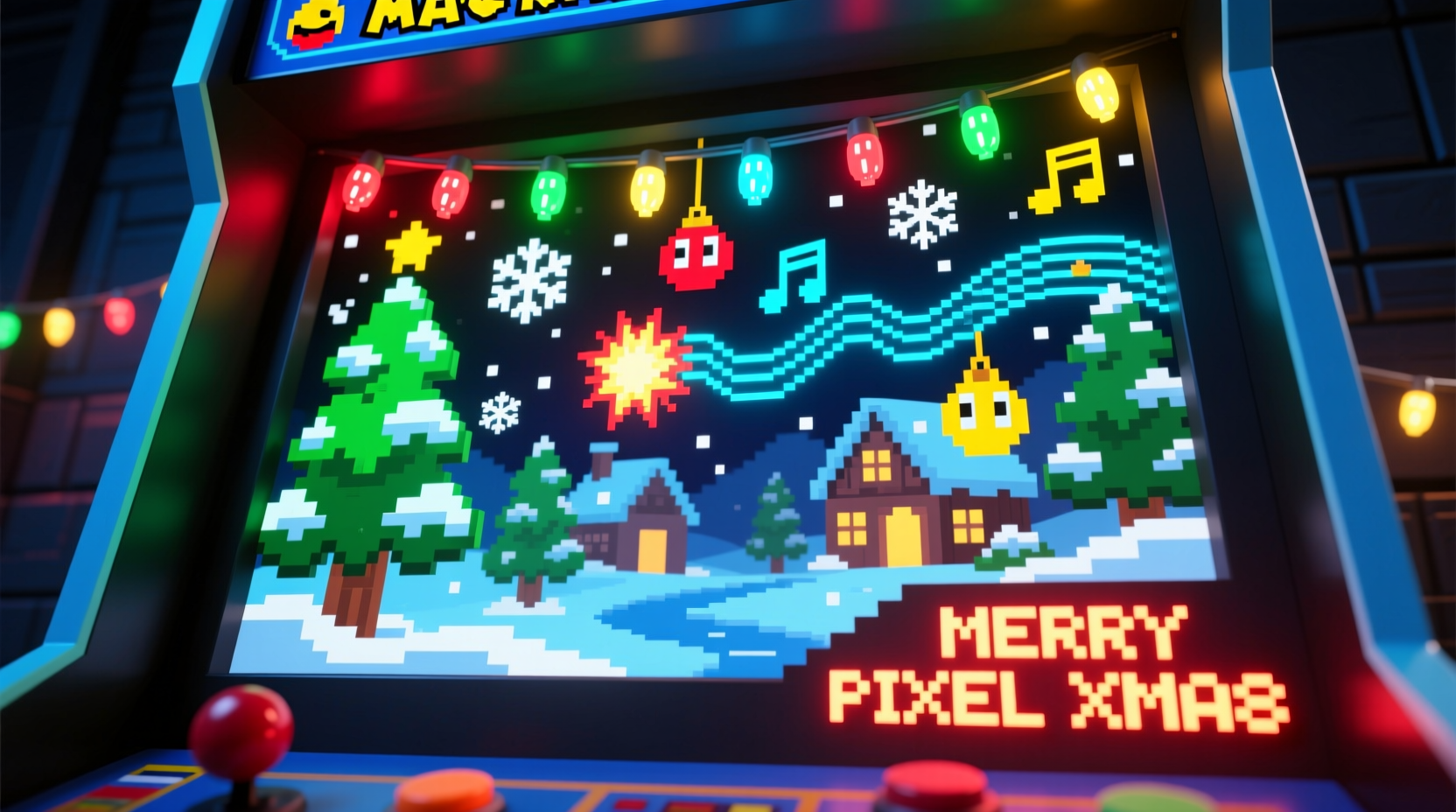
The foundation of any synchronized light display is reliable, programmable hardware. Unlike traditional holiday strands, smart lights must support frame-by-frame control to match rapid musical changes typical in retro game soundtracks.
Begin with **addressable LED strips** such as WS2811 or WS2812B (commonly known as NeoPixels). These allow individual bulbs to change color and brightness independently—a necessity for complex animations. For outdoor use, ensure they are waterproof (rated IP65 or higher) and housed in durable diffuser tubes to protect against weather and physical damage.
You’ll also need one or more **microcontroller boards** to translate digital signals into light behavior. The ESP8266 and ESP32 are popular choices due to their built-in Wi-Fi, low cost, and compatibility with open-source lighting platforms like WLED and xLights.
A single controller can manage hundreds of nodes, but large setups may require multiple units managed through a central hub. Each controller connects via Ethernet or Wi-Fi to your network, receiving timing data from your sequencing software.
Don’t overlook power supplies. Calculate total wattage based on LED count (typically 0.3W per node at full white), then add a 20% buffer. Distribute power across multiple lines if needed, using screw-terminal connectors and gauge-appropriate wiring (18 AWG minimum).
Choosing Music and Creating Audio Profiles
Retro video game music thrives on rhythm, repetition, and memorable motifs—perfect for visual interpretation. Tracks with strong beats (like the Mega Man 2 title theme) or arpeggiated melodies (such as Tetris Type A) offer natural triggers for strobes, chases, and color shifts.
Start by selecting 2–3 tracks between 60 and 90 seconds long. Shorter pieces reduce rendering time and increase replayability during nightly shows. Extract high-quality versions using emulator rips (.NSF or .SPC files) or licensed remixes available on platforms like OverClocked ReMix.
Convert these to standard audio formats (MP3 or WAV) using tools like Audacity or VGMTrans. Normalize volume levels to avoid sudden spikes that could overwhelm speakers or distort light responses.
“Music with clear rhythmic structure gives you predictable anchor points for lighting cues—essential when working with fast-paced chiptunes.” — Daniel Ruiz, Interactive Light Designer and Maker Faire exhibitor
Map out major musical events: intro, verse, chorus, climax, and ending. Note timestamps where cymbal crashes, pitch bends, or tempo changes occur. These become synchronization markers in your sequencing software.
Step-by-Step Guide: Building and Programming the Display
Follow this timeline to go from concept to live performance in under three weekends.
- Week 1: Layout and Installation
Sketch your display design—roof outlines, tree wraps, driveway borders. Install mounting clips and run conduit for cables. Connect all light strings to junction boxes near outlets. - Week 2: Wiring and Testing
Link each LED segment to its assigned controller. Power up and test communication using WLED’s web interface. Confirm all pixels respond uniformly. - Week 3: Sequencing and Sync
Import your music into xLights. Create channels corresponding to each physical light section (e.g., “Front Roof,” “Porch Columns”). Assign effects (twinkles, waves, fades) to match musical elements. - Final Weekend: Calibration and Show Mode
Run full rehearsals after dark. Adjust brightness, timing offsets, and speaker placement. Deploy standalone mode so the show runs automatically each night.
In xLights, use the beat detection tool to auto-generate pulse effects on downbeats. Then manually refine transitions—for example, triggering a rainbow cycle during a rising arpeggio in the Zelda overworld theme. Preview animations in real-time using the virtual model feature before uploading to hardware.
Optimizing Performance and Reliability
A flawless show depends not just on creativity, but on technical stability. Network congestion, power fluctuations, and environmental stress can disrupt even the best-planned display.
Use a dedicated 2.4GHz Wi-Fi network for controllers. Assign static IP addresses to prevent connection drops. If possible, switch to wired Ethernet via outdoor-rated POE extenders for rock-solid reliability.
Weatherproof all electronics. Seal controller enclosures with silicone gaskets and elevate them off the ground. Monitor temperatures; enclosed plastic boxes can overheat in direct sunlight even during winter.
| Component | Do | Don’t |
|---|---|---|
| Lights | Space nodes evenly; use diffusers for smoother glow | Cut non-end-input strips without re-soldering data lines |
| Controllers | Update firmware regularly; label each unit clearly | Expose to moisture or extreme cold without insulation |
| Audio | Use amplified outdoor speakers with balanced output | Play at maximum volume—distortion damages drivers and annoys neighbors |
| Software | Backup sequences and configurations weekly | Run untested updates during peak display season |
Real Example: Jason’s 8-Bit Nativity Scene
Jason M., a software developer in Portland, OR, transformed his front lawn into a retro gaming shrine each December. In 2023, he built a 14-foot-tall pixelated Christmas tree made from grid-mounted LED matrices, synced to a medley of EarthBound, Final Fantasy, and Donkey Kong Country themes.
He used six ESP32 controllers managing over 1,200 LEDs, all orchestrated through xLights on a Raspberry Pi. Custom animations mimicked sprite movements—like a mini Mario jumping across roof peaks during upbeat sections.
His secret? Layered sequencing. He separated bass, melody, and percussion tracks, assigning each to different zones. When the kick drum hit, ground-level strobes flashed red. Melodic phrases triggered upward color waves on the tree. The result was a dynamic, immersive experience that drew over 2,000 visitors and local news coverage.
Essential Checklist Before Launch
- ✅ Test every LED node for proper function
- ✅ Verify Wi-Fi/Ethernet connectivity for all controllers
- ✅ Confirm audio file sync accuracy (no lag between sound and lights)
- ✅ Set automatic start/stop times (e.g., 5 PM to 10 PM)
- ✅ Place outdoor speakers for optimal stereo spread and minimal bleed
- ✅ Share show schedule with neighbors to manage expectations
- ✅ Install surge protectors on all circuits
- ✅ Backup configuration files to cloud or external drive
Frequently Asked Questions
Can I use Bluetooth speakers without causing audio delay?
Bluetooth introduces noticeable latency (often 100–300ms), which will desynchronize lights and sound. Use wired or Wi-Fi-connected audio systems instead. If wireless is unavoidable, enable lip-sync correction features in your amplifier or use specialized low-latency modes (aptX LL), though these are rare in consumer gear.
Is it safe to leave the system running unattended?
Yes—if properly installed. Use UL-listed components, ground all circuits, and avoid daisy-chaining too many strands. Install a smart plug or relay to remotely cut power if overheating or faults occur. Many builders use remote monitoring apps (like Home Assistant) to receive alerts about disconnects or voltage issues.
Can I mix retro game music with traditional carols?
Absolutely. Blend arrangements like 8-bit versions of “Carol of the Bells” or “Jingle Bells” for broader appeal. Tools like GarageBand or FL Studio let you remix tracks with chiptune instruments while preserving familiar melodies.
Conclusion: Press Start to Holiday Magic
Building a Christmas light display synchronized to retro video game music isn’t just a technical challenge—it’s a celebration of two enduring forms of cultural joy. By merging the warmth of holiday tradition with the energy of pixelated nostalgia, you create something uniquely personal and widely shareable.
Every flicker and fade tells a story, every pulse echoes a childhood memory. With accessible tools and a methodical approach, anyone can bring this vision to life. Whether you’re illuminating a suburban porch or staging a block-wide event, your display has the power to spark wonder, laughter, and maybe even a little friendly competition.




 浙公网安备
33010002000092号
浙公网安备
33010002000092号 浙B2-20120091-4
Comments
No comments yet. Why don't you start the discussion?