
Every holiday season, homes come alive with colorful lights dancing in rhythm to festive music. What once required expensive commercial systems can now be achieved by hobbyists using a Raspberry Pi and some basic electronics. With open-source tools and precise control over individual LEDs, you can design and run a fully synchronized light show from your front yard—complete with animations, sound triggers, and even internet scheduling.
The key lies in combining low-cost hardware with powerful software that allows frame-by-frame control of each light. Whether you're illuminating a single tree or an entire house facade, the Raspberry Pi offers the processing power and GPIO flexibility needed to bring your vision to life. This guide walks through every step—from selecting components to programming sequences—with real-world advice for reliability, safety, and visual impact.
Understanding the Core Components
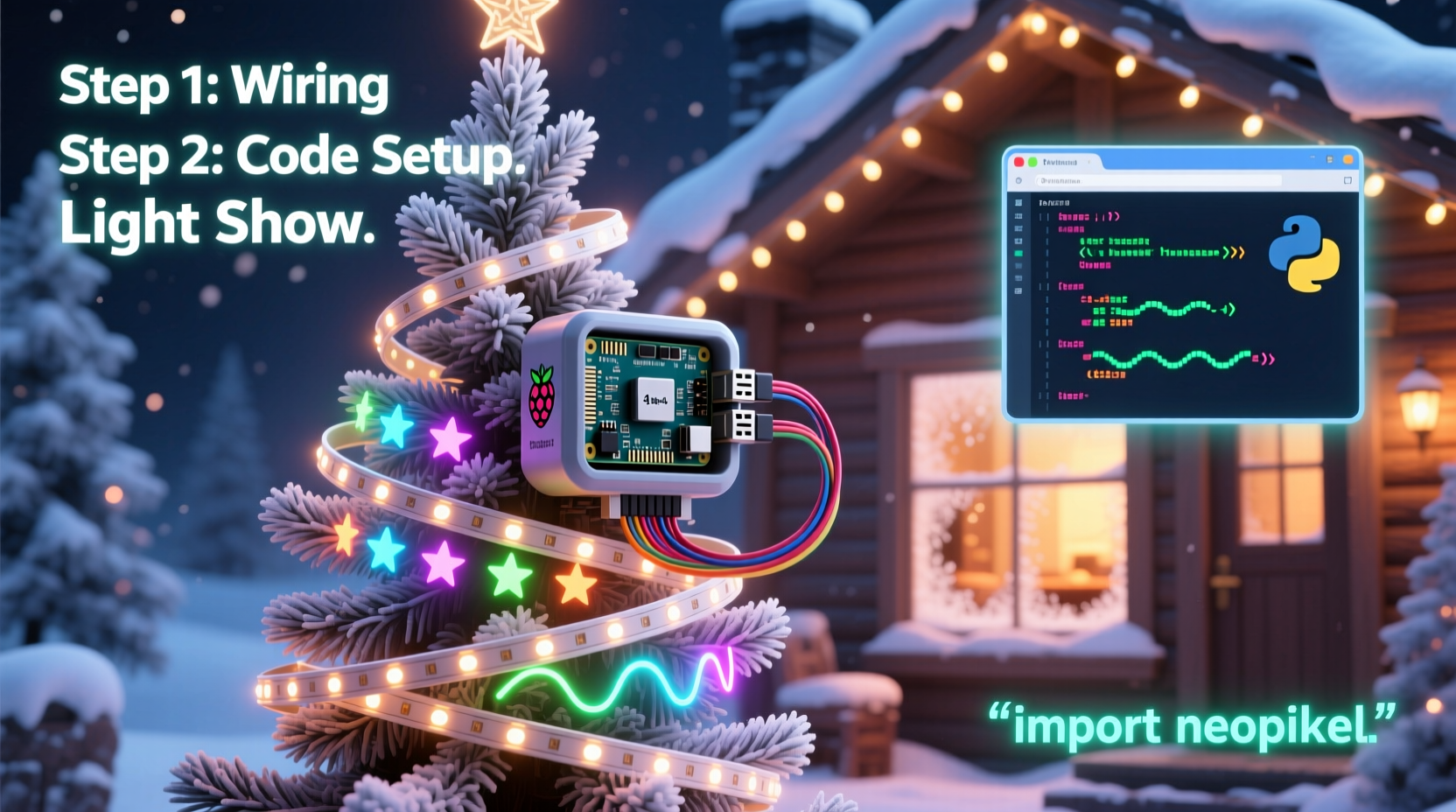
A DIY animated light show relies on three main elements: lighting hardware, control electronics, and a central computer (the Raspberry Pi). Each plays a distinct role in transforming digital commands into visible motion and color changes.
The most common choice for dynamic lighting is addressable LED strips, particularly those based on the WS2811 or WS2812B chips. These allow individual control of each LED along the strip, enabling complex patterns like chases, fades, and waves. Unlike traditional incandescent strings or non-addressable RGB strips, these LEDs respond to digital signals sent over a single data line.
To manage higher power loads and protect the Pi’s delicate GPIO pins, a level shifter and external power supply are essential. The Raspberry Pi operates at 3.3V logic levels, while most LED strips expect 5V signals. A simple bi-directional logic level converter ensures clean signal transmission. Additionally, because long LED runs can draw several amps, they must be powered separately from the Pi, which should remain on its own regulated 5V/2.5A supply.
Equipment Checklist
- Raspberry Pi (model 3B+ or newer recommended)
- MicroSD card (16GB minimum, Class 10)
- Power supply for Raspberry Pi (5V/2.5A)
- Addressable LED strips (WS2811 or WS2812B-based)
- External 5V DC power supply (sized to total LED current draw)
- Logic level shifter (3.3V to 5V)
- Jumper wires and breadboard or soldered connections
- Heat shrink tubing or electrical tape
- USB microphone (optional, for live audio input)
- Wi-Fi network or Ethernet connection
This setup supports up to approximately 500 LEDs depending on model and configuration. For larger installations, consider splitting the output across multiple GPIO pins or using Ethernet-controlled nodes.
Step-by-Step Setup Process
1. Prepare the Raspberry Pi
Begin by installing Raspberry Pi OS Lite (64-bit) via the Raspberry Pi Imager tool. Enable SSH during setup and configure Wi-Fi if not using Ethernet. After booting, update the system:
sudo apt update && sudo apt full-upgrade -y
Install Python development headers and pip:
sudo apt install python3-dev python3-pip -y
2. Install FPP (Falcon Player)
Falcon Player (FPP) is the de facto standard software for DIY light shows. It provides a web interface for uploading sequences, managing playlists, and synchronizing to music via timecode or audio triggers.
wget https://github.com/FalconChristmas/fpp/releases/latest/download/fpp_7.3.1-buster-armhf.deb
sudo dpkg -i fpp_7.3.1-buster-armhf.deb
Follow on-screen prompts to complete installation. Once done, access the web UI at http://<pi-ip-address>.
3. Wire the Hardware
Connect the components as follows:
- Data pin from Pi GPIO 18 → Input side of logic level shifter (LV)
- Output side of shifter (HV) → Data input on LED strip
- Pi ground → Shifter LV ground and external PSU ground (common ground is critical)
- External 5V PSU → Power and ground on LED strip
Never connect the Pi directly to the 5V rail. Use only signal-level translation for data lines.
4. Configure FPP
In the FPP web interface:
- Navigate to \"Outputs\" → \"Pixel Strings\"
- Add a new string with type \"WS2811\"
- Set GPIO Pin to 18, Color Order to GRB, and enter the number of LEDs
- Save and test using the built-in pattern generator
5. Create or Import Sequences
You can create animations manually using xLights (a companion desktop app), or download pre-made sequences from community sites like Light-O-Rama’s forums. Export sequences as .fseq files and upload them via FPP’s “Media” tab.
6. Sync to Music
Upload an MP3 file to the Pi and assign it as the soundtrack for your sequence. FPP will play both simultaneously with millisecond precision. For outdoor use, connect amplified speakers or route audio via Bluetooth to a weatherproof system.
Optimizing Performance and Reliability
A light show running outdoors faces temperature swings, moisture, and electrical noise. Long-term reliability depends on proper insulation, grounding, and load management.
Use waterproof connectors and silicone sealant on all exposed joints. Route cables through conduit where possible. Avoid daisy-chaining more than 5 meters of 5V LED strips without injecting power at multiple points—otherwise, color distortion occurs due to voltage drop.
| LED Count | Estimated Current (A) | Recommended Wire Gauge |
|---|---|---|
| 50 | 1.5 | 22 AWG |
| 150 | 4.5 | 18 AWG |
| 300 | 9.0 | 16 AWG (with mid-span injection) |
| 500 | 15.0 | 14 AWG (split into zones) |
For extended operation, set up automatic reboots after midnight using cron:
sudo crontab -e
0 1 * * * sudo reboot
This clears memory leaks and ensures fresh starts daily.
“We’ve seen homeowners run shows for over 30 nights straight without failure when using proper power injection and surge protection.” — Mark Reynolds, DIY Holiday Lighting Network
Real Example: A Neighborhood-Favorite Display
In suburban Ohio, homeowner Dan Miller transformed his porch and roofline into a mini spectacle using two Raspberry Pis and 400 WS2812B LEDs. He divided the display into zones: roof outline, window frames, and tree wraps. One Pi controlled the front façade; the second managed backyard trees.
Dan used xLights to choreograph a 4-minute sequence synced to \"Jingle Bell Rock.\" He spent about six hours mapping virtual pixels to physical locations, then fine-tuned timing until flickers matched drum beats. After deployment, he added a QR code sign inviting passersby to scan and listen via their phones, reducing neighborhood noise complaints.
His total cost was under $220, including spare fuses and weatherproof enclosures. The show ran nightly from December 1–26, drawing families who parked nearby to watch. Local news even featured the home in a holiday highlights segment.
Advanced Options and Scalability
Once comfortable with a single Pi setup, expand using FPP’s multi-controller support. You can link additional Pis over Ethernet or Wi-Fi in “bridge” mode, allowing one master controller to trigger synchronized playback across devices.
For professional-grade timing, use sACN (Streaming ACN) protocol, which sends DMX-style data over IP networks. This lets you coordinate dozens of independent nodes with sub-millisecond accuracy—ideal for large yards or community projects.
Some users integrate sensors: photocells to activate displays only after dark, or PIR motion detectors to start animations when people approach. Others publish their playlist schedules online so neighbors know when to expect music.
If space allows, mount the Pi inside a ventilated project box with desiccant packs to reduce condensation. Use a UPS backup for uninterrupted performance during brief outages.
Common Pitfalls and How to Avoid Them
- No common ground: Floating grounds cause erratic behavior. Always tie Pi ground to LED power supply ground.
- Overloading GPIO: Never power LEDs from the Pi’s 5V pin. Use only the data signal.
- Ignoring heat: Enclosed spaces trap heat. Ensure airflow around the Pi and power supplies.
- Poor sequence alignment: Test animations at low brightness first. Adjust offsets in FPP before public viewing.
- Unprotected wiring: Outdoor-rated cables are worth the investment. Standard USB cords fail quickly in cold, wet conditions.
Frequently Asked Questions
Can I run the show without a constant internet connection?
Yes. Once sequences are uploaded and scheduled in FPP, the Pi operates independently. Internet is only needed for initial setup, updates, or remote monitoring.
How many LEDs can one Raspberry Pi control?
The practical limit is around 500 WS2812-type LEDs per GPIO pin due to signal timing constraints. However, advanced users have pushed beyond 1,000 with optimized code and shorter cable runs. For scalability, use multiple strings or distributed controllers.
Is it safe to leave the system running unattended?
When properly wired and fused, yes. Use a GFCI outlet for the power supply, include inline fuses (3A for every 60 LEDs), and inspect connections weekly. Avoid indoor extension cords outdoors unless rated for it.
Final Thoughts and Next Steps
Building a DIY animated Christmas light show isn’t just about technology—it’s about sharing joy. The Raspberry Pi makes this accessible to anyone willing to learn basic wiring and software navigation. What starts as a weekend project can evolve into a cherished tradition, drawing smiles from children and admiration from neighbors.
Start small: animate a single wreath or window frame. Master the workflow—design, test, deploy—before scaling up. Engage with online communities like r/lightshow on Reddit or the Falcon Christmas forum, where builders share templates, troubleshooting tips, and encouragement.
Your display doesn’t need to rival theme park spectacles to make an impact. Thoughtful animation, reliable execution, and a touch of personal flair matter more than sheer size. With a Raspberry Pi, some LEDs, and a little patience, you’re not just decorating—you’re creating memories.




 浙公网安备
33010002000092号
浙公网安备
33010002000092号 浙B2-20120091-4
Comments
No comments yet. Why don't you start the discussion?