
Transform your holiday display with a custom-built pixel Christmas light grid that brings dynamic, animated visuals to life. Unlike traditional string lights, a pixel grid allows precise control over each individual LED, enabling you to create scrolling messages, color waves, and even video-like effects synchronized to music. With readily available materials and open-source software, building your own grid is more accessible than ever—even on a modest budget.
This guide walks through every step: from selecting the right components and planning your layout, to assembling the grid, programming animations, and troubleshooting common issues. Whether you're aiming for a 16x16 mini-grid or a large 32x32 wall of light, this project blends electronics, creativity, and seasonal spirit into one rewarding build.
Understanding Pixel Grids: How They Work
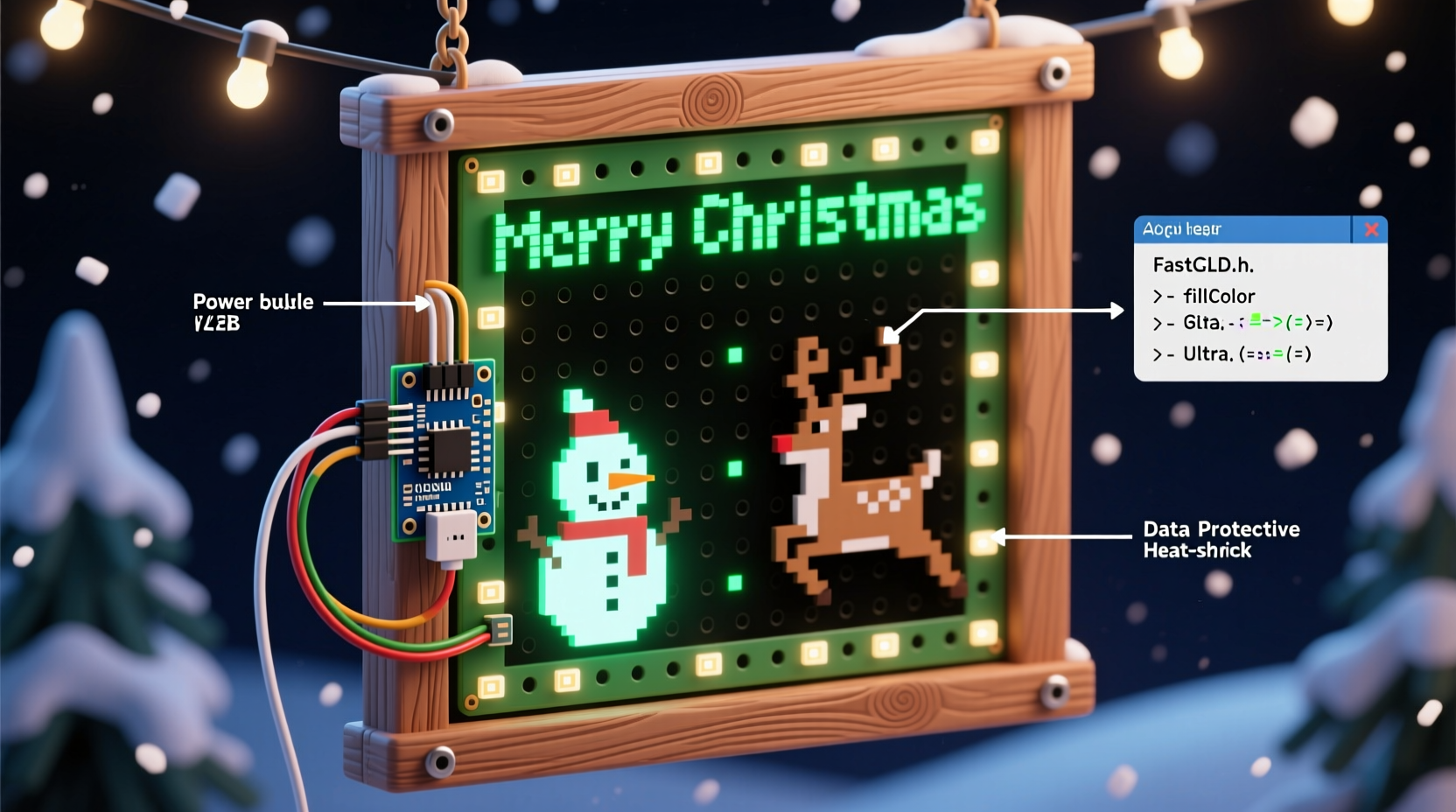
A pixel Christmas light grid is essentially a matrix of individually addressable LEDs arranged in rows and columns. Each LED—commonly referred to as a \"pixel\"—can be programmed to display any color at any brightness level independently of its neighbors. This granular control is made possible by digital lighting protocols such as WS2811 or WS2812B (often branded as NeoPixels), which allow microcontrollers like Arduino or ESP32 to send data along a single wire.
The most popular configuration uses strips of 50 or 100 pixels per reel, cut and connected in a serpentine pattern across a backing board. The controller reads animation frames from a file or real-time input and updates the entire grid dozens of times per second, creating smooth motion.
“Pixel grids turn static holiday displays into living art. Once you see your first animation play across a handmade grid, it’s hard to go back to blinking icicle lights.” — Mark Reynolds, DIY Holiday Lighting Enthusiast & Creator of LightShowPi Tutorials
Planning Your Grid: Size, Layout, and Power Needs
Before purchasing parts, define the scope of your project. Consider viewing distance, mounting location, and total power availability. A typical residential outdoor outlet supports up to 15 amps (1800 watts at 120V), which limits how many pixels you can safely run.
Each WS2812B LED consumes approximately 0.3 watts at full white brightness (all three color channels maxed). Use this formula to estimate power draw:
Total Power (Watts) = Number of Pixels × 0.3
Amps = Total Power ÷ Voltage (usually 5V or 12V)
For example, a 16x16 grid has 256 pixels. At full white:
256 × 0.3 = 76.8 watts → ~15.4 amps at 5V. That exceeds safe limits for continuous operation. Therefore, running at reduced brightness (e.g., 30–50%) or using 12V systems with lower current draw becomes essential.
Choosing the Right Grid Dimensions
Common sizes include:
- 8x8 (64 pixels): Ideal for beginners; low cost and minimal wiring complexity.
- 16x16 (256 pixels): Popular balance between resolution and manageability.
- 32x32 (1024 pixels): High impact but requires robust power distribution and cooling.
Select dimensions based on what you intend to display. Text scrolls well on taller grids (e.g., 16x32), while square layouts suit symmetrical patterns and logos.
Materials and Tools Checklist
Gather all components before starting assembly. Here's a comprehensive checklist:
- Foam insulation board or plywood (size matches desired grid)
- Addressable LED strip (WS2812B, 60 LEDs/meter preferred)
- Multiplexed LED controller (e.g., ESP32 with FastLED or WLED firmware)
- Logic-level shifter (if using 5V data signal with 3.3V microcontroller)
- Power supply (5V or 12V, rated above calculated max draw)
- Heavy-gauge wire (16–18 AWG) for power injection
- Screw terminals or JST connectors
- Heat shrink tubing and electrical tape
- Hot glue gun and/or zip ties
- Drill and hole punch (for routing wires)
- Soldering iron and solder
- Computer for programming and testing
Optional but recommended: waterproof enclosure for outdoor use, diffuser panel (translucent acrylic or polycarbonate), and ESD-safe mat when handling sensitive electronics.
Step-by-Step Assembly Guide
Follow these steps carefully to assemble a reliable, long-lasting grid.
Step 1: Prepare the Backing Board
Cut your foam board or plywood to the desired size. For a 16x16 grid using 60 LEDs/meter strip, space holes 16.7 mm apart (1000 mm ÷ 60 ≈ 16.7). Mark positions in a grid pattern using a ruler and pencil.
Use a drill bit slightly larger than your LEDs (typically 5mm) to make holes. Insert each LED snugly so only the dome protrudes.
Step 2: Install the LED Strip
Cut the LED strip into segments matching your row length. For a 16-pixel-wide grid, cut 16 segments of 16 LEDs each. Alternatively, use a continuous strip routed in a zig-zag (“serpentine”) pattern—this reduces solder joints and failure points.
Lay the strip face-down along the back, threading each LED through its corresponding hole. Secure the strip with hot glue every few inches to prevent shifting.
Step 3: Wire Data and Power Lines
Connect the data line (DIN) from the microcontroller output to the first LED’s data input. Use a logic-level shifter if your controller runs at 3.3V logic (like ESP32) and the LEDs expect 5V signals.
Chain the data output (DOUT) of each row to the next. Ensure polarity is correct—reversed connections won’t damage LEDs but will prevent communication.
For power, connect both ends of long strips and inject power at multiple points to prevent voltage drop. Solder thick gauge wires from the power supply to designated injection points across the grid. Always connect ground (GND) lines fully throughout the system.
Step 4: Connect Controller and Test
Wire the controller’s VCC and GND to the power supply. Connect the data output pin (e.g., GPIO 18 on ESP32) to the first LED via the level shifter.
Upload a simple test sketch using the FastLED library:
#include <FastLED.h>
#define NUM_LEDS 256
#define DATA_PIN 18
CRGB leds[NUM_LEDS];

void setup() {
  FastLED.addLeds<WS2812B, DATA_PIN, GRB>(leds, NUM_LEDS);
}

void loop() {
  fill_solid(leds, NUM_LEDS, CRGB::Red);
  FastLED.show();
  delay(1000);
  fill_solid(leds, NUM_LEDS, CRGB::Green);
  FastLED.show();
  delay(1000);
}
If all LEDs illuminate correctly, proceed. If not, check solder joints, continuity, and power delivery.
Programming Animations: Software and Control Options
Once hardware is verified, shift focus to content creation. You have several options for generating and playing animations.
Option 1: WLED Firmware (Beginner-Friendly)
Flash your ESP32 with WLED, an open-source platform offering a web interface for managing effects, colors, and schedules. It supports audio-reactive modes, time-based triggers, and integration with home automation systems like Home Assistant.
Upload animations via .fx files or use built-in effects such as “Merry Christmas,” “Fire 2012,” or “Rainbow Runner.” Customize speed, palette, and direction directly in the browser.
Option 2: xLights (Advanced Animation Design)
For full creative control, use xLights, a powerful desktop application used by professional light show designers. Import music tracks, map your grid layout visually, and choreograph every frame manually or via beat detection.
xLights exports sequences as .fseq files, which can be played back on compatible controllers via SD card or network stream.
| Software | Best For | Learning Curve | Animation Export |
|---|---|---|---|
| WLED | Rapid setup, smart home integration | Low | Web UI / Presets |
| FastLED + Arduino IDE | Custom code, real-time effects | Medium | Compiled sketches |
| xLights | Music-synced shows, complex timelines | High | .fseq files |
Troubleshooting Common Issues
Even well-built grids encounter problems. Here are frequent issues and solutions:
- Flickering LEDs: Caused by insufficient power or poor grounding. Add additional power injection points and ensure common ground between controller and supply.
- Dead sections: Check solder joints on data lines. A single cold joint can halt communication downstream.
- Color inaccuracies: Some batches of LEDs vary slightly in hue. Calibrate using gamma correction in software.
- Controller resets: Overloaded power supplies may cause brownouts. Use a higher-rated PSU or reduce brightness settings.
“We had a 24x24 grid reboot every two minutes until we realized the 5V supply couldn’t handle peak loads. Switching to a 10A unit solved it instantly.” — Sarah Lin, Community Coordinator at HolidayTech Forums
Real Example: Building a Front Yard Display
Dan Miller, a hobbyist from Portland, OR, built a 16x32 vertical grid mounted on his garage door to display festive messages and snowfall animations. He used two 5-meter reels of WS2812B strips (300 LEDs each), cutting them into 32-pixel rows and arranging them in a serpentine path.
He powered the system with a 5V 60A industrial power supply repurposed from old server equipment. An ESP32 ran WLED firmware, allowing him to switch themes via smartphone and sync basic beats to holiday songs.
After initial flickering on the bottom rows, Dan added supplemental power injection at the midpoint and bottom edge. He also installed a translucent white acrylic sheet in front to diffuse the dots into a smoother image.
The final result attracted neighborhood attention, with families stopping to watch nightly shows set to classics like “Carol of the Bells” and “Jingle Bell Rock.”
Frequently Asked Questions
Can I run the grid outdoors?
Yes, but protect all electronics from moisture. Seal connections with silicone gel or heat-shrink tubing, house the controller in a waterproof enclosure, and elevate the power supply off the ground. Consider using conformal coating on circuit boards for added protection.
How do I sync animations to music?
Use xLights to import an audio file and generate beat-sensitive effects automatically. You can fine-tune timing by adjusting BPM markers and layer visual elements (e.g., pulsing red on bass hits). Export the sequence and play it back using a compatible controller.
Is it safe to leave the grid running unattended?
When properly constructed—with adequate fusing, secure wiring, and thermal management—it is generally safe. However, never leave high-power setups running overnight without a timer or automatic shutoff. Monitor temperature during extended operation, especially in enclosed spaces.
Final Tips for Success
Building a pixel grid is as much about patience as it is about skill. Start small. Test early and often. Label wires. Double-check polarity. And most importantly, enjoy the process.
Don’t aim for perfection on the first try. Many of today’s expert builders started with flickering 8x8 prototypes. Each iteration teaches something new—about power distribution, signal integrity, and creative expression.
Bring Your Vision to Light
Creating a DIY pixel Christmas light grid isn’t just about technology—it’s about storytelling. With every animation, you communicate joy, nostalgia, and celebration. From a simple rainbow cycle to a full holiday music video, your grid becomes a canvas for shared moments.
Now that you know how to design, build, and program your own display, gather your tools, pick a weekend, and start assembling. The glow of your first completed animation will make every solder joint worth it.




 浙公网安备
33010002000092号
浙公网安备
33010002000092号 浙B2-20120091-4
Comments
No comments yet. Why don't you start the discussion?