
Building a capable gaming PC for under $800 in 2025 is not only possible—it’s practical. With careful component selection, strategic timing, and an understanding of where performance matters most, you can assemble a machine that handles modern games at 1080p with smooth frame rates. This guide walks through every step: from choosing the right CPU and GPU combo to optimizing your budget without sacrificing longevity.
Why Build Instead of Buy?
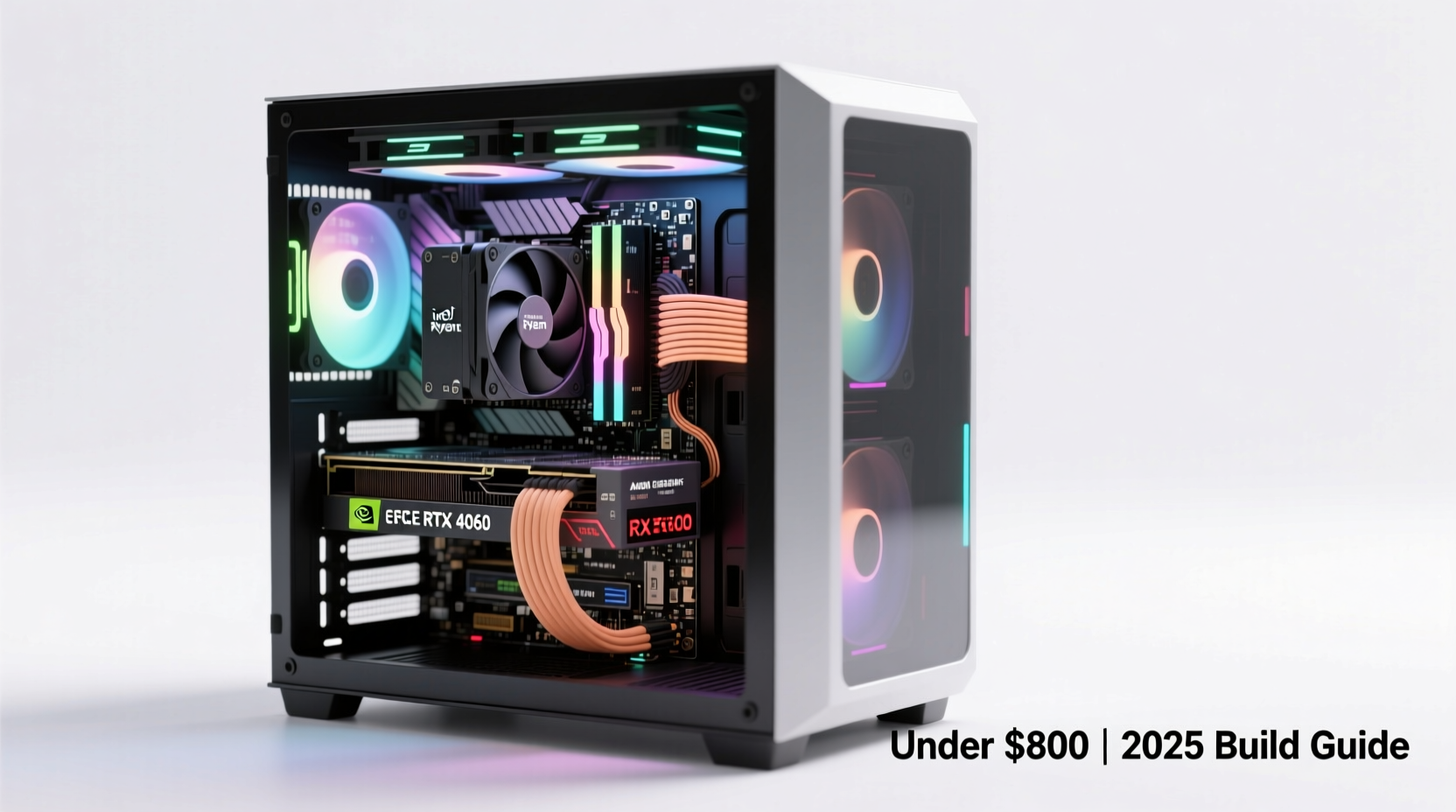
Prefabricated desktops often cut corners on cooling, power supplies, or motherboard quality to hit low price points. When you build your own PC, you control every part. You can prioritize performance where it counts—GPU and RAM—and save on non-critical areas like RGB lighting or oversized cases. Building also gives you full upgrade paths down the line, unlike many prebuilts with proprietary parts.
“Building your first PC teaches you more about hardware than years of reading reviews. It’s empowering—and cost-effective.” — David Kim, Hardware Engineer & PC Builder
Selecting the Right Components on a Budget
The key to staying under $800 while maximizing performance lies in balancing value and compatibility. Prioritize the GPU and CPU, then allocate remaining funds wisely across memory, storage, and peripherals.
CPU: The Brain Without Breaking the Bank
In 2025, both AMD and Intel offer excellent budget CPUs. For this build, focus on chips with strong integrated graphics (if needed) and solid multi-threaded performance.
- AMD Ryzen 5 5600: Still a top-tier 6-core/12-thread processor with PCIe 4.0 support. Excellent for gaming and multitasking.
- Intel Core i3-13100F: A 4-core/8-thread chip with solid single-core speed. Requires a B760 motherboard but pairs well with mid-range GPUs.
GPU: Where Gaming Performance Lives
This is your biggest investment. Aim for at least an NVIDIA RTX 3060-level card or AMD RX 6600 XT equivalent. In 2025, used and refurbished markets are viable options thanks to improved testing standards.
- New Option: AMD Radeon RX 7600 (~$270). Delivers consistent 60+ FPS in AAA titles at 1080p.
- Budget Pick: NVIDIA GeForce RTX 3060 12GB (~$240 new, ~$190 used). Great for future game textures and light ray tracing.
- Alternative: Intel Arc A750 (~$220). Competitive performance but requires updated drivers and DX12 optimization.
RAM: Fast and Enough
16GB DDR4 is the sweet spot. Avoid 8GB—it’s insufficient for modern games. DDR5 isn’t worth the premium at this budget unless paired with Intel 13th/14th gen.
- Speed: 3200MHz (AMD) or 3600MHz CL16 for Ryzen.
- Brand: TEAMGROUP, Silicon Power, or G.Skill provide reliable kits under $60.
Motherboard: Compatibility Over Flashiness
Match the socket and chipset to your CPU. Don’t overspend on features you won’t use (like Wi-Fi or extra USB-C ports).
- For Ryzen 5 5600: B550 motherboard (e.g., MSI B550M PRO-VDH WIFI, ~$100).
- For Intel i3-13100F: H610 or B760 board (e.g., ASRock B760M-HDV, ~$90).
Storage: NVMe SSD is Non-Negotiable
HDDs are too slow for modern OS and game loading. A 1TB NVMe M.2 SSD offers fast boot times and ample space.
- Recommended: Kingston NV2, Crucial P3, or WD Blue SN580 (~$50–$60).
- Avoid no-name brands—stick with reputable manufacturers for endurance.
PSU: Don’t Gamble Here
A poor power supply can damage your entire system. Invest in 80+ Bronze certified units from trusted brands.
- 550W–650W capacity depending on GPU.
- Brands: EVGA, Corsair, Thermaltake, or Cooler Master.
- Example: EVGA 600 W1, 80+ White (~$50), or Thermaltake Smart 600W (~$60).
Case: Function First
Choose a case with good airflow, cable management, and room for future upgrades. Mid-tower ATX cases dominate this range.
- Fractal Design Focus G (~$60): Excellent build quality and ventilation.
- Cougar MX330 (~$50): Budget-friendly with mesh front panel.
- Phanteks Eclipse P300G (~$65): Compact but supports long GPUs.
Step-by-Step Build Guide
Follow this logical sequence to assemble your PC efficiently and safely.
- Prepare Your Workspace: Use a clean, static-free surface. Have a Phillips screwdriver and zip ties ready.
- Install CPU: Open the socket lever, align the triangle marker, gently place the CPU, and close the lever.
- Mount CPU Cooler: Apply thermal paste (if not pre-applied), attach cooler using included brackets.
- Insert RAM: Press sticks firmly into DIMM slots until clips snap into place.
- Mount Motherboard: Install standoffs in the case, align I/O shield, secure board with screws.
- Install PSU: Slide into rear bay, secure with screws, connect necessary cables (24-pin, 8-pin EPS, PCIe).
- Install Storage: Insert M.2 SSD into slot on motherboard, secure with small screw.
- Install GPU: Remove case brackets, insert card into PCIe x16 slot, secure with screws, connect PCIe power cables.
- Connect Front Panel Cables: Link power switch, reset, HDD LED, and USB/audio headers per motherboard manual.
- Power On: Connect monitor, keyboard, and power cord. Press power button. If fans spin and BIOS appears, success!
Sample $800 Build Breakdown (2025 Pricing)
| Component | Model | Price |
|---|---|---|
| CPU | AMD Ryzen 5 5600 | $120 |
| Motherboard | MSI B550M PRO-VDH WIFI | $100 |
| RAM | G.Skill Ripjaws V 16GB (2x8GB) DDR4 3600MHz | $55 |
| GPU | ASRock Radeon RX 7600 Challenger D 8GB | $270 |
| SSD | Crucial P3 1TB NVMe SSD | $55 |
| PSU | Thermaltake Smart 600W 80+ White | $60 |
| Case | Fractal Design Focus G | $60 |
| Total | $720 |
This leaves $80 for potential upgrades, peripherals, or Windows licensing. Want better performance? Swap the GPU to an RTX 3060 for $240 and reduce case/mobo costs slightly.
Smart Ways to Save More
Stretch your $800 further with these real-world strategies.
- Buy Used or Refurbished: Platforms like eBay, r/hardwareswap, and Newegg Outlet offer tested GPUs and CPUs at 20–30% discounts.
- Wait for Sales: Prime Day (July), Black Friday, and Back-to-School events bring deep cuts on SSDs and motherboards.
- Use Integrated Graphics Temporarily: Build the system with a non-F CPU and run without a GPU until you can afford one.
- Reclaim Old Parts: Reuse your old PSU, case, or RAM if they’re still functional and compatible.
- Go Linux First: Skip Windows cost by installing Linux (Ubuntu or SteamOS) until you need specific software.
Mini Case Study: Alex’s 2025 Budget Build
Alex, a college student, wanted a PC for gaming and streaming. He had $780 saved and followed community forums closely. He bought a Ryzen 5 5600 and B550 board during a Micro Center sale, scored a used RX 6600 XT for $180, and reused his old 500GB SSD temporarily. After assembling, he ran games like Elden Ring and Call of Duty: MWIII at 1080p medium-high settings, averaging 60–80 FPS. Six months later, he upgraded to a 1TB NVMe drive using a rebate deal. Total spent: $765. His build remains competitive in 2025 thanks to smart choices.
Checklist: Build Readiness
Before purchasing or assembling, confirm each item below.
- ✅ All components are compatible (CPU socket, RAM type, PSU wattage).
- ✅ Case fits motherboard size (ATX, mATX).
- ✅ GPU length clears case interior.
- ✅ PSU has required PCIe power connectors (8-pin or 6+2-pin).
- ✅ BIOS is up to date (especially for Ryzen 5000 on older B550 boards).
- ✅ Thermal paste is applied (if not pre-installed on cooler).
- ✅ Antistatic precautions are taken (wrist strap or frequent grounding).
FAQ
Can I run modern AAA games at 60 FPS with this build?
Yes. At 1080p resolution with medium-to-high settings, games like Fortnite, Apex Legends, DOOM Eternal, and Horizon Zero Dawn run smoothly. Some titles may require slight setting tweaks for consistent 60 FPS.
Is it better to buy a prebuilt under $800?
Rarely. Most sub-$800 prebuilts use OEM GPUs, weak PSUs, and limited upgrade paths. Building gives better performance per dollar and transparency over parts.
How long will this PC last before needing an upgrade?
With smart settings management, this build will handle 1080p gaming for 3–4 years. The GPU will be the first bottleneck; upgrading to a mid-tier RTX 4060 or RX 7700 XT later is feasible with the same PSU and CPU.
Final Thoughts and Next Steps
Building a gaming PC under $800 in 2025 is a winnable challenge. By focusing on value, prioritizing the GPU, and avoiding unnecessary extras, you create a foundation that delivers today and scales tomorrow. This isn’t just about saving money—it’s about gaining control, learning technical skills, and building something uniquely yours.
Start by researching current prices on sites like PCPartPicker.com. Set alerts for price drops. Join communities like r/buildapc for feedback. Then take the leap. Your first build might feel intimidating, but every expert builder started exactly where you are now.




 浙公网安备
33010002000092号
浙公网安备
33010002000092号 浙B2-20120091-4
Comments
No comments yet. Why don't you start the discussion?