
In a world of endless choices and aggressive marketing, making a purchase can feel overwhelming. From everyday essentials to big-ticket items, every decision carries financial and emotional weight. Yet most people buy on impulse, influenced by ads, trends, or temporary emotions. The result? Regret, clutter, and wasted money.
Buying smart isn’t about spending less at all costs—it’s about spending wisely. It means aligning your purchases with your values, needs, and long-term goals. Whether you're buying groceries, electronics, or a new car, a thoughtful approach transforms shopping from a reactive habit into a strategic act. This guide walks you through the principles, tools, and mindset shifts that lead to confident, intentional buying.
1. Define Your True Needs vs. Wants
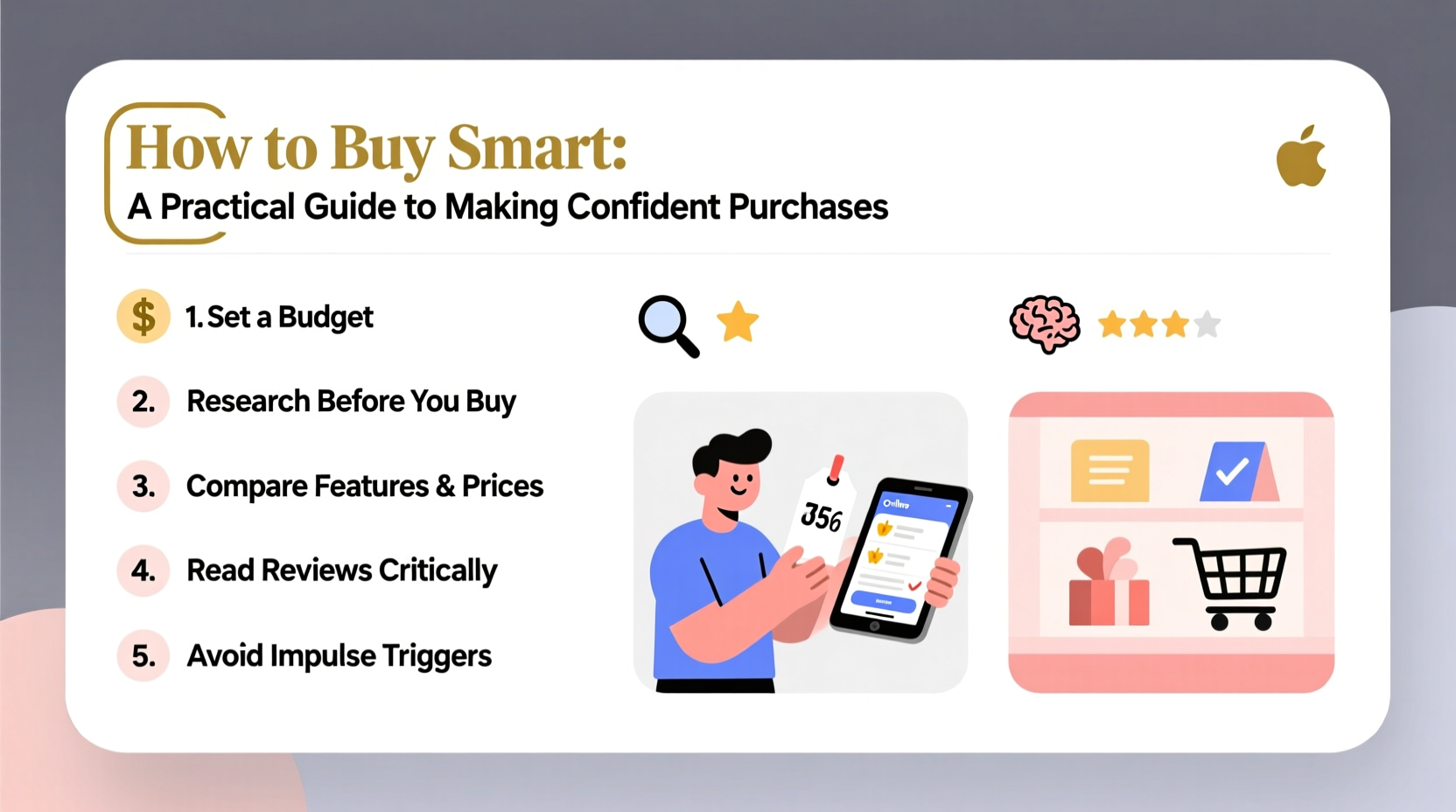
The foundation of smart buying is clarity. Before spending a single dollar, ask: Is this something I truly need, or simply want?
A \"need\" supports your health, safety, work, or essential daily functioning—like nutritious food, reliable transportation, or functional clothing. A \"want\" enhances comfort, status, or entertainment but isn't necessary for well-being.
Many purchases blur this line. For example, a coffee maker might be a need if you rely on home-brewed coffee for your morning routine, but a high-end espresso machine with steam wands and grinders likely falls into the \"want\" category.
This pause creates space between impulse and action. It allows your rational mind to catch up with your emotional response, reducing buyer’s remorse.
2. Follow a Step-by-Step Purchase Decision Framework
Confident buying doesn’t happen by accident. It follows a repeatable process. Use this six-step framework for any significant purchase:
- Identify the problem or goal: What are you trying to solve? (e.g., “I need reliable internet for remote work.”)
- Research options: Compare features, prices, brands, and user reviews. Use trusted sources like Consumer Reports or Wirecutter.
- Set a budget: Determine how much you’re willing to spend—and stick to it.
- Evaluate quality and longevity: Will this item last? Does it come with a warranty or good return policy?
- Check for alternatives: Can you rent, borrow, or buy used instead?
- Make the decision: Only after completing the above steps.
This method prevents rushed decisions and ensures you’re not swayed by flashy packaging or limited-time offers.
3. Avoid Common Psychological Traps
Marketers exploit cognitive biases to influence your behavior. Recognizing these traps helps you resist manipulation.
- Anchoring bias: You see a $500 jacket marked down to $250 and think you’re getting a deal—even if the original price was inflated.
- FOMO (Fear of Missing Out): “Only 3 left in stock!” messages create urgency where none exists.
- Bandwagon effect: Just because everyone is buying the latest gadget doesn’t mean you need it.
Stay grounded by focusing on your personal criteria—not what others are doing or what feels urgent in the moment.
“Smart consumers don’t respond to pressure. They respond to preparation.” — Dr. Lena Patel, Behavioral Economist
4. Use a Smart Buying Checklist
To streamline your decision-making, refer to this checklist before finalizing any non-trivial purchase:
- ✅ Have I identified whether this is a need or a want?
- ✅ Did I wait at least 24 hours (for non-essentials)?
- ✅ Have I compared at least three options?
- ✅ Is this within my budget?
- ✅ Does it meet my quality and durability standards?
- ✅ Am I buying because of emotion or genuine utility?
- ✅ Have I checked return policies and warranties?
Running through this list takes less than five minutes but can save hundreds—or thousands—of dollars over time.
5. Real Example: Buying a Laptop the Smart Way
Sophie needed a new laptop for freelance graphic design. Her old one was slow, but she didn’t rush.
First, she defined her needs: high RAM, strong GPU, color-accurate screen. She set a budget of $1,200. Then, she researched models from Dell, Apple, and Lenovo, reading professional reviews and user feedback on Reddit and YouTube.
She considered refurbished options and found a certified pre-owned MacBook Pro with a one-year warranty for $950—saving $300 over retail. She waited 48 hours, confirmed the return policy, and bought it directly from Apple’s refurbished store.
Result: She got a premium machine at a discount, avoided debt, and made a decision aligned with her work requirements.
6. Comparison Table: New vs. Used vs. Rental Options
For many purchases, ownership isn’t the only—or best—option. Consider alternatives based on frequency of use and cost.
| Item | New Purchase | Used/Refurbished | Rental Option |
|---|---|---|---|
| Laptop | $1,000+; full warranty | $500–$800; may have limited warranty | Rare; not cost-effective |
| Camera (for event) | $1,200; underutilized | $600; risk of hidden damage | $150/week; ideal for short-term |
| Bike (city commuting) | $800; brand new | $400; locally inspected | $20/day; useful while traveling |
| Formal Suit | $400; worn once | Hard to find good fit used | $75 rental; perfect for weddings |
As the table shows, renting or buying used often makes more sense—especially for infrequently used items.
7. Know When to Walk Away
One of the most powerful skills in smart buying is knowing when not to buy. That includes walking away from:
- Sales that don’t align with your needs
- Products with poor reviews or unclear return policies
- Social pressure to upgrade unnecessarily
- Financing offers with high interest rates
If a salesperson says, “This deal ends today,” ask yourself: Will I actually miss out if I wait? Often, the same deal reappears next week. Scarcity tactics lose power when you recognize them.
8. Frequently Asked Questions
How do I avoid overspending when shopping online?
Create a rule: never buy on the first visit to a site. Add items to your cart, log out, and revisit the next day. Most platforms will even email you reminders—use that delay to reassess necessity.
Is buying in bulk always smarter?
Not necessarily. Bulk buying saves money only if you’ll use the entire quantity before it expires or becomes obsolete. For perishables or fast-changing tech, smaller, frequent purchases may be more economical.
What if I make a bad purchase despite following these steps?
Mistakes happen. The key is learning from them. Review what went wrong—was it unclear needs, poor research, or emotional influence? Use that insight to refine your process.
Conclusion: Make Every Dollar Work for You
Buying smart isn’t about deprivation. It’s about empowerment. When you approach purchases with intention, research, and self-awareness, you gain control over your finances and lifestyle. You stop reacting to ads and start acting on purpose.
Start small. Apply the checklist to your next grocery run. Test the 48-hour rule on an online order. Over time, these habits compound into lasting confidence and financial resilience.




 浙公网安备
33010002000092号
浙公网安备
33010002000092号 浙B2-20120091-4
Comments
No comments yet. Why don't you start the discussion?