
For Canadians sending money to family in the Philippines, planning a vacation, or investing in property, getting the most value from currency conversion is essential. The difference between a good and a poor exchange rate can mean hundreds of extra pesos in your pocket—or lost to hidden fees and poor timing. Understanding how to calculate real value goes beyond simply checking today’s headline rate. It involves comparing actual costs, factoring in transfer methods, and knowing when and where to convert.
Understand the Real Exchange Rate vs. Market Rate
The first step in calculating value is distinguishing between the mid-market rate and the rate offered by banks or money transfer services. The mid-market rate is the midpoint between the buy and sell prices of two currencies and is what you’ll see on financial websites like XE or Google Finance. However, most institutions don’t offer this rate directly. Instead, they apply a markup—sometimes as high as 5% or more.
To determine if a rate is fair, always compare it to the current mid-market rate. For example, if the market rate is 38.50 PHP per CAD, but your bank offers 36.75, that’s a nearly 4.5% spread. That loss compounds quickly on larger transfers.
Factor in All Fees for True Cost Comparison
A seemingly competitive exchange rate can be misleading if hidden fees are involved. Banks and remittance services often charge multiple layers of cost:
- Exchange rate markup (the invisible fee)
- Flat transfer fees ($5–$30 CAD)
- Receiving fees (charged to the recipient in the Philippines)
- Intermediary bank charges (for international wire transfers)
To calculate the total cost, use this formula:
Total Value Received (PHP) = (Amount in CAD × Actual Exchange Rate) – Total Fees
Suppose you’re sending 1,000 CAD. One provider offers 37.20 PHP/CAD with a $10 CAD fee. Another offers 36.80 with no fee. Which is better?
| Provider | Exchange Rate | Fees (CAD) | Total PHP Received |
|---|---|---|---|
| A | 37.20 | $10 | (1,000 – 10) × 37.20 = 36,828 PHP |
| B | 36.80 | $0 | 1,000 × 36.80 = 36,800 PHP |
In this case, Provider A delivers slightly more value despite the fee. Always run the numbers yourself—don’t rely on advertised rates alone.
Compare Transfer Methods: Banks vs. Digital Services
Traditional banks are convenient but rarely offer the best value. Most major Canadian banks apply significant markups and charge high wire fees. In contrast, digital remittance platforms like Wise (formerly TransferWise), Remitly, and WorldRemit use transparent pricing and near-mid-market rates.
“Digital remittance services have disrupted traditional banking by offering up to 80% lower fees and better exchange rates.” — Financial Innovation Report, Bank of Canada, 2023
Here’s a realistic comparison based on a 1,000 CAD transfer:
| Service | Exchange Rate | Total Fees | PHP Received |
|---|---|---|---|
| Royal Bank (Wire) | 36.10 | $25 + receiving fee | ~35,850 PHP |
| Wise | 38.35 (near market) | $7.50 CAD | 38,275 PHP |
| Remitly (Express) | 38.10 | $5.99 CAD | 38,040 PHP |
| Western Union (In-Person) | 36.50 | No fee (but markup included) | 36,500 PHP |
Digital services consistently outperform banks in both transparency and value. They also offer faster delivery—often within minutes to 24 hours.
Step-by-Step Guide to Maximizing Conversion Value
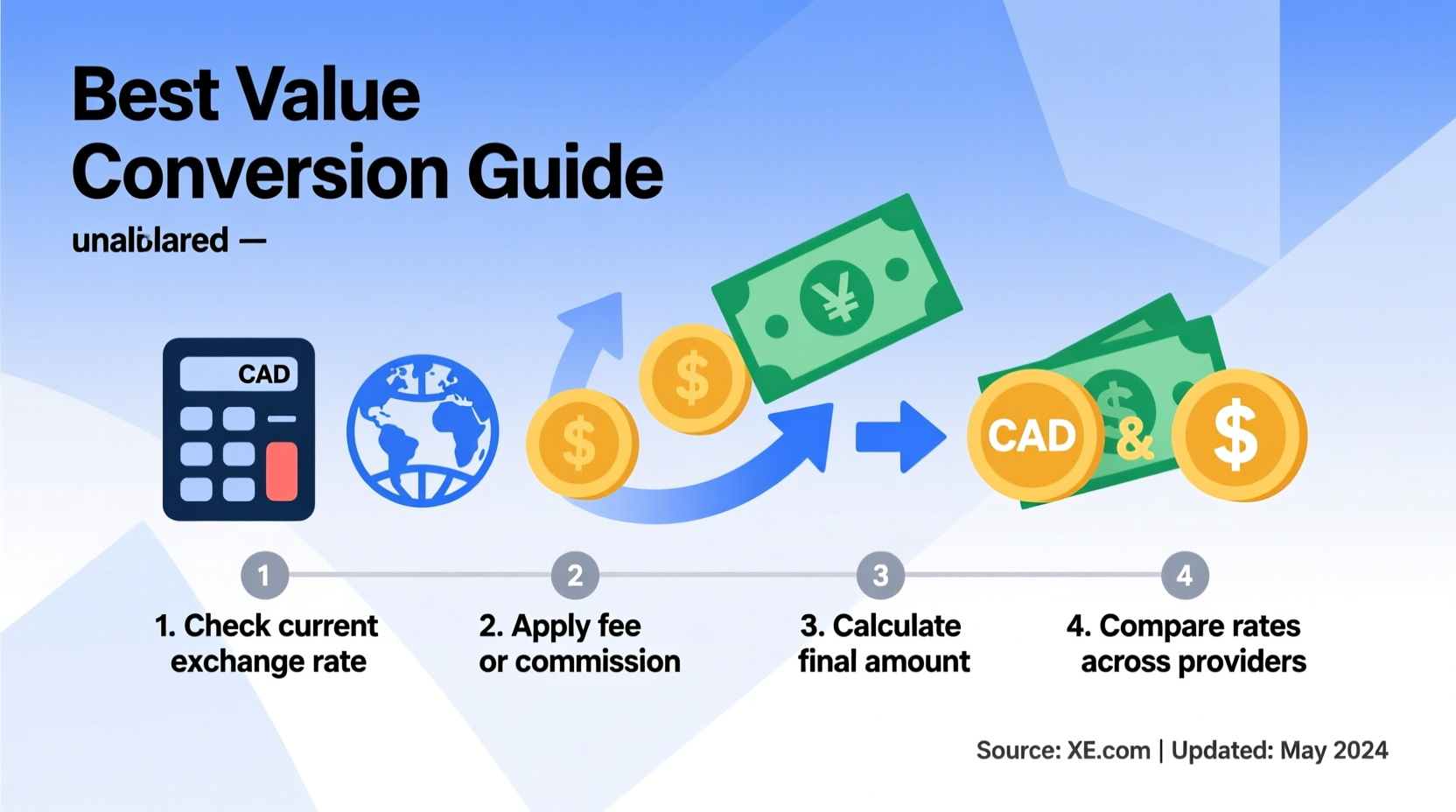
Follow this sequence to ensure you get the best possible outcome every time:
- Check the current mid-market rate using XE, Google, or OANDA.
- Select 3–4 reputable transfer services (e.g., Wise, Remitly, InstaReM, OFX).
- Enter the same transfer amount on each platform to compare final PHP received.
- Review all costs: exchange rate, fees, delivery speed, and recipient options (bank deposit, cash pickup, e-wallet).
- Choose the option with the highest net PHP value that meets your timeline needs.
- Schedule during favorable market windows if transferring large amounts (see next section).
Time Your Transfer for Optimal Results
Currency markets fluctuate daily based on economic data, interest rates, and geopolitical events. The CAD/PHP pair has ranged from 36.00 to over 40.00 in recent years. Timing matters—especially for large transfers.
Monitor trends over time. If the Bank of Canada raises interest rates while the Bangko Sentral ng Pilipinas holds steady, the Canadian dollar typically strengthens. This means more pesos per dollar—a good time to convert.
For recurring transfers (e.g., monthly support for family), consider using limit orders or rate averaging. With a limit order, your transfer executes automatically when the rate reaches your desired level. Rate averaging means sending fixed amounts regularly, smoothing out volatility over time.
Mini Case Study: Maria’s Smart Transfer Strategy
Maria, a nurse in Toronto, sends 1,500 CAD monthly to her parents in Cebu. She used to use her bank, receiving around 54,000 PHP after fees and poor rates. After researching, she switched to Wise, which offered 57,500 PHP for the same amount—over 3,500 more pesos each month.
She then set up a rate alert at 38.50. When the market briefly hit that level during a regional economic shift, her next transfer executed automatically, netting her 57,750 PHP. Over a year, her smarter strategy saved her family over 42,000 PHP—equivalent to several months of groceries.
Essential Checklist Before Converting
Use this checklist to avoid costly mistakes:
- ✅ Verified the current mid-market rate
- ✅ Compared at least three service providers
- ✅ Calculated total PHP received (after all fees)
- ✅ Confirmed recipient details (name, bank, account number)
- ✅ Checked processing time and delivery method
- ✅ Set a rate alert or limit order if transferring over 2,000 CAD
- ✅ Reviewed past transfer history for patterns or better opportunities
Frequently Asked Questions
Is it better to send money in person or online?
Online services almost always offer better rates and lower fees than in-person options like Western Union counters. You can also track transfers digitally and receive confirmations instantly.
Are there limits on how much I can send to the Philippines?
Canadian regulations allow unlimited personal transfers, but you must report amounts over 10,000 CAD to FINTRAC if requested. Filipino banks may require identification for deposits over 500,000 PHP.
Can exchange rates change after I start a transfer?
Yes. Most services lock in the rate only after payment is received. If you pay via e-transfer or bill payment, delays can result in a different rate. Use instant payment methods (debit card, balance) to secure the quoted rate immediately.
Conclusion: Make Every Dollar Count
Converting Canadian dollars to Philippine pesos isn’t just about finding a place to send money—it’s about maximizing value through informed decisions. By understanding true exchange costs, comparing digital alternatives, and timing your transfers wisely, you gain more than just pesos. You gain peace of mind, financial efficiency, and greater support for your loved ones or goals abroad.




 浙公网安备
33010002000092号
浙公网安备
33010002000092号 浙B2-20120091-4
Comments
No comments yet. Why don't you start the discussion?