
Decorating a single tree with smart lights from multiple brands—such as Philips Hue, Nanoleaf, and LIFX—can deliver impressive flexibility and creative potential. However, blending these systems introduces a common challenge: inconsistent color output. One strand may render “warm white” as creamy yellow, while another displays it as pale pink. Without calibration, your festive tree can look mismatched or amateurish, undermining the effort you’ve invested.
The issue stems from differences in LED chip manufacturing, color temperature standards, and software interpretation of RGB values. Each brand uses its own algorithms to translate digital commands into physical light, which means that even identical settings rarely produce the same visual result. But with careful planning, measurement, and adjustment, it’s possible to achieve near-perfect harmony across devices—even when they’re not designed to work together.
Understanding Color Inconsistency in Smart Lighting
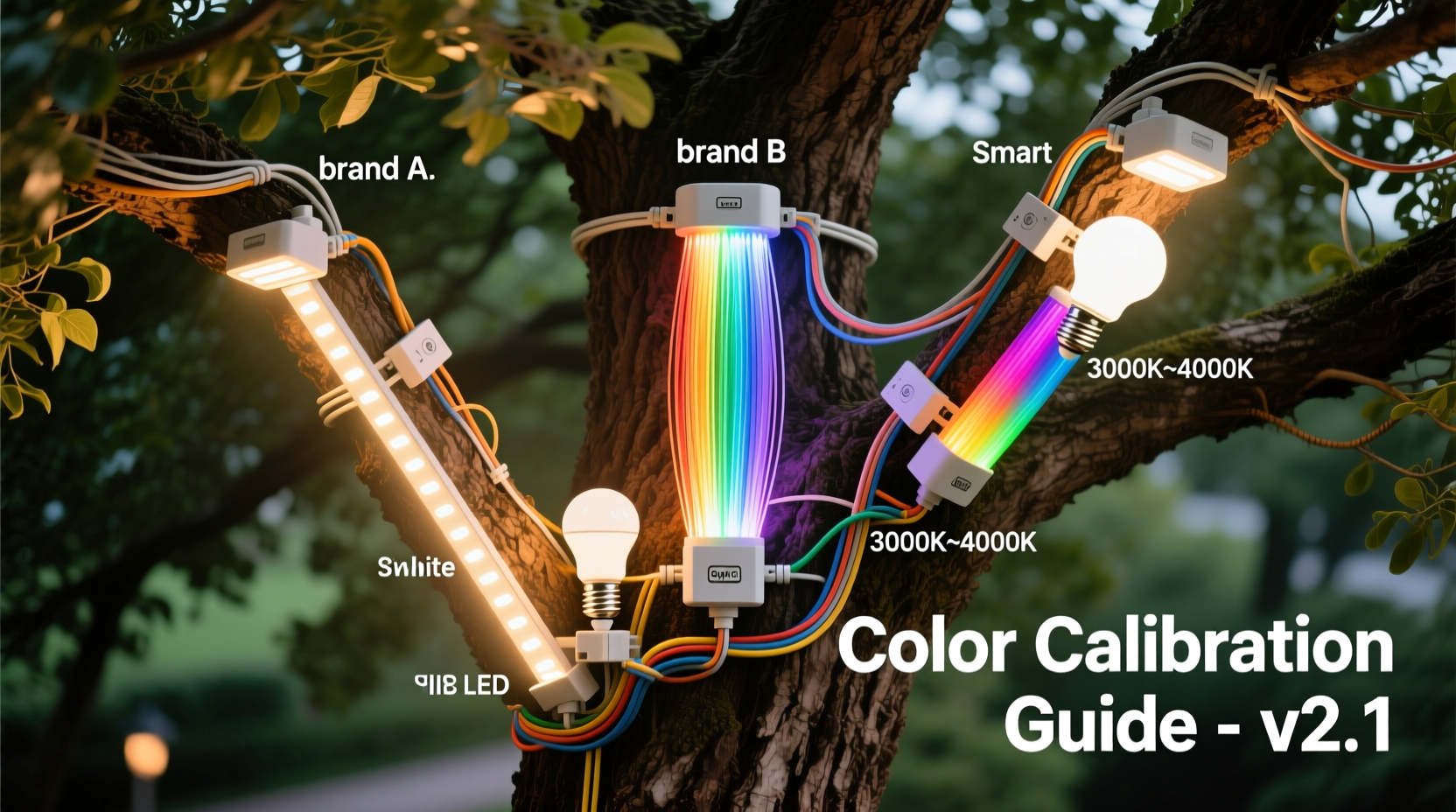
At the core of the problem is the lack of universal color calibration among smart lighting manufacturers. While all claim to support standard color spaces like sRGB or CIE 1931, their implementation varies widely. For example:
- Philips Hue uses its proprietary algorithm to smooth transitions and enhance saturation, often shifting hues slightly toward warmer tones.
- Nanoleaf panels are known for vibrant, saturated colors but tend to oversaturate reds and underrepresent subtle pastels.
- LIFX bulbs prioritize brightness and wide beam angles, which can wash out softer shades when placed alongside more focused emitters.
Additionally, physical factors such as diffuser materials, housing design, and viewing angle affect perceived color. A bulb viewed head-on may appear accurate, but the same unit seen from the side could shift due to internal reflection or lens distortion.
“Color consistency isn’t just about matching numbers—it’s about matching perception. Two lights can have the same Kelvin rating and still look completely different to the human eye.” — Dr. Lena Torres, Lighting Research Scientist at MIT Media Lab
This perceptual gap is why relying solely on app-based controls often fails. You might set every device to 2700K, yet one glows amber while another leans ivory. True consistency requires objective measurement and manual fine-tuning.
Step-by-Step Guide to Cross-Brand Calibration
Achieving uniformity demands a structured approach. Follow this sequence to align three different smart light brands on a single tree.
- Prepare Your Environment
Select a dimly lit room with neutral walls (white or gray). Avoid colored surfaces that reflect and distort light. Ensure all lights are powered and connected to their respective apps. - Set All Lights to Default White Mode
Reset each brand to factory defaults if necessary. Use the warmest white setting available (typically 2200K–2700K) as your baseline. Do not rely on named presets like “Candlelight” or “Sunset,” as these vary by brand. - Use a Color Meter or Spectrophotometer
Measure each light source individually using a handheld color meter (e.g., Klein K-10, Datacolor ColorReader). Record:- Correlated Color Temperature (CCT) in Kelvin
- Chromaticity coordinates (x,y) on the CIE 1931 diagram
- Relative brightness (lumens or lux)
- Choose a Master Reference
Select one light as your “master” — ideally the one with the most neutral white and stable output. Adjust the other two brands to match its readings. For holiday trees, aim for 2400K–2700K with chromaticity near (0.45, 0.40). - Manually Tune RGB/HSV Sliders
In each brand’s app, disable automatic white balance and switch to manual RGB or HSV mode. Gradually adjust values while remeasuring until outputs align within ±0.02 on the x,y chromaticity scale. - Test Dynamic Scenes
Run common effects like slow fade, color cycle, or music sync. Observe whether synchronization holds across brands. Note any lag or hue drift during transitions. - Finalize and Document Settings
Save matched configurations as custom scenes. Write down exact RGB values, CCT, and app-specific settings for future replication.
Using Smart Home Hubs for Unified Control
Even after visual calibration, managing three separate apps defeats the purpose of a cohesive display. Integration through a central hub improves usability and maintains consistency over time.
Platforms like Home Assistant, Apple HomeKit, or Google Home can unify disparate ecosystems. When configured correctly, they allow you to send a single command that triggers synchronized behavior across all devices.
However, integration doesn’t guarantee color fidelity. The hub translates commands into each brand’s native protocol, potentially reintroducing discrepancies. To prevent this:
- Map custom color profiles within the hub software.
- Use YAML scripts (in Home Assistant) to define precise RGB outputs per device.
- Avoid using generic “warm white” shortcuts; instead, call pre-saved scenes with calibrated values.
For example, in Home Assistant, you can create a script titled “Tree Gold Glow” that sets:
- service: light.turn_on
  target:
    entity_id: light.hue_string_1
  data:
    rgb_color: [255, 100, 15]
    brightness: 180

- service: light.turn_on
  target:
    entity_id: light.nanoleaf_panel_2
  data:
    rgb_color: [250, 95, 12]
    brightness: 170

- service: light.turn_on
  target:
    entity_id: light.lifx_wreath_3
  data:
    rgb_color: [255, 105, 18]
    brightness: 190
This ensures each brand receives tailored instructions based on prior calibration, rather than assuming uniform response.
Comparison Table: Key Features Affecting Color Output
| Brand | Typical CCT Range | Color Accuracy (Delta E avg.) | Control Method | Best Use Case |
|---|---|---|---|---|
| Philips Hue | 2000K – 6500K | 3–5 | Hue Bridge + App | Subtle gradients, ambient warmth |
| Nanoleaf | 1200K – 6500K | 6–9 | Nanoleaf App / Rhythm Module | Vibrant displays, dynamic effects |
| LIFX | 2000K – 9000K | 4–7 | Wi-Fi Direct | Bright installations, outdoor visibility |
Note: Delta E measures perceptual difference between colors; values below 2 are indistinguishable to the human eye, while above 5 are clearly different.
Mini Case Study: The Holiday Tree Redo
Jamal, a smart home enthusiast in Portland, wanted to decorate his Douglas fir with a mix of leftover smart lights: a Philips Hue string from last year, Nanoleaf Shapes on the lower branches, and a new LIFX flexible strip wrapped around the trunk. At first, he simply set them all to “Golden White” in their respective apps.
The result was jarring. The Hue lights looked soft and inviting, but the Nanoleaf panels emitted a harsh salmon tone, and the LIFX strip glowed an icy peach. His daughter called it “a sunset thrown up on the tree.”
Determined to fix it, Jamal borrowed a colleague’s Klein K-10 color meter. He measured each system and found:
- Hue: 2600K, (x=0.447, y=0.402)
- Nanoleaf: 2300K, (x=0.478, y=0.412)
- LIFX: 2850K, (x=0.422, y=0.385)
He chose the Hue as his master reference. Using manual RGB mode, he adjusted the Nanoleaf to reduce red intensity and increase blue slightly. For the LIFX, he lowered brightness and added a touch of red and green. After three rounds of testing and tweaking, all three systems read within 0.015 of the target chromaticity.
He then created a unified scene in Home Assistant called “Fireside Glow” that activated all three with corrected values. On Christmas Eve, guests praised the tree’s “cozy, candlelit warmth”—exactly the effect he’d envisioned.
Checklist: Achieving Cross-Brand Color Harmony
- ✅ Test all lights in the same environment under low ambient light
- ✅ Reset to default white settings before calibration
- ✅ Measure actual output with a color meter or reliable app
- ✅ Select one device as the color reference (master)
- ✅ Manually adjust RGB/HSV values to match chromaticity
- ✅ Account for brightness differences to avoid hotspots
- ✅ Integrate via a central platform (e.g., Home Assistant)
- ✅ Save calibrated scenes for quick recall
- ✅ Recheck alignment seasonally or after firmware updates
Frequently Asked Questions
Can I calibrate smart lights without a color meter?
Yes, but with limitations. You can use visual comparison under controlled lighting and reference objects like a white card or known-color fabric. However, human eyes adapt quickly to color shifts, making subtle differences hard to catch. Smartphone apps help, but require calibration against known sources. For best results, invest in or borrow a dedicated meter.
Why do my lights drift out of sync over time?
Firmware updates, temperature changes, and LED aging can alter color output. Some brands automatically recalibrate internal drivers, which may override your settings. Check for updates before re-deploying seasonal displays, and store preferred configurations externally (e.g., in notes or automation scripts).
Is it worth mixing brands, or should I stick to one?
Mixing brands offers cost savings and design flexibility, especially when repurposing existing gear. With proper calibration, the visual payoff can exceed that of a single-brand setup. However, if convenience is your priority, choosing one ecosystem simplifies long-term management. For occasional displays like holiday trees, cross-brand calibration is both practical and rewarding.
Conclusion: Unity in Light, Even Across Brands
Harmonizing three different smart light brands on a single tree is more art than science—but it’s entirely achievable with patience and precision. By understanding the technical variations between manufacturers, measuring actual output, and manually tuning each system, you can create a display that looks intentionally unified rather than haphazardly assembled.
The key is to treat each light not as a standalone device, but as part of a coordinated ensemble. Just as an orchestra tunes to a single pitch, your lights must be aligned to a shared visual standard. Once calibrated, the result transcends technology: it becomes atmosphere, emotion, and memory.




 浙公网安备
33010002000092号
浙公网安备
33010002000092号 浙B2-20120091-4
Comments
No comments yet. Why don't you start the discussion?