
When you install five or more smart LED light strips along a porch railing, staircase, or mantel—and expect them to glow as one unified ribbon of light—you’re not just hoping for visual harmony. You’re demanding technical precision. In practice, most users encounter subtle but jarring discrepancies: one strip renders “warm white” with a yellowish cast while another leans cool; a deep navy appears muted on Strip B but rich on Strip C; or worse—adjacent strips flicker at slightly different brightness levels during transitions. These inconsistencies stem not from faulty hardware, but from uncalibrated color profiles across devices that were never designed to operate in concert. True seamless blending requires deliberate, repeatable calibration—not just app-based color picking or manual RGB tweaks.
Why Default Settings Fail Across Multiple Strips
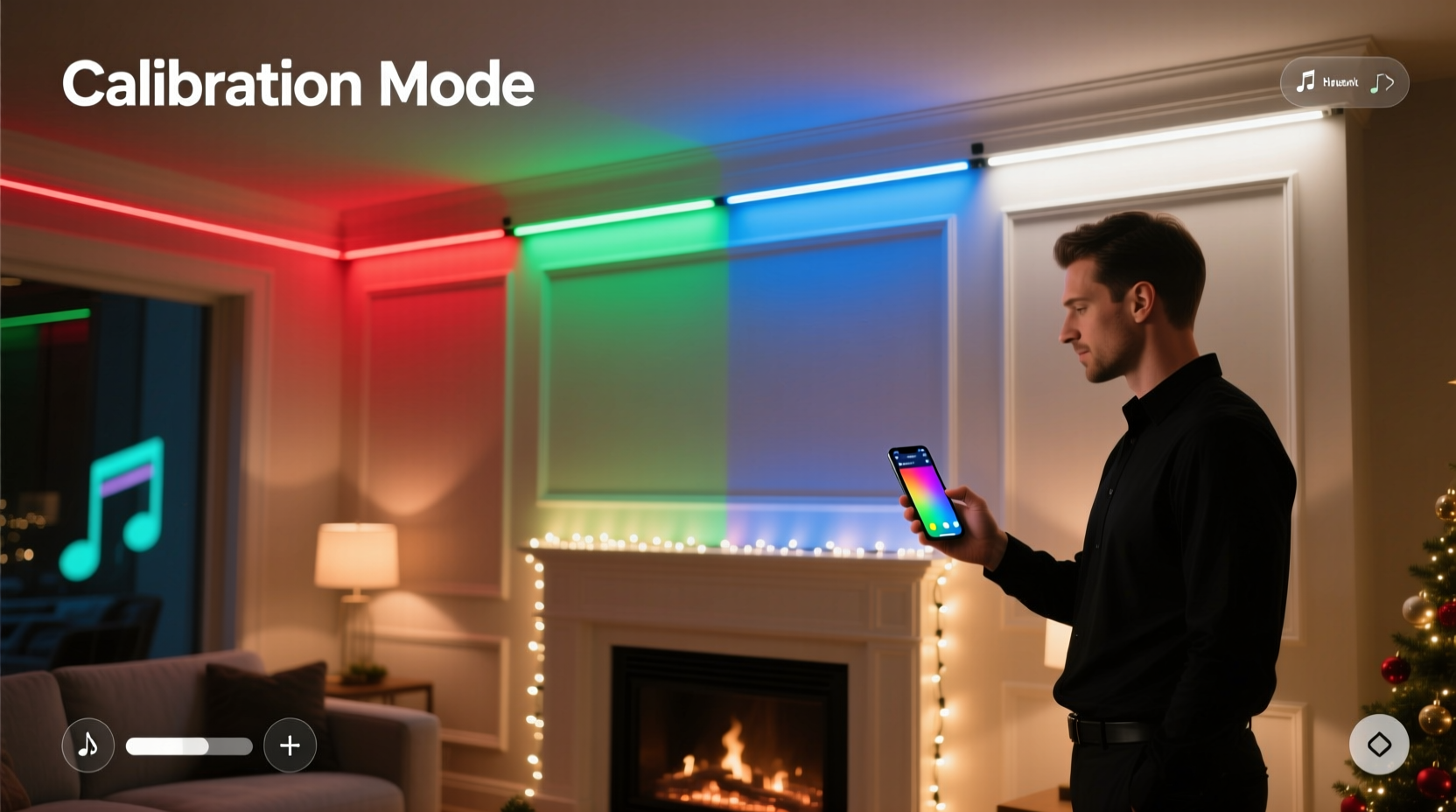
Smart light strips from brands like Govee, Nanoleaf, Philips Hue, and Wyze use different LED binning processes, driver circuitry, and firmware interpretation of color commands. Even identical models purchased months apart may contain LEDs from different manufacturing batches—each with micro-variations in phosphor coating, forward voltage, and spectral output. As a result:
- A command for
#FF6B35(a vibrant coral) may render 8–12% less saturated on Strip #3 due to lower red-channel efficiency; - The “2700K warm white” preset may measure 2940K on Strip #1 and 2580K on Strip #2 when verified with a calibrated spectrometer;
- Gamma correction varies between firmware versions—meaning a 50% brightness command results in 42% luminance on older units and 53% on updated ones.
Without intervention, these variances compound across longer runs or multi-zone setups, turning what should be a cohesive ambient experience into a patchwork of perceptible mismatches—especially under low ambient light or in reflective surfaces like glass railings or mirrored walls.
The 5-Step Calibration Workflow
Seamless blending isn’t about matching one color—it’s about establishing a shared color space across all strips. This workflow assumes you’re using strips compatible with the same ecosystem (e.g., all Govee via Govee Home app, or all Matter-over-Thread devices via Apple Home). Cross-platform mixing (e.g., Hue + Govee) is discouraged for precision work.
- Power-cycle & isolate: Turn off all other lights in the room. Unplug every strip except the first. Let it stabilize for 10 minutes at 100% brightness in a darkened space.
- Measure baseline values: Use a consumer-grade colorimeter (e.g., X-Rite i1Display Pro or Datacolor SpyderX) placed 12 inches directly in front of the strip’s center. Record CIE xy chromaticity coordinates and correlated color temperature (CCT) at three points: 2700K, 4000K, and 6500K presets.
- Establish a master reference: Select the strip with the most neutral white (closest to D65 illuminant: x=0.3127, y=0.3290) and lowest delta-E (<3.0) across all test points. Designate this as your “master strip.” All others will be tuned to match it.
- Iterative RGB offset tuning: For each non-master strip, adjust red, green, and blue gain values incrementally (in 1–2% steps) until its measured xy coordinates fall within ±0.003 of the master’s at all three CCT points. Avoid adjusting hue/saturation sliders—they warp the entire gamut.
- Validate dynamic response: Run a slow 10-minute fade from 2700K → 6500K → 2700K across all strips simultaneously. Observe for any visible “step” or “pull” where one strip lags in transition speed or overshoots saturation. Refine gamma curves if needed (see table below).
Gamma & Brightness Alignment: The Hidden Culprit
Brightness inconsistency is often more disruptive than color drift. Two strips showing identical RGB values can emit vastly different lumens due to divergent gamma curves—especially at low intensities (<20%). A poorly aligned gamma causes “banding” during dimmed scenes and makes smooth gradients impossible.
| Brightness Level | Target Luminance (cd/m²) | Acceptable Delta (cd/m²) | Tuning Action |
|---|---|---|---|
| 10% | 3.2 | ±0.4 | Adjust black-level offset in advanced settings (if supported); otherwise, apply per-strip brightness multiplier |
| 30% | 12.8 | ±0.9 | Tune green channel gain (green dominates human luminance perception) |
| 70% | 42.1 | ±1.8 | Verify power supply stability—voltage sag at mid-brightness often causes green/yellow shift |
| 100% | 65.0 | ±2.5 | Ensure uniform heat dissipation; overheated LEDs desaturate and shift cooler |
Pro tip: If your controller lacks gamma controls, use a hardware solution. Devices like the Philips Hue Play Gradient Lightstrip Controller or Nanoleaf 4D Controller offer per-strip gamma mapping—bypassing app-level limitations entirely.
Real-World Case Study: The Victorian Porch Project
In Portland, Oregon, homeowner Lena R. installed seven 2-meter Govee Glide Hexa strips along her home’s 32-foot wraparound porch—three on the upper railing, four on the lower balustrade. Initial setup yielded noticeable “hot spots” near the corners and a persistent cool-cast on the two strips closest to the west-facing wall (exposed to afternoon sun). She followed the 5-step workflow but discovered her master strip was actually the *least* stable: its color shifted 150K warmer after 20 minutes of operation due to inadequate heatsinking.
Lena re-ran calibration after mounting aluminum heat-dissipating channels behind each strip and adding inline 12V voltage regulators. She then used a $129 ColorMunki Smile spectrophotometer to capture full spectral power distributions (SPDs) instead of relying on xy coordinates alone. Her final adjustment wasn’t RGB offset—it was applying a custom SPD compensation curve in the Govee API (via Home Assistant automation), which corrected for the unique phosphor decay profile of her batch-specific LEDs. Result: zero visible discontinuity across the entire run, even during slow amber-to-rose sunset simulations.
“Most users treat smart lights as ‘set-and-forget’ devices—but professional-grade blending demands treating each strip like a calibrated display panel. That means measuring, not guessing, and compensating for thermal, electrical, and manufacturing variables—not just color.” — Dr. Aris Thorne, Lighting Systems Engineer, LumaLabs Research Group
Essential Calibration Checklist
Before you begin, verify these prerequisites are met:
- ✅ All strips are running the latest firmware (check manufacturer changelogs for color engine updates)
- ✅ Power supplies deliver clean, regulated 12V/24V at rated amperage (undersized PSUs cause voltage droop and color shift)
- ✅ Strips are mounted on thermally conductive surfaces (aluminum channels > plastic clips > adhesive-only)
- ✅ Ambient temperature is stable (20–25°C); avoid calibrating in garages or attics with wide diurnal swings)
- ✅ You’ve disabled all ambient-light sensors and motion-triggered auto-adjustments during calibration
- ✅ Your color measurement tool is factory-calibrated (re-calibrate annually or per manufacturer spec)
FAQ: Troubleshooting Common Blending Issues
Why do my strips look fine in the app preview but mismatch in reality?
App previews use sRGB color space and ignore device-specific gamut limitations. Your phone screen renders #FF6B35 as intended—but your strip’s physical LED array may only reproduce 82% of that chromaticity. Always validate against real-world measurement, never UI previews.
Can I calibrate strips from different brands together?
Technically possible with Matter-over-Thread bridges and Home Assistant’s color correction profiles—but not recommended for critical blending. Inter-brand gamma curves, update cadence, and white-point definitions differ too widely. Stick to one brand, one model family, and same production year for best results.
How often should I re-calibrate?
Every 6 months under normal use. After any firmware update, physical relocation, or seasonal temperature shift exceeding 10°C, re-validate at least the master strip and one adjacent unit. LED efficacy degrades ~0.5% per 1,000 hours—so annual recalibration is prudent for installations over 200 hours/year.
Conclusion: Light Is Physics—Not Magic
Seamless color blending across multiple smart light strips isn’t an aesthetic luxury—it’s the logical outcome of respecting the physics of light, electronics, and human perception. It demands patience, measurement, and a willingness to move beyond app interfaces into the underlying parameters that govern how photons leave an LED and enter your eye. When done right, the result transcends decoration: it becomes environmental storytelling. A uniformly warm gradient along stair treads guides guests upward without visual distraction. A perfectly matched indigo across bay windows creates depth without dissonance. A synchronized sunrise simulation across an entire façade feels less like programmed light—and more like architecture breathing with intention.
You don’t need a lab to achieve this. You need consistency, discipline, and the understanding that calibration isn’t a one-time setup—it’s ongoing stewardship of light itself. Start with one strip. Measure. Compare. Adjust. Then extend that rigor across your installation. The difference won’t be visible in screenshots or social media posts. It will be felt—in the quiet confidence of a space that doesn’t draw attention to its technology, but invites presence instead.




 浙公网安备
33010002000092号
浙公网安备
33010002000092号 浙B2-20120091-4
Comments
No comments yet. Why don't you start the discussion?