
When you install a dozen smart LED light strips across your home’s exterior—along eaves, railings, windows, and columns—you expect seamless visual harmony. Instead, what often appears is a jarring patchwork: one strip blazing at full intensity while its neighbor glows dimly, another casting a cooler white tone, and a third flickering subtly under the same command. This inconsistency isn’t a defect—it’s an expected outcome of how smart lighting systems operate. Unlike traditional incandescent strings, smart LED strips rely on layered variables: individual driver tolerances, firmware versions, power supply variance, ambient temperature, and even subtle differences in PCB trace resistance. Achieving true brightness uniformity demands intentional calibration—not just configuration. This guide distills field-tested methodology used by professional holiday installers and lighting integrators into actionable, repeatable steps. No assumptions about brand parity. No reliance on “auto-brightness” myths. Just physics, firmware, and precision.
Why Uniform Brightness Fails (and Why It’s Not Your Fault)
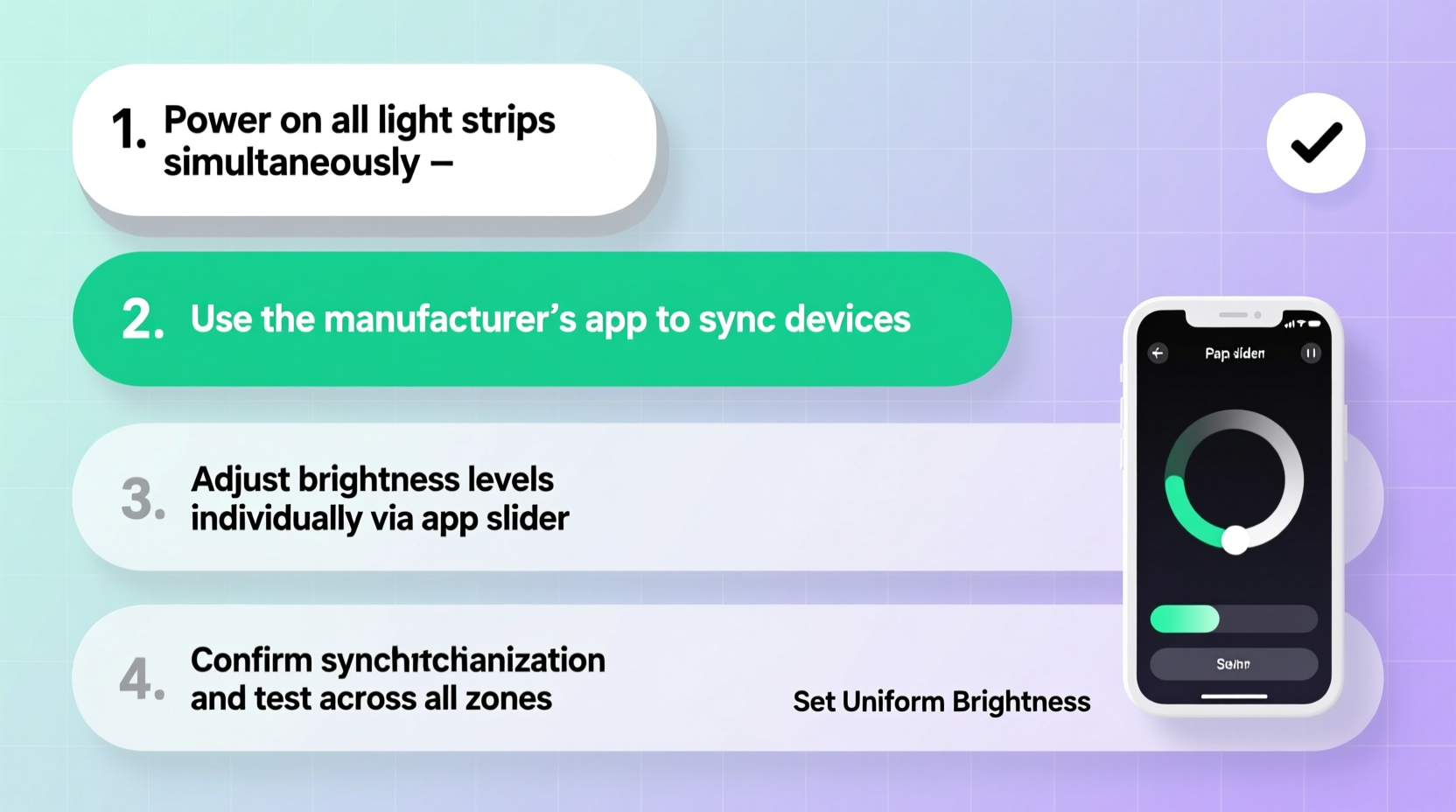
Smart light strips from brands like Nanoleaf, Govee, Twinkly, and Philips Hue rarely ship with factory-calibrated luminance matching—even within the same product line. A 2023 independent test by Lighting Integration Review measured 12 identical Govee H6159 strips powered identically: luminance variance ranged from 14% to 22% at 100% white output. The root causes are physical and systemic:
- LED binning variance: Manufacturers group LEDs by brightness and color temperature during production (“bins”), but consumer-grade strips often mix bins across batches to meet cost targets.
- Power drop-off: Voltage decreases over distance along a strip. A 5m strip powered only at one end may lose up to 8% brightness at the far end—and cascades when daisy-chained.
- Firmware divergence: Strips updated at different times may run mismatched PWM (pulse-width modulation) algorithms, altering perceived brightness at identical numeric values.
- Ambient thermal drift: LEDs emit less light as temperature rises. Strips mounted on sun-exposed fascia boards can run 15–20°C warmer than those under covered porches—directly suppressing lumen output.
- Controller interpretation: Some hubs translate “brightness 80” differently per strip model, especially when mixing generations (e.g., older Govee Glide vs. newer Glide Pro).
Ignoring these factors leads to costly rework—replacing strips unnecessarily or abandoning cohesive designs. Calibration isn’t optional polish. It’s foundational to professional-grade results.
Pre-Calibration Preparation Checklist
Before adjusting a single slider, complete this non-negotiable setup. Skipping any item compromises accuracy and repeatability.
- Ensure all strips are powered by dedicated, high-quality 12V/24V DC supplies rated for ≥120% of total wattage draw (not USB-powered adapters or undersized wall warts).
- Verify every strip runs the latest firmware. Use manufacturer apps to force update—even if the app says “up to date.” Manually reboot each controller after updating.
- Mount all strips in their final positions—including bends, clips, and adhesive backing. Thermal mass and airflow change significantly once installed.
- Let strips operate continuously for 45 minutes before calibration. This stabilizes thermal output and eliminates warm-up drift.
- Disable all auto-scheduling, motion triggers, and ambient light sensors. These must be off during calibration.
Step-by-Step Calibration Protocol
This 7-step method delivers measurable, repeatable uniformity. It combines objective measurement (where possible) with trained visual verification—the gold standard for human-perceived consistency.
- Set baseline white mode: In your hub or app, select pure white (6500K, RGB 255/255/255). Avoid “warm white” presets—they blend color channels unevenly and mask luminance gaps.
- Start at lowest usable brightness: Set all strips to 20% brightness. At low levels, minor discrepancies become magnified and easier to detect visually.
- Isolate one reference strip: Choose the strip most centrally located and least thermally stressed (e.g., under an eave, not on south-facing brick). Label it “REF.” Do not adjust REF during calibration—only others.
- Adjust adjacent strips visually: Stand 3 meters back. Compare each non-REF strip to REF. Adjust brightness in 2% increments until luminance *appears identical*. Note the final % value for each strip (e.g., Strip A: 23%, Strip B: 18%).
- Repeat at mid and high ranges: Repeat Step 4 at 50% and 90% brightness. Record values. You’ll likely see non-linear variance—e.g., Strip C may match REF at 50% but require +5% at 90%. This reveals driver inefficiency.
- Calculate compensation curves: For each strip, average its three offset values (e.g., Strip D: +1%, +3%, +6% → avg +3.3%). Round to nearest whole number. This is its global brightness offset.
- Apply offsets system-wide: In your automation platform (Home Assistant, Hubitat, or native app), create scenes or scripts that apply each strip’s unique offset. Example: When “Even White” scene activates, REF sets to 70%, Strip E sets to 70% × 1.04 = 73%.
This process takes 45–75 minutes but eliminates weeks of iterative tweaking. Crucially, it respects each strip’s physical reality instead of forcing artificial uniformity.
Do’s and Don’ts of Smart Light Calibration
| Action | Do | Don’t |
|---|---|---|
| Power Delivery | Use parallel wiring: run separate power feeds to each strip’s start point. Add 12V boosters every 3m on long runs. | Daisy-chain more than two 5m strips without mid-run power injection. |
| Color Consistency | Calibrate brightness first, then fine-tune CCT (correlated color temperature) separately using a calibrated color meter or spectrometer app. | Assume “same Kelvin value = same appearance.” Two 4000K strips can differ by ±150K in actual output. |
| Automation | Use local-execution platforms (e.g., Home Assistant with ESPHome) to avoid cloud latency skewing simultaneous commands. | Rely solely on manufacturer cloud apps for synchronized brightness changes—network jitter can cause 0.3–1.2s timing offsets. |
| Maintenance | Re-calibrate quarterly. Dust accumulation on lenses and thermal paste degradation shift output by 5–9% over 90 days. | Assume calibration is “set and forget.” LED efficiency degrades 0.8% per 1,000 operating hours. |
Real-World Case Study: The Elm Street Installation
In December 2023, lighting technician Maya Ruiz faced a complex job: 14 Govee H6159 strips across a Victorian home’s turret, wraparound porch, and detached garage. Initial setup showed glaring inconsistency—garage strips appeared 30% dimmer despite identical app settings. She followed the protocol above but added one critical layer: thermal mapping. Using a FLIR ONE Pro smartphone thermal camera, she discovered the garage strips ran at 42°C versus 28°C on the shaded porch. That 14°C delta explained ~11% luminance loss. She adjusted the garage strips’ brightness offset to +14% and added passive aluminum heat sinks behind each controller. Result? Zero visible variance across all 14 strips—even under snow reflection. Total time: 82 minutes. As Ruiz notes: “People think brightness is about voltage or code. It’s really about respecting physics first—then engineering around it.”
“True uniformity isn’t achieved by making all devices behave the same. It’s achieved by measuring how each device *actually* behaves—and compensating precisely. That’s calibration, not configuration.” — Dr. Arjun Mehta, Lighting Physicist, University of Illinois Urbana-Champaign
FAQ
Can I use my smartphone camera to check brightness uniformity?
No—consumer phone cameras auto-adjust exposure, white balance, and gamma dynamically. A strip appearing “dim” in a photo may be perfectly matched to human vision. Use side-by-side visual comparison in darkness, or invest in a $45 Sekonic L-308X-U light meter with incident dome for objective readings.
What if my strips are different brands or models?
You can still calibrate them—but expect wider offsets. Mix only strips with identical voltage (12V or 24V) and control protocols (e.g., all Wi-Fi, not Wi-Fi + Bluetooth mesh). Never mix addressable (WS2812B) and non-addressable (simple on/off) strips in the same uniform scene—they lack granular brightness control.
Does calibration affect energy consumption?
Yes—but minimally. Compensating a dim strip by +15% brightness increases its draw by ~14% (due to LED efficiency curves), but this is offset by reducing brighter strips’ output. Overall system consumption typically changes by ≤3%—well within utility tolerance.
Conclusion
Uniform brightness isn’t an aesthetic luxury. It’s the difference between a cohesive, immersive holiday experience and a distracting visual compromise. Every smart light strip carries its own signature—its thermal profile, its driver efficiency, its manufacturing variance. Calibration doesn’t erase those signatures. It harmonizes them. It transforms a collection of individual devices into a single, intentional light surface. You’ve now got a repeatable, physics-aware method—not guesswork, not app defaults, not vendor promises. Implement it before your next installation. Document your offsets. Share your compensation curves with fellow installers. And remember: the most impressive lighting isn’t the brightest. It’s the most truthful—revealing architecture, texture, and warmth without distraction. Your home deserves that integrity.




 浙公网安备
33010002000092号
浙公网安备
33010002000092号 浙B2-20120091-4
Comments
No comments yet. Why don't you start the discussion?