
As smart home technology evolves, so do the possibilities for holiday lighting displays. No longer limited to single strings on timers, homeowners now use multiple smart light systems—such as Philips Hue, Nanoleaf, LIFX, Govee, and Twinkly—to create immersive, dynamic lighting experiences. However, managing different brands, apps, and protocols can lead to desynchronized flashes, mismatched colors, and inconsistent timing. The key to a professional-grade display lies in calibration: aligning brightness, color temperature, timing, and control logic across all devices. With careful planning and technical attention, you can unify disparate systems into a cohesive visual symphony.
Understanding Smart Light Compatibility Challenges
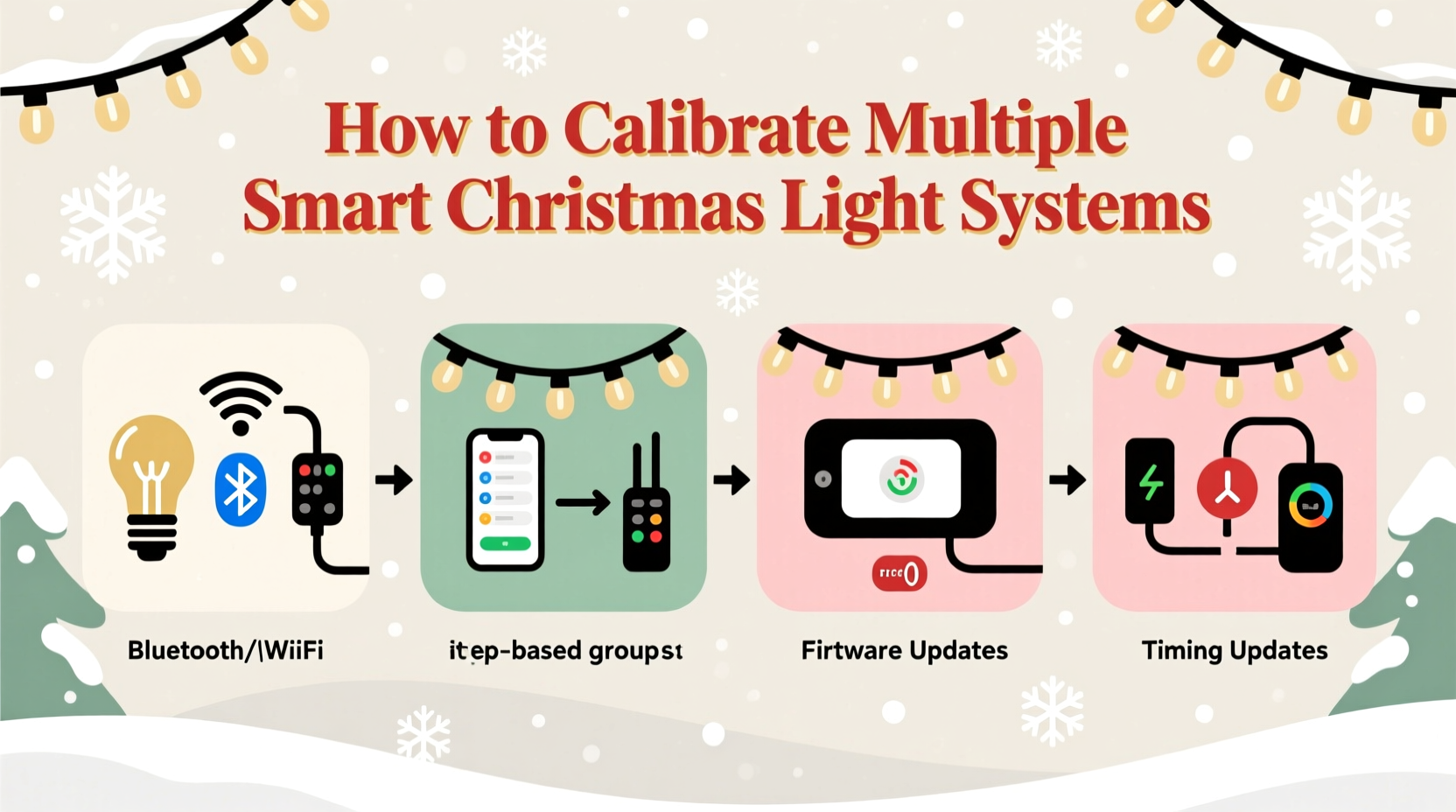
Smart Christmas lights operate on various wireless protocols (Wi-Fi, Bluetooth, Zigbee) and are controlled through proprietary apps or third-party platforms like Google Home, Apple HomeKit, or Amazon Alexa. While this diversity offers flexibility, it introduces challenges when trying to synchronize multiple systems:
- Different refresh rates: Some lights update color or brightness every 30ms; others take up to 500ms, causing visible lag.
- Inconsistent color interpretation: “Warm white” on one brand may appear yellow-orange, while another renders it as soft pink.
- App-based delays: Cloud-dependent systems introduce latency due to server round-trips, especially during peak usage.
- Limited cross-platform automation: Not all systems support shared triggers or precise timing commands.
These discrepancies become obvious when attempting music-sync effects or gradient transitions across your yard. Calibration isn’t just about aesthetics—it’s about ensuring that every light responds predictably and uniformly to the same command.
Step-by-Step Guide to Calibrating Multiple Systems
Calibration requires both technical setup and visual verification. Follow this sequence to align your smart lighting ecosystem:
- Inventory Your Devices
Create a list of all smart light brands, models, and control methods. Note their communication protocol (Wi-Fi, Zigbee, etc.) and whether they support local control or require cloud access. - Connect All Systems to a Central Hub
Use a home automation platform that supports multiple ecosystems. Recommended options include:- Home Assistant (open-source, highly customizable)
- Hubitat Elevation (low-latency, local processing)
- Apple Home with Matter compatibility (growing cross-brand support)
- Synchronize Time Sources
Ensure all devices use the same network time protocol (NTP). Even a 200ms clock difference between hubs can cause noticeable delays. In Home Assistant, verify NTP settings under Server Controls > System. - Standardize Brightness Levels
Set all lights to 100% brightness in a test scene. Observe which appear dimmer due to hardware limitations or firmware scaling. Manually adjust output levels (e.g., set Govee strips to 90% to match Hue’s full output) until visual parity is achieved. - Match Color Temperatures and Hues
Display pure white (6500K) and warm white (2700K) across all systems. Compare side by side in low ambient light. Use hex codes or CIE coordinates if available. For RGB strips, test red (#FF0000), green (#00FF00), and blue (#0000FF) to detect gamut mismatches. - Test Response Latency
Create an automation that turns all lights on simultaneously via the central hub. Record the sequence with a smartphone camera (slow-motion mode helps). Identify laggards and isolate causes—usually Wi-Fi congestion or cloud dependency. - Adjust Timing Offsets
If one system consistently responds 300ms slower, program a compensatory delay in faster systems. For example, delay Hue activation by 300ms so it aligns with a slower Govee setup. This fine-tuning ensures perfect sync despite hardware differences. - Save Calibration Profiles
Document your final settings—brightness offsets, color corrections, and timing delays—in a reusable automation profile. Label it “Front Yard Sync – Winter 2024” for future reuse.
Do’s and Don’ts When Integrating Different Brands
| Do | Don't |
|---|---|
| Use local-execution hubs to reduce lag | Rely solely on cloud-based voice assistants for timing-critical scenes |
| Group lights by response speed in automations | Assume “white” means the same color across brands |
| Update firmware before calibration | Mix Zigbee and Wi-Fi lights in high-speed music sync without testing |
| Label physical devices with model and IP/MAC address | Run calibration in bright daylight—test at dusk or night |
| Use wired Ethernet for main controllers to stabilize Wi-Fi | Ignore signal strength; place extenders near dense light clusters |
Real Example: A Suburban Holiday Display Success Story
Mark T., a software engineer in Portland, OR, wanted to synchronize his front yard display using three systems: Philips Hue path lights, Govee LED curtains on the porch, and Twinkly icicle lights along the roofline. Initially, the Hue lights responded instantly to music, but the Govee strips lagged by nearly half a second, breaking the rhythm.
He installed Home Assistant on a Raspberry Pi and integrated all devices via their respective integrations. After measuring latency with slow-motion video, he found the Govee system averaged 480ms delay due to cloud polling. He then created an automation that triggered the Hue and Twinkly lights 480ms *after* the music beat, allowing them to visually align with the delayed Govee units.
For color matching, he discovered that Govee’s “snow white” was bluer than Hue’s. Using Home Assistant’s color picker, he adjusted the Hue whites to match Govee’s CIE coordinates. The result was a fully synchronized, multi-layered display that drew neighborhood attention—and zero complaints about flicker or mismatch.
“Precise calibration turned what felt like a tech headache into a joyful family tradition. Now the kids choreograph light dances to their favorite songs.” — Mark T., DIY Smart Home Enthusiast
Expert Tips for Long-Term Synchronization
Maintaining calibrated performance over time requires ongoing attention. Firmware updates, seasonal storage, and environmental changes can disrupt alignment.
Consider these long-term strategies:
- Create backup configurations: Export your Home Assistant automations or Hubitat rules. If a device resets, you can restore exact settings.
- Monitor Wi-Fi congestion: During the holidays, neighbors’ networks and your own increased device load can degrade performance. Use tools like Wi-Fi Analyzer to switch to less crowded channels.
- Seasonal recalibration: Before installing lights each year, run a quick sync test. LEDs degrade slightly over time, and stored devices may lose calibration data.
- Use static IPs: Assign fixed IP addresses to critical controllers to prevent connection drops caused by DHCP shifts.
Checklist: Calibrating Multiple Smart Light Systems
Follow this checklist before launching your synchronized display:
- ✅ Inventory all smart light models and control methods
- ✅ Connect all devices to a central automation platform (e.g., Home Assistant)
- ✅ Ensure all hubs use the same NTP server
- ✅ Update firmware on all devices
- ✅ Test brightness parity at 100% and 50%
- ✅ Match white points and primary colors visually
- ✅ Measure response latency with video recording
- ✅ Program timing offsets to compensate for lag
- ✅ Save calibration profiles for reuse
- ✅ Perform final test in real-world conditions (evening, cold temps)
Frequently Asked Questions
Can I sync lights from different brands without a hub?
It’s possible using voice assistants like Alexa Routines, but precision will suffer. Cloud-based routines lack millisecond-level control and often execute commands sequentially, not simultaneously. For true synchronization, a local automation hub is strongly recommended.
Why do my lights desync after a few minutes?
This is often due to Wi-Fi instability or power fluctuations. Check signal strength at each device—weak connections cause reconnection delays. Also, ensure you’re using power supplies rated for the total load. Undervoltage can reset controllers mid-sequence.
Does Matter solve cross-brand syncing issues?
Matter improves device onboarding and basic interoperability, but it doesn’t guarantee perfect timing or color fidelity. Two Matter-certified lights may still interpret “bright red” differently. Calibration remains necessary even in a Matter environment, though integration is easier.
Conclusion: Unity in Light
Calibrating multiple smart Christmas light systems is more than a technical exercise—it’s an act of creative engineering. By aligning timing, color, and brightness across platforms, you transform individual devices into a unified visual experience. Whether you're crafting a subtle glow for evening ambiance or a pulsing show synced to carols, the effort pays off in seamless beauty and neighborly admiration.
The tools exist. The methods are proven. Now it’s time to bring your lights into harmony. Start small, document each adjustment, and refine your approach year after year. With patience and precision, your holiday display won’t just shine—it will speak in one luminous voice.




 浙公网安备
33010002000092号
浙公网安备
33010002000092号 浙B2-20120091-4
Comments
No comments yet. Why don't you start the discussion?