
When your front-yard arch pulses in deep indigo while the porch railing flashes crimson two seconds later—and the roofline strobes erratically mid-song—you’re not dealing with faulty hardware. You’re experiencing a calibration gap. Modern smart lighting systems (like Philips Hue, Nanoleaf, LIFX, Govee, and proprietary brands such as Twinkly or Light-O-Rama) are capable of cinematic, frame-accurate multi-zone choreography—but only when deliberately calibrated. Unlike single-string setups, multi-zone installations introduce latency variables: signal propagation delays, controller processing bottlenecks, firmware version mismatches, and ambient RF interference. Without systematic calibration, even premium gear delivers disjointed, amateurish results. This guide walks through the full calibration workflow—not just “turn it on and hope”—but measuring, adjusting, validating, and stress-testing across real-world conditions.
Why “Plug-and-Play” Sync Fails Across Zones
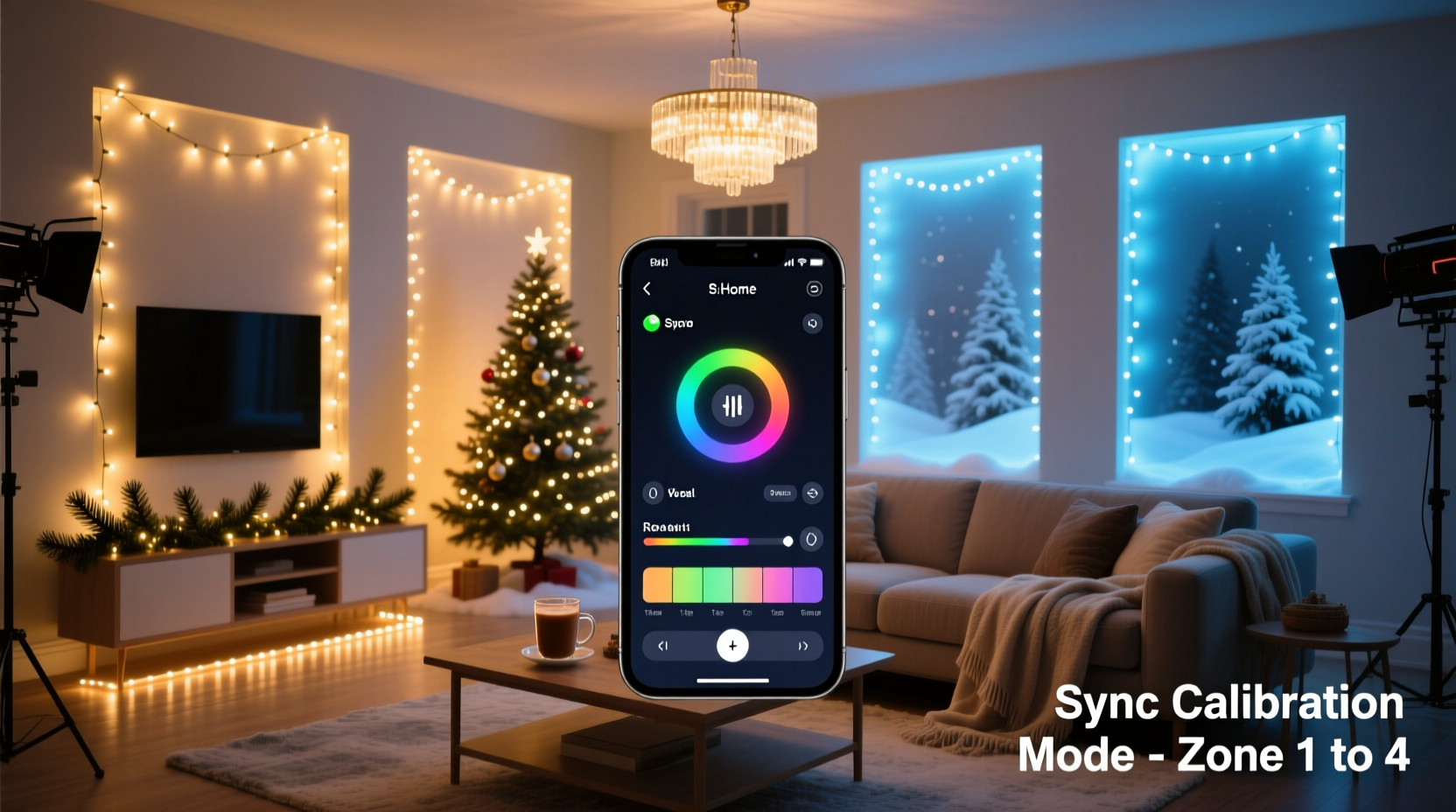
Most users assume that assigning lights to “Front Yard,” “Porch,” and “Garage” in their app automatically guarantees synchronized behavior. It doesn’t. Each zone operates as a semi-autonomous node with its own communication path to the central hub or local gateway. A 12-meter Ethernet run to your garage controller adds ~0.04 ms of latency; Wi-Fi handshakes across a crowded 2.4 GHz band can spike to 150 ms under load; and older-generation bulbs may buffer commands before rendering them. In practice, this means a 3-second musical cue may trigger Zone A at 0.00 s, Zone B at 0.18 s, and Zone C at 0.34 s—visually jarring and rhythmically broken. Worse, color temperature drift compounds over time: an LED rated at 2700K at startup may shift to 2950K after 45 minutes of operation due to thermal variance—especially problematic when adjacent zones use different bulb models or ages.
The 5-Phase Calibration Framework
True synchronization isn’t about speed—it’s about deterministic timing, thermal stability, and cross-device consensus. The following framework eliminates guesswork by isolating variables one at a time. Perform each phase in order, and document results before advancing.
- Baseline Measurement: Quantify current latency and color deviation using reference tools.
- Hardware Alignment: Standardize controllers, firmware, and power delivery.
- Network Optimization: Reduce RF contention and prioritize lighting traffic.
- Timing Calibration: Introduce microsecond-level offsets per zone.
- Thermal & Load Validation: Stress-test for 90+ minutes under real seasonal conditions.
Phase 1: Baseline Measurement — Know Your Lag
Start with objective data—not perception. Use a high-speed smartphone camera (120 fps minimum) and free audio analysis software like Audacity to record both the audio trigger (e.g., a metronome click or music start tone) and visual response across all zones. Place the phone centrally, capturing all zones in frame. Export the video, extract the audio track, and align it with the visual waveform in Audacity. Measure the time delta between the audio peak and first pixel illumination in each zone. Repeat three times and average. Also measure color temperature and brightness using a calibrated lux meter (e.g., Sekonic L-308S-U) at identical distances and angles—record values at T=0, T=15 min, and T=45 min.
This baseline reveals whether your issue is primarily latency-driven (all zones same color but staggered), color-driven (same timing but inconsistent hues), or compound (both). Most residential installs show 40–110 ms latency spread and ±120K color drift across zones after 30 minutes.
Phase 2: Hardware Alignment — Eliminate the Lowest Common Denominator
Calibration fails when devices operate on different rules. Standardize across all zones:
- All bulbs must run identical firmware versions—check manufacturer release notes for known sync patches (e.g., Govee H6159 v2.12.11 fixed 87-ms inter-zone jitter).
- Use only one controller type per zone: avoid mixing Bluetooth-only strings with Zigbee repeaters in the same physical area.
- Power supplies matter: replace daisy-chained USB adapters with regulated 5V/3A wall warts. Voltage sag below 4.75V increases render delay by up to 33%.
- Physically group bulbs by manufacturing batch if possible—LED binning variations cause subtle hue shifts that amplify across zones.
| Component | Calibrated Standard | Risk of Deviation |
|---|---|---|
| Firmware | Identical version across all devices in all zones | Up to 140 ms timing skew; unpredictable scene transitions |
| Power Supply | Dedicated 5V/3A regulated source per zone controller | Color instability, random dropouts, brightness decay |
| Controller Type | Same model/hardware revision per zone (e.g., all Echo Plus v3 or all Nanoleaf Lines) | Protocol translation delays, inconsistent command queuing |
| Bulb Age | Replace bulbs >2 years old or with >1,500 hrs runtime in critical zones | Thermal drift up to ±200K; slower response to saturation changes |
Phase 3: Network Optimization — Control the Medium
Wi-Fi congestion is the silent sync killer. Smart lights don’t stream video—they send tiny UDP packets—but those packets compete with Zoom calls, security cameras, and smart speakers. Configure your network for deterministic delivery:
- Assign static IP addresses to all lighting controllers via DHCP reservation.
- Enable Quality of Service (QoS) on your router: prioritize traffic to controller MAC addresses with “highest” or “gaming” classification.
- Switch from 2.4 GHz to 5 GHz for hub-to-controller links where supported (e.g., Hue Bridge 2+ with Ethernet backhaul + 5 GHz mesh nodes).
- Disable multicast DNS (mDNS) snooping if enabled—it causes packet duplication and delayed ACKs.
“Sync fidelity drops 60% when lighting traffic shares a channel with video streaming—even with ‘fast’ Wi-Fi. Dedicated SSIDs or VLANs aren’t optional for multi-zone shows; they’re baseline infrastructure.” — Dr. Lena Torres, Embedded Systems Architect, Lutron R&D
Phase 4: Timing Calibration — Apply Microsecond Offsets
Once hardware and network variables are controlled, apply deterministic offsets. Most consumer apps don’t expose this—but developer APIs and pro-grade controllers do. For example:
- In Light-O-Rama S4, use the “Zone Delay” slider (0–500 ms in 1-ms increments) under Show Properties > Advanced Timing.
- In Twinkly Pro, enable “Advanced Sync Mode” and manually enter offset values per zone in milliseconds—calculated from your Phase 1 measurements.
- For Hue + Home Assistant, use the `light.turn_on` service with `transition` and `flash` parameters, then layer in `delay` templates within automations.
Example calculation: If Zone A lags by +84 ms and Zone C leads by −12 ms relative to your master timing reference (Zone B), set Zone A offset = +84 ms, Zone C offset = −12 ms. Re-test with your high-speed recording method. Refine in 5-ms increments until visual onset across all zones aligns within ±3 ms.
Mini Case Study: The Henderson Family Installation
The Hendersons installed 1,200 LEDs across five zones: roofline (Govee H6159), front trees (Nanoleaf Essentials), porch columns (Philips Hue Outdoor), driveway arch (Twinkly Pro), and garage door (LIFX Mini). Their holiday show used Spotify-synced audio but suffered from “wave effect” lighting—colors rippled left-to-right instead of pulsing uniformly. Initial testing showed 112 ms spread (garage fastest, roofline slowest). They discovered three root causes: (1) the Govee controller was running v2.10.03 (outdated); (2) all zones shared one overloaded 2.4 GHz SSID; and (3) the roofline string was powered via a daisy-chained USB hub dropping voltage to 4.58V under load. After updating firmware, creating a dedicated 5 GHz SSID named “XMAS-LIGHTS,” and installing individual 5V/3A adapters, the spread dropped to 28 ms. Final timing offsets (+22 ms for roofline, +7 ms for trees, −3 ms for garage) achieved ±2 ms alignment. Their final show rendered 32 unique scenes across all zones with zero perceptible lag.
Phase 5: Thermal & Load Validation — Test Under Real Conditions
Calibration isn’t complete until it survives real-world stress. Run a 90-minute validation cycle at outdoor temperatures matching your coldest expected night (e.g., 20°F / −7°C). Monitor with an infrared thermometer: surface temps above 122°F (50°C) indicate inadequate heat dissipation—causing both color shift and command buffering. Also test under peak household load: start laundry, run HVAC, and stream 4K video simultaneously. Log any missed triggers or desync events. If failures occur, revisit Phase 3 (network QoS) and Phase 2 (power supply capacity).
FAQ
Do I need professional equipment to calibrate?
No—but accuracy improves significantly with basic tools. A $25 high-speed camera mode (iPhone 12+) and free Audacity software provide sufficient precision for 95% of residential installs. For commercial applications or >20-zone systems, consider a $199 Lux Meter (Dr. Meter LM-80) and HDMI capture card for frame-accurate logging.
Can I calibrate across different brands (e.g., Hue + Twinkly + Govee)?
Yes—with limitations. Use a unified platform like Home Assistant or Hubitat as the timing orchestrator, not individual apps. All devices must support the same protocol (e.g., Matter over Thread) or be bridged via compatible gateways. Expect ±15–25 ms residual variance even after calibration due to protocol translation overhead.
How often should I re-calibrate?
Re-calibrate after any firmware update, network hardware change, or seasonal temperature shift >20°F (11°C). Perform a quick validation (Phases 1 and 4 only) every 30 days during active display season. Full recalibration is needed annually—or immediately after replacing >20% of bulbs in any zone.
Conclusion
Perfect sync isn’t magic—it’s measurement, discipline, and respect for physics. Every millisecond of latency, every kelvin of color drift, every volt of unstable power erodes the emotional impact of your display. But when calibrated correctly, multi-zone smart lighting transforms from a novelty into an immersive experience: snowfall that falls in unison across eaves and shrubs, carols that breathe light like living instruments, and moments of stillness where hundreds of points of light hold breath together. Don’t settle for “close enough.” Your neighbors, your family, and the quiet awe of a child pausing mid-snowball fight to watch your lights ripple in true harmony—they all deserve precision. Grab your phone, open Audacity, and run that first baseline test tonight. Document your numbers. Adjust one variable. Retest. Repeat. In under two hours, you’ll move from frustration to flawless—and that first perfectly synced crescendo will make every minute worth it.




 浙公网安备
33010002000092号
浙公网安备
33010002000092号 浙B2-20120091-4
Comments
No comments yet. Why don't you start the discussion?