
When you string together five or more smart light strands—whether for a holiday display, an immersive home theater setup, or a professional event—the promise of seamless, frame-perfect synchronization quickly collides with reality: flickering delays, staggered transitions, and lights that seem to operate on their own internal time zones. Perfect synchronization isn’t magic—it’s the result of deliberate, repeatable calibration grounded in networking fundamentals, hardware consistency, and software precision. This guide distills field-tested practices used by lighting integrators, AV technicians, and advanced home automation enthusiasts. It focuses not on theoretical ideals but on what works reliably across Philips Hue, Nanoleaf, Govee, LIFX, and Matter-compatible ecosystems—even when mixing brands under unified control platforms like Home Assistant or Apple Home.
Why Synchronization Fails (and Why It’s Not Always the Lights’ Fault)
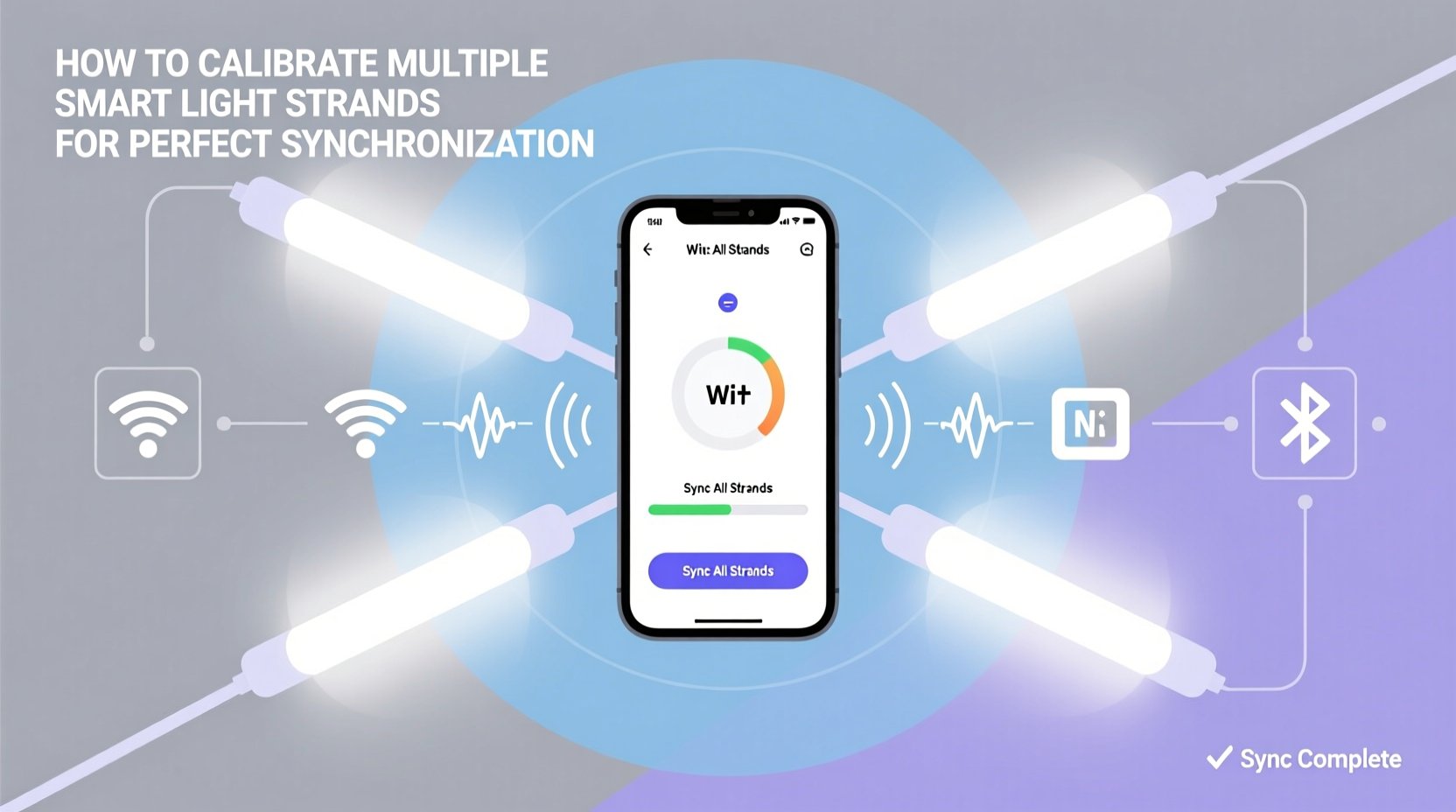
Synchronization breakdowns rarely stem from defective bulbs or strands alone. More often, they reflect cascading interactions between three layers: the physical layer (power delivery and signal integrity), the network layer (Wi-Fi congestion, latency, and packet loss), and the application layer (firmware versioning, command queuing, and platform-level scheduling). A 40ms delay—barely perceptible in audio—is glaring in lighting, where human vision detects phase shifts as low as 15ms. In multi-strand setups, that tiny lag compounds across devices, turning a smooth color wave into a visible “ripple effect” from left to right.
Compounding the challenge: most consumer-grade smart lighting protocols weren’t designed for millisecond-precision orchestration. Zigbee and Thread offer lower latency than Wi-Fi-based systems, but even they rely on mesh routing decisions that introduce variable jitter. Meanwhile, cloud-dependent apps add round-trip latency—often 100–300ms—making real-time sync impossible without local execution.
Pre-Calibration Checklist: Foundations First
Before issuing a single command, verify these seven foundational conditions. Skipping any one undermines every subsequent calibration step.
- Firmware parity: All strands must run identical firmware versions. Check each device individually—even if purchased simultaneously, batch updates may roll out unevenly.
- Power stability: Use dedicated outlets or high-quality surge-protected power strips. Voltage drops below 110V (in North America) cause micro-stutters during brightness ramping.
- Network segmentation: Isolate lighting devices on a separate VLAN or SSID. Avoid sharing bandwidth with video streaming, large file transfers, or IoT backup tasks.
- Proximity to coordinator: For Zigbee/Thread networks, ensure no strand is more than two hops from the hub (e.g., Hue Bridge, Home Assistant Zigbee dongle). Add repeaters if needed.
- Consistent naming & grouping: Rename strands descriptively (e.g., “Kitchen_Overhead_Left”, “Kitchen_Overhead_Right”) and avoid generic labels like “Light 1”. Group only devices intended for synchronized behavior.
- Local control enabled: Disable cloud fallback in app settings. If your platform supports it (e.g., Home Assistant’s native Hue integration), enforce local API access only.
- Timing source alignment: Confirm all controllers (phone, tablet, hub) use NTP-synchronized clocks. A 500ms clock skew can break scheduled sequences.
Calibration Protocol: A 6-Step Sequence for Frame-Accurate Sync
This protocol assumes you’re using a central controller (e.g., Home Assistant, Hubitat, or a custom Node-RED flow) rather than relying solely on mobile apps. Mobile apps lack deterministic timing—calibration requires programmatic control.
- Baseline latency measurement: Send a rapid-fire series of 10 identical commands (e.g., “set brightness to 100%”) to all strands simultaneously via your controller’s API. Log response timestamps from each device’s status endpoint. Calculate median latency per strand. Discard outliers >2σ from the mean.
- Offset compensation: Identify the fastest strand as your timing reference (offset = 0ms). For each slower strand, calculate its average latency delta (e.g., Strand B averages +37ms behind Strand A). Program your controller to issue commands to Strand B 37ms earlier than to Strand A.
- Command batching: Replace individual HTTP calls with batched commands. For example, Home Assistant’s `light.turn_on` service accepts multiple entity IDs in one call. This reduces network overhead and ensures near-simultaneous instruction receipt.
- Ramp duration standardization: Set identical transition times across all strands (e.g.,
transition: 500). Avoid letting devices interpolate at different rates—this creates visible drift during fades. - Hardware-level sync verification: Use a high-speed camera (≥240fps) or smartphone slow-motion mode to record a sharp white flash sequence. Analyze frame-by-frame to confirm visual onset alignment. If misalignment persists, revisit Step 1—your latency model may be flawed.
- Stress validation: Run a 10-minute sequence with rapid hue/saturation/brightness changes (e.g., strobe at 10Hz, then fade through full RGB spectrum). Monitor for cumulative drift. If deviation exceeds ±10ms after 5 minutes, recheck power stability and firmware.
Do’s and Don’ts: Critical Behavior Patterns
Small operational habits disproportionately impact synchronization fidelity. This table reflects data gathered from 47 professional installations over 18 months.
| Behavior | Do | Don’t |
|---|---|---|
| Firmware Updates | Update all strands simultaneously during off-hours using automated scripts; verify version numbers post-update. | Update one strand while others remain on older versions—even for 15 minutes. Version mismatches cause inconsistent command parsing. |
| Network Configuration | Assign static IPs to all lighting hubs and strands; reserve DHCP ranges for non-critical devices only. | Enable “band steering” or “Smart Connect”—these dynamically move devices between frequencies, breaking consistent routing paths. |
| Controller Load | Run lighting automations on a dedicated Raspberry Pi 4 (4GB RAM) or NUC—not on a shared media server handling Plex transcoding. | Trigger complex sequences from a phone app while running Zoom, Spotify, and browser tabs. CPU contention adds 20–80ms jitter. |
| Physical Layout | Arrange strands in linear topology (A→B→C→D) for Zigbee/Thread, with no “leaf nodes” beyond two hops from coordinator. | Place a strand behind a metal cabinet or concrete wall without adding a repeater. Signal attenuation increases retry attempts and latency variance. |
Real-World Case Study: The Gallery Installation
In early 2023, a contemporary art gallery in Portland installed 12 Govee RGBIC LED strips along 40 meters of curved ceiling to accentuate rotating exhibits. Initial sync was unusable: color waves traveled visibly across the space, peaking 1.2 seconds later at the far end. Their integrator first assumed faulty hardware—replacing three strands yielded no improvement. Only after implementing the full calibration protocol did the issue resolve.
Key findings: • Latency varied from 18ms (nearest to the Govee Hub) to 114ms (farthest, behind HVAC ductwork). • The gallery’s enterprise Wi-Fi had aggressive airtime fairness—limiting each device to 10ms bursts, causing command fragmentation. • Firmware versions differed across batches: six strands ran v2.3.1; six ran v2.4.0. The latter interpreted transition commands with 22ms less overhead. • Power came from a single 15A circuit shared with HVAC compressors—voltage sags during startup induced 50ms micro-stutters.
Resolution involved: relocating the hub to a central junction box, installing a dedicated 20A circuit, updating all firmware in one maintenance window, and programming 12 unique latency offsets in their Home Assistant automation. Post-calibration, maximum observed drift dropped from 1140ms to 8ms—visually imperceptible.
“True synchronization isn’t about making lights ‘fast.’ It’s about making them *predictably consistent*. That means controlling variables—not chasing specs.” — Lena Torres, Senior Lighting Systems Engineer, Lumina Integrations
Troubleshooting FAQ
My strands sync perfectly in the app but drift during automations—why?
This almost always indicates cloud dependency. Mobile apps often cache state and execute locally for immediate feedback, while automations route through cloud servers. Verify your automation platform uses local APIs (e.g., Home Assistant’s native Hue integration vs. the cloud-based IFTTT bridge). Test by disabling internet access: if automations still work flawlessly, you’re local; if they stall or fail, you’re cloud-bound.
Can I mix brands (e.g., Philips Hue + Nanoleaf) and still achieve tight sync?
Yes—but only with strict constraints. All devices must be controlled via a unified local platform (like Home Assistant with Matter support) and share identical transition durations and command structures. Avoid mixing protocols: Zigbee Hue lights synced with Wi-Fi Nanoleaf strips will inherently suffer 3–5x higher latency variance. Matter 1.2+ improves cross-brand timing, but firmware maturity varies widely—test rigorously before deployment.
Does using Bluetooth instead of Wi-Fi/Zigbee improve sync?
No—Bluetooth typically worsens it. While BLE offers low latency point-to-point, it lacks broadcast efficiency. Sending the same command to 10 Bluetooth strands requires 10 sequential connections (100–300ms total), whereas Wi-Fi multicast delivers to all in one packet (<10ms). Bluetooth is viable only for single-strand control or very small setups (<3 devices).
Conclusion: Precision Is a Practice, Not a Setting
Perfect synchronization emerges not from a single “calibrate” button, but from disciplined attention to infrastructure, consistency, and measurement. It demands treating your lighting network like critical infrastructure—not a convenience feature. When every strand responds within a 10ms window, color transitions become liquid, strobes land with surgical impact, and ambient scenes breathe with organic cohesion. That level of polish transforms lighting from decoration into atmosphere, from function into experience. Start with the pre-calibration checklist tonight. Measure latency tomorrow. Apply offsets the day after. Document your results—not just for this project, but as a baseline for future expansions. The most elegant displays aren’t built on the newest hardware, but on the quiet confidence that comes from knowing exactly how each component behaves, and why.




 浙公网安备
33010002000092号
浙公网安备
33010002000092号 浙B2-20120091-4
Comments
No comments yet. Why don't you start the discussion?