
Creating a synchronized lighting display—whether for holidays, parties, or ambient home design—requires more than just plugging in smart lights. When multiple smart light strands fail to blink in unison, the effect is jarring rather than mesmerizing. Achieving perfect synchronization across devices demands attention to compatibility, network stability, and precise calibration. This guide walks through the technical and practical steps needed to align your smart lights so they respond simultaneously, delivering a seamless visual experience.
Understanding Smart Light Synchronization
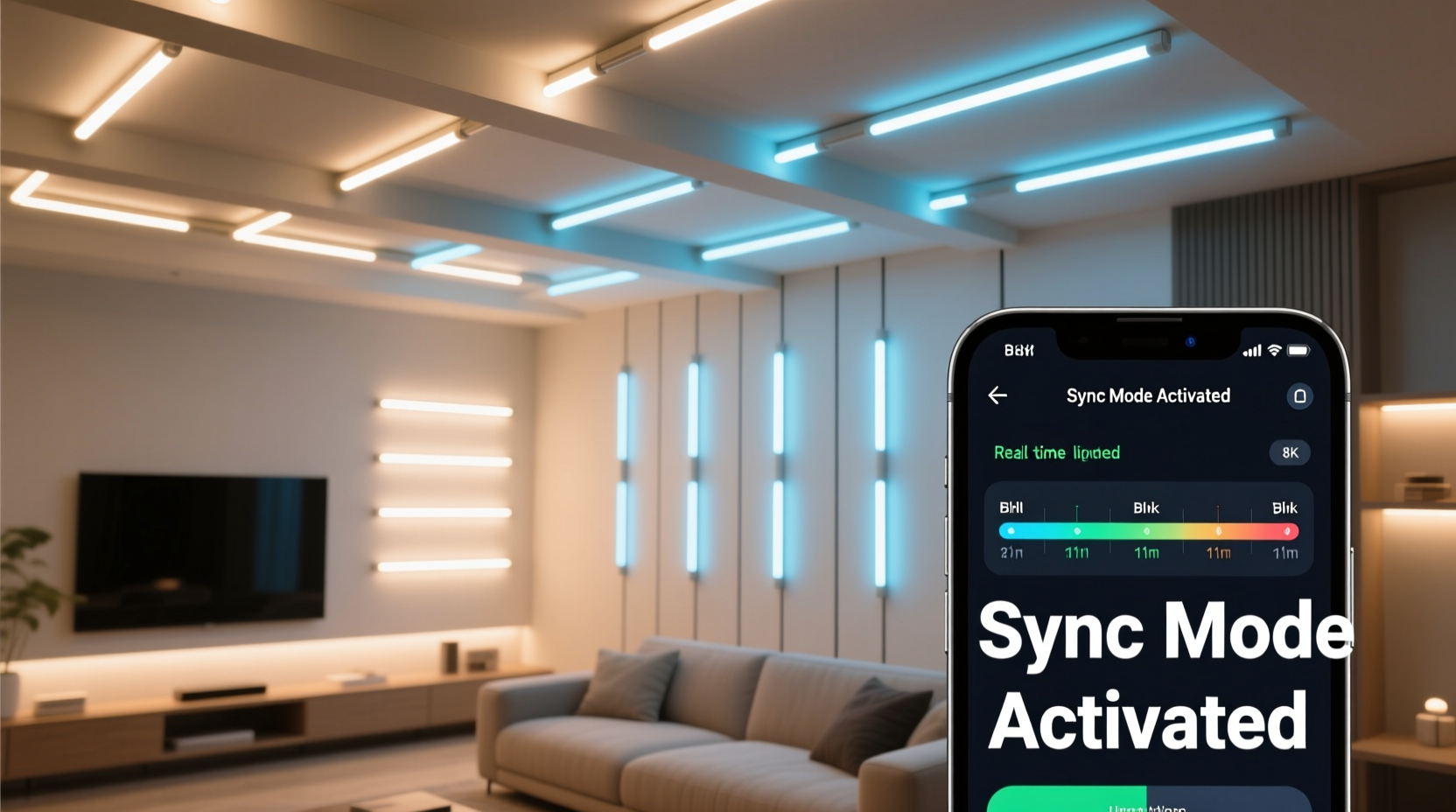
Smart light strands rely on wireless communication protocols such as Wi-Fi, Bluetooth, Zigbee, or proprietary RF signals to receive commands from apps or controllers. While each strand can operate independently, synchronizing multiple units introduces challenges related to signal latency, firmware variation, and command processing time. Even minor delays—measured in milliseconds—can result in noticeable lag between lights, especially during rapid blinking patterns.
The goal of calibration is not just to set the same color or brightness but to ensure that every strand interprets and executes timing-based commands at the exact same moment. This requires both hardware alignment (ensuring all devices are compatible and updated) and software coordination (using reliable control systems).
“True synchronization isn’t about turning lights on together—it’s about eliminating micro-delays in command execution.” — Dr. Alan Reeves, Embedded Systems Engineer at LumaGrid Technologies
Step-by-Step Guide to Calibration
Follow this structured process to align your smart light strands for perfect unison:
- Verify Compatibility: Confirm that all light strands use the same communication protocol and are supported by a single app or controller. Mixing brands without a unified hub often leads to inconsistent behavior.
- Update Firmware: Access the manufacturer’s app and check for firmware updates on each device. Outdated firmware may cause delayed response times or erratic performance.
- Connect to the Same Network: Ensure all lights are connected to the same 2.4 GHz Wi-Fi band. Avoid splitting devices across dual-band routers unless the system explicitly supports mesh coordination.
- Reset Devices: Perform a factory reset on each strand to clear any previous settings or group assignments that could interfere with new configurations.
- Add Lights to a Unified Group: In your smart lighting app (e.g., Philips Hue, LIFX, Nanoleaf, or TP-Link Kasa), create a new group and add all target light strands. Name it something like “Main Sync Strip” for clarity.
- Test Basic Commands: Send a simple on/off command to the group. Observe whether all lights respond within a split second of each other. If one lags, isolate it and re-pair.
- Adjust Timing Sensitivity: Use advanced mode or developer settings (if available) to reduce transition duration between states. Set fade times to zero milliseconds where possible.
- Use Scene Presets for Blinking Patterns: Instead of relying on real-time manual triggers, program a scene with a rapid blink sequence using predefined intervals (e.g., 500ms on, 500ms off).
- Trigger via Centralized Controller: Use a single source—such as a physical remote, voice assistant command, or automation schedule—to initiate the blink pattern across the entire group.
- Monitor and Fine-Tune: Run repeated tests under normal usage conditions. Adjust placement near the router if signal strength varies.
Common Challenges and How to Overcome Them
Even with careful setup, several factors can disrupt synchronization:
- Network Congestion: Too many IoT devices on one network can delay packet delivery. Prioritize lighting traffic through QoS (Quality of Service) settings on your router.
- Signal Interference: Physical obstructions, microwaves, or neighboring Wi-Fi networks can weaken signals. Position your router centrally and minimize barriers between hubs and lights.
- Firmware Mismatches: One outdated strand can throw off timing logic. Always update devices before grouping.
- App Latency: Some mobile apps introduce delays when sending bulk commands. Prefer local control (hub-based or LAN-only) over cloud-dependent systems when precision matters.
- Power Supply Variance: Low voltage or unstable power sources can slow LED startup. Use high-quality extension cords and avoid daisy-chaining too many strands.
Mini Case Study: Holiday Display Fix
A homeowner in Portland installed five different sets of RGBIC smart lights around their porch for Christmas. Despite setting identical blinking modes, two outer strands consistently lagged behind. After testing individually, all lights worked perfectly—but not together.
The issue was traced to an older model strand still running firmware version 1.2 while others were on 1.5. Once updated via the brand’s app, the lag disappeared. Additionally, the user discovered that one segment was operating on a weak Wi-Fi signal due to distance from the router. Relocating the router closer and assigning a static IP to the lights stabilized the connection. The final display blinked in perfect rhythm throughout the season.
Best Practices Checklist
Before launching your synchronized display, run through this checklist:
- ✅ All light strands are from the same ecosystem or certified cross-compatible
- ✅ Firmware is up to date on every device
- ✅ All devices are on the same Wi-Fi network (preferably 2.4 GHz)
- ✅ Lights are grouped under a single virtual room or scene
- ✅ Transition effects and dimming curves are minimized or disabled
- ✅ A centralized trigger method (remote, voice, automation) is used
- ✅ Network bandwidth is sufficient and prioritized for IoT devices
- ✅ Power supply is stable and rated for total wattage load
- ✅ Initial sync test performed in low-interference environment
- ✅ Backup plan in place (e.g., pre-programmed fallback pattern)
Comparison Table: Control Methods and Sync Accuracy
| Control Method | Sync Accuracy | Lag Risk | Best For |
|---|---|---|---|
| Wi-Fi App (Cloud-Based) | Moderate | High | Casual indoor use |
| Wi-Fi App (Local/LAN Mode) | High | Low | Precise indoor shows |
| Bluetooth Mesh | Medium-High | Moderate | Small rooms, short-range |
| Zigbee with Hub | Very High | Very Low | Whole-home installations |
| Infrared Remote | Low-Medium | High (line-of-sight issues) | Budget setups |
| Dedicated Lighting Console (e.g., DMX) | Exceptional | Negligible | Professional displays |
Advanced Option: Use Third-Party Automation Tools
For users seeking greater control, third-party platforms like Home Assistant, Node-RED, or IFTTT offer deeper customization. These tools allow you to bypass consumer app limitations and send direct, timestamped commands to each light.
For example, in Home Assistant, you can write an automation script that triggers all lights simultaneously using a REST API call over the local network. This eliminates round-trip delays associated with cloud routing. You can also incorporate audio-reactive plugins that pulse lights in time with music—provided your hardware supports sub-second responsiveness.
Another option is using open-source firmware like WLED (popular with addressable LED strips). WLED enables frame-accurate synchronization across dozens of nodes via UDP broadcast packets. It’s particularly effective for DIY holiday displays or stage lighting projects requiring pixel-level precision.
“We’ve seen hobbyists achieve cinema-grade lighting sync using Raspberry Pi controllers and WLED. It’s no longer just for pros.” — Maya Tran, Open-Source IoT Developer
FAQ
Can I sync smart lights from different brands?
Yes, but only through universal platforms like Apple HomeKit, Google Home, or Amazon Alexa—if all devices are integrated into the same ecosystem. However, true millisecond-level sync is rare across brands due to varying processing speeds and communication stacks. For best results, stick to one brand or use a protocol-agnostic controller like WLED.
Why do my lights blink out of sync only during fast patterns?
Rapid blinking exposes tiny delays in command processing. Each light receives the “on” and “off” signal at slightly different times due to network jitter or internal buffering. To fix this, reduce transition durations in the app settings, ensure strong Wi-Fi signals, and avoid cloud-dependent controls for fast sequences.
Do I need a hub to synchronize multiple strands?
Not always. Many Wi-Fi-enabled lights work without a hub, but a central hub (like Philips Hue Bridge or Samsung SmartThings) improves reliability by managing communication locally instead of routing through the internet. Hubs reduce latency and enable faster, more consistent responses across large groups.
Conclusion
Calibrating multiple smart light strands to blink in unison combines technical awareness with practical troubleshooting. Success depends on selecting compatible hardware, maintaining network health, and using precise control methods. Whether you're enhancing your living space or designing an elaborate seasonal display, synchronized lighting transforms ambiance and captures attention.
Start with a small setup to master the fundamentals, then scale up with confidence. Pay attention to firmware, network stability, and control architecture—small details make the biggest difference in timing accuracy. With the right approach, your lights won’t just glow; they’ll move as one.




 浙公网安备
33010002000092号
浙公网安备
33010002000092号 浙B2-20120091-4
Comments
No comments yet. Why don't you start the discussion?