
Rotating Christmas light projectors—those compact units that cast animated snowflakes, stars, or reindeer across your home’s façade—offer high-impact seasonal ambiance without the ladder work of stringing thousands of bulbs. Yet many users report disappointing results: jerky rotation, visible stutter, mismatched motion and music, or a distracting “strobing” effect that undermines the magic. These issues rarely stem from faulty hardware. Instead, they point to one overlooked but critical factor: timing calibration. Unlike static LED projectors, rotating models rely on precise synchronization between motor speed, light source pulsing (especially in LED-based units), and external control signals (e.g., DMX or audio input). When timing drifts—even by milliseconds—the illusion collapses. This article details exactly how to diagnose, measure, and recalibrate timing across common projector models, using accessible tools and repeatable methods. No oscilloscopes required. Just patience, a smartphone, and an understanding of rotational physics applied to holiday lighting.
Why Timing Calibration Matters More Than You Think
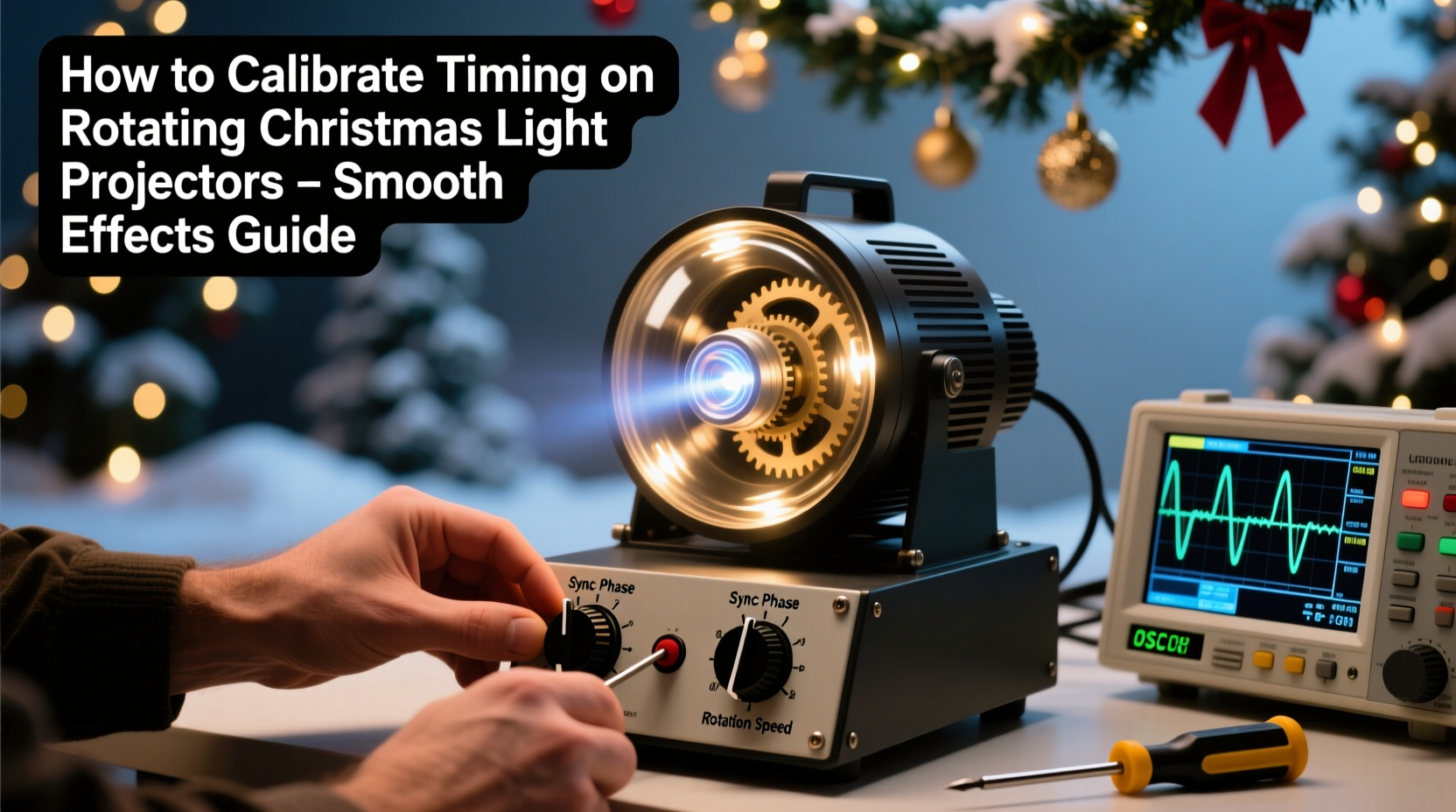
Rotating projectors create motion through mechanical rotation of a glass or acrylic wheel engraved with patterns. As the wheel spins, light passes through it and projects onto surfaces. For motion to appear fluid, two conditions must be met simultaneously: first, the wheel must rotate at a consistent, predictable speed; second, the light source must pulse—or remain steady—in harmony with that rotation. In cheaper models, the motor lacks feedback control and slows under load or temperature changes. In programmable units, the light output may be modulated to match audio peaks or chase sequences—but only if the base rotational timing is stable. A 3% variance in RPM can cause pattern slippage over 10 seconds; a 5% drift makes synchronized music shows impossible. Worse, inconsistent timing stresses motors and accelerates bearing wear, shortening projector lifespan. According to lighting engineer Rajiv Mehta, who helped develop projection systems for the 2023 Chicago Holiday Lights Festival:
“Most ‘flicker complaints’ we investigate trace back to uncalibrated timing—not bulb failure. Once you stabilize rotation and align it with your control protocol, 90% of perceived quality issues vanish.”
Diagnosing Timing Issues: The 3-Minute Assessment
Before adjusting anything, confirm whether timing is truly the culprit. Perform this quick diagnostic:
- Observe under low ambient light. Project onto a white wall or garage door. Watch for visible stutter, hesitation at the top/bottom of rotation, or “ghosting” where patterns smear instead of snap cleanly.
- Record slow-motion video. Use a smartphone set to 240 fps (most recent iOS/Android models support this). Record 5 seconds of projection. Play back frame-by-frame. Count how many full rotations occur in 10 seconds. Multiply by 6 to get RPM. Compare to the manufacturer’s rated RPM (e.g., “12–15 RPM” printed on the unit’s label or manual).
- Test with audio sync. If your projector supports sound-activated modes, play a steady 120 BPM drum loop. Does the pattern pulse *with* each beat—or lag behind, then rush ahead? Consistent lag indicates motor inertia; erratic pacing suggests voltage instability or aging capacitors.
Calibration Methods by Projector Type
Not all projectors allow user-accessible timing adjustment. The method depends on your unit’s design and intelligence level. Below is a comparison of approaches, ranked by reliability and accessibility:
| Projector Type | Timing Control Method | Adjustment Access | Stability Rating (1–5) |
|---|---|---|---|
| Basic AC Motor (e.g., Gemmy, Brite Star) | Fixed-speed induction motor driven directly by line voltage | No user adjustment; requires external voltage regulator | 2 |
| DC Brushless Motor + Potentiometer (e.g., LightShow Pro, some Noma models) | Variable resistor adjusts motor voltage → controls RPM | Small screw inside housing; often labeled “SPEED” or “RPM” | 4 |
| DMX-Enabled (e.g., Chauvet DJ, ADJ) | Microcontroller reads DMX channel 12 (speed) and drives motor via PWM | Adjust via DMX console or app; no physical access needed | 5 |
| Smart Wi-Fi (e.g., Twinkly Pro, LuminaFest) | App-controlled motor profile with acceleration/deceleration curves | Settings menu → “Motion Sync” → “Rotation Precision Mode” | 4.5 |
For basic AC motor units, stability hinges on clean, consistent voltage. A simple $25 plug-in voltage stabilizer (e.g., Tripp Lite ISOBAR6ULTRA) can reduce RPM variance from ±8% to ±1.5%. For DC brushless models, locate the potentiometer (usually near the motor housing or circuit board). Turn it slowly clockwise to increase speed, counterclockwise to decrease. Use your slow-mo video count as feedback—adjust in 15-second increments, retesting each time. Never force the potentiometer; excessive turning damages the wiper contact.
Step-by-Step: Calibrating a DC Brushless Projector with External Audio Sync
This sequence applies to mid-tier projectors like the LightShow Pro LS-2000 or similar units used in residential synchronized displays. It assumes your projector connects to a sound-reactive controller (e.g., Falcon F16v3 or even a smartphone running xLights with audio analysis).
- Power on and warm up. Let the unit run for 10 minutes. Note its baseline RPM using slow-mo video (e.g., 13.2 RPM).
- Connect audio source. Feed a clean 440 Hz test tone (use a free online tone generator) into the projector’s audio-in port. Observe the projected pattern’s response. If it pulses erratically, skip to Step 4.
- Match motor speed to audio reference. Adjust the internal RPM potentiometer until the pattern completes exactly 10 full rotations in 45.45 seconds (this equals 13.2 RPM). Verify with video count.
- Enable “Phase Lock” mode (if available). Some controllers allow setting a phase offset. Start at 0°. Play the 440 Hz tone again. If the brightest pulse occurs 90° after pattern peak, adjust offset to +90°. Re-test until light intensity peak aligns precisely with audio waveform peak.
- Validate with real music. Play a track with strong, regular kick drums (e.g., Daft Punk’s “Around the World”). Using a dual-channel audio editor (Audacity), overlay the audio waveform and your video’s brightness timeline (export brightness data using free software like OBS Studio + “Brightness Analysis” plugin). Fine-tune phase offset until peaks coincide within ±20 ms.
This process transforms a jittery, reactive display into a cohesive visual instrument—where light doesn’t just respond to sound, but moves *with* it.
Real-World Example: The Maple Street Synchronization Project
In December 2023, homeowner Lena Torres installed five rotating projectors along her 60-foot front façade—three snowflake units, two starburst models—all purchased from different retailers. Initially, the display looked chaotic: snowflakes spun faster than stars, creating visual dissonance, and none synced to her xLights show. She measured RPMs: snowflakes ranged from 11.8–14.1 RPM; stars sat at 12.4 RPM. After researching, she discovered two units had failed electrolytic capacitors causing voltage sag. She replaced them ($4.20 each, 20-minute solder job). She then calibrated each unit individually using the step-by-step method above, setting all to 13.0 RPM and matching phase offsets. Final result? A unified, breathing winter scene where snowfall intensified during piano crescendos and stars pulsed softly beneath sustained chords. Neighbors reported the display felt “cinematic”—not because of more lights, but because timing eliminated cognitive friction.
Do’s and Don’ts of Long-Term Timing Stability
- DO mount projectors on rigid, vibration-dampened surfaces (e.g., rubber-gasketed brackets). Motor vibration induces resonance that destabilizes rotation.
- DO clean the rotating wheel monthly with lens-safe microfiber and isopropyl alcohol. Dust buildup creates uneven weight distribution, causing wobble and RPM drift.
- DO use a dedicated GFCI-protected outlet on a non-shared circuit. Compressor refrigerators or space heaters on the same circuit cause voltage sags that stall motors.
- DON’T cover ventilation slots—even in cold weather. Overheating degrades motor windings and causes thermal RPM creep (up to 7% faster when hot).
- DON’T assume “auto-calibrate” buttons are reliable. Most reset only to factory defaults, ignoring wear-related drift. Manual verification remains essential.
- DON’T mix projector brands in one synchronized zone unless you’ve manually matched their RPM and phase. Even 0.5 RPM difference creates noticeable drift over 30 seconds.
FAQ
Can I calibrate timing without slow-motion video?
Yes—but less precisely. Use a mechanical tachometer (under $20) aimed at the wheel’s edge, or improvise with a strobe app (e.g., “Stroboscope” for Android/iOS) set to known frequencies. Shine the strobe on the rotating wheel; adjust frequency until the pattern appears frozen. That frequency equals RPM. However, slow-mo video captures acceleration/deceleration behavior that instant-read tools miss.
My projector has no speed pot or DMX—can I still improve timing?
Absolutely. Focus on environmental stability: install a line conditioner, ensure ambient temperature stays between 32°F–95°F, and verify mounting hardware is tight (loose screws cause micro-vibrations that disrupt motor commutation). Also, replace the power cord if it’s coiled tightly—inductance in coiled cords can introduce subtle voltage ripple affecting brushless controllers.
How often should I recalibrate?
At minimum, before each holiday season. For heavy-use displays (e.g., community installations running nightly for 6+ weeks), recalibrate every 10 days. Motor bearings settle, lubricants migrate, and thermal cycling alters tolerances. Keep a simple log: date, measured RPM, ambient temp, and any observed artifacts (e.g., “slight hesitation at 12 o’clock position”). Trends emerge quickly.
Conclusion: Timing Is the Invisible Conductor
Calibrating timing on rotating Christmas light projectors isn’t about technical perfection—it’s about honoring the viewer’s subconscious expectation of coherence. Human vision interprets rhythm and flow intuitively. When rotation stutters, our brain registers dissonance before we consciously notice it. When light pulses perfectly with music, we feel immersed—not distracted. That transformation requires no new hardware, no expensive upgrades. It asks only for attention to detail, consistency in measurement, and respect for the physics governing motion and light. You don’t need a lab to achieve it. You need a smartphone, 20 focused minutes, and the willingness to treat your projector not as a disposable gadget, but as a precision instrument designed to evoke wonder. This year, don’t just turn on the lights. Tune them. Align them. Let them breathe in time with the season—and watch how deeply that small act resonates.




 浙公网安备
33010002000092号
浙公网安备
33010002000092号 浙B2-20120091-4
Comments
No comments yet. Why don't you start the discussion?