
Batteries power much of modern life—from smartphones and laptops to electric vehicles and home energy systems. Yet many users overlook the importance of proper charging practices. Charging incorrectly can reduce battery lifespan, create safety risks, or even cause permanent damage. For beginners, understanding the fundamentals of safe and effective charging is essential. This guide breaks down best practices, common pitfalls, and science-backed strategies to help you get the most out of your batteries—safely.
Understand Battery Chemistry Basics
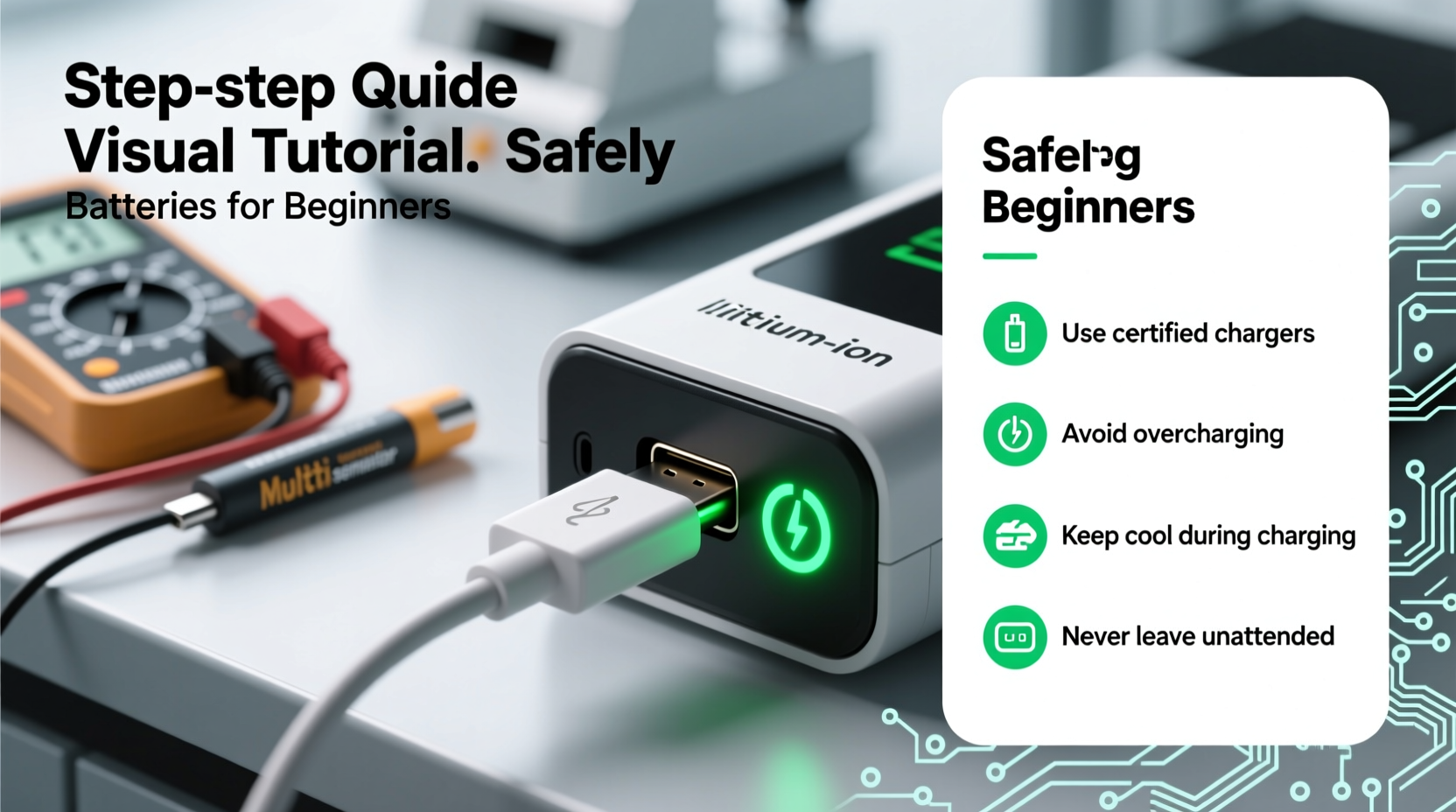
Not all batteries are created equal. The way you charge a device depends heavily on its battery chemistry. The most common types today include:
- Lithium-ion (Li-ion): Found in phones, laptops, and EVs. High energy density, low self-discharge, but sensitive to overcharging and deep discharging.
- Lithium-polymer (Li-Po): A variant of Li-ion, often used in ultra-thin devices. More flexible in shape but requires careful voltage control.
- Nickel-metal hydride (NiMH): Used in older electronics and some rechargeable AA/AAA batteries. Less prone to memory effect than older NiCd types.
- Lead-acid: Common in cars and backup power systems. Tolerant of rough handling but require full recharges and ventilation.
Lithium-based batteries dominate consumer electronics, so this guide focuses primarily on them. These batteries perform best when kept between 20% and 80% charge. Going below 10% or above 90% regularly accelerates degradation.
Step-by-Step Guide to Safe Charging
Follow this sequence to charge any battery-powered device safely and efficiently:
- Use the correct charger: Always use the manufacturer-recommended charger or one certified as compatible. Voltage and current mismatches can lead to overheating or undercharging.
- Inspect cables and ports: Frayed wires or debris in charging ports increase resistance and fire risk. Clean gently with a dry brush if needed.
- Power down when possible: Charging while using the device generates more heat. For faster, safer charging, turn it off or enable airplane mode.
- Plug into a stable power source: Surge protectors or uninterruptible power supplies (UPS) help prevent voltage spikes that damage charging circuits.
- Monitor temperature: If the device or charger becomes hot to the touch, unplug immediately. Excessive heat degrades electrolytes and may trigger thermal runaway.
- Disconnect at full charge: Leaving a device plugged in after reaching 100% causes \"trickle charging,\" which stresses the battery over time.
Do’s and Don’ts of Battery Charging
| Do’s | Don’ts |
|---|---|
| Charge in a cool, dry place (ideally 15–25°C / 59–77°F) | Leave devices charging on beds or under pillows |
| Use original or certified chargers | Use cheap, uncertified third-party chargers |
| Unplug once fully charged | Overnight charging without supervision |
| Keep charge levels between 20% and 80% | Frequently drain to 0% or charge to 100% |
| Store batteries at ~50% charge if unused | Store batteries fully charged or fully drained |
Real-World Example: Preventing Smartphone Battery Degradation
Jamal, a college student, noticed his phone’s battery dropped from lasting a full day to needing two charges within six months. He routinely charged it overnight, used it while gaming during charging, and kept it plugged in all day at his desk. After consulting a technician, he learned that sustained high temperatures and constant 100% charging were degrading the lithium-ion cell. By switching to a habit of charging from 30% to 80%, using a cooling stand while gaming, and unplugging promptly, Jamal restored stability to his battery performance. Over the next year, degradation slowed significantly.
This case illustrates how everyday habits—often unnoticed—can have long-term consequences. Small adjustments yield measurable improvements in battery health.
Expert Insight on Long-Term Battery Care
“Modern lithium batteries don’t need to be drained completely. In fact, doing so harms them. The sweet spot for longevity is partial, consistent charging cycles between 30% and 80%.” — Dr. Lena Torres, Electrochemical Engineer, National Energy Storage Lab
Dr. Torres emphasizes that battery wear is cumulative. Each full cycle (0% to 100%) counts as one cycle, but two half-cycles (e.g., 50% to 100% twice) also count as one. Reducing depth of discharge per cycle extends total usable life.
Essential Charging Checklist for Beginners
- ✅ Use only manufacturer-approved or certified chargers
- ✅ Charge in a well-ventilated area away from flammable materials
- ✅ Avoid charging on soft surfaces like couches or beds
- ✅ Keep devices and batteries away from water and moisture
- ✅ Unplug when charge reaches 80–100%
- ✅ Store spare batteries at ~50% charge in a dry cabinet
- ✅ Replace swollen or overheating batteries immediately
Frequently Asked Questions
Can I leave my phone charging overnight?
While modern devices have safeguards to stop charging at 100%, prolonged exposure to full charge increases chemical stress. It’s better to use scheduled charging (available on iOS and Android) to finish charging just before you wake up, keeping the battery at 100% for less time.
Is fast charging bad for my battery?
Fast charging generates more heat, which accelerates degradation. However, occasional use is fine. Reserve fast charging for emergencies and rely on standard charging for daily use to maximize battery lifespan.
What should I do if my battery gets hot while charging?
Immediately disconnect the charger and power down the device. Let it cool in a safe location. If excessive heat persists, have the battery inspected by a professional. Continued use could pose a fire hazard.
Conclusion: Build Smart Charging Habits Today
Charging a battery safely and effectively isn’t complicated—but it does require awareness and consistency. Understanding your battery type, using the right equipment, avoiding extreme states of charge, and monitoring environmental conditions can dramatically improve performance and longevity. Whether you're powering a smartphone, laptop, or electric scooter, these principles apply across devices.
Start small: set a charging reminder at 80%, clean your charging port monthly, and invest in one high-quality charger per device. These habits compound over time, preserving both your investment and your safety.




 浙公网安备
33010002000092号
浙公网安备
33010002000092号 浙B2-20120091-4
Comments
No comments yet. Why don't you start the discussion?