
Knowing the real-time location of a smartphone can be essential in everyday situations — from reuniting with a lost device to ensuring the safety of loved ones. However, tracking a phone's location must always be approached responsibly, ethically, and within legal boundaries. Unauthorized tracking violates privacy and may lead to serious consequences. This guide explores only legitimate, secure, and user-approved methods to check a phone’s location, whether it’s your own device or one shared with family members through consent.
Understanding the Basics of Phone Location Tracking
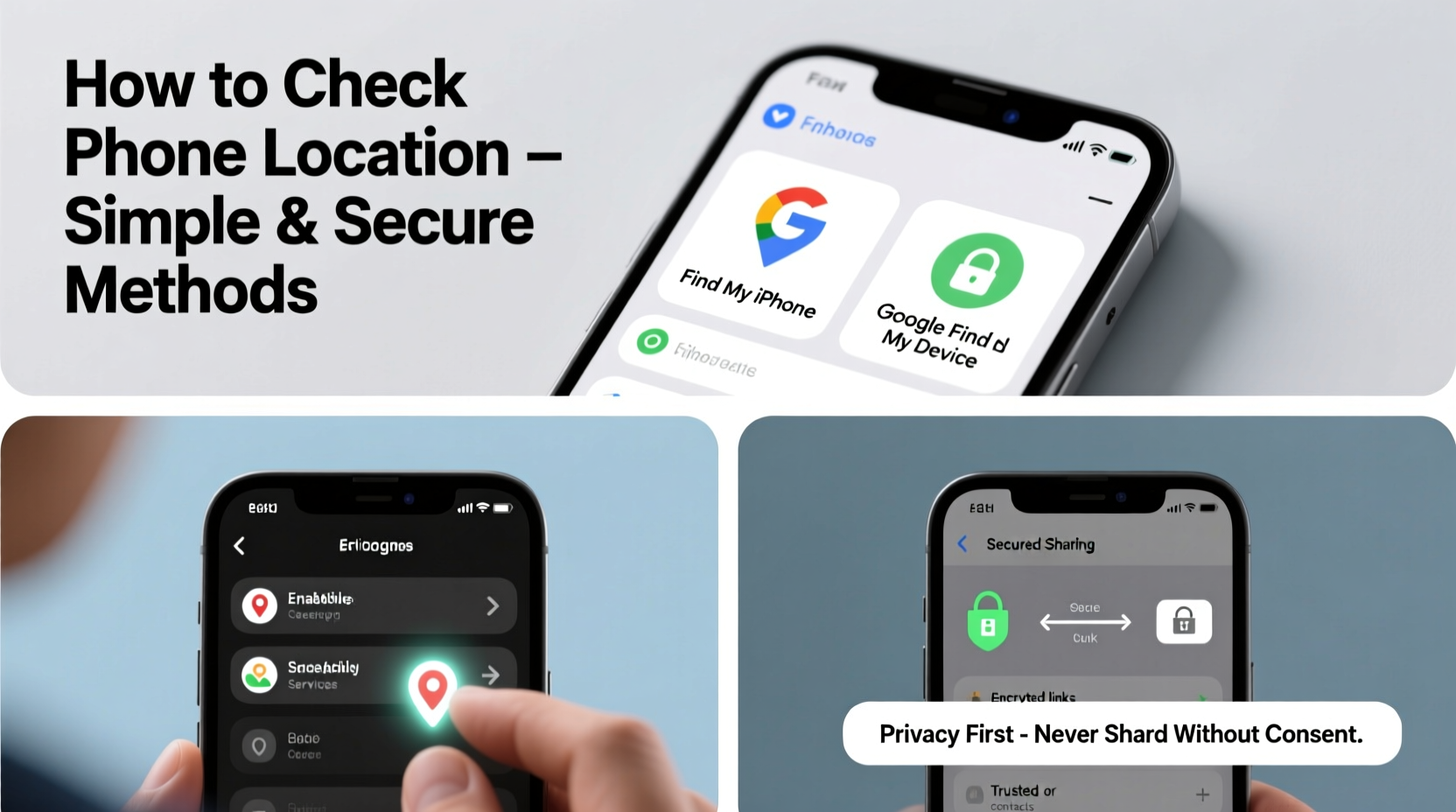
Modern smartphones use a combination of GPS, Wi-Fi signals, Bluetooth, and cellular networks to determine their location. Operating systems like iOS and Android have built-in tools that allow users to locate devices linked to their accounts. These features are designed primarily for security and convenience, not surveillance.
Location accuracy varies depending on environment and signal strength. GPS provides the most precise data outdoors, while indoor tracking relies more on Wi-Fi triangulation and is generally less accurate. All major tracking tools require the target device to be powered on, connected to the internet, and have location services enabled.
Official Methods by Operating System
The safest and most reliable way to track a phone is through official platforms provided by Apple and Google. These services are end-to-end encrypted and require authentication, making them both secure and private.
Find My (Apple Devices)
iOS users can leverage Apple’s “Find My” network to locate iPhones, iPads, Macs, and even AirTags. The system works across all Apple devices signed into the same iCloud account. Key features include:
- Real-time location tracking on a map
- Activation Lock to prevent unauthorized use
- Offline Finding using Bluetooth signals from nearby Apple devices
- Play Sound, Lost Mode, and Erase Device options
To use Find My, go to iCloud.com/find or open the Find My app on another Apple device. Sign in with the Apple ID associated with the missing phone.
Find My Device (Android)
Google’s “Find My Device” service offers similar functionality for Android phones. It allows users to:
- Locate a device on a map
- Ring the phone at maximum volume (even if set to silent)
- Lock the device remotely
- Permanently erase data if recovery seems unlikely
Access the service at google.com/android/find. The tool works best when Location History and “Find My Device” are enabled in settings.
“Apple and Google have made significant strides in privacy-centric location tracking. Their solutions are secure because they prioritize user consent and encryption.” — Dr. Lena Torres, Cybersecurity Researcher at Stanford University
Family Sharing and Parental Tools
For parents or caregivers, monitoring the whereabouts of children or elderly relatives can be a safety necessity. Both Apple and Google offer family-oriented features that operate transparently and with mutual agreement.
Set Up Family Sharing (iOS)
With Family Sharing, up to six family members can share purchases, subscriptions, and location data. To enable location sharing:
- Open Settings > [Your Name] > Family Sharing
- Add a family member and invite them to join
- Enable “Share My Location” under Settings > Privacy > Location Services
- Choose who to share your location with
Once activated, you can view family members’ locations in the Find My app, provided they’ve accepted the request and have location services enabled.
Use Google Family Link
Google Family Link allows parents to monitor and manage their child’s Android device usage. It includes location tracking for children under 13. Setup steps:
- Download Family Link on your device
- Create a Google Account for your child or link an existing one
- Follow setup instructions to pair the child’s device
- View real-time location via the Family Link dashboard
Transparency is key: Google requires parental notifications to be sent to the child’s device whenever location access occurs.
Third-Party Apps: What to Consider
While numerous third-party apps claim to offer advanced tracking features, many pose privacy risks or operate in ethical gray areas. Only consider such tools if they are:
- Fully compliant with privacy laws (e.g., GDPR, CCPA)
- Used with explicit consent from the device owner
- Transparent about data collection and storage practices
Reputable examples include Life360 (for family circles) and Prey Anti-Theft (for device recovery). These apps often provide additional features like driving reports, geofencing alerts, and battery-efficient background tracking.
| Tool | Platform | Best For | Privacy Note |
|---|---|---|---|
| Find My (Apple) | iOS/macOS | Lost device recovery | End-to-end encrypted; highly secure |
| Find My Device (Google) | Android | Remote locking/erasing | Requires Google account access |
| Life360 | iOS & Android | Family location sharing | Data monetization policy; review permissions |
| Prey Anti-Theft | Cross-platform | Stolen device tracking | Open-source; minimal data retention |
Step-by-Step Guide: Locating a Lost Phone
If you’ve misplaced your phone or suspect it’s been stolen, follow this secure timeline to recover it quickly:
- Stay Calm and Act Fast: The first hour is critical. A powered-on device with location services enabled is easier to trace.
- Use Official Tools: Log in to Find My (Apple) or Find My Device (Google) from another device or computer.
- Check Last Known Location: View the device’s most recent position on the map. Accuracy is usually within a few meters.
- Play a Sound: If the phone is nearby but out of sight, trigger a loud ring even in silent mode.
- Enable Lost Mode (iOS) or Secure Device (Android): Lock the phone remotely and display a custom message with your contact info.
- Report if Stolen: Provide the IMEI number and last known location to local authorities. Carriers can blacklist the device using the IMEI.
- Erase as Last Resort: If recovery isn’t possible, wipe personal data to protect your identity and accounts.
Mini Case Study: Recovering a Lost iPhone at an Airport
Sophie, a business traveler, realized her iPhone was missing after clearing security at JFK Airport. She immediately used her iPad to open the Find My app. The phone appeared near Terminal 4, still moving slowly. She played a sound and contacted airport lost & found. Within 20 minutes, a staff member found the phone under a bench, having heard the alarm. Because she had enabled Activation Lock, the phone couldn’t be used by anyone else. Sophie avoided data loss and recovered her device thanks to quick action and Apple’s secure tracking system.
Frequently Asked Questions
Can I track a phone without installing any software?
Yes, if it’s an iPhone or Android device already linked to a cloud account (iCloud or Google), you can use built-in tools like Find My or Find My Device without installing additional apps. However, these services must have been enabled beforehand.
Is it legal to track someone’s phone without them knowing?
No. In most countries, including the U.S. and EU nations, tracking a device without the owner’s knowledge or consent is illegal and considered a violation of privacy laws. Always obtain permission before monitoring any device.
What if the phone is turned off or offline?
You won’t see a real-time location, but some services (like Apple’s Offline Finding) can show the last known location. Certain third-party apps may also log the final coordinates before shutdown.
Conclusion: Stay Safe, Stay Responsible
Checking a phone’s location doesn’t have to be complicated or invasive. With built-in tools from Apple and Google, secure family-sharing options, and responsible use of third-party apps, you can protect your devices and loved ones without crossing ethical lines. The key is preparation — enabling location services and backup tools before you need them.




 浙公网安备
33010002000092号
浙公网安备
33010002000092号 浙B2-20120091-4
Comments
No comments yet. Why don't you start the discussion?