
Email is one of the most critical tools in both personal and professional life. It stores years of communication, sensitive documents, login confirmations, and access to nearly every online service you use. When a hacker gains access, the consequences can be far-reaching—identity theft, financial fraud, or even impersonation of you across social platforms. The good news is that many breaches leave behind clear signs. Recognizing them early and acting quickly can minimize harm and restore control.
Signs Your Email Has Been Compromised
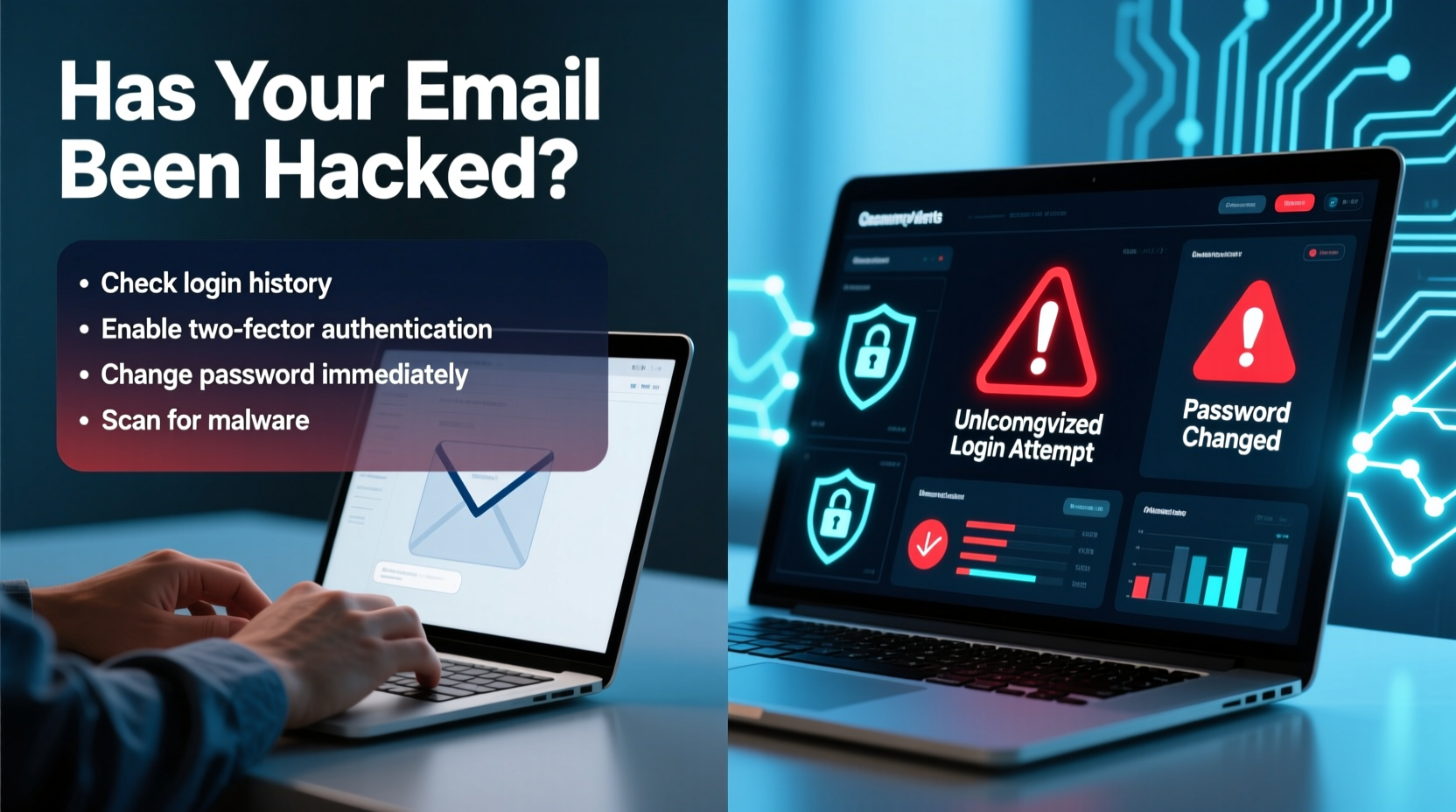
The first step in responding to a potential breach is knowing what to look for. Hackers often make subtle changes that go unnoticed unless you're paying close attention. Here are some red flags that strongly suggest unauthorized access:
- Unfamiliar sent messages: You notice emails in your “Sent” folder that you didn’t write. These might include spam, phishing links, or requests for money from friends.
- Password reset emails you didn’t request: Receiving notifications about password changes or two-factor authentication (2FA) codes without initiating them is a major warning sign.
- Forwarding rules you didn’t set: A hacker may silently forward your incoming emails to another address to monitor your activity.
- Inability to log in: If your password suddenly stops working and you didn’t change it, someone else may have locked you out.
- Changed recovery information: Check if your recovery email or phone number has been altered. This is a common tactic to prevent you from regaining access.
- Unusual login locations or devices: Most email providers show recent login activity. Seeing logins from unfamiliar cities or countries should raise concern.
- Contacts reporting spam from your account: Friends receiving strange emails from you—even if you didn’t send them—is a strong indicator of compromise.
Immediate Steps to Take After Detecting a Breach
If you suspect your email has been hacked, act immediately. The longer you wait, the more damage a hacker can do. Follow this timeline to regain control and limit exposure.
- Change your password immediately: Use a strong, unique password you haven’t used elsewhere. Avoid dictionary words, birthdays, or simple patterns.
- Enable two-factor authentication (2FA): If not already enabled, activate 2FA using an authenticator app or hardware key. Avoid SMS-based 2FA when possible, as it’s vulnerable to SIM-swapping attacks.
- Check and remove suspicious forwarding rules: Go into your email settings and disable any auto-forwarding you didn’t set up.
- Review connected apps and third-party access: Remove any unfamiliar or outdated apps that have permission to access your email.
- Verify recovery options: Ensure your recovery email and phone number are correct and under your control.
- Scan your device for malware: Run a full system scan with trusted antivirus software. Keyloggers or spyware could have captured your credentials.
- Notify contacts: Send a brief message to people in your recent correspondence informing them your account was compromised and asking them not to click on any suspicious emails they may have received.
“Time is the enemy in a cyberattack. Every minute counts when trying to contain a breach.” — Kevin Mitnick, former cybersecurity consultant and white-hat hacker
How to Investigate Suspicious Activity
Most major email providers offer detailed logs of recent activity. Learning how to access and interpret these logs is essential for confirming a hack and understanding its scope.
Gmail: At the bottom-right of your inbox, click “Last account activity” and select “Details.” This shows IP addresses, device types, locations, and timestamps of recent logins. Look for entries from unknown countries or at odd hours.
Outlook/Hotmail: Navigate to “Security & privacy” > “Recent activity.” Review login attempts and flag anything suspicious.
Apple iCloud Mail: Visit appleid.apple.com, sign in, and check “Devices” for any unrecognized Apple IDs or active sessions.
If you find suspicious entries, note the date, time, and location. This information can help support teams investigate further or be useful if you need to report the incident to authorities.
| Email Provider | Where to Find Login Activity | What to Look For |
|---|---|---|
| Gmail | Bottom-right of inbox → “Details” | Unknown IP addresses, foreign countries, unusual times |
| Outlook | Account → Security → Recent activity | Failed logins, new devices, location mismatches |
| Yahoo Mail | Account Security → Recent sign-in activity | Multiple failed attempts followed by a successful login |
| iCloud | appleid.apple.com → Devices | Unrecognized iPhones, iPads, or Macs |
Securing Your Other Accounts
Your email is often the master key to other accounts. If it’s been compromised, assume that other services linked to it may now be at risk. Hackers commonly use password reset functions to gain access to banking, social media, shopping, and cloud storage accounts.
Take the following actions across your digital footprint:
- Change passwords for critical accounts: Focus on banking, credit cards, social media, and cloud storage (e.g., Google Drive, Dropbox).
- Use a password manager: Generate and store complex, unique passwords for each site. This prevents credential stuffing attacks where hackers reuse stolen passwords across platforms.
- Monitor financial statements: Check bank and credit card transactions for unauthorized charges. Report any discrepancies immediately.
- Freeze your credit if necessary: If you suspect identity theft, contact credit bureaus (Equifax, Experian, TransUnion) to place a freeze and prevent new accounts from being opened in your name.
- Update security questions: If you used weak answers (e.g., mother’s maiden name), consider updating them—or better yet, use random answers stored in your password manager.
Real-World Example: How One User Recovered From a Hacked Account
Sarah, a freelance graphic designer, noticed her clients were getting emails from her promoting fake cryptocurrency investments. She hadn’t sent them. Alarmed, she tried logging in but was locked out. After resetting her password via recovery email, she regained access and discovered a forwarding rule sending all incoming messages to an unknown Russian email address.
She immediately deleted the rule, enabled 2FA using Google Authenticator, and reviewed her connected apps—finding an unknown third-party mail client with full access. She revoked it. Sarah then changed passwords on her PayPal, Upwork, and cloud backup accounts, all linked to her email. She also ran a malware scan on her laptop, which detected a keylogger installed through a malicious PDF attachment.
By acting quickly and thoroughly, Sarah prevented further financial loss and protected her professional reputation. Her experience highlights the importance of vigilance and layered security.
Prevention: Building Long-Term Email Security
Recovering from a hack is stressful. The best strategy is prevention. Adopt these habits to significantly reduce your risk:
- Use strong, unique passwords: Combine uppercase, lowercase, numbers, and symbols. Aim for at least 12 characters.
- Enable two-factor authentication everywhere: Even if it adds a few seconds to login, it blocks 99% of automated attacks.
- Avoid public Wi-Fi for email access: If necessary, use a trusted virtual private network (VPN) to encrypt your connection.
- Be cautious with email attachments and links: Don’t open files or click links from unknown senders, even if they appear legitimate.
- Regularly update software: Keep your operating system, browser, and antivirus tools up to date to patch known vulnerabilities.
- Back up important emails: Export critical messages or use a secure archiving tool to ensure you don’t lose data if your account is deleted.
“Security is not a product, but a process. It requires ongoing attention and adaptation.” — Bruce Schneier, cybersecurity expert and author
Frequently Asked Questions
Can I recover my email if the hacker changed the password and recovery info?
Yes, but it may take time. Contact your email provider’s support team immediately. Provide proof of identity, previous passwords, and details about your account history. Gmail and Outlook have dedicated recovery forms that can help.
Should I delete my hacked email account?
Not necessarily. If you can regain control and secure it properly, keeping the account preserves years of communication and contacts. However, if repeated breaches occur or trust is lost, migrating to a new account with stronger security may be wiser.
How do hackers usually gain access to email accounts?
Common methods include phishing scams, credential stuffing (using leaked passwords from other sites), malware, weak passwords, and SIM-swapping attacks. Public Wi-Fi networks and unsecured apps also increase vulnerability.
Essential Security Checklist
Use this checklist to respond to a suspected breach and strengthen your defenses:
- ✅ Change your email password using a strong, unique combination
- ✅ Enable two-factor authentication (preferably app-based)
- ✅ Review login activity and locations
- ✅ Delete suspicious forwarding rules or filters
- ✅ Remove unknown third-party app access
- ✅ Verify and update recovery email and phone number
- ✅ Scan your devices for malware
- ✅ Notify contacts about the breach
- ✅ Update passwords on linked accounts (banking, social media, etc.)
- ✅ Consider using a password manager for future protection
Conclusion: Take Control Before It’s Too Late
An email breach isn’t just an inconvenience—it’s a serious threat to your privacy, finances, and digital identity. But with the right knowledge and swift action, you can stop the damage, reclaim your account, and build stronger defenses. Don’t wait until you see strange emails in your sent folder. Start today: review your login activity, enable 2FA, and update weak passwords. Your future self will thank you.




 浙公网安备
33010002000092号
浙公网安备
33010002000092号 浙B2-20120091-4
Comments
No comments yet. Why don't you start the discussion?