
As 5G networks expand across cities and countries, more users are discovering the benefits of faster download speeds, lower latency, and improved streaming quality. However, having access to a 5G network doesn’t guarantee you’ll benefit from it—your phone must support the technology. Many people assume their device is 5G-capable simply because it’s new, but that isn’t always true. Understanding whether your phone can connect to 5G is essential for maximizing performance, especially if you rely on mobile data for work, entertainment, or communication.
Unlike previous generational shifts in wireless technology, 5G comes in multiple forms—low-band, mid-band, and mmWave—each offering different speeds and coverage. Not all phones support every type, and some older \"5G-ready\" models may only connect to slower low-band frequencies. This means even if your phone technically supports 5G, your real-world experience might not match expectations.
This guide walks through practical, reliable methods to determine if your phone is truly compatible with 5G, what kind of 5G it supports, and how to interpret technical specifications without confusion.
Check Your Phone Settings for 5G Indicators
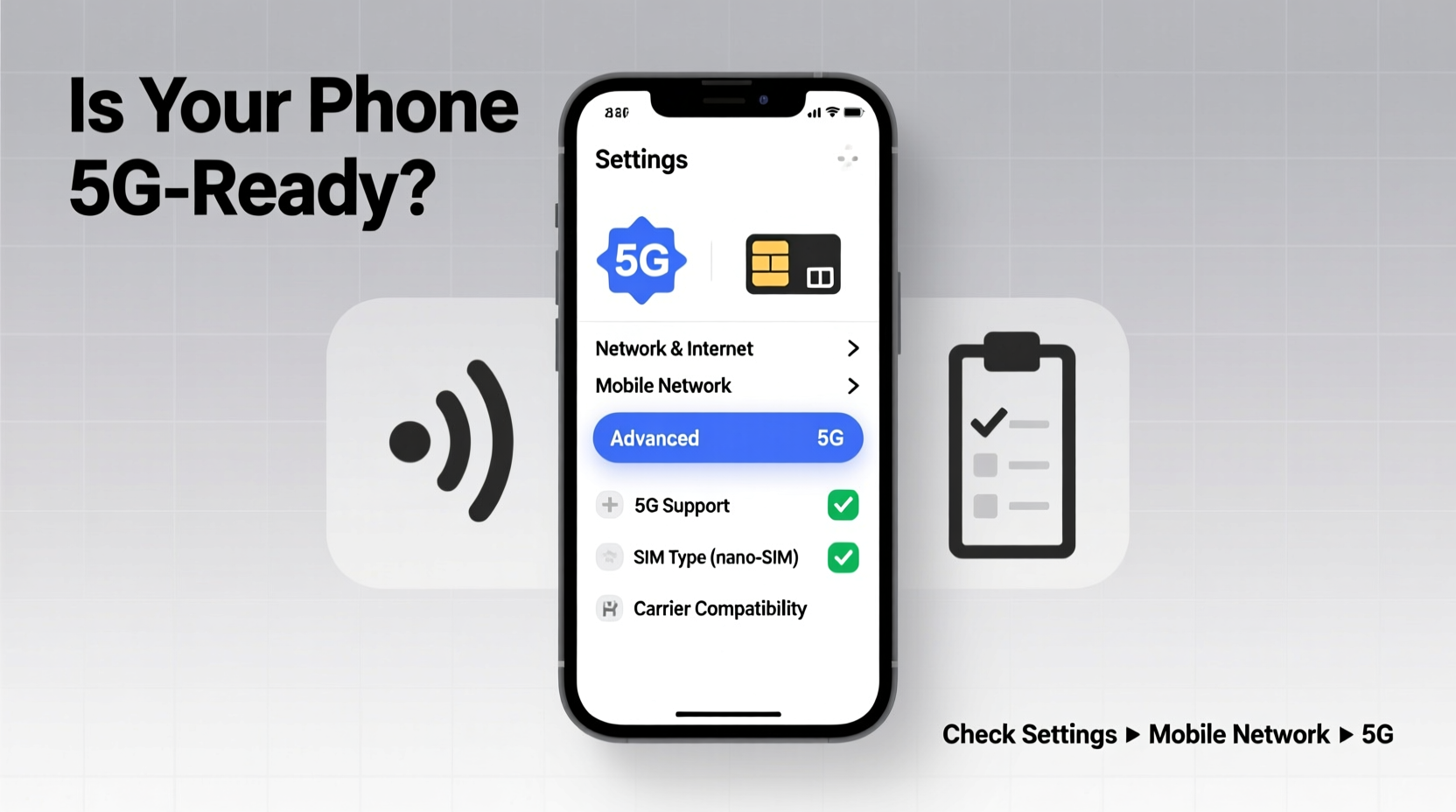
The quickest way to verify 5G compatibility is directly through your phone’s settings. Both Android and iOS devices display network information that can confirm whether 5G is active and supported.
On iPhone (iOS 14 and later):
- Go to Settings > Cellular > Cellular Data Options > Voice & Data.
- If you see options like “5G Auto,” “5G On,” or “LTE,” your iPhone supports 5G.
- Selecting “5G On” forces the phone to prioritize 5G when available.
On Android:
- Navigate to Settings > Network & Internet > Mobile Network.
- Tap on “Preferred network type” or similar (varies by brand).
- If “5G” appears as an option, your device supports it.
Note: Some manufacturers hide these settings under developer menus or carrier-specific configurations. If you don’t see 5G listed, it may be disabled by your carrier or absent due to hardware limitations.
Verify Using Your Phone’s Model Number
Your phone’s model number is one of the most accurate ways to confirm 5G compatibility. Manufacturers assign unique identifiers based on region, carrier, and hardware specs. A single phone line—like the Samsung Galaxy S21—may have both 4G-only and 5G versions depending on the market.
To find your model number:
- Android: Go to Settings > About Phone > Model Number.
- iPhone: Open Settings > General > About > Model Name, then tap the number next to “Model” to reveal the regulatory model (e.g., A2634).
Once you have the model number, search online using the format “[Model Number] + 5G support.” Reputable sources include:
- GSMArena.com
- PhoneArena.com
- Official manufacturer websites (Samsung, Apple, Google)
For example, the iPhone 12 series introduced 5G to Apple’s lineup. The model A2407 (iPhone 12 Pro Max) supports mmWave and sub-6GHz 5G, while international variants like A2411 may lack mmWave. Similarly, the Google Pixel 6 has two models: G813B (global, 5G) and G813A (some regions, also 5G), both supporting sub-6GHz bands.
“Consumers often overlook model variations thinking ‘newer equals better,’ but regional SKUs can drastically affect network capabilities.” — David Lin, Senior Analyst at TechSignal Insights
Use Carrier Tools and Coverage Maps
Even if your phone supports 5G, your carrier must enable it on your plan and in your location. Major carriers provide online tools to check device compatibility and network availability.
Top Carrier Compatibility Checkers:
| Carrier | Tool URL | What It Checks |
|---|---|---|
| Verizon | verizon.com/devices/compatibility | IMEI lookup, 5G eligibility, band support |
| AT&T | att.com/devicecompatibility | LTE/5G readiness, FirstNet support |
| T-Mobile | t-mobile.com/support/coverage-check | 5G Ultra Capacity, Extended Range detection |
| Sprint (now part of T-Mobile) | t-mobile.com/sprint-transition | Legacy device sunset status |
These tools typically require your phone’s IMEI number, which you can find by dialing *#06# on your keypad. Once entered, the system confirms whether your device is provisioned for 5G and which bands it uses.
Additionally, use your carrier’s coverage map to ensure 5G service is available where you live and work. For instance, Verizon’s mmWave 5G offers gigabit speeds but only covers dense urban areas, while T-Mobile’s extended-range 5G reaches rural zones but performs closer to LTE speeds.
Understand the Types of 5G and What Your Phone Supports
Not all 5G is created equal. There are three primary types, each with distinct performance characteristics:
- Low-band 5G (Sub-1GHz): Offers wide coverage and building penetration but delivers speeds only slightly faster than LTE (50–150 Mbps). Supported by nearly all 5G phones.
- Mid-band 5G (2.5–6 GHz): Balances speed and coverage, delivering 200–900 Mbps. Known as “C-Band” in the U.S., this is the sweet spot for real-world performance.
- mmWave 5G (24+ GHz): Provides multi-gigabit speeds but over very short distances and poor wall penetration. Only high-end phones like iPhone 15 Pro and select Samsung flagships support it.
Your phone may claim “5G support” but only operate on low-band, limiting actual benefits. To know what your device supports, refer to its technical specifications page and look for terms like:
- n71, n66, n41 – common low/mid-band frequencies
- n260, n261 – mmWave bands
- C-Band, 3.7–3.98 GHz – refers to mid-band spectrum
For example, the iPhone 12 and later support mmWave in U.S. models, but not internationally. In contrast, the OnePlus Nord N200 5G only supports low-band 5G, making it functionally similar to a fast LTE phone.
Step-by-Step Guide: Confirm 5G Compatibility in 5 Minutes
Follow this streamlined process to determine if your phone supports 5G and is actively using it:
- Check the Status Bar: Look for a “5G” icon next to your signal indicator. If present, your phone is currently connected to a 5G network.
- Review Network Settings: Navigate to mobile network settings and confirm “5G” is listed as an available mode.
- Find Your Model Number: Locate it in the “About Phone” section and note it down.
- Search Online: Enter “[Your Model Number] + 5G bands” into a search engine and consult GSMArena or the manufacturer’s site.
- Test Speeds: Use a tool like Speedtest.net or Fast.com in different locations. Consistent speeds above 150 Mbps suggest mid-band 5G; below 100 Mbps likely indicates low-band or LTE fallback.
If all steps confirm 5G support but you still don’t see the icon, contact your carrier. They may need to push a carrier settings update or activate 5G on your account.
Real-World Example: Maria’s Upgrade Dilemma
Maria purchased a refurbished Samsung Galaxy S20 FE from an online marketplace, advertised as “5G-ready.” Excited about faster streaming during her commute, she was disappointed when her download speeds barely surpassed her old phone’s LTE performance.
After researching, she discovered that the version she bought (model SM-G780F) was manufactured for Europe and lacked support for T-Mobile’s 5G Band 48 (CBRS) and C-Band spectrum used in the U.S. While technically a 5G phone, it couldn’t access the fastest layers of T-Mobile’s network.
She contacted customer support, who confirmed the limitation. Maria eventually upgraded to a U.S.-certified model (SM-G781U), which unlocked full 5G performance. Her lesson? Always verify regional model compatibility before assuming 5G works everywhere.
Common Mistakes That Lead to False Assumptions
Many users mistakenly believe they’re on 5G when they’re not—or assume their phone lacks support when it actually does. Avoid these pitfalls:
- Assuming All New Phones Are 5G: Budget models like the iPhone SE (3rd gen) and Motorola Moto G Power (2023) still ship with 4G-only variants.
- Confusing “5GE” with Real 5G: AT&T’s controversial “5GE” label stands for “5G Evolution,” which is an enhanced LTE network—not true 5G.
- Ignoring Carrier Restrictions: Some prepaid plans disable 5G unless you pay extra. Always check your plan details.
- Relying Solely on Marketing: Phrases like “5G capable” or “ready for 5G” can be misleading. Hardware support is what matters.
Frequently Asked Questions
Can a 4G phone be upgraded to support 5G?
No. 5G requires specific hardware components—modems, antennas, and radio chips—that cannot be added via software updates. You must purchase a new device to access 5G networks.
Why does my phone show 5G but feel no faster than LTE?
You’re likely connected to low-band 5G, which prioritizes coverage over speed. In many cases, performance improvement over LTE is minimal. True speed gains come from mid-band or mmWave connections, which depend on location and device support.
Will 5G drain my battery faster?
Yes, especially when actively searching for or maintaining a 5G connection. Most phones default to “5G Auto” or “Smart Mode” to balance performance and battery life. You can manually switch to LTE in settings to conserve power.
Essential Checklist: Is My Phone 5G-Compatible?
Use this checklist to definitively confirm 5G support:
- ✅ I see a “5G” icon in the status bar
- ✅ My phone settings include a “5G” network mode option
- ✅ My model number appears in official 5G-compatible lists (e.g., Apple, Samsung)
- ✅ My carrier confirms 5G activation on my account
- ✅ Speed tests show consistent results above 150 Mbps in urban areas
- ✅ My phone supports mid-band frequencies (n41, n71, C-Band)
If you’ve checked all six boxes, your phone is fully equipped to leverage modern 5G networks.
Conclusion: Stay Connected with Confidence
Knowing whether your phone supports 5G isn’t just about keeping up with trends—it’s about making informed decisions about your connectivity, device upgrades, and service plans. With carriers phasing out older networks and developers optimizing apps for low-latency connections, 5G readiness is becoming a baseline expectation.
Take a few minutes today to verify your phone’s capabilities using the methods outlined here. Whether you’re deciding to upgrade, troubleshooting slow speeds, or evaluating a secondhand device, clarity on 5G support empowers smarter choices. Don’t leave your mobile performance to chance—check your model, test your network, and ensure you’re getting the speed and reliability you deserve.




 浙公网安备
33010002000092号
浙公网安备
33010002000092号 浙B2-20120091-4
Comments
No comments yet. Why don't you start the discussion?