
Gaming laptops are powerful, expensive investments—often costing over $2,000. Carrying one in an ill-suited bag risks damage from impacts, moisture, or poor weight distribution. A high-quality gaming laptop backpack isn’t just about style; it’s a protective shell that ensures your gear survives daily commutes, travel, and long gaming sessions on the go. Yet, not all backpacks marketed as “gaming” deliver durability or functionality. Choosing the right one requires understanding key construction elements, ergonomic design, and real-world usability.
1. Prioritize Build Quality and Material Durability
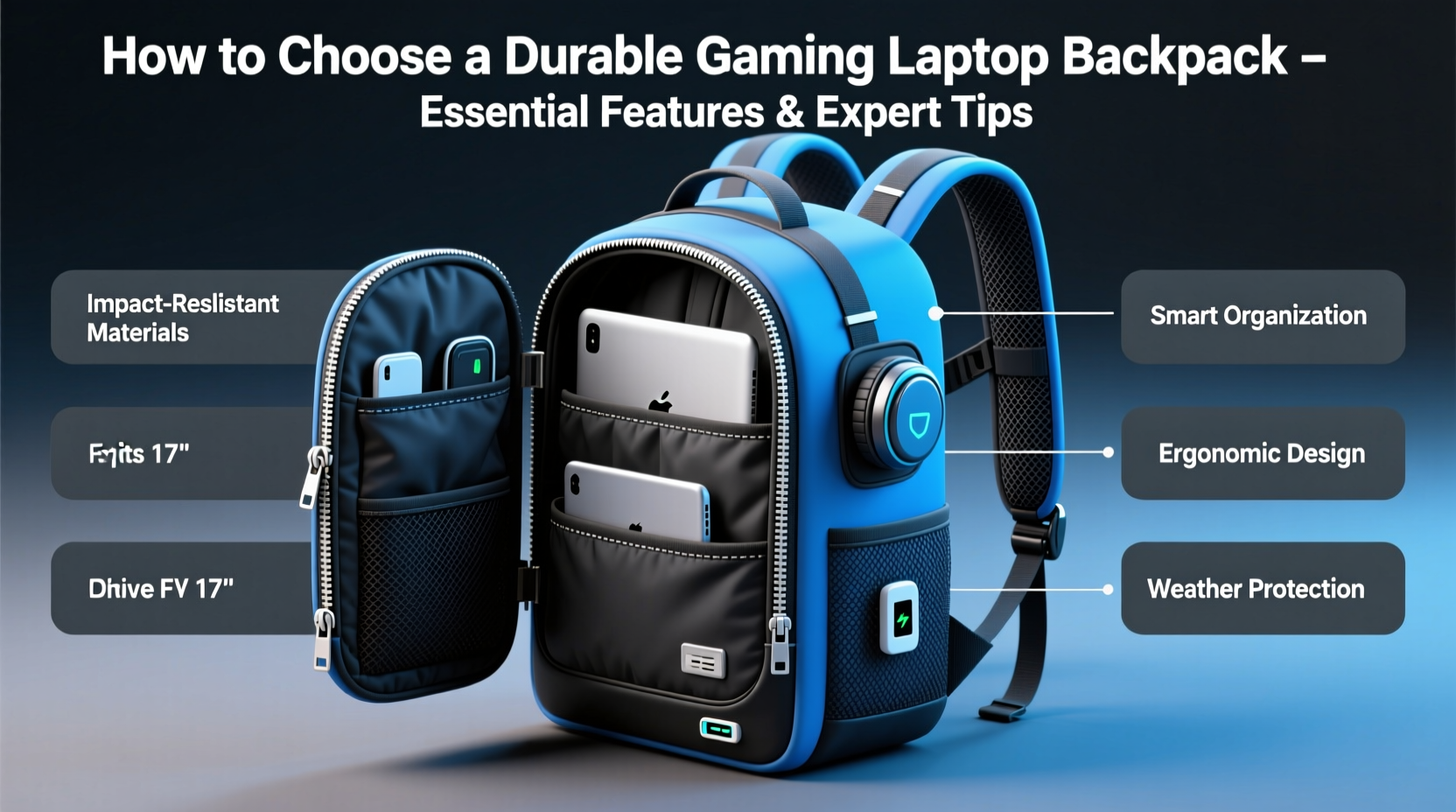
The foundation of any durable backpack is its material. Most budget bags use thin polyester or nylon that wears quickly, especially at stress points like zippers and shoulder straps. For a gaming laptop backpack, you need rugged fabrics designed to resist abrasion, tearing, and weather exposure.
Look for:
- 600D or higher denier polyester or nylon – Higher denier means thicker, more resilient fabric.
- Ripstop weave – This grid-like reinforcement prevents small tears from spreading.
- PU-coated or water-resistant exterior – Essential for surviving rain or accidental spills.
- Reinforced stitching – Double or triple stitching at load-bearing areas increases longevity.
Brands like Targus, Samsonite, and SwissGear often use industrial-grade materials tested under extreme conditions. Third-party reviews frequently cite these models lasting five years or more with regular use.
2. Ensure Proper Laptop Compartment Design
A dedicated, padded laptop sleeve is non-negotiable. However, not all padding is equal. Many backpacks offer only minimal foam lining, which may cushion against light bumps but won’t protect against drops from waist height or compression during transit.
The ideal laptop compartment should:
- Be fully padded on all sides, including front, back, and edges.
- Have a rigid internal frame or structure to prevent crushing.
- Support your laptop size exactly—typically 17 inches for gaming rigs.
- Feature a zippered closure separate from the main compartment for quick airport access without exposing other items.
Some premium models include suspension systems where the laptop floats within the pack using elastic supports, reducing shock transfer when walking or running.
Real Example: The Commuter’s Near-Miss
Daniel, a university student and competitive gamer, once dropped his backpack down a full flight of stairs after missing a step. His previous bag had a thin sleeve—the impact cracked his laptop’s hinge. After switching to a SwissGear Pro Backpack with dual-layer padding and corner bumpers, he survived another fall (same staircase) with no damage. “I didn’t think a backpack could make that much difference,” he said. “Now I wouldn’t trust anything less.”
3. Evaluate Ergonomics and Weight Distribution
Gaming laptops can weigh 6–8 pounds alone. Add chargers, mice, cables, and peripherals, and your total load can exceed 12 pounds. Without proper ergonomics, this weight leads to shoulder strain, back pain, and posture issues over time.
Key ergonomic features to look for:
- Contoured, ventilated shoulder straps – Thick padding and breathable mesh reduce sweat and pressure.
- Chest and sternum strap – Helps stabilize the load and prevent slippage during movement.
- Load-lifter straps – Adjust tension between the bag and shoulders for optimal fit.
- Padded back panel with airflow channels – Prevents overheating and improves comfort during extended wear.
- Waist belt (optional) – Transfers weight to hips, ideal for heavy loads or long walks.
“Backpacks aren’t one-size-fits-all. A poorly fitted pack can cause chronic discomfort even if the materials are top-tier.” — Dr. Lena Patel, Physical Therapist & Ergonomic Consultant
4. Compare Features: What Matters vs. Marketing Hype
Many brands add flashy extras like RGB lighting, transparent compartments, or oversized branding. While visually appealing, these rarely improve durability or function. Focus instead on practical features that enhance protection and usability.
| Feature | Worth It? | Why |
|---|---|---|
| RGB Lighting | No | Drains battery, adds cost, minimal utility |
| USB Charging Port (external) | Sometimes | Convenient but can compromise weather resistance |
| Separate Ventilated Shoe/Accessory Compartment | Yes | Keeps dirty items isolated from electronics |
| Lockable Zippers | Yes | Prevents theft in crowded areas or airports |
| Quick-Access Side Ports for Cables | Yes | Allows charging while walking without opening the bag |
| Transparent Panels | No | Scratches easily, reduces structural integrity |
5. Step-by-Step Guide: How to Test a Gaming Laptop Backpack Before Buying
You don’t need to buy every model to find the right one. Follow this evaluation process before making a decision:
- Measure your laptop – Note exact dimensions and thickness. Check manufacturer specs.
- Simulate your typical load – Pack your laptop, power brick, mouse, headset, and any accessories you carry daily.
- Test the fit – Place the loaded laptop into the sleeve. It should slide in snugly without forcing.
- Wear it for 10–15 minutes – Walk around, sit down, bend over. Assess pressure points and balance.
- Check accessibility – Open and close all compartments. Can you reach essentials without unpacking everything?
- Evaluate zipper quality – Do they glide smoothly? Are they made of metal or plastic? Metal lasts longer.
- Inspect water resistance – Look for coated zippers, storm flaps, or roll-top closures if you commute in wet climates.
Frequently Asked Questions
Can I use a regular laptop backpack for my gaming laptop?
Not recommended. Regular backpacks often lack sufficient padding, structural support, and space for bulky gaming laptops and their accessories. They also tend to use lighter materials that degrade faster under heavier loads.
How much should I spend on a durable gaming laptop backpack?
Expect to invest between $80 and $150 for a truly durable, well-designed backpack. Below $60, compromises in material, stitching, and ergonomics are common. Top-tier models up to $200 offer advanced features like modular interiors or anti-theft tech.
Are anti-theft features worth it?
Yes, especially if you travel frequently or use public transport. Lockable zippers, RFID-blocking pockets, and slash-resistant straps provide real security benefits without adding bulk.
Final Checklist Before Purchase
- ✅ Laptop compartment fits your device snugly with full padding
- ✅ Made from 600D+ ripstop nylon or polyester
- ✅ Reinforced stitching at stress points (straps, bottom corners)
- ✅ Includes chest strap and ventilated back panel
- ✅ Has lockable zippers and/or hidden pockets
- ✅ Offers side or top handle for alternate carrying
- ✅ Includes quick-access ports for charging cables
- ✅ Weighs less than 3.5 lbs empty (to minimize added load)
Conclusion: Protect Your Investment with Smart Choices
Your gaming laptop is more than hardware—it’s your gateway to work, creativity, and competition. Treating it with care starts with how you carry it. A durable gaming laptop backpack combines military-grade materials, intelligent compartmentalization, and ergonomic design to keep your gear safe and your body comfortable. Don’t be swayed by flashy designs or inflated brand names. Instead, prioritize construction, fit, and function. With the right backpack, you’ll move freely, confidently, and securely—whether you’re heading to campus, a LAN party, or a weekend trip.




 浙公网安备
33010002000092号
浙公网安备
33010002000092号 浙B2-20120091-4
Comments
No comments yet. Why don't you start the discussion?