
Setting up a productive home office means more than just having a good chair and desk. One of the most overlooked yet impactful decisions is choosing the right keyboard. With remote work becoming standard, your typing experience affects focus, efficiency, and even household harmony. The two main contenders—mechanical keyboards and silent membrane keyboards—offer very different experiences. Understanding their strengths and weaknesses helps you make an informed choice that aligns with your work style, environment, and long-term comfort.
Understanding the Core Differences
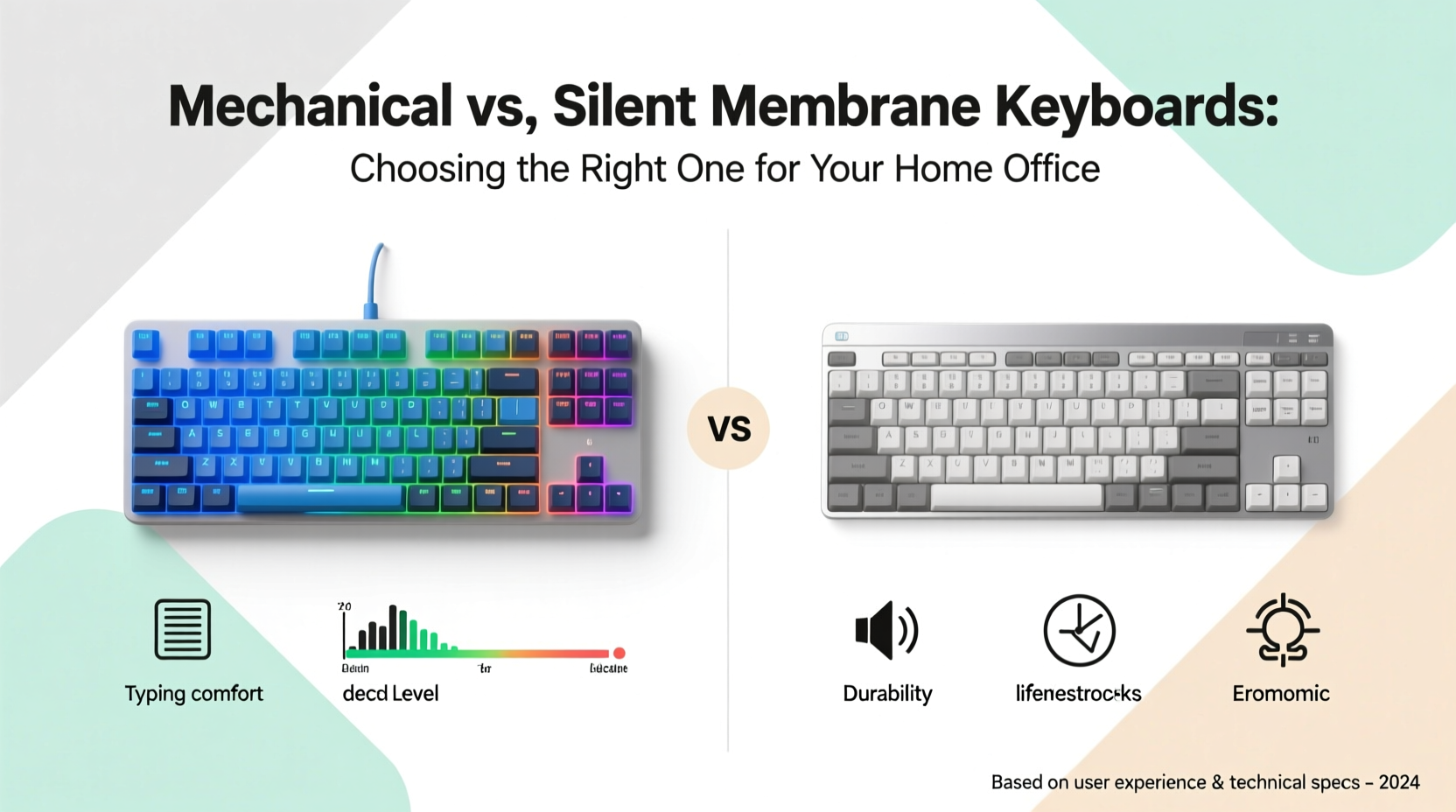
The fundamental distinction lies in how each keyboard registers keystrokes. Mechanical keyboards use individual mechanical switches under each keycap. These switches consist of physical components—springs, metal contacts, and stems—that provide tactile feedback and audible clicks. In contrast, membrane keyboards rely on a layered rubber or silicone sheet beneath the keys. When pressed, the top layer makes contact with a lower conductive layer, completing a circuit to register the input.
This structural difference leads to variations in feel, sound, responsiveness, and longevity. Mechanical keyboards are known for their precision and durability, often rated for 50 million keystrokes per switch. Membrane keyboards typically last around 5–10 million keystrokes, though high-end models can exceed this. More importantly, the typing sensation differs significantly: mechanical keyboards offer distinct tactile bumps or audible clicks, while membrane keyboards deliver a softer, mushier press.
Noise Level: A Critical Factor for Home Offices
One of the most pressing concerns in a shared living space is noise. Mechanical keyboards, especially those with clicky switches like Cherry MX Blue or Kailh Box Jade, produce sharp, audible feedback with every keystroke. While some users find this satisfying and rhythm-inducing, others—and their housemates—may find it distracting or even disruptive during video calls, early mornings, or late-night work sessions.
Silent membrane keyboards, by design, operate almost silently. Their rubber-dome mechanism absorbs much of the impact, resulting in minimal sound output. This makes them ideal for homes with sleeping children, partners working remotely in adjacent rooms, or anyone sensitive to ambient noise.
That said, not all mechanical keyboards are loud. Many modern variants use “silent” or “dampened” switches such as Cherry MX Silent Red, Gateron Silent Brown, or Logitech’s Romer-G Tactile. These switches incorporate internal dampeners to reduce both sound and vibration, bringing their noise profile closer to that of premium membrane boards.
“In hybrid work environments, minimizing auditory distractions is crucial for maintaining concentration and respect among household members.” — Dr. Lena Patel, Ergonomics Researcher at Stanford Human Factors Lab
Evaluating Typing Comfort and Productivity
Comfort isn’t just about wrist support—it extends to how your fingers interact with the keyboard throughout the day. Mechanical keyboards generally offer superior actuation force consistency and key travel, allowing typists to develop muscle memory more efficiently. The tactile bump or audible click serves as confirmation that a keystroke has been registered, reducing errors and enabling faster typing speeds over time.
For professionals who write extensively—such as copywriters, developers, or legal staff—a responsive, precise keyboard can significantly improve workflow. Mechanical switches come in various types:
- Linear (e.g., Cherry MX Red): Smooth press with no bump; preferred by gamers and fast typists.
- Tactile (e.g., Cherry MX Brown): Noticeable bump halfway through the press; balances feedback and quietness.
- Clicky (e.g., Cherry MX Blue): Audible click and tactile bump; satisfying but noisy.
Membrane keyboards, while quieter, often require more force to actuate and lack consistent feedback. Over extended periods, this can lead to finger strain or unintentional double-taps. However, advancements in scissor-switch membrane designs—commonly found in ultra-slim laptops and compact desktop keyboards—have narrowed the performance gap. Brands like Logitech and Microsoft now offer low-profile membrane keyboards with improved key stability and shorter travel, making them viable for serious work.
Comparative Overview: Mechanical vs. Silent Membrane Keyboards
| Feature | Mechanical Keyboard | Silent Membrane Keyboard |
|---|---|---|
| Noise Level | Low to high (depends on switch type) | Consistently low |
| Typing Feedback | Precise, tactile, customizable | Softer, less defined |
| Durability | 50+ million keystrokes average | 5–10 million keystrokes (up to 20M in premium models) |
| Price Range | $70–$200+ | $30–$100 |
| Customization | High (switches, keycaps, backlighting) | Limited |
| Better For | Frequent typists, coders, enthusiasts | Shared spaces, casual users, budget-conscious buyers |
Real-World Scenario: Two Remote Workers, Two Choices
Consider Sarah and James, both software developers working remotely from two-bedroom apartments.
Sarah lives with her partner, who works night shifts as a nurse. She needs to code during evenings without disturbing him. After testing several options, she opts for a Logitech K380—a compact, Bluetooth-enabled silent membrane keyboard. It’s quiet, portable, and integrates well with her tablet and laptop. Though she misses the tactile response of her old mechanical board, the peace at home outweighs the compromise.
James, on the other hand, lives alone and spends eight hours daily coding. He values speed, accuracy, and ergonomic alignment. He invests in a Ducky One 3 SKL with Gateron Silent Browns. The keyboard offers mechanical precision with reduced noise—low enough for conference calls but still providing the feedback he needs. He reports fewer typos and less finger fatigue after switching from a standard membrane model.
Their choices reflect a broader truth: there’s no universal best option. The right keyboard depends on your environment, usage patterns, and personal preferences.
Step-by-Step Guide to Making Your Decision
Follow this process to determine which keyboard suits your home office setup:
- Assess your environment. Do you share walls or a room with others? Are there frequent meetings or quiet hours? If so, prioritize silence.
- Evaluate your daily typing volume. More than 3–4 hours of continuous typing favors mechanical keyboards for accuracy and comfort.
- Test different switch types. Use online videos or visit electronics stores to hear and feel various switches. Pay attention to tactile feedback and sound.
- Set a realistic budget. Mechanical keyboards cost more upfront, but their lifespan may justify the investment.
- Consider future needs. Will you upgrade monitors or switch devices? Look for connectivity options (Bluetooth, USB-C, multi-device pairing).
- Read user reviews focused on long-term use. Look for comments on durability, noise over time, and build quality.
- Make a trial purchase if possible. Some retailers offer return windows—use them to test real-world performance.
Checklist: Choosing the Right Keyboard for Your Home Office
- ☐ I work in a shared space where noise matters
- ☐ I type for more than three hours per day
- ☐ I value tactile feedback and typing accuracy
- ☐ My budget allows for a $70–$120 investment
- ☐ I prefer a minimalist, slim design
- ☐ I frequently switch between devices (laptop, tablet, phone)
- ☐ I want a keyboard that lasts five years or more
- ☐ I participate in daily voice or video calls
If most checked items lean toward quietness and simplicity, a silent membrane keyboard is likely the better fit. If durability, responsiveness, and customization matter more, go mechanical—with an emphasis on silent or tactile switches.
Frequently Asked Questions
Can I make a mechanical keyboard quieter?
Yes. You can reduce noise by using O-rings (silicone dampeners placed on key stems), installing sound-absorbing foam inside the case, or choosing quieter switch types. Additionally, typing technique—pressing keys gently rather than slamming them—can significantly lower sound output.
Are membrane keyboards bad for heavy typists?
Not inherently, but they may contribute to fatigue over time due to inconsistent actuation and mushier key presses. High-quality membrane models with scissor switches (like those from Microsoft Sculpt or Logitech K750) mitigate these issues and are suitable for moderate use. However, for intensive typing tasks, mechanical keyboards generally offer better long-term comfort.
Do silent mechanical keyboards feel different from regular ones?
They feel nearly identical in terms of actuation and travel, but the internal dampening reduces both sound and slight vibrations. Most users adapt quickly, and the core typing experience remains true to mechanical design. The trade-off is minimal compared to the benefit of reduced noise.
Final Recommendations Based on Work Style
Your ideal keyboard should align with your work habits and surroundings:
- Freelance writers or editors: Choose a mechanical keyboard with tactile, non-clicky switches (e.g., Brown or Silent Brown) for accuracy and endurance.
- Customer support agents on calls: Opt for a silent membrane or low-noise mechanical model to avoid background clatter.
- Developers or coders: Invest in a mechanical keyboard with programmable keys and reliable switches for complex workflows.
- Occasional users or multi-device households: A compact silent membrane keyboard with Bluetooth connectivity offers versatility without clutter.
“The best keyboard isn’t the loudest or most expensive—it’s the one that disappears into your workflow, letting you focus on what matters.” — Adrian Liu, UX Designer & Remote Work Consultant
Conclusion: Make the Choice That Serves Your Space and Goals
Selecting between a mechanical and a silent membrane keyboard isn’t about which is objectively better—it’s about matching the tool to your environment, workload, and personal comfort. A mechanical keyboard can elevate your productivity and typing satisfaction, especially if you spend long hours at the keyboard. But if peace and quiet are priorities, a well-designed silent membrane model delivers reliable performance without disruption.
Take the time to assess your real needs, not just the specs on paper. Try different models, listen to sound samples, and consider the full context of your home office. Whether you choose the crisp precision of mechanics or the hushed reliability of membrane technology, the right keyboard will feel like a natural extension of your work—not a distraction from it.




 浙公网安备
33010002000092号
浙公网安备
33010002000092号 浙B2-20120091-4
Comments
No comments yet. Why don't you start the discussion?