
Competitive gaming demands precision, timing, and awareness. One of the most overlooked yet critical components in achieving peak performance is audio—specifically, the latency between what happens on screen and what you hear through your ears. Standard wireless earbuds often introduce delays that can throw off reaction times by tens or even hundreds of milliseconds. For gamers, that’s the difference between victory and defeat. Choosing gaming earbuds with ultra-low latency isn’t just about sound quality—it’s about synchronization, immersion, and responsiveness. This guide breaks down exactly what to look for, why it matters, and how to make a smart purchase that elevates your gameplay.
Understanding Latency in Wireless Audio
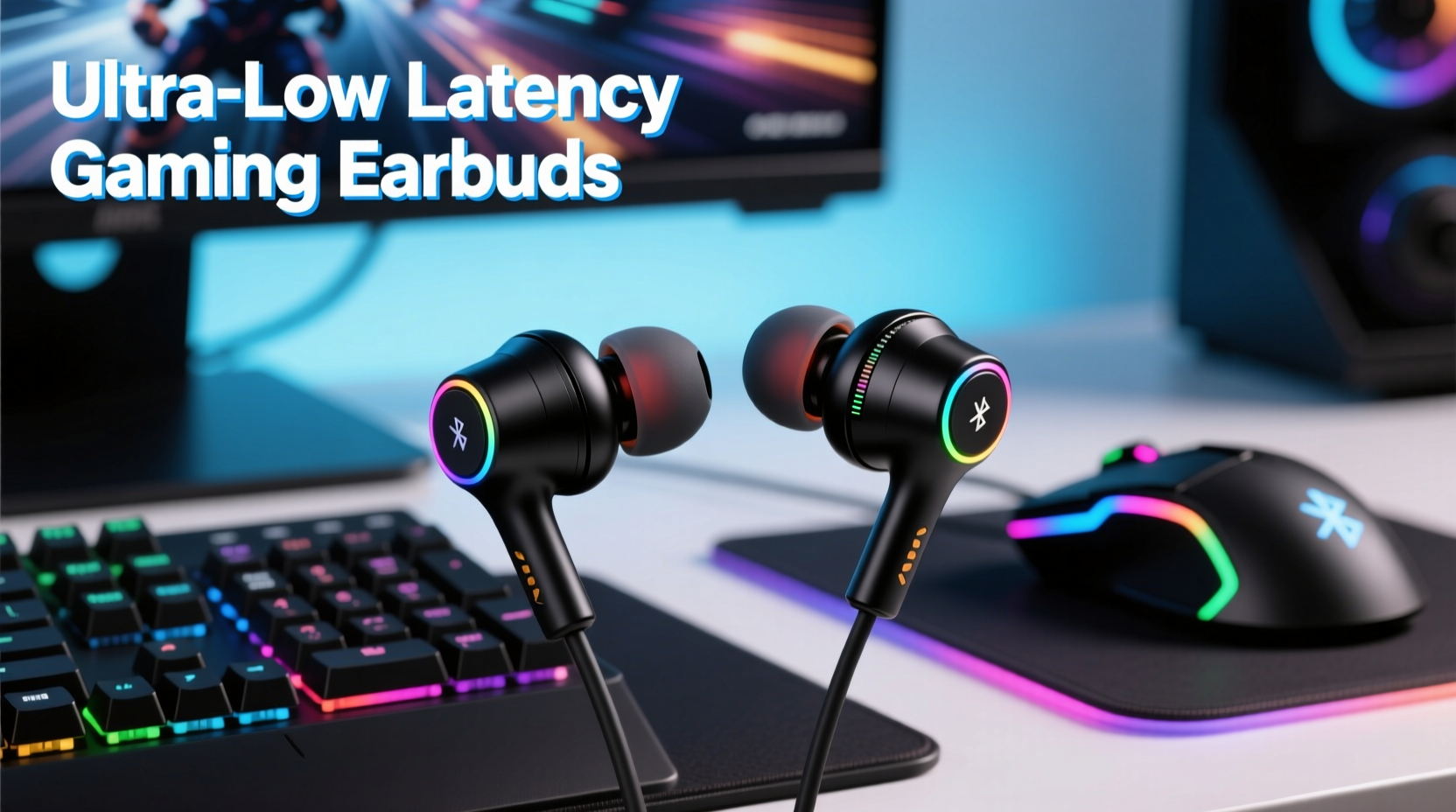
Latency refers to the delay between an audio signal being sent from a device (like a phone, console, or PC) and being played back in your earbuds. In gaming, this delay must be minimized to ensure sound effects, footsteps, and voice chat align perfectly with on-screen action. While regular Bluetooth codecs like SBC or AAC typically introduce 150–300ms of latency, gaming-grade earbuds aim for under 60ms—and some go as low as 30ms.
The primary culprit behind high latency is the Bluetooth transmission protocol. Standard Bluetooth prioritizes power efficiency and compatibility over speed. However, newer technologies such as aptX Low Latency, aptX Adaptive, and proprietary solutions from brands like Razer, EPOS, and 1MORE are engineered specifically to reduce this gap.
“Even a 40ms delay can disrupt spatial awareness in fast-paced shooters. True competitive advantage starts with sub-60ms audio response.” — Marcus Lin, Audio Engineer at Competitive Gaming Gear Lab
Key Features to Look for in Gaming Earbuds
Not all low-latency earbuds are created equal. To ensure you're getting gear that enhances rather than hinders performance, focus on these technical and ergonomic factors:
- Low-Latency Codec Support: Prioritize models that support aptX LL, aptX Adaptive, or proprietary low-latency modes. These are designed to minimize audio delay without sacrificing quality.
- Dedicated Gaming Mode: Many gaming earbuds include a toggleable “gaming mode” that disables noise cancellation and optimizes the connection for minimal lag.
- Wired Option or Dongle Compatibility: Some earbuds come with a USB-C or Lightning audio dongle that bypasses standard Bluetooth entirely, using a direct 2.4GHz wireless connection for near-zero latency.
- Driver Quality: High-sensitivity dynamic drivers (typically 6mm–10mm) provide crisp audio with strong bass and clear mids, essential for detecting subtle in-game cues like reloading or crouching.
- Microphone Clarity: A built-in MEMS mic with noise suppression ensures your voice comes through clearly during team play, especially important in coordination-heavy games.
- Battery Life & Charging Speed: Aim for at least 6 hours of continuous use with quick charge support (e.g., 10 minutes for 1 hour of playback).
Top Gaming Earbud Models Compared
| Model | Latency (ms) | Codec Support | Gaming Dongle? | Battery Life | Best For |
|---|---|---|---|---|---|
| Razer Hammerhead HyperSpeed | ~30ms | Proprietary 2.4GHz + Bluetooth 5.3 | Yes (USB-C) | 8 hours | PC/console competitive gaming |
| 1MORE Pistoletto Gaming | ~45ms | aptX Low Latency, AAC | No | 7 hours | Mobile gaming (Android) |
| EPOS H3 Hybrid | ~35ms (wireless) | aptX Adaptive, proprietary 2.4GHz | Yes | 10 hours | Multi-platform (PC, Switch, mobile) |
| Nothing Ear (2) – Gaming Mode | ~60ms | aptX Adaptive | No | 5.5 hours (with case: 29) | Casual mobile/PC gamers wanting style + function |
| Edifier W820NB Plus (Gaming Mode) | ~70ms | aptX LL | No | 45 hours (ANC off) | Budget-conscious users seeking long battery life |
Step-by-Step Guide to Testing and Optimizing Your Gaming Earbuds
Purchasing low-latency earbuds is only half the battle. Proper setup and testing are crucial to unlocking their full potential. Follow this sequence to ensure optimal performance:
- Enable Gaming Mode: If your earbuds have a dedicated app or physical switch for gaming mode, activate it before playing.
- Use the Right Codec: On Android, go to Developer Options and select “Bluetooth Audio Codec,” then choose aptX Low Latency or aptX Adaptive if available.
- Minimize Interference: Keep your device within 3 feet and avoid placing it behind metal objects or near Wi-Fi routers.
- Test with a Latency Checker: Play a game with visible audio cues (e.g., footstep sounds in Fortnite). Record yourself from the side with a second device to see if audio and visuals sync.
- Use a Dongle When Possible: For non-Bluetooth platforms (like older consoles), use a compatible USB-C/Lightning adapter to maintain low latency.
- Update Firmware: Check the manufacturer’s app regularly for firmware updates that may improve stability and reduce latency.
Real-World Example: How Low Latency Changed a Mobile Gamer’s Rank
Jamal, a 24-year-old Apex Legends Mobile player from Toronto, struggled to climb past Platinum rank despite solid mechanics. He noticed he was consistently reacting too late to nearby gunfire, often turning just after being shot. After switching from his standard AirPods Pro (approx. 180ms latency) to the 1MORE Pistoletto Gaming earbuds with aptX LL, he immediately noticed tighter audio synchronization. Within two weeks, he climbed to Diamond tier. “It wasn’t just louder sound—it was *earlier* sound,” he said. “I could hear footsteps a split second before they used to hit my ears. That tiny window made all the difference.”
Frequently Asked Questions
Can I use regular wireless earbuds for gaming?
You can, but not effectively. Most consumer earbuds prioritize music quality and battery life over latency, resulting in delays that impair gameplay. For casual gaming, they may suffice—but competitive players need specialized hardware.
Do iOS devices support low-latency gaming audio?
Apple’s ecosystem relies heavily on AAC, which has higher latency than aptX-based solutions. While some earbuds offer reduced delay via optimized firmware, true ultra-low latency is currently best achieved on Android or via wired connections.
Is wired always better for low latency?
Generally, yes. A wired connection eliminates Bluetooth processing entirely, offering near-instantaneous audio transfer. However, modern 2.4GHz wireless dongles now rival wired performance while maintaining freedom of movement.
Final Checklist Before Buying
- ✅ Confirmed support for aptX Low Latency, aptX Adaptive, or proprietary 2.4GHz tech
- ✅ Includes gaming mode or low-latency profile
- ✅ Compatible with your primary device (PC, phone, console)
- ✅ Has a reliable microphone for in-game communication
- ✅ Offers secure fit for extended wear (ear hooks, wingtips, etc.)
- ✅ Provides at least 6 hours of battery life under gaming load
- ✅ Comes with a dongle if needed for console or non-supported devices
Take Control of Your Gaming Edge
Audio latency isn’t just a technical spec—it’s a competitive variable. In fast-paced environments where split-second decisions define outcomes, having earbuds that deliver sound instantly gives you a tangible advantage. The right pair doesn’t just let you hear the game; it lets you feel it. From choosing the correct codec to optimizing your setup and testing real-world performance, every step contributes to a more immersive and responsive experience. Don’t settle for delayed audio. Upgrade to purpose-built gaming earbuds, apply these insights, and transform the way you play.




 浙公网安备
33010002000092号
浙公网安备
33010002000092号 浙B2-20120091-4
Comments
No comments yet. Why don't you start the discussion?