
In an era where digital assets are becoming as essential as traditional currencies, securing your cryptocurrency has never been more important. Among privacy-focused blockchains, NYX stands out for its commitment to anonymity and decentralization. However, owning NYX tokens means nothing if they’re not stored securely. The right wallet doesn’t just protect your assets—it also makes managing them effortless in daily life. With so many options available, from hardware devices to mobile apps, selecting the ideal NYX wallet requires understanding both security fundamentals and usability needs.
Understanding NYX Wallets: Types and Trade-offs
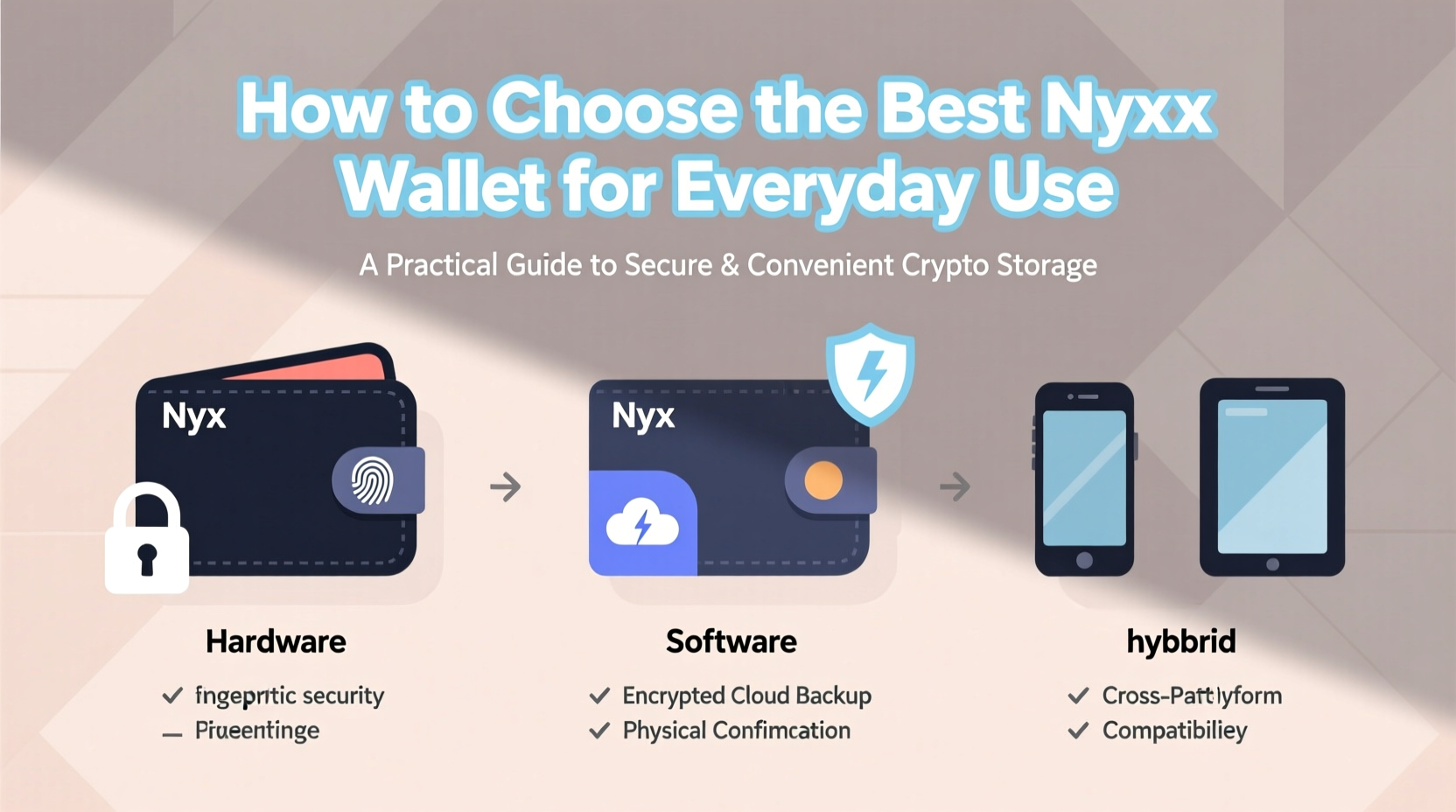
A NYX wallet is not a physical container but a software or hardware tool that stores your private keys—cryptographic signatures that give you control over your funds. These wallets fall into several categories, each balancing convenience and risk differently.
- Hardware wallets: Offline devices like Ledger or Trezor that store keys physically. Extremely secure but less convenient for frequent transactions.
- Desktop wallets: Software installed on a personal computer. Offers strong security if the machine is clean and dedicated, but vulnerable to malware.
- Mobile wallets: Apps on smartphones designed for daily use. Highly accessible but at greater risk of loss, theft, or hacking.
- Web wallets: Browser-based interfaces. Convenient but often custodial or exposed to phishing attacks.
For everyday use, most users benefit from a mobile or desktop wallet that supports NYX directly or through integration with compatible blockchain networks. The key is finding one that combines non-custodial control (you own the keys) with intuitive design.
Key Features to Look for in a Daily-Use NYX Wallet
Not all wallets are created equal. When integrating NYX into your routine—whether for payments, staking, or transfers—prioritize these features:
- Non-Custodial Architecture: You must retain full control over your private keys. If the service can access your funds, it’s a red flag.
- Cold Storage Integration: Some wallets allow pairing with hardware devices for signing transactions offline, adding a layer of protection even during regular use.
- Multi-Layer Authentication: Biometric login, PIN locks, and two-factor authentication reduce unauthorized access risks.
- Open-Source Codebase: Publicly auditable code allows independent experts to verify there are no backdoors or vulnerabilities.
- User Experience: A cluttered interface slows adoption. Look for clean navigation, QR scanning, transaction history, and easy address sharing.
- Network Compatibility: Ensure the wallet explicitly supports the NYX blockchain and any related tokens or smart contracts.
“Security without usability leads to abandonment. The best wallets make strong cryptography invisible to the user.” — Dr. Lena Reyes, Cybersecurity Researcher at Blockchain Integrity Lab
Step-by-Step Guide to Setting Up Your NYX Wallet
Choosing the right wallet is only half the battle. Proper setup determines long-term safety. Follow this sequence to ensure a secure foundation:
- Research Verified Wallets: Visit the official NYX project website or community forums to identify recommended wallets. Avoid third-party app store listings unless confirmed by developers.
- Download from Official Sources: Install the application directly from the developer’s domain. Double-check URLs for misspellings.
- Create a New Wallet: During first launch, generate a new seed phrase (usually 12–24 words). Never type this into any other app or website.
- Store Seed Phrase Securely: Write it on paper and keep it in a fireproof safe. Do not store digitally—screenshots, notes apps, or cloud backups are high-risk.
- Test with Small Amounts: Before transferring significant holdings, send a small test transaction to confirm functionality.
- Enable All Security Options: Turn on biometrics, set a strong passcode, and disable unnecessary permissions like clipboard monitoring.
- Backup Across Locations: For added resilience, split the seed phrase using Shamir’s Secret Sharing or store copies in geographically separate safes.
Comparison: Top Wallets Suitable for NYX Everyday Use
| Wallet Name | Type | Security Level | Daily Usability | Open Source | Hardware Backup Support |
|---|---|---|---|---|---|
| NanoWallet Pro (NYX Official) | Mobile/Desktop | High | Excellent | Yes | Yes (via Ledger) |
| XVault Mobile | Mobile | Moderate-High | Excellent | Yes | No |
| FortKnoxster Desktop | Desktop | Very High | Fair | Yes | Yes |
| CryptoPay Web | Web | Low-Moderate | Good | No | No |
| TrustNYX (Community Fork) | Mobile | High | Good | Yes | Limited |
For most users, NanoWallet Pro strikes the best balance between robust security and seamless day-to-day interaction. Its integration with Ledger devices allows cold signing while maintaining mobile accessibility.
Real-World Example: How Sarah Secures Her NYX Transactions
Sarah, a freelance designer paid partially in NYX, needed a wallet that was both secure and easy to use when invoicing clients. She initially used a web wallet linked to an exchange, but after reading about rising phishing scams, she switched to NanoWallet Pro on her iPhone. She paired it with a Ledger Nano X for signing large transactions and enabled Face ID plus a six-digit PIN. Each time she receives payment, she scans a QR code from her client’s app and confirms the amount instantly. For backup, she wrote her recovery phrase on titanium plates stored in her home safe and her sister’s house. Over six months, she completed over 30 transactions without incident—and slept better knowing her savings weren’t exposed.
Essential Checklist Before Finalizing Your Choice
Before committing to a NYX wallet, run through this checklist:
- ✅ Is the wallet non-custodial?
- ✅ Does it support the NYX blockchain natively?
- ✅ Is the source code publicly available and regularly updated?
- ✅ Are there verified reviews from trusted community members?
- ✅ Can it integrate with hardware security modules?
- ✅ Does it offer built-in phishing detection or address validation?
- ✅ Is customer support responsive (for open-source projects, is there active GitHub/discord engagement)?
Frequently Asked Questions
Can I use the same wallet for multiple cryptocurrencies including NYX?
Yes, some multi-chain wallets like Trust Wallet or Exodus now support NYX via custom token import or direct integration. However, ensure that private keys remain isolated per chain and that the wallet treats NYX with the same security standards as other major coins.
What happens if I lose my phone with my NYX wallet?
If you’ve backed up your seed phrase correctly, you can restore your wallet on another device. Without the seed, access to funds is permanently lost. This underscores why physical backups are non-negotiable.
Is it safe to keep NYX in a mobile wallet long-term?
For smaller amounts used in daily transactions, yes—especially with strong device-level security. For larger holdings, consider moving the bulk to a hardware wallet and only keeping spending money in the mobile app.
Final Thoughts: Make Security Part of Your Routine
Selecting the best NYX wallet isn’t a one-time decision—it’s the start of a responsible digital financial habit. The ideal solution fits naturally into your lifestyle while silently guarding your assets behind layers of encryption and protocol. Whether you're paying for services, receiving income, or holding for the future, your wallet should empower you, not expose you. By prioritizing ownership, transparency, and ease of use, you align convenience with true security.




 浙公网安备
33010002000092号
浙公网安备
33010002000092号 浙B2-20120091-4
Comments
No comments yet. Why don't you start the discussion?