
Selecting a new smartphone is more than just comparing specs—it’s about finding a device that aligns with how you live, work, and play. With Samsung’s wide range of models, from the Galaxy S series to the rugged Galaxy XCover, the options can feel overwhelming. This guide cuts through the noise, offering real-world insights to help you make an informed decision based on your actual needs, not marketing hype.
Understand Your Usage Patterns
Your daily habits should dictate your phone choice. A casual user who checks messages and browses social media doesn’t need the same power as a photographer or mobile gamer. Start by assessing how you use your current phone:
- Communication: Do you rely heavily on calls, texts, or video conferencing?
- Media consumption: Are you streaming videos, listening to music, or reading e-books frequently?
- Photography: Do you take photos often? In low light? For professional use?
- Productivity: Do you edit documents, manage emails, or use note-taking apps?
- Gaming: Are you playing graphics-intensive games on mobile?
For example, if photography is central to your lifestyle, a Galaxy S24 Ultra with its 200MP sensor and advanced zoom makes sense. But if you mostly use your phone for calls and messaging, a Galaxy A35 offers excellent value without overspending.
Compare Key Samsung Series: Which Line Fits You?
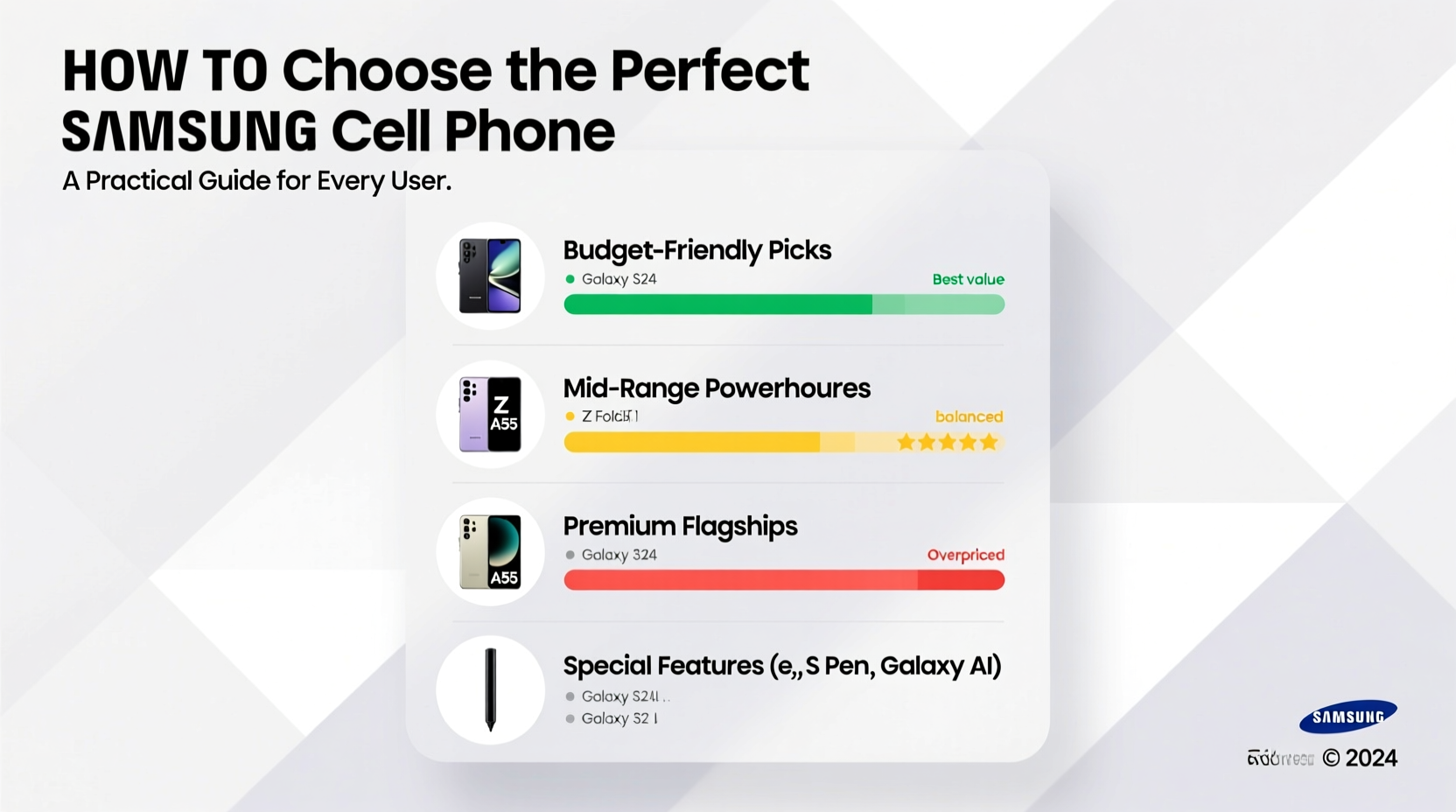
Samsung organizes its phones into distinct families, each serving different priorities. Understanding these lines simplifies your decision.
| Series | Best For | Price Range | Key Features |
|---|---|---|---|
| Galaxy S (S24, S24+, S24 Ultra) | Power users, photographers, professionals | $799–$1,299+ | Top-tier cameras, Snapdragon processors, AI features, S Pen (Ultra), IP68 rating |
| Galaxy Z Fold / Flip | Innovators, multitaskers, business users | $999–$1,799 | Foldable screens, multitasking, compact when folded (Flip), productivity-focused |
| Galaxy A (A35, A55, A75) | Budget-conscious buyers, everyday users | $299–$529 | Good cameras, AMOLED displays, 5G support, long battery life |
| Galaxy FE (Fan Edition) | Those wanting flagship features at lower cost | $699–$899 | Previous-gen S-series hardware in a new package, great performance |
| Galaxy XCover | Field workers, outdoor enthusiasts | $400–$600 | Rugged design, MIL-STD-810H certified, programmable key, dust/water resistant |
The Galaxy S series remains Samsung’s technological showcase, while the A series delivers reliability for moderate use. The FE line is ideal if you want near-flagship power without paying full price. Foldables are niche but transformative for those who thrive on multitasking.
Camera Needs: More Than Just Megapixels
Samsung leads in mobile photography, but not all camera systems serve the same purpose. Consider these factors beyond resolution:
- Low-light performance: Look for larger sensor sizes and Night Mode optimization. The S24 Ultra excels here.
- Zoom capability: Optical zoom matters. The S24 Ultra offers 10x periscope zoom—ideal for wildlife or distant subjects.
- Video quality: For vloggers, check for 4K/60fps, stabilization, and director’s view mode (available on S series).
- Front camera: If you take frequent selfies or join video calls, a high-resolution front sensor (like the 12MP on S24+) is valuable.
“Megapixels don’t capture moments—sensor quality, software tuning, and lens clarity do.” — David Kim, Mobile Imaging Specialist at DXOMARK
If you shoot professionally, consider the Galaxy S24 Ultra or even wait for the upcoming S24+ with improved computational photography. For casual snapshots, the Galaxy A55’s 50MP main camera is more than sufficient.
Step-by-Step Guide to Choosing Your Samsung Phone
Follow this logical sequence to narrow down your ideal model:
- Set your budget: Decide how much you’re willing to spend. Flagships start around $800; mid-range phones begin at $300.
- Identify must-have features: List non-negotiables—e.g., S Pen, foldable screen, waterproofing, headphone jack (rare now).
- Prioritize battery life: Heavy users should aim for 5,000mAh+ batteries. The Galaxy M series offers exceptional endurance.
- Check network compatibility: Ensure the model supports your carrier’s 5G bands, especially on international versions.
- Test in-store if possible: Hold the phone. Is it too big? Too heavy? Does the screen feel responsive?
- Read real-user reviews: Look beyond expert scores. Users often highlight long-term issues like overheating or bloatware.
- Consider future-proofing: Opt for at least 128GB storage and 6GB RAM minimum. Samsung promises 4 OS upgrades and 5 years of security patches on recent flagships.
Real-World Example: Sarah’s Upgrade Decision
Sarah, a freelance graphic designer, used a five-year-old Galaxy S18. Her workflow involved sketching ideas on her phone, editing photos, and joining client Zoom calls. She considered the Galaxy Z Fold 5 after seeing influencers use it for multitasking.
She tested it in-store and found the folding screen allowed her to run Photoshop Express on one side and reference images on the other. The larger inner display improved precision for digital drawing. Despite the higher price, the productivity gains justified the investment. She also appreciated the S Pen support for detailed edits.
Meanwhile, her brother, a college student, chose the Galaxy A35. He needed reliable messaging, campus app access, and a decent camera for lecture notes. The A35 offered strong battery life and a clean Android experience without unnecessary extras.
Their contrasting choices highlight a key truth: the “best” phone isn’t universal. It’s the one that fits your routine.
Essential Checklist Before Buying
Use this checklist to ensure you’re making a smart, confident purchase:
- ✅ Set a clear budget (include case, screen protector, insurance if needed)
- ✅ Determine primary use (work, gaming, photography, calling)
- ✅ Compare at least two models within your price range
- ✅ Verify carrier compatibility (especially for 5G and VoLTE)
- ✅ Check warranty and return policy
- ✅ Confirm software update commitment (Samsung’s 4+5 promise applies to S, Z, and some A series)
- ✅ Evaluate accessories included (charger, earbuds) or sold separately
Frequently Asked Questions
Is the Galaxy S24 worth the upgrade over the S23?
For most users, the difference is marginal. The S24 brings improved AI features, a slightly better display, and longer software support. Only upgrade if you value cutting-edge AI tools or are past your third year on an older model.
Are Samsung foldables durable enough for daily use?
Modern foldables like the Z Fold 5 and Z Flip 5 are built with stronger hinges and ultra-thin glass. They carry IPX8 water resistance (Fold 5) and are designed for 200,000 folds—about 5 years of average use. With a protective case, they’re viable for daily carry.
Do Galaxy A series phones receive timely updates?
Yes, since 2023, Samsung has extended its update policy to include select Galaxy A devices (A54, A55, etc.) with 4 Android OS upgrades and 5 years of security patches—matching flagship support.
Make the Right Choice—Confidently
Choosing the perfect Samsung phone isn’t about chasing the highest specs or the latest trend. It’s about matching technology to your life. Whether you need a rugged companion for construction sites, a creative powerhouse for content creation, or a reliable daily driver for staying connected, Samsung has a device engineered for that role.
Take the time to assess your real needs, test options when possible, and prioritize long-term value over short-term excitement. A well-chosen phone becomes an extension of your routine—seamless, dependable, and empowering.




 浙公网安备
33010002000092号
浙公网安备
33010002000092号 浙B2-20120091-4
Comments
No comments yet. Why don't you start the discussion?