
Smart glasses are no longer science fiction. From real-time navigation to hands-free calls and fitness tracking, these wearable devices blend seamlessly into modern life. But with so many models entering the market—each offering different features, designs, and price points—choosing the right pair can feel overwhelming. The key isn’t just picking the most advanced model; it’s selecting the one that aligns with your daily routine, vision needs, and personal style.
Understand Your Primary Use Case
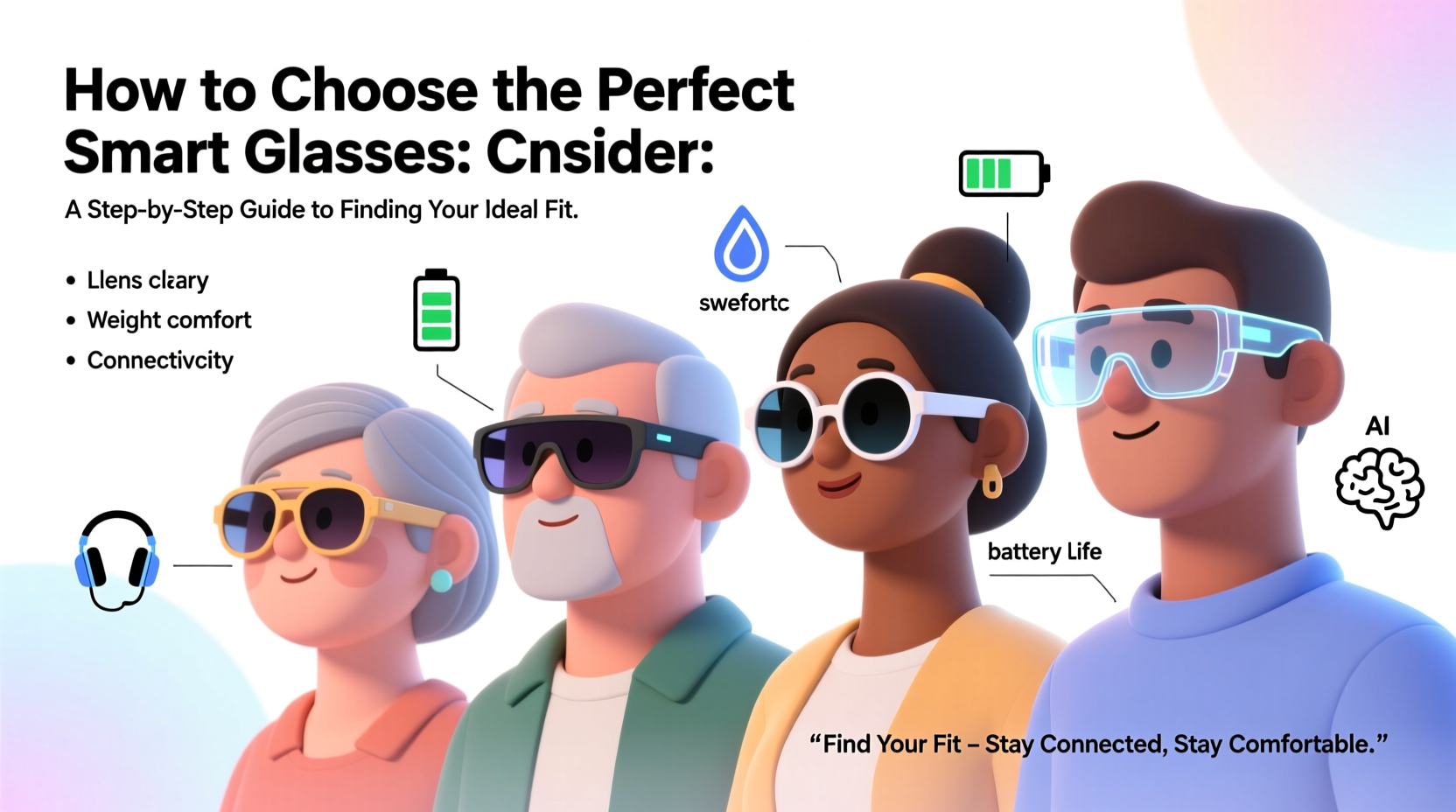
Before diving into technical specs, ask yourself: what do I want these glasses to do? Smart glasses serve vastly different purposes depending on the user. A cyclist might prioritize heads-up navigation and performance metrics, while a remote worker may value voice assistants and calendar integration. Identifying your primary use case narrows down your options significantly.
- Fitness & outdoor activity: Look for durability, sweat resistance, audio feedback, and GPS integration.
- Daily commuting or urban navigation: Prioritize AR overlays, turn-by-turn directions, and ambient sound control.
- Professional productivity: Focus on voice-to-text, call handling, and compatibility with work apps like Google Workspace or Microsoft 365.
- Lifestyle & social use: Emphasize discreet design, photo/video capture, and music playback.
Assess Key Technical Features
Once you’ve defined your purpose, evaluate the core technologies that support it. Not all smart glasses offer the same capabilities, and some trade functionality for aesthetics or battery life.
Display & Interface
Most smart glasses today use either micro-displays near the lens edge or augmented reality projections. Some, like Ray-Ban Meta, rely entirely on audio cues and touch controls without a visual overlay. If you need real-time data in your field of view—such as speed during a run or translation subtitles—opt for models with optical waveguides or transparent displays.
Battery Life
This remains a major limitation. Many smart glasses last between 2–6 hours under active use. If you plan to wear them all day, look for models with portable charging cases or power-efficient processors. Passive use (e.g., listening to music) extends battery life significantly.
Audio System
Open-ear speakers are standard, allowing awareness of surroundings while delivering sound. Check for directional audio quality and noise isolation. Built-in microphones should support clear voice pickup, especially in windy or noisy environments.
Connectivity & Compatibility
Virtually all smart glasses connect via Bluetooth to smartphones. Ensure compatibility with your device’s operating system—especially if you’re using an iPhone or Android. Some models integrate tightly with specific ecosystems (e.g., Apple Vision Pro accessories or Samsung Galaxy Wearable).
“Battery constraints force tough trade-offs. Users must decide whether display clarity or longevity matters more.” — Dr. Lena Torres, Wearable Tech Researcher at MIT Media Lab
Fit, Comfort, and Frame Design
No amount of technology compensates for uncomfortable glasses. Since you’ll likely wear them for extended periods, physical fit is non-negotiable.
Frame Size & Weight Distribution
Look for lightweight materials like titanium, magnesium alloy, or reinforced polymers. Frames should sit evenly on your nose and ears without pinching. The center of gravity should be balanced—no tipping forward or sliding down.
Nose Pads & Temple Arms
Adjustable silicone nose pads improve grip and reduce pressure. Temple arms should wrap slightly behind the ear for stability, especially during movement. For prescription users, ensure the model supports custom inserts or magnetic clip-ons.
Style & Discretion
Smart glasses still draw attention. If you prefer subtlety, choose models that resemble classic eyewear—like the Ray-Ban Meta or Xreal One. Avoid bulky hinges or prominent cameras if discretion is important.
| Model | Weight | Adjustable Fit? | Prescription Compatible? |
|---|---|---|---|
| Ray-Ban Meta | 44g | Yes (nose pads) | Yes (via partner labs) |
| Amazon Echo Frames (2nd Gen) | 38g | Limited | Yes (select frames) |
| Xreal One | 32g | Yes (magnetic temples) | Yes (add-on lenses) |
| North Focals (Discontinued) | 37g | Custom fitting required | No |
Step-by-Step Guide to Choosing Your Pair
Selecting the ideal smart glasses doesn’t have to be chaotic. Follow this structured approach to make a confident decision.
- Define your main use case: Write down your top three goals (e.g., take calls, listen to podcasts, track runs).
- Set a realistic budget: Prices range from $200 (Echo Frames) to over $700 (Xreal Air 2 Pro). Stick to what you’re willing to invest.
- Check compatibility: Confirm Bluetooth version, app availability, and OS support (iOS/Android).
- Try before you buy: Visit retail stores or order from brands with generous return policies. Wear them for at least 30 minutes to assess comfort.
- Evaluate privacy features: If the glasses include cameras, understand how recordings are stored, labeled, and deleted.
- Read real-user reviews: Focus on long-term feedback about battery degradation, software updates, and build quality.
Real-World Example: Choosing Smart Glasses for Travel
Sophie, a freelance photographer and frequent traveler, wanted smart glasses to help navigate foreign cities and capture candid moments without pulling out her phone. She prioritized lightweight design, offline map support, and quick photo capture.
After testing several models, she chose the Ray-Ban Meta. The frame resembled her usual sunglasses, the camera was responsive, and voice commands worked reliably even in crowded markets. While the battery lasted only four hours, she carried the charging case and used it primarily during daytime exploration. For Sophie, blending tech with style and usability made the difference.
Essential Buying Checklist
- ✅ Identify primary use (calls, navigation, fitness, etc.)
- ✅ Confirm smartphone compatibility
- ✅ Test weight and comfort for extended wear
- ✅ Evaluate battery life against your daily usage
- ✅ Check for prescription lens options if needed
- ✅ Assess privacy controls (camera/audio recording indicators)
- ✅ Review return policy and warranty coverage
- ✅ Ensure firmware updates are actively supported
Frequently Asked Questions
Can I wear smart glasses with prescription lenses?
Yes, but not all models support them natively. Brands like Ray-Ban Meta and Xreal allow third-party prescription inserts. Others require separate adapters. Always verify compatibility before purchasing.
Are smart glasses safe for everyday use?
Physically, yes—they meet standard safety regulations for electronics and eyewear. However, always be mindful of distractions. Avoid relying on visual overlays while driving or crossing streets. Audio alerts should remain at safe volume levels to prevent hearing damage.
Do smart glasses record constantly?
No reputable model records continuously by default. Most require manual activation via button press or voice command. Data is typically stored locally and encrypted. Always review the manufacturer’s privacy policy and disable unwanted permissions.
Final Thoughts: Make Technology Work for You
The perfect smart glasses aren’t the most powerful or expensive—they’re the ones that enhance your life without getting in the way. Whether you're streamlining your commute, staying connected hands-free, or capturing life as you see it, the right pair should feel like a natural extension of who you are.
Take your time. Try different styles. Weigh functionality against comfort. And remember: wearable tech should serve you, not the other way around. When you find that balance, your smart glasses won’t just be a gadget—they’ll become part of your daily rhythm.




 浙公网安备
33010002000092号
浙公网安备
33010002000092号 浙B2-20120091-4
Comments
No comments yet. Why don't you start the discussion?