
Modern households demand more from their home networks than ever before. With multiple users streaming 4K content on Netflix, YouTube, or Disney+ while others play competitive online games like Call of Duty or Fortnite, your router must handle high bandwidth and low latency without breaking a sweat. Choosing the wrong router can lead to frustrating lag spikes, buffering videos, and dropped connections—especially when both activities happen at once. The key is not just raw speed but intelligent traffic management, strong signal coverage, and future-ready technology.
A good router for gaming and streaming doesn’t need to be the most expensive model on the shelf, but it does need the right combination of features: dual or tri-band support, Quality of Service (QoS), modern Wi-Fi standards, MU-MIMO, and solid firmware. This guide breaks down exactly what to look for—and why—so you can make an informed decision that keeps your entertainment and gameplay smooth, reliable, and uninterrupted.
Understanding Network Demands: Gaming vs. Streaming
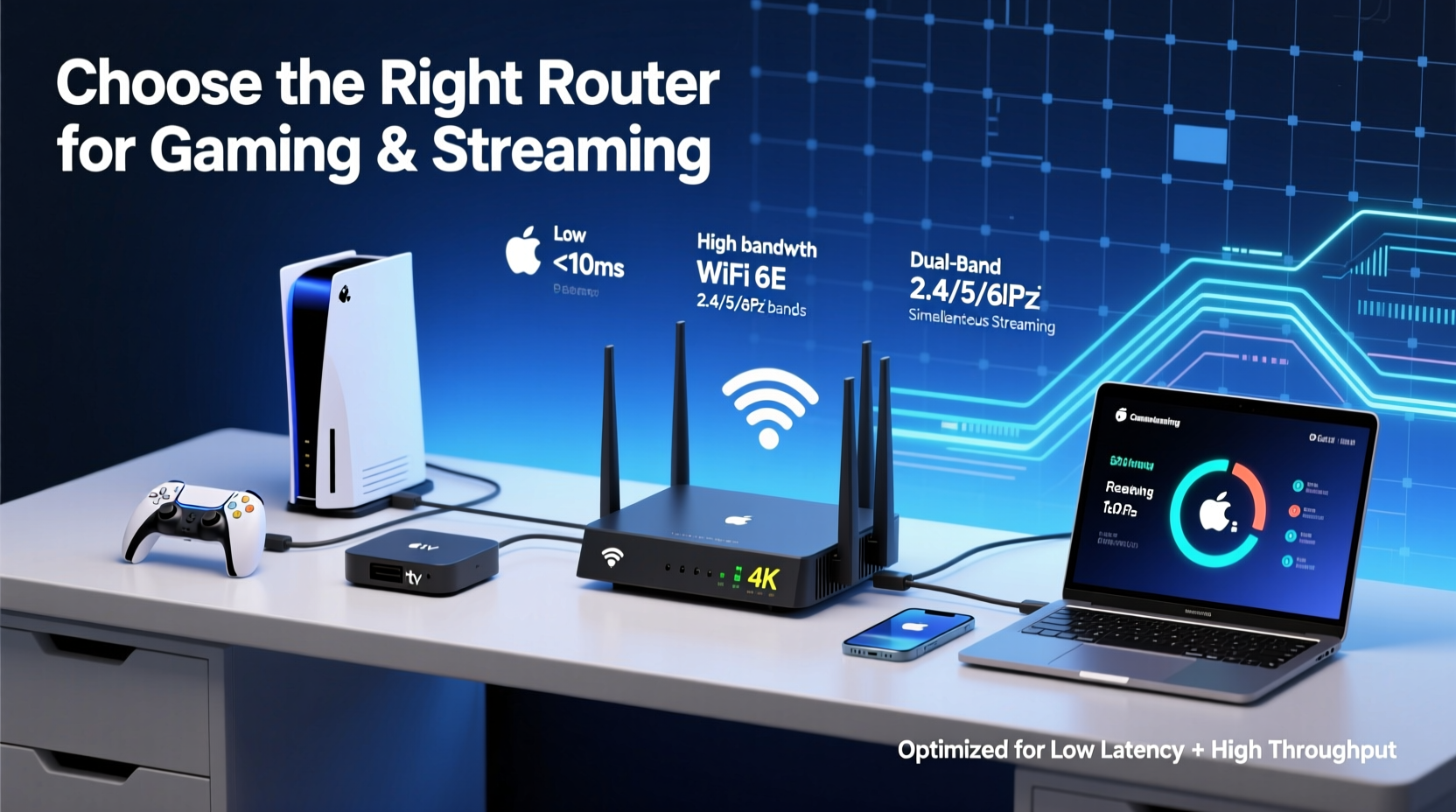
Gaming and streaming place different types of stress on your network. Online gaming requires consistent, low-latency connections. Even if your download speed is high, high ping (latency) or jitter (inconsistent delays) can cause lag, rubberbanding, or disconnections. Competitive gamers often prioritize stability over sheer bandwidth because a 50ms spike in latency during a match can mean the difference between victory and defeat.
Streaming, on the other hand, demands steady bandwidth. A single 4K stream typically uses 15–25 Mbps, depending on the platform and compression. If multiple family members are watching HD or 4K content across devices—smart TVs, tablets, phones—the total bandwidth required quickly adds up. Buffering occurs when your connection can't sustain the data flow, usually due to congestion or weak signal strength.
When both activities run simultaneously, your router must juggle:
- Low latency for responsive gaming
- High throughput for uninterrupted streaming
- Multiple concurrent connections without interference
- Consistent coverage across all rooms where devices are used
This balancing act is where many consumer-grade routers fail. Budget models may advertise \"AC1900 speeds\" but lack the processing power or advanced networking features to manage real-world usage effectively.
Key Router Features for Gaming and Streaming
Not all routers are created equal. To support simultaneous gaming and streaming, focus on these critical technical specifications and capabilities:
Wi-Fi Standard: Go with Wi-Fi 6 (802.11ax)
Wi-Fi 6 is now the gold standard for home networking. It offers higher efficiency, better performance in congested environments, and improved battery life for connected devices. Most importantly, it supports OFDMA (Orthogonal Frequency Division Multiple Access), which allows a single transmission to serve multiple devices at once—perfect for homes with multiple users.
Compared to older Wi-Fi 5 (802.11ac) routers, Wi-Fi 6 reduces latency by up to 75% under heavy loads, according to Cisco. That’s crucial for gaming responsiveness when other devices are consuming bandwidth.
Dual-Band vs. Tri-Band: Choose Tri-Band When Possible
Dual-band routers offer two frequencies: 2.4 GHz (longer range, slower) and 5 GHz (faster, shorter range). Tri-band routers add a second 5 GHz band, allowing you to dedicate one 5 GHz channel exclusively to high-demand tasks like gaming or 4K streaming.
This separation prevents interference. For example, you could assign your gaming PC to one 5 GHz band, your smart TV to another, and background devices (phones, IoT gadgets) to the 2.4 GHz band. This minimizes contention and maintains performance.
Quality of Service (QoS): Prioritize What Matters
QoS lets you assign priority to specific devices or applications. A router with robust QoS can automatically detect when a game is running and give it precedence over less time-sensitive traffic like software updates or cloud backups.
Some routers, like those from ASUS with Adaptive QoS or Netgear with Dynamic QoS, allow granular control through apps. You can set rules such as “prioritize my Xbox” or “limit YouTube to 20 Mbps during evenings.” This ensures your game packets aren’t delayed behind a large download.
MU-MIMO and Beamforming
MU-MIMO (Multi-User, Multiple Input, Multiple Output) enables the router to communicate with multiple devices simultaneously instead of one at a time. Without MU-MIMO, devices take turns sending and receiving data, increasing latency during peak use.
Beamforming improves signal strength by focusing the Wi-Fi signal directly toward connected devices rather than broadcasting in all directions. This boosts reliability, especially for devices farther from the router—like a bedroom TV or a backyard gaming setup.
Processor and RAM: Don’t Overlook Internal Hardware
Just like a computer, a router needs sufficient processing power and memory to manage traffic efficiently. Entry-level routers often have weak CPUs and only 128MB of RAM, which struggle under heavy loads. Look for models with at least a 1.5GHz dual-core processor and 512MB RAM for stable multitasking.
“Routers are no longer simple pass-through devices. They’re full-fledged network controllers. Underpowered hardware leads to packet loss and increased latency—both deadly for online gaming.” — David Lin, Senior Network Engineer at Ubiquiti
Step-by-Step Guide to Choosing Your Router
Selecting the right router isn’t about chasing the highest Mbps number. Follow this process to identify the best fit for your household:
- Assess your internet plan. Check your current download and upload speeds. If you have a 300 Mbps fiber connection, a basic AC1200 router will bottleneck your service. Match your router to your ISP plan—ideally, choose one capable of handling 1.5x your peak bandwidth.
- Map your home layout. Measure square footage and note construction materials. Concrete walls and metal framing weaken signals. Homes over 2,000 sq ft may require a mesh system instead of a single router.
- List all connected devices. Count smartphones, laptops, smart TVs, consoles, security cameras, and IoT gadgets. Routers with support for 40+ devices prevent slowdowns during peak hours.
- Identify primary use cases. Are you hosting live streams? Do kids play MMOs after school? Does someone work from home? These patterns help determine if you need advanced QoS or parental controls.
- Set a budget and research models. Mid-range Wi-Fi 6 tri-band routers ($150–$250) offer the best balance for most households. Avoid no-name brands lacking firmware updates.
- Check for firmware support. Regular updates fix bugs and improve security. Brands like ASUS, TP-Link, and Netgear offer long-term support. Open-source options like DD-WRT compatibility add flexibility.
- Read real-world reviews. Focus on user experiences with lag, overheating, and stability—not just speed tests in ideal conditions.
Router Comparison: Top Picks for Mixed Use
| Model | Wi-Fi Standard | Bands | Max Speed | Best For |
|---|---|---|---|---|
| ASUS RT-AX86U | Wi-Fi 6 | Dual-Band | 5700 Mbps | Gamers who want powerful QoS and fast wired ports |
| Netgear Nighthawk RAXE500 | Wi-Fi 6E | Tri-Band | 10800 Mbps | Large homes with heavy streaming and competitive gaming |
| TP-Link Archer AX6000 | Wi-Fi 6 | Tri-Band | 6000 Mbps | Balanced performance and value; excellent app control |
| Linksys Hydra Pro 6E | Wi-Fi 6E | Tri-Band | 7000 Mbps | Cutting-edge homes with 6E-compatible devices |
| Google Nest Wifi (Mesh) | Wi-Fi 5 | Dual-Band | 2200 Mbps | Smaller homes focused on simplicity and coverage |
Note: Wi-Fi 6E adds a third band in the 6 GHz spectrum, offering wider channels and zero interference from older devices. However, it requires compatible client devices (e.g., newer smartphones, PCs with Intel AX210 cards).
Real-World Example: The Martinez Family Setup
The Martinez family lives in a 2,400 sq ft suburban home with five people and 18 connected devices. Two teens play Apex Legends daily, Dad streams 4K documentaries on his iPad, Mom works remotely, and the smart home includes doorbells, lights, and speakers.
Their old dual-band AC1200 router constantly dropped connections during evening hours. After diagnosing the issue, they upgraded to the TP-Link Archer AX6000. They enabled tri-band mode, assigned each teen’s PC to a separate 5 GHz band, and used QoS to prioritize gaming during 6 PM–10 PM.
They also connected their main TV and work laptop via Ethernet. Within days, lag disappeared, Zoom calls stayed clear, and 4K playback became seamless—even when multiple activities ran at once. The investment paid off in both productivity and peace of mind.
Frequently Asked Questions
Do I really need Wi-Fi 6 for gaming and streaming?
While not mandatory, Wi-Fi 6 significantly improves performance in busy networks. Its ability to handle multiple devices efficiently, reduce latency, and avoid congestion makes it highly recommended for modern households. If you're buying new, go with Wi-Fi 6 or newer.
Can a mesh system work for gaming?
Yes—but choose wisely. Some mesh systems introduce latency due to wireless backhaul. Opt for a mesh kit with dedicated radio bands for node communication (like the ASUS ZenWiFi Pro ET8) or use wired backhaul (Ethernet connecting nodes). This maintains low ping and high reliability.
Is a gaming router worth the extra cost?
Many “gaming routers” are marketing-driven with flashy designs but minimal real advantages. However, models with true gaming features—like built-in VPN support, traffic prioritization, and 2.5Gbps WAN ports—do offer tangible benefits. Evaluate specs, not slogans.
Checklist: Before You Buy a Router
- ☐ Confirm your internet speed matches the router’s potential
- ☐ Ensure Wi-Fi 6 (or 6E) support for future-proofing
- ☐ Prefer tri-band for homes with 10+ devices
- ☐ Verify strong QoS settings for device prioritization
- ☐ Check for MU-MIMO and beamforming support
- ☐ Look for at least 1.5GHz CPU and 512MB RAM
- ☐ Read user reviews focusing on stability, not just speed
- ☐ Consider wired Ethernet ports (preferably Gigabit or higher)
- ☐ Evaluate warranty and manufacturer support
- ☐ Decide between standalone router or mesh system based on home size
Conclusion: Make the Right Connection
Your router is the foundation of your digital lifestyle. Choosing the right one for gaming and streaming simultaneously means investing in performance, reliability, and smart management—not just speed. By understanding your household’s needs, evaluating key features, and selecting a model that balances power with practicality, you can eliminate lag, prevent buffering, and enjoy seamless connectivity across all devices.
Don’t settle for outdated hardware or misleading marketing. Take control of your network today. Whether you're climbing the leaderboards or binging the latest series, your router should empower—not hinder—your experience.




 浙公网安备
33010002000092号
浙公网安备
33010002000092号 浙B2-20120091-4
Comments
No comments yet. Why don't you start the discussion?