
Alcantara—a premium synthetic microfiber known for its soft, suede-like feel—is increasingly used in high-end laptops, particularly on palm rests and wrist pads. It adds a luxurious tactile experience but comes with a challenge: it attracts oils, dust, and stains more readily than plastic or metal surfaces. Cleaning it improperly can compromise its texture, leading to fraying, discoloration, or permanent damage. Unlike standard cleaning tasks, Alcantara demands precision, patience, and the right tools. This guide walks you through science-backed methods and expert-recommended practices to maintain your laptop’s Alcantara surfaces safely while preserving their look and feel.
Understanding Alcantara Fabric
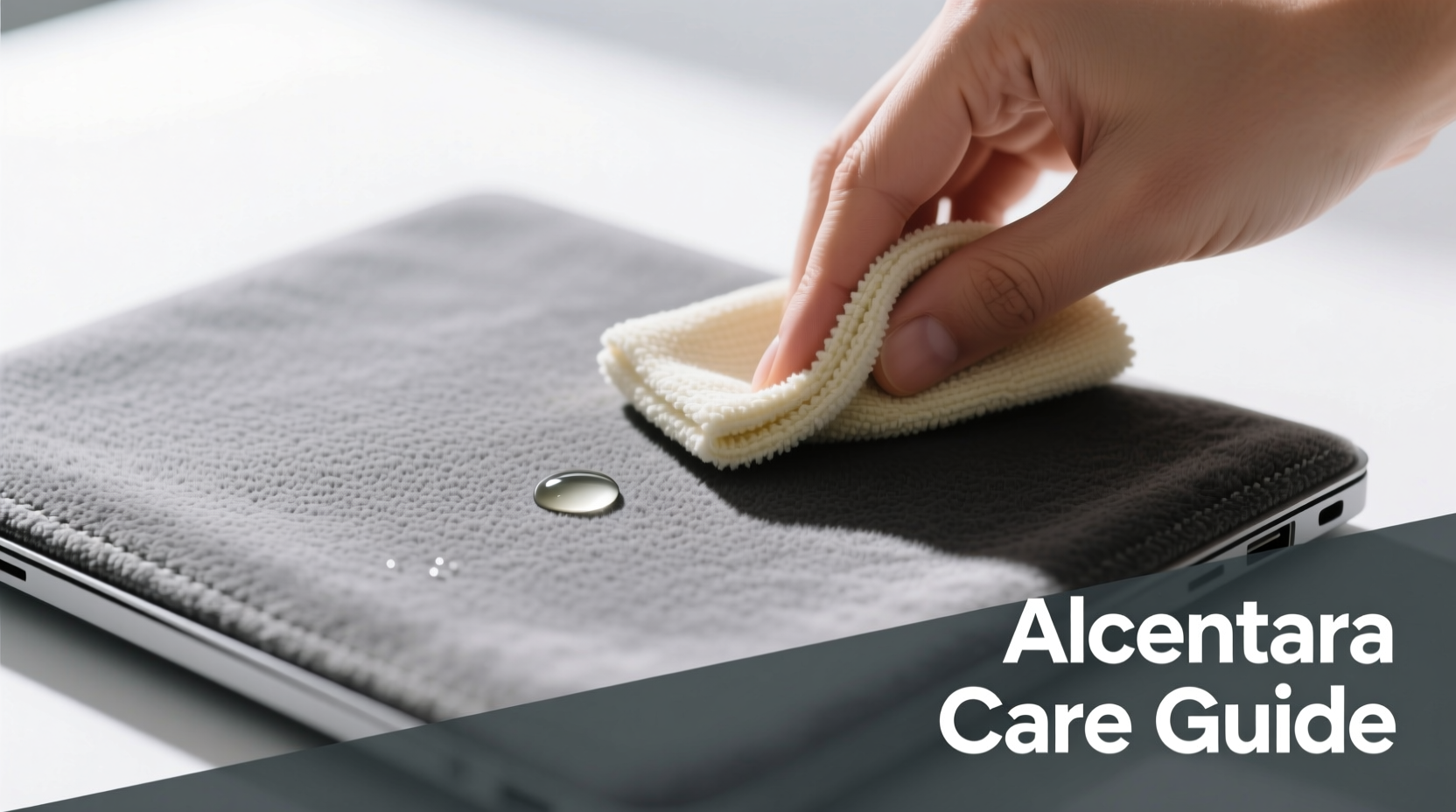
Alcantara is not just another fabric—it’s a proprietary blend of 68% polyester and 32% polyurethane, engineered to mimic the elegance of suede while offering greater durability and resistance to wear. Its tightly woven structure gives it breathability and comfort, making it ideal for areas that come into prolonged contact with skin. However, this same structure traps oils from hands, sweat, and environmental debris, which over time can lead to visible soiling and odor buildup.
The key to effective cleaning lies in recognizing that Alcantara is both absorbent and sensitive. Harsh solvents, excessive moisture, or abrasive scrubbing can break down the fibers, flatten the nap (the raised surface texture), or cause color fading. Manufacturers like Microsoft (Surface devices) and Dell (XPS series) explicitly warn against using alcohol-based cleaners or soaking the material. The goal isn’t sterilization but gentle restoration.
“Alcantara requires maintenance similar to fine upholstery. Aggressive cleaning does more harm than good.” — Dr. Lena Torres, Material Scientist at Textile Innovation Labs
Step-by-Step Guide to Safely Clean Alcantara Laptop Surfaces
Cleaning Alcantara isn’t complicated, but it must be done methodically. Follow this six-step process to remove grime without risking texture degradation.
- Power Down and Disconnect: Shut down your laptop completely and unplug it from any power source. If possible, remove the battery (on older models). This prevents electrical damage if moisture seeps near ports or hinges.
- Dry Brushing First: Use a soft-bristled brush—such as a clean makeup brush, camera lens brush, or dedicated fabric brush—to gently lift loose dust, crumbs, and hair. Brush in one direction following the grain of the fabric to avoid fiber disruption.
- Spot Test Any Cleaner: Before applying anything, test your chosen solution on a small, inconspicuous area (e.g., near the hinge cover). Wait 5–10 minutes to check for discoloration or texture change.
- Prepare a Mild Cleaning Solution: Mix one part distilled water with one part isopropyl alcohol (70% concentration maximum) and a single drop of pH-neutral dish soap. Alternatively, use a commercial Alcantara-safe cleaner like Miranol CM or Sonax Microfiber Cleaner. Avoid bleach, ammonia, or vinegar-based solutions.
- Apply with Minimal Moisture: Dampen a lint-free microfiber cloth slightly—wring it until it’s barely moist. Never spray liquid directly onto the fabric. Gently dab and wipe in small circular motions, focusing on stained areas. Do not saturate.
- Air Dry Thoroughly: Allow the area to dry naturally for at least 1–2 hours. Place the laptop in a well-ventilated room away from direct sunlight or heat sources. Do not use hairdryers or fans, as forced air can push moisture deeper into seams.
Do’s and Don’ts: Alcantara Care Table
| Do’s | Don’ts |
|---|---|
| Use a dry, soft brush weekly to remove surface debris | Use paper towels—they’re too abrasive and leave lint |
| Clean spills immediately with a dry cloth | Soak the fabric or allow standing moisture |
| Use pH-neutral, non-abrasive cleaners | Apply alcohol wipes or disinfectant sprays liberally |
| Store laptop in a breathable sleeve when not in use | Expose to direct sunlight for long periods—UV degrades fibers |
| Vacuum gently with a brush attachment (low suction) | Scrub aggressively—even fingernails can damage the nap |
Real Example: A Designer’s Close Call
Sophie, a graphic designer in Portland, noticed her Microsoft Surface Book’s wrist rest had turned grayish after six months of daily use. She initially tried wiping it with a Clorox wipe, only to find the area felt stiff and looked darker. Panicked, she contacted a repair specialist who advised immediate correction. Following a professional-grade protocol involving a diluted Miranol solution and careful brushing, Sophie managed to reverse most of the damage. “I learned the hard way,” she said. “Now I clean mine every two weeks with a damp microfiber cloth and never let coffee cups sit near it.” Her experience underscores the importance of using appropriate methods from day one.
Expert-Recommended Maintenance Checklist
- ✅ Inspect Alcantara surfaces weekly for visible soiling or oil buildup
- ✅ Brush gently with a soft tool to prevent dust compaction
- ✅ Address spills or fingerprints immediately with a dry microfiber cloth
- ✅ Perform light cleaning every 2–3 weeks depending on usage
- ✅ Deep clean only when necessary—no more than once every 3 months
- ✅ Store laptop in a protective sleeve made of breathable fabric
- ✅ Keep fingers clean before typing to reduce oil transfer
- ✅ Avoid eating or drinking directly over the keyboard area
Frequently Asked Questions
Can I use baby wipes to clean Alcantara?
No. Most baby wipes contain alcohol, fragrances, and moisturizers that can degrade the polyurethane component of Alcantara. They also often leave behind a sticky residue that attracts more dirt. While convenient, they are unsuitable for long-term fabric health.
What if my Alcantara has developed an odor?
Mild odors usually stem from trapped sweat and bacteria. After dry brushing, lightly mist a fabric-safe enzymatic cleaner (like those used for car interiors) onto a cloth—not the laptop—and dab the area. Let it sit for 5 minutes, then wipe with a water-dampened cloth and air dry. Never use perfumed sprays, as they mask rather than eliminate odor.
Is it safe to use a vacuum on Alcantara parts?
Yes, but with caution. Use a handheld vacuum with a soft brush attachment and the lowest suction setting. Hold the nozzle slightly above the surface to avoid pulling fibers. This method works best for removing embedded dust between keys and along seams.
When to Seek Professional Help
While most routine cleaning can be handled at home, some situations warrant professional intervention. If your Alcantara has deep-set stains, persistent odors, or shows signs of delamination (lifting from the substrate), stop DIY attempts. Certified electronics refurbishers or specialty textile cleaners may offer steam extraction or ultrasonic treatments designed for sensitive synthetics. Attempting aggressive home remedies on compromised material could void warranties or require costly replacements.
“Prevention is always better than restoration. A few minutes of care each week saves hours of remediation later.” — Carlos Mendez, Senior Technician at Premium Device Care
Long-Term Preservation Strategies
Preserving Alcantara goes beyond cleaning. Environmental factors play a major role in its longevity. Humidity accelerates microbial growth; dryness makes fibers brittle. Ideal storage conditions are between 40–60% relative humidity and temperatures below 77°F (25°C). Avoid leaving your laptop in cars, near radiators, or in damp basements.
Consider applying a fabric protector specifically formulated for microfibers. Products like Scotchgard Suede & Nubuck Protector create an invisible barrier that repels liquids and reduces staining. Apply only in well-ventilated areas and follow instructions precisely—over-application can clog pores and dull the texture.
Lastly, rotate device usage if possible. Giving your Alcantara-equipped laptop periodic breaks allows the material to recover from constant pressure and body contact, reducing compaction and wear patterns.
Conclusion: Treat Alcantara Like Fine Fabric
Alcantara elevates the user experience of a laptop, but it demands respect and consistent care. Treating it like ordinary plastic will lead to irreversible damage. By understanding its composition, using minimal moisture, and adopting a preventive maintenance routine, you can keep the fabric looking fresh and feeling soft for years. The effort required is minimal compared to the cost of replacement or re-skinning services, which can exceed $100 even under warranty exclusions.




 浙公网安备
33010002000092号
浙公网安备
33010002000092号 浙B2-20120091-4
Comments
No comments yet. Why don't you start the discussion?