
AirPods have become essential companions in daily life—whether for calls, music, or podcasts. But with constant use, they accumulate earwax, oils from skin, dust, and grime. Over time, this buildup not only affects sound quality but can also harbor bacteria. Many users want to keep their AirPods clean, yet fear damaging the delicate finish or internal components. The truth is, improper cleaning methods are more likely to cause harm than regular wear. Scratches, residue, or moisture damage can degrade both appearance and performance. Fortunately, with the right tools and techniques, you can maintain spotless AirPods without compromising their protective coating.
Why Cleaning Matters—and What Can Go Wrong
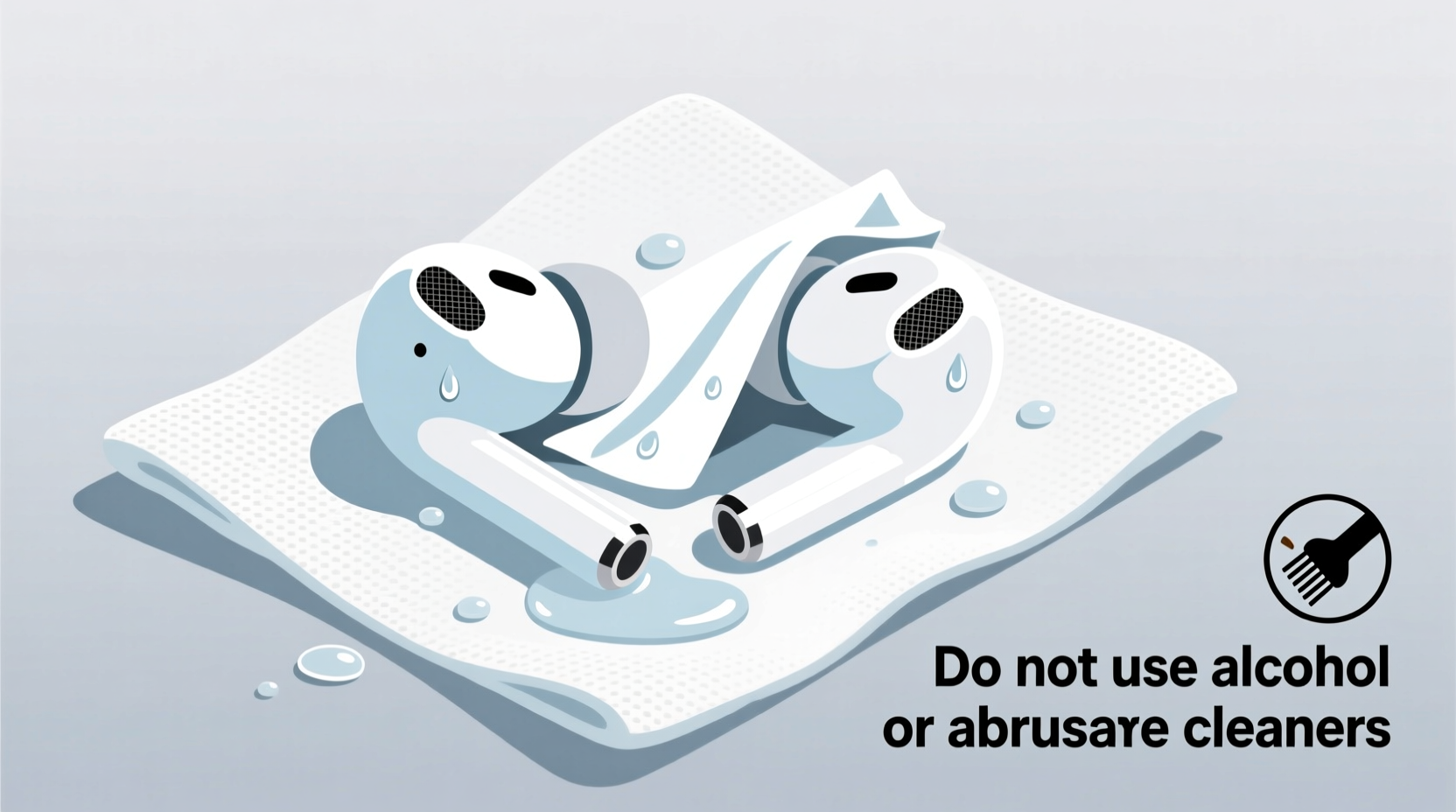
Earbuds like AirPods sit directly in or around the ear canal, making them prone to collecting sebum, dead skin cells, and environmental debris. Apple itself recommends periodic cleaning to preserve audio fidelity and hygiene. However, aggressive scrubbing or using unsuitable materials can strip anti-fingerprint coatings, especially on AirPods Pro models that feature a matte finish designed to resist smudges.
The outer layer of AirPods is engineered for durability but isn’t indestructible. Abrasive cloths, alcohol-based cleaners, or sharp tools may create micro-scratches that attract more dirt over time. Worse, pushing debris deeper into speaker meshes can muffle sound or require costly repairs. Moisture exposure during cleaning—especially if liquid seeps into charging ports or microphone openings—can lead to corrosion or short circuits.
“Cleaning electronics requires precision. With AirPods, less is more. A gentle touch preserves both function and finish.” — Dr. Lena Park, Consumer Electronics Maintenance Specialist
Step-by-Step: Safe Cleaning Process
Cleaning your AirPods doesn’t need to be complicated. Follow this methodical approach to ensure thoroughness without risk.
- Power off and remove from case: Disconnect from devices and take both earbuds and case out of use. Never clean while charging or connected.
- Gather approved tools: Use only lint-free microfiber cloths, dry cotton swabs (not wooden), and optionally, a soft-bristled brush (like a clean toothbrush designated for tech).
- Dry wipe exterior surfaces: Gently rub the outside of each AirPod with a dry microfiber cloth. Focus on areas that contact your ears and hands.
- Clean speaker mesh carefully: Use a dry cotton swab to lightly roll across the grille. Do not press hard or insert deeply. Rotate the swab as it picks up debris to avoid reapplying grime.
- Address stubborn buildup: If wax remains visible, hold the AirPod with the mesh facing down and gently brush with soft bristles in one direction. Avoid circular motions that push debris inward.
- Clean the stem and sensors: Wipe the shaft with a slightly dampened corner of a microfiber cloth (water only). Immediately follow with a dry pass.
- Let air-dry completely: Place cleaned AirPods on a clean surface for at least 10 minutes before returning to the case.
- Clean the case separately: Wipe the interior and exterior with a dry microfiber cloth. Use a cotton swab to clear debris from the charging port. Never submerge or spray liquid into the case.
Do’s and Don’ts: Protecting the Coating
The anti-smudge coating on AirPods enhances grip and reduces fingerprint visibility. Once scratched or chemically degraded, it cannot be restored. Refer to the table below for best practices.
| Do | Don't |
|---|---|
| Use a dry microfiber cloth for daily wiping | Use paper towels or rough fabrics that abrade the surface |
| Clean speaker mesh with a dry cotton swab or soft brush | Insert metal objects, pins, or sharp tools into the mesh |
| Dampen cloth slightly with water if needed (never apply directly) | Use alcohol, hydrogen peroxide, window cleaner, or other solvents |
| Store in a clean, dry place when not in use | Leave in humid environments like bathrooms or gym bags |
| Clean weekly for optimal hygiene and performance | Wait until sound distortion occurs before cleaning |
Real Example: How One User Damaged Their AirPods
Mark, a fitness instructor in Austin, noticed his AirPods Pro were producing muffled sound after several months of daily use during classes. Assuming sweat was the culprit, he soaked a cotton pad in rubbing alcohol and wiped down each earbud aggressively. He then used a pin to scrape visible wax from the speaker mesh. While the AirPods looked shiny at first, within days the left bud stopped working entirely. Upon inspection at an Apple Store, the technician found corrosion in the microphone port and irreversible scratches on the water-resistant coating. The unit required replacement under out-of-warranty service. A simple mistake—using alcohol and sharp tools—cost Mark over $80. Had he used a dry swab and soft brush instead, he could have avoided the issue altogether.
Checklist: Monthly Deep Clean Routine
Perform this checklist once per month—or more often if used heavily—to maintain peak condition:
- ✅ Power off and separate AirPods from case
- ✅ Inspect speaker and microphone meshes for visible debris
- ✅ Wipe exteriors with dry microfiber cloth
- ✅ Clean speaker grilles with dry cotton swab or soft brush
- ✅ Check fit and seal of silicone tips (for AirPods Pro)
- ✅ Remove and rinse ear tips with lukewarm water (if detachable), then air-dry fully before reattaching
- ✅ Wipe inside and outside of charging case with dry cloth
- ✅ Clear debris from Lightning or USB-C port with dry swab
- ✅ Allow all components to dry completely before reassembly
- ✅ Test audio output on both channels
Frequently Asked Questions
Can I use disinfectant wipes on my AirPods?
No. Most disinfectant wipes contain alcohol or bleach-based solutions that degrade the oleophobic (oil-repelling) coating. Apple specifically advises against using these. If sanitization is necessary, lightly dampen a microfiber cloth with water, wipe quickly, and dry immediately. Do not allow moisture to pool near openings.
How often should I clean my AirPods?
For regular users, a quick dry wipe every few days helps prevent buildup. A full cleaning—including mesh and case—is recommended every 1–2 weeks. Heavy users (e.g., athletes, commuters) should perform a deep clean weekly to maintain sound clarity and hygiene.
Is it safe to wash AirPods Pro ear tips?
Yes, but only the silicone ear tips themselves. These are removable and can be rinsed under lukewarm water with mild soap. Do not submerge the main AirPods body. After washing, dry the tips thoroughly—overnight is ideal—before reattaching. Never force wet tips onto the stems.
Expert Insight: Preserving Longevity
Maintaining electronic wearables goes beyond aesthetics—it impacts functionality and longevity. As noted by industry experts, consistent, gentle maintenance prevents larger issues down the line.
“The biggest threat to AirPods isn’t wear—it’s neglect followed by overcorrection. People ignore cleaning until problems arise, then resort to harsh methods. Regular, minimal intervention keeps them performing like new.” — Carlos Mendez, Senior Technician at AudioCare Labs
This philosophy aligns with Apple’s own guidance: prioritize prevention over repair. Simple habits, such as wiping after use and storing in a protective case, compound into years of reliable service.
Conclusion: Make Care a Habit, Not a Crisis
Your AirPods represent both a financial investment and a daily utility. Treating them with care doesn’t require special skills—just consistency and caution. By avoiding abrasive materials, steering clear of liquids and chemicals, and using the right tools, you protect not only the sleek finish but also the internal mechanics that deliver crisp audio. Scratches may seem minor, but they create texture where dirt accumulates faster, accelerating future degradation. A few minutes of mindful cleaning each week pays dividends in sound quality, comfort, and lifespan.




 浙公网安备
33010002000092号
浙公网安备
33010002000092号 浙B2-20120091-4
Comments
No comments yet. Why don't you start the discussion?