
Gaming mousepads are precision tools. Whether you're using a soft cloth pad for speed or a hard plastic surface for control, the texture directly impacts tracking accuracy, glide consistency, and overall playability. Over time, dust, oils from your skin, and debris accumulate—degrading performance and potentially shortening the pad’s lifespan. While cleaning seems straightforward, many gamers make critical mistakes: using harsh chemicals, scrubbing too hard, or soaking the pad, all of which can permanently alter the surface texture.
The right cleaning method preserves both cleanliness and functionality. This guide breaks down safe, effective techniques tailored to different types of mousepads, backed by material science and user experience. You’ll learn not just *how* to clean, but *why* certain methods work—and why others should be avoided at all costs.
Understanding Your Mousepad Material
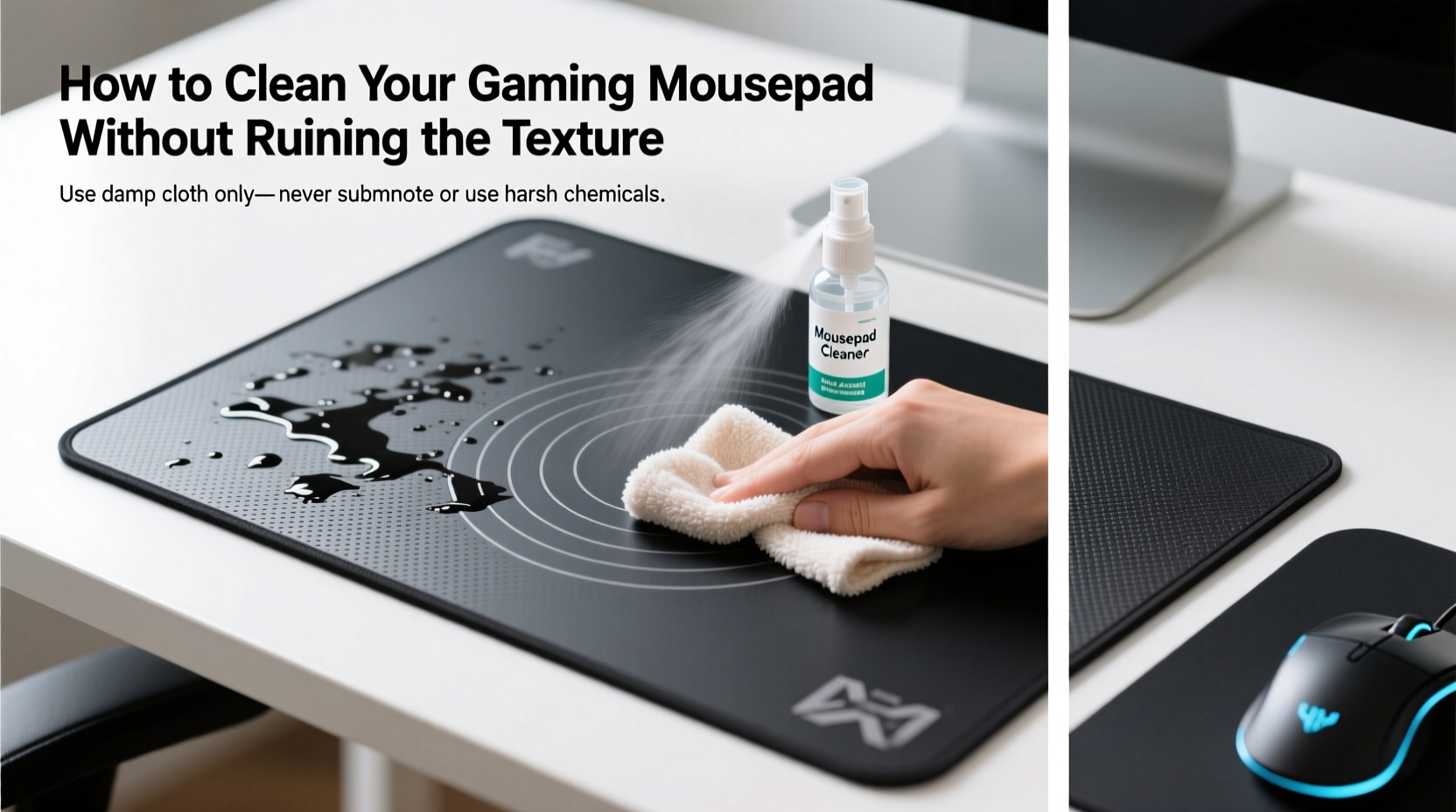
Before applying any cleaning method, identify your mousepad’s construction. Most fall into two main categories: fabric (cloth) and hard-surface (plastic or resin). Each reacts differently to moisture, friction, and cleaning agents.
- Fabric/Cloth Pads: Made from woven polyester or microfiber with a rubber base. These offer varied textures—from smooth speed surfaces to textured control zones. They absorb oils and are prone to fraying or warping if mishandled.
- Hard-Surface Pads: Typically composed of polycarbonate, acrylic, or laminated composites. These are non-porous, highly durable, and resistant to wear, but can develop static buildup or fine scratches if cleaned improperly.
Mixed-material pads (e.g., hybrid designs with stitched edges or layered composites) require extra caution. Never assume one-size-fits-all cleaning works across types. Using a technique meant for hard surfaces on a cloth pad can lead to delamination or texture loss.
“Many users ruin their pads within months because they treat them like kitchen counters—scrubbing with abrasive cloths and alcohol-based cleaners. That level of aggression destroys micro-textures essential for sensor tracking.” — Daniel Reyes, Peripheral Design Engineer at OptiTrack Dynamics
Step-by-Step Cleaning Guide by Type
Cleaning isn’t just about removing dirt—it’s about preserving the engineered surface that makes your mouse move predictably. Follow these steps based on your pad type.
Fabric/Cloth Mousepads
- Remove Surface Debris: Use a dry microfiber cloth or soft-bristled brush (like a clean makeup brush) to gently sweep away loose dust and hair. Avoid paper towels—they can leave lint.
- Pretreat Stains (if needed): For visible oil spots or spills, apply a drop of mild dish soap diluted in water (no more than 1:5 ratio) directly to the spot. Do not soak.
- Spot Clean with Damp Cloth: Moisten a corner of a microfiber cloth with lukewarm water. Gently dab and wipe in circular motions. Never flood the surface.
- Rinse Residue: Wipe the area with a second cloth dampened only with clean water to remove soap traces.
- Dry Flat: Lay the pad flat on a dry towel, away from direct sunlight or heat sources. Rotate occasionally to ensure even drying. Do not roll or fold while damp.
Hard-Surface Mousepads
- Dust First: Wipe the surface with a dry anti-static cloth to lift particles that could scratch during cleaning.
- Use Isopropyl Alcohol (70%): Lightly dampen a microfiber cloth—never spray directly onto the pad. Wipe in straight lines from edge to center to prevent streaking.
- Avoid Abrasives: No paper towels, sponges, or rough fabrics. Even “lint-free” wipes may contain micro-abrasives.
- Dry Immediately: Use a second dry microfiber cloth to buff the surface and eliminate moisture residue.
Do’s and Don’ts: A Quick Reference Table
| Action | Cloth Pad | Hard Pad |
|---|---|---|
| Use mild soapy water | ✅ Yes (spot only) | ❌ No |
| Use 70% isopropyl alcohol | ❌ Risk of fiber damage | ✅ Yes (on cloth, not pad) |
| Machine wash | ❌ Never | ❌ Never |
| Dry in direct sunlight | ❌ Causes warping | ❌ Causes yellowing |
| Wipe with microfiber cloth | ✅ Always recommended | ✅ Ideal method |
Real Example: How One Gamer Saved His $80 Pro Pad
Mark T., a competitive FPS player from Austin, noticed his high-end cloth mousepad had become sticky near the wrist rest after six months of daily use. He initially tried wiping it with a Clorox wipe—common mistake—which left a hazy film and reduced glide. After researching forums, he followed a gentler approach: brushing off debris, spot-cleaning with a 1:10 dish soap-to-water mix on a microfiber cloth, then rinsing and air-drying flat for 12 hours.
“I was ready to replace it,” Mark said. “But after doing it right, the texture came back almost completely. My mouse sensor stopped jittering, and my flick shots felt consistent again. It wasn’t ruined—I just needed the correct method.”
This case highlights how improper cleaning compounds issues rather than fixing them. The stickiness was due to skin oils and sweat buildup, not irreversible damage. With patience and precision, full functionality was restored.
Checklist: Safe Mousepad Cleaning Routine
Use this checklist monthly—or biweekly for heavy-use setups—to maintain peak performance without risking texture degradation.
- ☐ Identify pad type (cloth or hard)
- ☐ Gather supplies: microfiber cloths, mild dish soap, 70% isopropyl alcohol (for hard pads), soft brush
- ☐ Remove surface debris with dry cloth or brush
- ☐ For cloth pads: Spot-clean stains with minimal soapy water
- ☐ For hard pads: Wipe with alcohol-dampened microfiber cloth
- ☐ Rinse or wipe away residue with clean water (cloth only)
- ☐ Dry flat for 8–12 hours, flipping once halfway through
- ☐ Inspect texture and glide before resuming use
- ☐ Store flat when not in use (avoid rolling long-term)
Frequently Asked Questions
Can I use hand sanitizer to clean my mousepad?
No. Hand sanitizers often contain fragrances, thickeners, and higher concentrations of alcohol (up to 90%) that can degrade fabric binders or leave sticky residues on hard surfaces. Stick to pure 70% isopropyl alcohol for hard pads and plain water or mild soap for cloth ones.
How often should I clean my gaming mousepad?
For most users, a light wipe-down every 1–2 weeks and a deeper clean every 4–6 weeks is sufficient. Heavy sweaters or those who eat at their desk may need weekly spot treatments. If you notice inconsistent mouse tracking or visible grime, it’s time to clean.
Why does my mousepad feel rough after washing?
This usually happens when detergent residue dries in the fibers or when aggressive scrubbing flattens the weave. Always rinse thoroughly with clean water and never use a stiff brush. Air-dry flat—never tumble dry or expose to heat.
Preserving Texture for Long-Term Performance
The texture of a gaming mousepad isn’t just aesthetic—it’s engineered for specific sensor behaviors. Optical and laser sensors rely on consistent surface reflectivity and microscopic patterns to calculate movement. When cleaning alters that pattern, even subtly, tracking errors occur: acceleration inconsistencies, jitter, or sudden cursor jumps.
To preserve texture:
- Avoid saturation: Waterlogged cloth pads can cause the rubber base to swell and detach from the fabric layer, creating lumps.
- Never use bleach or ammonia: These break down synthetic fibers and can yellow transparent hard pads.
- Rotate usage if possible: Having two pads allows each to rest and dry fully between sessions, reducing cumulative wear.
- Keep liquids away: Accidental spills are a leading cause of permanent damage. Consider using a desk mat or barrier if drinks are nearby.
Manufacturers like Razer, Logitech, and SteelSeries explicitly warn against submerging pads or using household cleaners. Their warranties typically exclude damage from improper maintenance, making self-care essential.
Final Thoughts: Care Equals Competitive Edge
Your gaming mousepad is more than an accessory—it’s part of your input chain. Just as you wouldn’t neglect your keyboard switches or mouse sensor, the surface beneath your mouse deserves attention. A clean, well-maintained pad ensures consistent DPI behavior, smoother tracking, and longer product life.
Texture preservation isn’t about perfectionism; it’s about reliability. In fast-paced games, milliseconds matter. A degraded surface introduces variables that affect muscle memory and aim stability. By adopting a gentle, informed cleaning routine, you protect both investment and performance.




 浙公网安备
33010002000092号
浙公网安备
33010002000092号 浙B2-20120091-4
Comments
No comments yet. Why don't you start the discussion?