
In today’s fast-paced digital world, sending a text is only half the conversation. The real uncertainty begins when you’re left wondering: Did they read it? Whether it’s a work follow-up, a personal check-in, or an urgent request, knowing whether your message has been seen can significantly impact your next move. Unlike emails, which often come with read receipts, SMS lacks universal tracking—unless you know where and how to look. This guide breaks down the most reliable methods, platform-specific indicators, third-party tools, and behavioral cues that help you determine if your message was truly seen.
Understanding Message Status Indicators
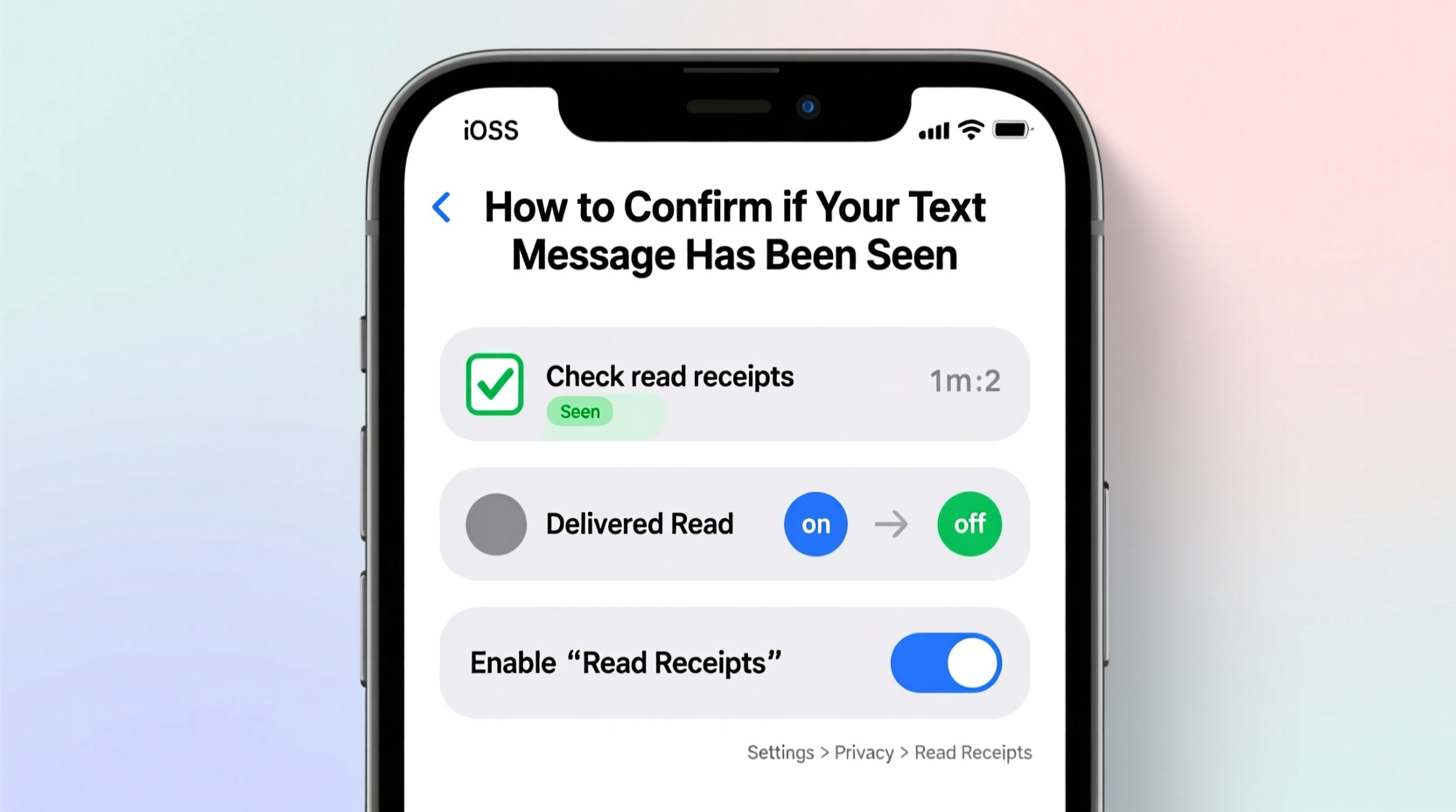
Different devices and messaging platforms use visual cues to show delivery and read status. These are your first line of insight into whether a recipient has engaged with your message.
iOS users benefit from iMessage’s robust status system. When you send a message via iMessage (shown in blue bubbles), you’ll see:
- Sent — Your message left your device.
- Delivered — It reached the recipient’s device.
- Read — The recipient opened and viewed the message (appears as “Read” followed by a time).
Android phones using Google Messages rely on Rich Communication Services (RCS) for similar functionality. If RCS is active, you’ll see:
- A single grey tick for sent.
- A double grey tick for delivered.
- Double blue ticks when the message is read.
Platform-Specific Tools That Reveal Message Visibility
Not all messages travel through standard SMS. Many people use messaging apps with advanced tracking features. Here’s how major platforms handle read confirmation:
| App | Read Receipt Indicator | Can Be Disabled? |
|---|---|---|
| Double blue checks | Yes, by recipient | |
| Facebook Messenger | Profile picture appears below message when seen | Yes |
| Instagram DM | \"Seen\" label under message | Yes |
| Signal | Double checkmarks (one grey = sent, two grey = delivered, two green = read) | Yes |
| Telegram | One check = sent, two checks = read | No—read receipts are always on |
If you're relying on SMS alone (green bubbles on iPhone or standard texting on Android), there are no native read receipts unless both parties use a service like RCS or iMessage. In such cases, alternative strategies become essential.
Behavioral Clues That Suggest a Message Was Seen
Sometimes technology doesn’t provide clear answers—but human behavior does. While not foolproof, certain patterns strongly suggest your message was read.
- Quick Response After Inactivity: If someone hasn’t replied for hours but suddenly responds minutes after you sent a message, it’s likely they saw it.
- Likes or Reactions Without Full Replies: On apps like WhatsApp or Messenger, a thumbs-up or heart reaction confirms visibility even without a typed reply.
- Typing Indicators Appearing Shortly After Sending: Seeing “typing…” soon after your message suggests the recipient opened the chat.
- Follow-Up Actions That Match Your Message: For example, if you asked someone to book a meeting room and it gets booked shortly after, they probably read your request.
“People often forget that digital body language—like delayed replies or selective engagement—is just as telling as explicit read receipts.” — Dr. Lena Torres, Digital Communication Researcher at Stanford University
Mini Case Study: The Silent Colleague
Sarah, a project manager, sent a critical deadline reminder via SMS to her teammate James. There were no read receipts since he used an older Android phone without RCS. She didn’t get a reply. But within an hour, James updated the shared task tracker with progress notes related to her message. Though unconfirmed technically, Sarah inferred the message had been seen based on contextual action. She later confirmed this during a call when James referenced the update she’d mentioned. This illustrates how indirect evidence can fill gaps left by missing technical signals.
Third-Party Tools and Their Limitations
Several apps claim to track SMS reads, but their reliability varies—and many raise privacy concerns. Some popular options include:
- Mirror+ (Android): Tracks message status by syncing with cloud backups. Works only if the recipient also uses the app.
- mSpy or FlexiSPY: Monitoring tools marketed for parental control or device security. They require installation on the target device and may be illegal without consent.
- Email-to-SMS Tracking: Services like Mailtrack allow you to send SMS-like messages via email gateways and receive open notifications. Limited in scope and format.
These tools often overpromise. True SMS cannot be tracked remotely without carrier-level access, which is restricted. The safest and most ethical approach remains using transparent, consent-based platforms like WhatsApp or enabling RCS where available.
Step-by-Step Guide to Confirm Message Visibility
Follow this sequence to maximize your chances of confirming whether your message was seen:
- Check Message Bubble Color or Icons: Blue (iMessage) or double blue ticks (RCS/WhatsApp) indicate advanced features are active.
- Wait for Delivery and Read Statuses: Allow a few minutes for network delays, especially on international texts.
- Look for Typing Indicators or Online Status: If the person appears online shortly after your message, they likely accessed it.
- Send a Low-Pressure Follow-Up: Try, “Just checking if you saw my earlier message about the meeting?” This avoids confrontation while prompting acknowledgment.
- Observe Behavioral Responses: Did they act on your request? Mention details from your message? These are strong indirect signals.
- Switch to a Tracked Platform: If ongoing communication is needed, suggest moving to WhatsApp, Signal, or email with read receipt options.
Frequently Asked Questions
Can I enable read receipts on regular SMS?
No. Standard SMS does not support read receipts. Only enhanced messaging systems like iMessage, RCS, or third-party apps offer this feature.
Why do some messages show “Delivered” but never “Read”?
This usually means the message reached the recipient’s device, but they haven’t opened the conversation yet. It could also mean read receipts are disabled in their settings.
Does turning off read receipts mean someone is ignoring me?
Not necessarily. Many users disable read receipts for privacy reasons. It’s a personal preference, not always a sign of avoidance.
Key Takeaways and Action Checklist
Knowing whether your message was seen reduces anxiety and improves communication efficiency. Use the following checklist to stay informed and responsive:
- ✅ Verify if you’re using iMessage (iOS) or RCS (Android) for built-in read receipts.
- ✅ Switch to messaging apps like WhatsApp or Signal for guaranteed visibility tracking.
- ✅ Watch for behavioral cues: responses, reactions, or actions aligned with your message.
- ✅ Avoid invasive tracking tools that compromise privacy or legality.
- ✅ Use polite follow-ups instead of assumptions when confirmation is missing.
- ✅ Educate your contacts about enabling read receipts for smoother communication.
Final Thoughts
While technology continues to evolve, the gap between sending and knowing remains one of modern communication’s biggest frustrations. However, by combining platform features, behavioral awareness, and respectful follow-up practices, you can navigate this uncertainty with confidence. The goal isn’t surveillance—it’s clarity. And clarity builds better relationships, whether personal or professional.




 浙公网安备
33010002000092号
浙公网安备
33010002000092号 浙B2-20120091-4
Comments
No comments yet. Why don't you start the discussion?