
Instagram’s online status feature—indicated by a green dot next to your profile picture—shows when you’re active on the app. While this can help friends know when you're available, it may also feel intrusive or compromise your privacy if left unchecked. Many users are unaware that they can fully customize who sees their activity status or disable it entirely. Taking control of these settings gives you more autonomy over your digital presence and helps maintain boundaries in both personal and professional relationships.
This guide walks through the exact steps to manage your Instagram online status, explains the implications of each option, and offers practical advice for maintaining privacy without sacrificing connectivity.
Understanding Instagram Online Status
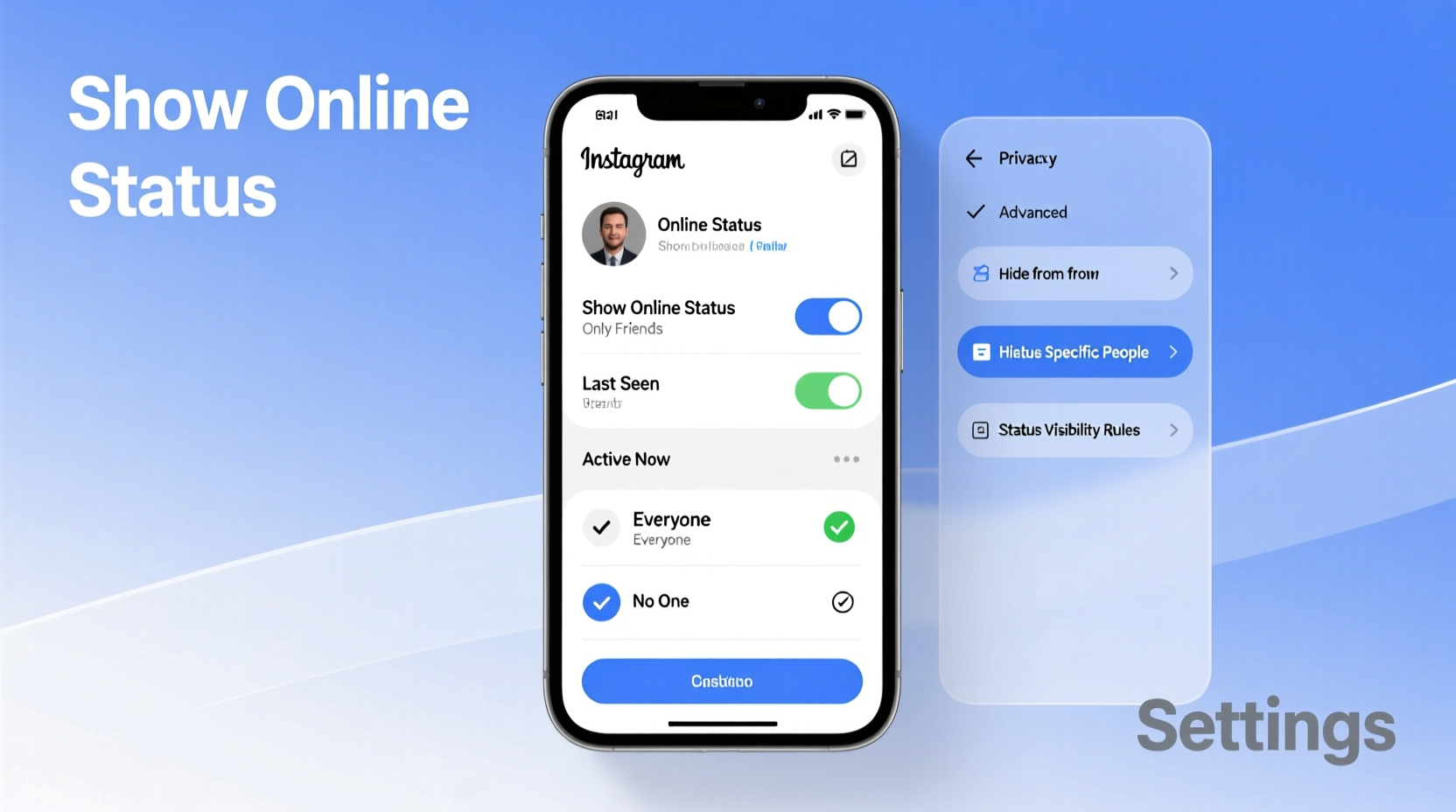
The online status feature is part of Instagram’s direct messaging (DM) system. When enabled, a green dot appears beside your profile picture in DMs when you’re actively using the app or have been recently active. This signals to others that you’re likely available to respond. The feature updates in real time and resets after approximately five minutes of inactivity.
While convenient for close contacts, this visibility can be problematic. For example, colleagues might assume you’re available outside work hours, or ex-partners could monitor your activity. Worse, constant visibility may create pressure to respond immediately, contributing to digital fatigue.
Instagram allows granular control over who sees your status: everyone, only people you follow, or no one at all. You can also choose to hide others’ statuses from your view, giving you full discretion over your experience.
Step-by-Step Guide to Adjust Your Online Status Privacy
Changing your online status visibility is straightforward but buried within Instagram’s privacy settings. Follow these steps to take control:
- Open the Instagram app and go to your profile by tapping the silhouette icon in the bottom-right corner.
- Tap the menu icon (three horizontal lines) in the top-right corner, then select Settings and privacy.
- Scroll down and tap Messaging and story replies.
- Under “Privacy,” select Activity status.
- Choose one of the following options:
- Show activity status: Enables the green dot for selected contacts.
- Don’t show activity status: Hides your online status from everyone.
- If you enable it, you can further refine visibility by tapping Select people to allow only specific followers to see when you’re online.
Once disabled, you won’t see others’ green dots either. This reciprocal design ensures fairness—Instagram doesn’t let you observe others’ activity unless you’re willing to share your own.
Who Should Hide Their Online Status?
Not every user needs to hide their online status, but certain situations make it advisable. Consider disabling visibility if:
- You’re managing professional accounts and want to avoid after-hours messages.
- You’re limiting social media use for mental health reasons.
- You’re navigating a breakup or conflict where monitoring behavior is a concern.
- You frequently use Instagram during work hours and don’t want colleagues assuming availability.
- You value asynchronous communication and prefer not to feel pressured to reply instantly.
“Digital boundaries are just as important as physical ones. Controlling your online presence reduces anxiety and supports healthier social media habits.” — Dr. Lena Torres, Digital Wellness Psychologist
Do’s and Don’ts of Managing Activity Status
| Do | Don't |
|---|---|
| Review your activity status settings quarterly to ensure they align with current needs. | Assume that turning off activity status stops all tracking—Instagram still logs usage data internally. |
| Use selective visibility if you want only close friends to see when you’re online. | Expect others to respect response times just because your status is hidden—some may still expect quick replies. |
| Combine status privacy with other tools like message requests filtering and restricted accounts. | Forget that stories and likes can also indicate recent activity, even if your status is off. |
| Turn off status during vacations or digital detox periods. | Rely solely on hiding status to avoid difficult conversations—direct communication is more effective. |
Real Example: Regaining Control After Burnout
Sophia, a freelance graphic designer, used Instagram daily to promote her work and connect with clients. Over time, she noticed an uptick in late-night DMs from collaborators expecting immediate feedback. She felt obligated to stay online longer, leading to sleep disruption and burnout.
After consulting a digital wellness coach, she disabled her activity status and set up automated DM responses directing inquiries to her email during business hours. Within weeks, unsolicited after-hours messages dropped by 70%, and her productivity improved. “Turning off that little green dot was the first step toward reclaiming my time,” she said.
Checklist: Secure Your Instagram Activity Privacy
Use this checklist to ensure your online status settings support your lifestyle and privacy goals:
- ☐ Open Instagram Settings > Messaging and story replies > Activity status
- ☐ Choose “Don’t show activity status” or customize visibility
- ☐ Confirm you no longer see green dots next to others’ names
- ☐ Review blocked and restricted accounts to prevent unwanted contact
- ☐ Educate close contacts about your communication preferences if needed
- ☐ Re-evaluate settings monthly or after major life changes
Frequently Asked Questions
Can someone tell if I’ve turned off my activity status?
No. There’s no notification or indicator that tells others you’ve disabled your online status. They simply won’t see a green dot next to your name, and you won’t see theirs.
Does hiding my activity status affect message delivery?
No. Messages still deliver normally, and read receipts (double checkmarks) function independently. Hiding your status only removes the real-time availability signal.
Will I still appear “recently active” if I turn off my status?
Potentially. While the green dot disappears, Instagram may still display “Active [X] min ago” under your name in some cases. However, this becomes less frequent once activity status is off and eventually stops appearing to most users.
Final Thoughts and Action Steps
Your Instagram experience should serve you—not create stress or unwanted exposure. The online status feature, while designed to enhance connection, often blurs the line between availability and expectation. By customizing who sees your activity—or opting out entirely—you establish clearer digital boundaries and reduce the pressure to be perpetually responsive.
Privacy isn’t about disconnection—it’s about intentional connection. Take a few minutes today to review your activity status settings. Whether you choose full visibility, selective sharing, or complete invisibility, the power should be yours.




 浙公网安备
33010002000092号
浙公网安备
33010002000092号 浙B2-20120091-4
Comments
No comments yet. Why don't you start the discussion?