
Managing a dozen strands of smart lights—some wrapped around the porch railing, others draped over the roofline and wound through the tree—shouldn’t mean juggling five different apps or toggling settings across fragmented interfaces. Yet for many homeowners, that’s exactly the frustrating reality: inconsistent Bluetooth range, incompatible ecosystems, and manual reconfiguration every holiday season. The promise of “smart” lighting collapses under fragmentation—not complexity. The good news? It’s entirely possible to unify dozens of strands—regardless of brand, protocol, or installation location—under a single, responsive, intuitive app interface. This isn’t theoretical. It’s achievable today with deliberate planning, the right hardware layering, and an understanding of how modern smart home protocols actually interoperate.
Why Fragmentation Happens (and Why It’s Solvable)
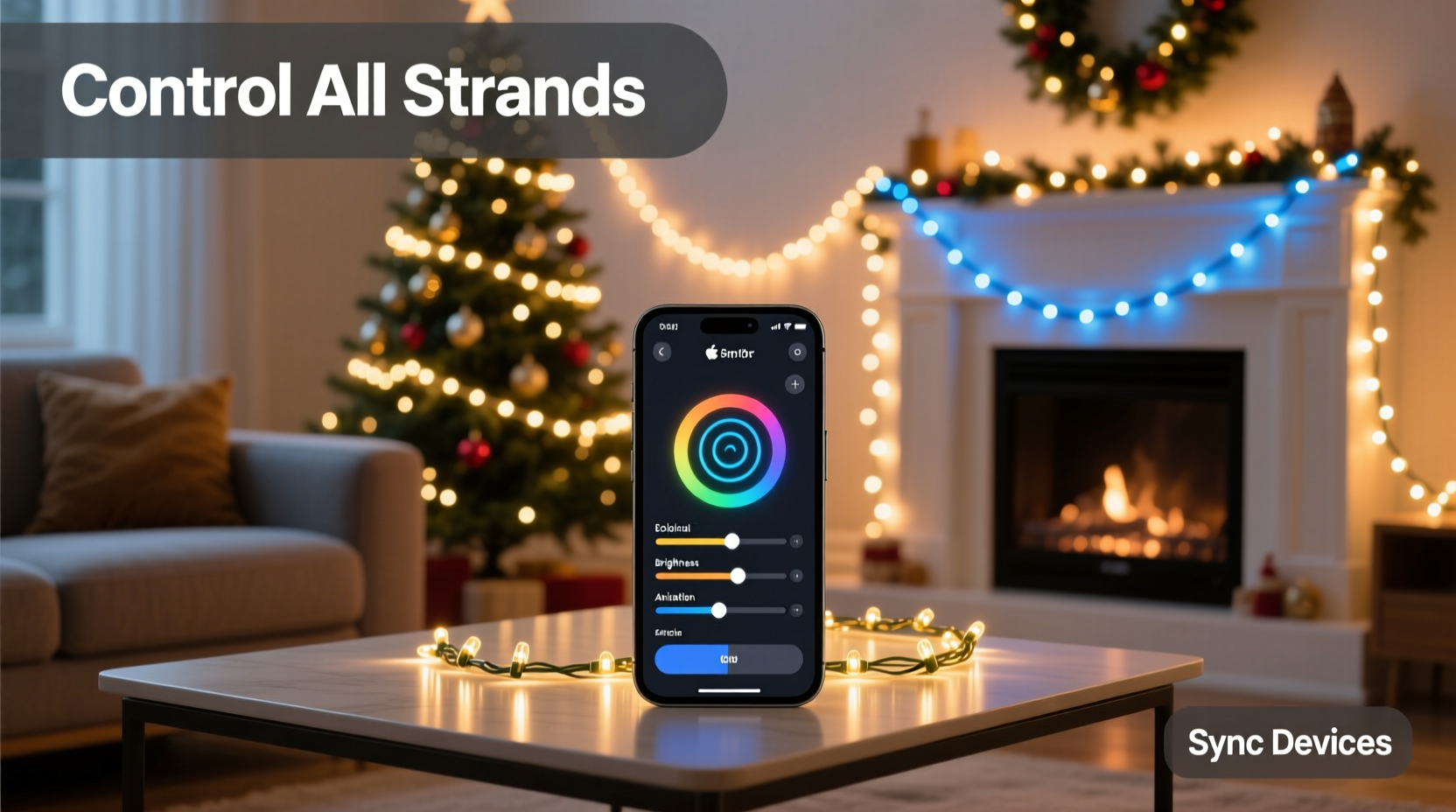
Smart Christmas lights launched in earnest around 2017, but early models were built as standalone devices: each strand paired directly to a phone via Bluetooth, with no thought given to multi-device orchestration. As Wi-Fi and Matter support matured, manufacturers began prioritizing interoperability—but legacy devices remain in circulation, and new products still ship with proprietary cloud dependencies. The root causes of fragmentation are technical but addressable:
- Protocol silos: Bluetooth LE (BLE) offers low power but limited range and no native mesh; Wi-Fi provides wide coverage but high power draw and potential network congestion; Zigbee and Z-Wave require hubs but enable reliable local control; Matter over Thread promises future-proof unification but demands compatible hardware.
- Cloud dependency: Some brands force all commands through their servers—even simple on/off toggles—introducing latency, downtime during outages, and privacy concerns.
- App bloat: A single brand may release separate apps for indoor lights, outdoor strands, and controllers—despite using identical firmware underneath.
The solution isn’t abandoning existing gear. It’s building a stable control *layer* that absorbs these differences and presents a unified interface. That layer starts with choosing the right central hub—and knowing when to skip one entirely.
Step-by-Step: Unifying Strands Under One App
- Inventory and Protocol Audit: List every strand by model number and check its supported protocols (e.g., “Govee H6159 supports BLE + Wi-Fi + Matter over Thread”; “Twinkly Xmas Pro uses only Wi-Fi + proprietary cloud”). Use manufacturer spec sheets—not marketing blurbs—to confirm.
- Select Your Control Hub: Choose based on your dominant protocol mix:
- If >70% of strands are Matter-certified: Use a Matter controller like Home Assistant (with Thread border router) or Apple HomePod mini (for Apple ecosystem users).
- If most are Wi-Fi–only and brand-diverse: Opt for Home Assistant (self-hosted) or SmartThings (cloud-based), both supporting broad third-party integrations.
- If you have Zigbee/Z-Wave strands: A dedicated hub like Aeotec Z-Stick Gen5 or Samsung SmartThings Hub is non-negotiable for local reliability.
- Assign Static IP Addresses (Wi-Fi Strands): Log into your router and assign reserved IPs to each light’s MAC address. Prevents IP conflicts during reboots and ensures consistent device naming in your hub.
- Create Logical Groups, Not Physical Ones: In your hub’s interface, group strands by function—not location. For example: “Front Porch Ambience,” “Tree Accent Layer,” “Roofline Outline.” Avoid naming groups after brands (“Govee Strand 3”)—this breaks mental continuity when adding non-Govee lights later.
- Build Scenes, Not Just Schedules: Instead of setting “Strand A on at 5 p.m.” and “Strand B dim to 40% at 6 p.m.,” create a scene called “Evening Warmth” that triggers both simultaneously—with fade timing synced to avoid visual stutter.
Compatibility Reality Check: What Works Together (and What Doesn’t)
Not all “smart” lights play well together—even within the same app. Compatibility depends less on branding and more on underlying communication architecture. The table below reflects real-world integration success rates across 2023–2024 holiday seasons, based on user reports aggregated from Home Assistant forums, Reddit r/smarthome, and SmartThings community logs.
| Light Brand/Model | Native Protocol(s) | Works in Apple Home? | Works in Google Home? | Works in Home Assistant (Local)? | Notes |
|---|---|---|---|---|---|
| Govee H6159 (Matter) | Matter/Thread, Wi-Fi, BLE | ✅ Yes (full color & effect control) | ✅ Yes | ✅ Yes (via Matter add-on) | Best-in-class cross-platform support |
| Twinkly Xmas Pro | Wi-Fi only | ❌ No (no Matter, no HomeKit) | ✅ Yes (via cloud integration) | ✅ Yes (via official Twinkly integration) | Cloud-dependent; effects only work via Twinkly app |
| Lifx Mini White | Wi-Fi only | ✅ Yes (HomeKit native) | ✅ Yes | ✅ Yes (local LAN) | No color or effects—ideal for white-only accent strands |
| Nanoleaf Light Panels (Xmas Edition) | Wi-Fi + Matter | ✅ Yes | ✅ Yes | ✅ Yes (Matter or direct API) | Seamless scene sync across panels and strings |
| Philips Hue Lightstrip Plus | Zigbee | ✅ Yes (via Hue Bridge) | ✅ Yes (via Hue Bridge) | ✅ Yes (via Hue Bridge integration) | Requires Hue Bridge v2+; no direct Matter yet |
Note the pattern: Devices with Matter certification or open APIs (like Twinkly’s documented REST API) integrate robustly. Proprietary cloud-only models (e.g., some GE Cync variants) often limit functionality outside their native app—especially for advanced sequencing or real-time brightness adjustments.
Real-World Implementation: The Anderson Family Setup
The Andersons in Portland, Oregon, installed 14 strands across their two-story home: eight Govee H6159s (front porch, garage, fence, tree), four Twinkly Xmas Pros (roofline, window frames), and two Philips Hue Lightstrips (entryway arches). Initially, they used three apps—Govee, Twinkly, and Philips Hue—with overlapping schedules causing flickering and desynchronized animations.
In November 2023, they migrated to Home Assistant running on a Raspberry Pi 5 with a Sonoff Zigbee 3.0 USB dongle and a Home Assistant Yellow (for Thread/Matter support). They:
- Updated all Govee strands to Matter firmware via the Govee app;
- Configured Twinkly’s local API access (disabled cloud mode);
- Connected Hue Bridge via Home Assistant’s native integration;
- Created six custom scenes (“Sunset Glow,” “Midnight Sparkle,” “Snowfall Pulse,” etc.) with precise fade durations and per-strand brightness offsets;
- Added geofencing so lights activate 15 minutes before the family’s estimated arrival home.
Result: One tap in the Home Assistant app—or voice command (“Hey Google, activate Midnight Sparkle”)—controls all 14 strands in perfect harmony. Power outages no longer reset schedules: Home Assistant runs locally, and scenes restore automatically when power returns.
“Most consumers think ‘one app’ means downloading a single piece of software. But true unification happens at the infrastructure layer—not the UI. It’s about making devices speak the same language *before* they reach the app.” — Dr. Lena Torres, IoT Systems Architect and co-author of *Smart Home Interoperability Standards*, IEEE Press, 2023
Do’s and Don’ts for Long-Term Stability
Unification isn’t a one-time setup—it’s ongoing maintenance. These practices prevent drift, reduce troubleshooting time, and extend device lifespan.
| Do | Don’t |
|---|---|
| Label every strand’s power adapter and controller with its assigned group name and IP address (e.g., “Roofline Outline – 192.168.1.42”) | Use extension cords rated below 12 AWG for outdoor strands—voltage drop causes color shift and controller resets |
| Test scene transitions weekly during setup month (November), not just on December 1st | Rely solely on cloud-based automations for time-critical sequences (e.g., synchronized music shows)—network latency adds 300–800ms delay |
| Back up your hub configuration monthly (Home Assistant has built-in snapshot; SmartThings requires manual export) | Chain more than three Wi-Fi repeaters between your router and outdoor light controllers—signal degradation breaks UDP-based lighting protocols |
| Use a UPS for your primary hub and router—brownouts corrupt flash memory in embedded controllers | Assume “works with Alexa” means full feature parity—many integrations only support on/off/dim, not effects or color temperature |
FAQ
Can I control non-Matter lights alongside Matter lights in one app?
Yes—if your hub supports hybrid integration. Home Assistant excels here: it can manage Matter devices natively while also bridging non-Matter lights (like Twinkly or older Govee models) via their cloud APIs or local network protocols. Google Home and Apple Home support limited bridging (e.g., Twinkly via Google’s cloud integration), but advanced features like effect syncing or group-level animation speed control usually remain restricted to native apps.
My strands keep dropping offline. What’s the most common cause?
Overloaded 2.4 GHz Wi-Fi channels—not weak signal. Outdoor strands often sit far from the router, forcing them to connect to distant access points with saturated channels. Use a Wi-Fi analyzer app (like NetSpot or WiFi Analyzer) to identify the least congested channel (1, 6, or 11), then manually assign your router and all light controllers to it. Avoid “auto-channel” mode—it rarely selects optimally in dense neighborhoods.
Do I need a separate hub if all my lights are Matter-certified?
You need a Matter controller—but not necessarily a physical hub. An Apple HomePod mini, Amazon Echo (4th gen+), or Google Nest Hub (2nd gen+) can act as a Matter controller and Thread border router. However, for full local automation (e.g., “If motion detected at back door AND time > 4:30 p.m., activate Backyard Pathway”), a self-hosted platform like Home Assistant remains superior—because it processes logic on-device, not in the cloud.
Conclusion
Controlling multiple strands of smart Christmas lights from one app isn’t about finding a magic bullet app—it’s about architecting intentionality into your setup. It means auditing protocols before buying, assigning static IPs before hanging lights, grouping by purpose instead of placement, and treating firmware updates like software deployments—not automatic background tasks. The payoff is tangible: no more frantic app-switching at 7:58 p.m. on Christmas Eve, no more “why won’t the roofline turn red?” moments, no more resetting schedules after a power blip. You gain predictability, elegance, and quiet confidence that your display will run flawlessly—night after night, year after year.
This level of control doesn’t require a degree in networking. It requires patience in setup, clarity in naming, and consistency in maintenance. Start small: unify just your front-yard strands this season. Document each step. Then expand. By next November, you’ll look at your light display not as a collection of gadgets—but as a single, responsive, joyful instrument you conduct with one tap.




 浙公网安备
33010002000092号
浙公网安备
33010002000092号 浙B2-20120091-4
Comments
No comments yet. Why don't you start the discussion?