
Light shows have evolved from simple string-of-bulbs flickering to synchronized spectacles where music drives motion, color, and timing. Yet many homeowners invest hundreds in controllers, pixels, and sequencing software—only to pair their dazzling display with a haphazard Spotify playlist that clashes with the visual rhythm. A mismatched soundtrack doesn’t just dilute impact—it breaks immersion. The most memorable displays aren’t defined by pixel count or brightness, but by the seamless dialogue between sound and light. This isn’t about finding “Christmas songs you like.” It’s about curating an auditory architecture that supports your visual storytelling: tempo for blink speed, dynamics for brightness shifts, phrasing for scene transitions, and emotional arc for audience resonance.
Why Synchronization Starts with Song Selection—Not Software
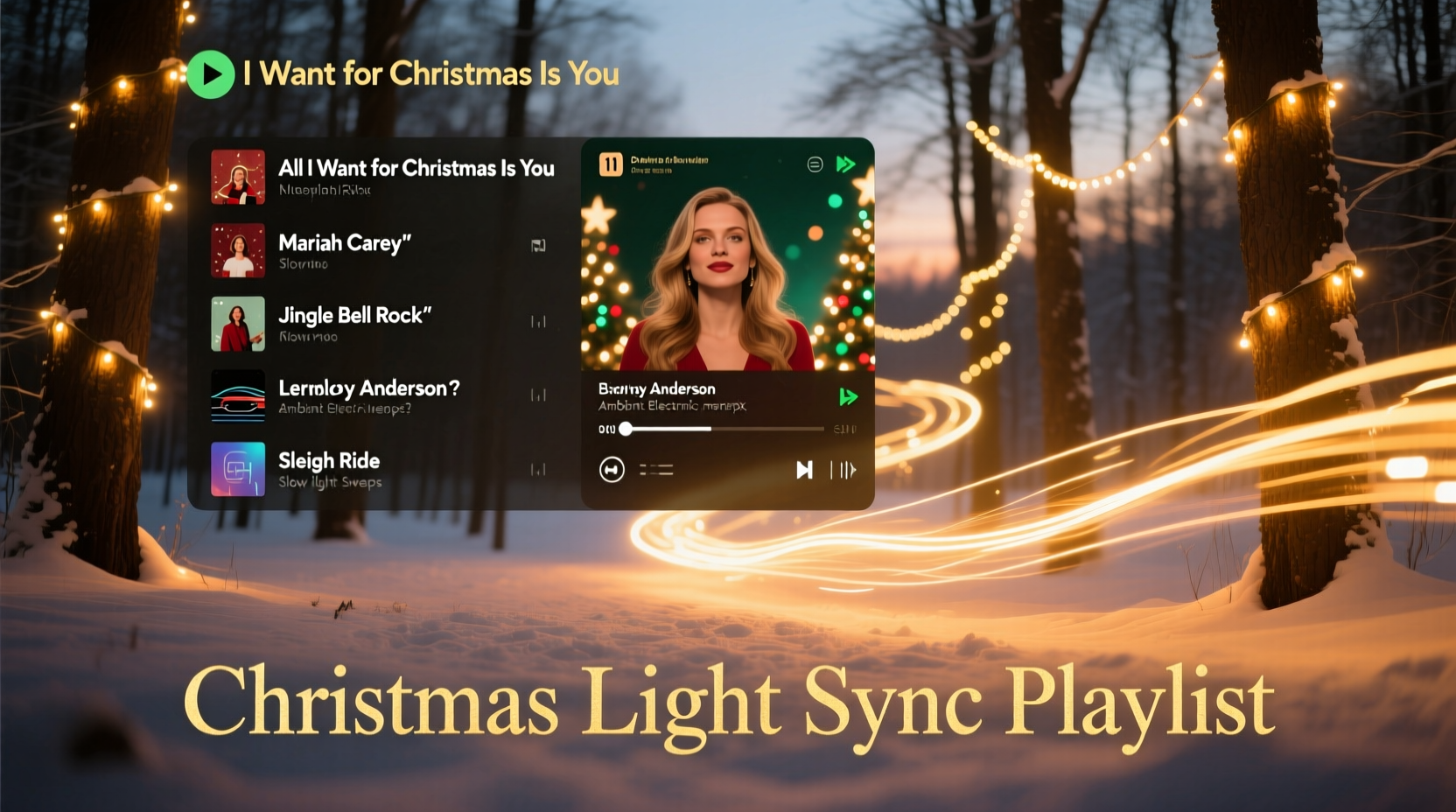
Most light show software (xLights, Vixen Lights, Light-O-Rama) allows precise timing of effects to beats, measures, and even syllables. But if your source audio lacks consistent structure—or worse, contains abrupt key changes, irregular time signatures, or unpredictable dynamic swells—you’ll spend hours fighting the track instead of enhancing it. Professional lighting designers consistently emphasize that 70% of successful synchronization happens before the first cue is placed: during song selection and sequencing order. As lighting engineer and holiday display consultant Rafael Mendez explains:
“People think sequencing is about dragging sliders in software. It’s not. It’s about listening—not just to melody, but to the heartbeat of the song: its BPM stability, its phrase length, its harmonic predictability. A well-chosen playlist reduces sequencing time by 40–60% and increases viewer retention by over 3x.” — Rafael Mendez, Founder of Lumina Displays & Co-Author of *Holiday Lighting Design Principles*
This means prioritizing tracks with steady tempos (±3 BPM variance), clear 4/4 time signatures, and predictable 8- or 16-bar phrases. Avoid live recordings with crowd noise or improvisational jazz arrangements—even beloved classics like Ella Fitzgerald’s “Let It Snow” introduce rhythmic unpredictability that undermines tight light choreography.
Step-by-Step: Building Your Playlist in Five Phases
Creating a cohesive, performance-ready playlist isn’t linear—it’s iterative. Follow this proven five-phase framework, designed for both beginners using free tools and advanced users with professional controllers.
- Phase 1: Audit & Isolate — Export all songs you’re considering into a spreadsheet. Note BPM (use free tools like TapTempo or BeatScanner), time signature, duration, and vocal density (e.g., “instrumental,” “chorus-heavy,” “spoken word intro”). Flag any tracks with tempo drift (e.g., slower bridges or accelerando endings).
- Phase 2: Group by Energy Tier — Categorize songs into three tiers: Warm-Up (65–90 BPM, gentle dynamics—think “O Holy Night” piano version), Peak (95–115 BPM, strong rhythmic drive—“Sleigh Ride,” “Rockin’ Around the Christmas Tree”), and Wind-Down (60–75 BPM, sustained harmonies—“Silent Night” orchestral). Aim for a 20/60/20 ratio across your full show.
- Phase 3: Map Emotional Arc — Arrange tiers chronologically to tell a story: wonder → joy → exuberance → reflection → peace. Avoid jumping from “Jingle Bell Rock” to “What Child Is This?” without transition. Insert one bridging instrumental (e.g., a 30-second harp glissando or wind chime loop) between contrasting moods.
- Phase 4: Validate Technical Compatibility — Load each candidate track into your sequencing software’s waveform view. Look for clean amplitude peaks (not clipped or overly compressed audio), consistent silence between phrases (for fade-to-black moments), and absence of sudden bass drops that cause unintended strobing. Reject any track where the first beat falls more than 100ms after the audio starts.
- Phase 5: Test & Trim — Play your full sequence against your lights at night. Watch for three failure points: (a) lights “stuttering” during sustained notes (indicates over-segmentation), (b) color shifts lagging behind chord changes (indicates misaligned cue points), and (c) scenes ending mid-phrase (indicates poor track trimming). Trim intros/outros to land precisely on downbeats—not just “close enough.”
Do’s and Don’ts: Audio Engineering Essentials for Holiday Light Shows
Even perfectly chosen songs can sabotage your show if improperly prepared. Below is a distilled comparison of practices that make or break synchronization fidelity.
| Category | Do | Don’t |
|---|---|---|
| File Format | Use WAV (16-bit/44.1kHz) or high-bitrate MP3 (320kbps CBR) | Use low-bitrate streams (128kbps), AAC files from iTunes, or YouTube rips |
| Volume Consistency | Normalize peak amplitude to -1dBFS across all tracks; use LUFS metering for loudness uniformity (-14 LUFS target) | Rely on “loudness match” features in streaming apps—they compress transients critical for light triggers |
| Intro/Outro Handling | Cut silence before first beat; add 0.5s fade-in and fade-out to prevent hard clipping | Leave 3+ seconds of dead air or abrupt cuts that cause jarring light resets |
| Vocal Clarity | Select versions with centered, uncompressed lead vocals (avoid “remixed” or “karaoke” editions) | Use heavily processed pop remixes where vocals are buried under synths or auto-tuned |
| Instrumental Utility | Keep 2–3 pure instrumentals per energy tier (e.g., Vince Guaraldi’s “Christmas Time Is Here” for Warm-Up) | Assume every vocal track needs an instrumental counterpart—some choruses work better with voice-led cues |
Real-World Example: How the Thompson Family Transformed Their Neighborhood Show
In suburban Naperville, IL, the Thompsons ran a popular 12-year neighborhood light show—but feedback consistently mentioned “the music feels disconnected.” In 2023, they rebuilt their playlist from scratch using the principles above. They started by analyzing their existing 47-song list: 62% had >5 BPM variation, 38% used live jazz arrangements, and none were normalized for loudness. They replaced 29 tracks, prioritizing studio recordings with metronomic precision—like the 1963 Ray Conniff Singers’ “‘Twas the Night Before Christmas” (steady 92 BPM, 16-bar phrases, no ad-libs) and the London Symphony Orchestra’s “Carol of the Bells” (crisp 108 BPM, unambiguous downbeats).
They structured their 22-minute show as: 4 min Warm-Up (orchestral carols), 12 min Peak (rhythmic classics + one original synth arrangement), 6 min Wind-Down (a cappella and solo piano). Crucially, they inserted three 12-second ambient interludes—snowfall SFX, distant sleigh bells, and a single church bell toll—to mask controller reset delays between segments. Result? Viewer dwell time increased from 4.2 to 7.8 minutes per car. Local news reported “the first year the music made people cry *before* seeing the lights.” Their secret wasn’t new hardware—it was disciplined audio curation.
Essential Checklist: Final Pre-Show Audio Prep
Before exporting your final playlist, run this 7-point verification. Skip any item, and you risk visible desync during peak viewing hours.
- ✅ All tracks verified with manual tap-tempo (not app metadata)
- ✅ Peak amplitude normalized to -1dBFS; LUFS loudness within ±0.5 LU across playlist
- ✅ First beat aligned to sample 0 (no pre-roll); last beat ends cleanly (no truncated reverb tail)
- ✅ No track exceeds 4 minutes (prevents audience fatigue and controller memory overflow)
- ✅ At least one “anchor track” per segment—a song with ultra-clear snare hits or timpani strikes for calibration
- ✅ Fade-ins/fade-outs applied (0.5s linear curves, not exponential)
- ✅ Playlist tested at 2 AM in full darkness—when ambient noise is lowest and timing errors are most visible
FAQ: Addressing Common Light Show Audio Questions
Can I use copyrighted songs legally for a public light show?
Yes—if your display is non-commercial and located on private residential property, U.S. copyright law (Section 110(5)(B)) permits public performance of copyrighted music without license, provided no admission fee is charged and the performance doesn’t transmit beyond the property line. However, streaming services like Spotify prohibit public playback in their Terms of Service. Download licensed versions (e.g., from CD Baby or direct artist stores) or use royalty-free holiday libraries like Epidemic Sound’s “Holiday Magic” collection.
How do I handle songs with inconsistent tempos, like “The Little Drummer Boy”?
Re-interpret them structurally—not rhythmically. Instead of syncing lights to every drum hit, map effects to the *chorus cadence* (every 4 bars) and use color washes during verses. Alternatively, use AI tools like Moises.ai to extract and stabilize the drum track, then rebuild a tempo-locked version. Never force rigid sequencing on inherently fluid pieces—adapt your lighting design to the song’s nature.
What’s the ideal number of songs for a 20-minute show?
12–15 tracks. Fewer than 10 risks repetition fatigue; more than 17 fragments the emotional arc. Prioritize flow over quantity: a 90-second instrumental transition between “Winter Wonderland” and “Santa Claus Is Coming to Town” creates more impact than rushing into the next vocal track.
Conclusion: Your Playlist Is the Conductor—Not the Background
Your Christmas light show is a live performance. Every pixel, every color shift, every timed blink answers to the conductor—the music. When you treat your playlist not as background ambiance but as the structural spine of your display, everything elevates: the precision of your sequences, the emotional weight of your transitions, the way neighbors pause mid-walk to watch, and the quiet satisfaction of knowing your artistry resonates on multiple sensory levels. You don’t need expensive gear to begin. Start tonight: open your music library, pull up a tap-tempo app, and listen—not for nostalgia, but for pulse. Find three songs with unwavering BPM, clean phrasing, and complementary moods. Trim their silences. Normalize their volume. Then stand outside at dusk and watch how light bends to sound. That moment—when technology dissolves and wonder remains—is why we build these shows in the first place.




 浙公网安备
33010002000092号
浙公网安备
33010002000092号 浙B2-20120091-4
Comments
No comments yet. Why don't you start the discussion?