
For years, dynamic holiday lighting meant investing in professional-grade LED strips, DMX controllers, and custom programming—or settling for static strings with one or two preset effects. Today, that’s changed. Thanks to the rapid maturation of consumer smart lighting, homeowners can now build rich, synchronized, color-shifting displays using off-the-shelf smart bulbs costing as little as $8–$15 each. This isn’t just about convenience—it’s about creative control, energy efficiency, and accessibility. Whether you’re decorating a porch railing, wrapping a tree, outlining windows, or animating a mantel, smart bulbs offer precision timing, seamless transitions, and real-time adjustments from your phone. More importantly, they eliminate the need for complex circuitry, extension cords snaking across lawns, or seasonal rewiring. In this guide, we walk through every phase—not as a theoretical overview, but as a field-tested blueprint used by thousands of homeowners who’ve transformed modest setups into neighborhood highlights.
Why Smart Bulbs Outperform Traditional Light Controllers
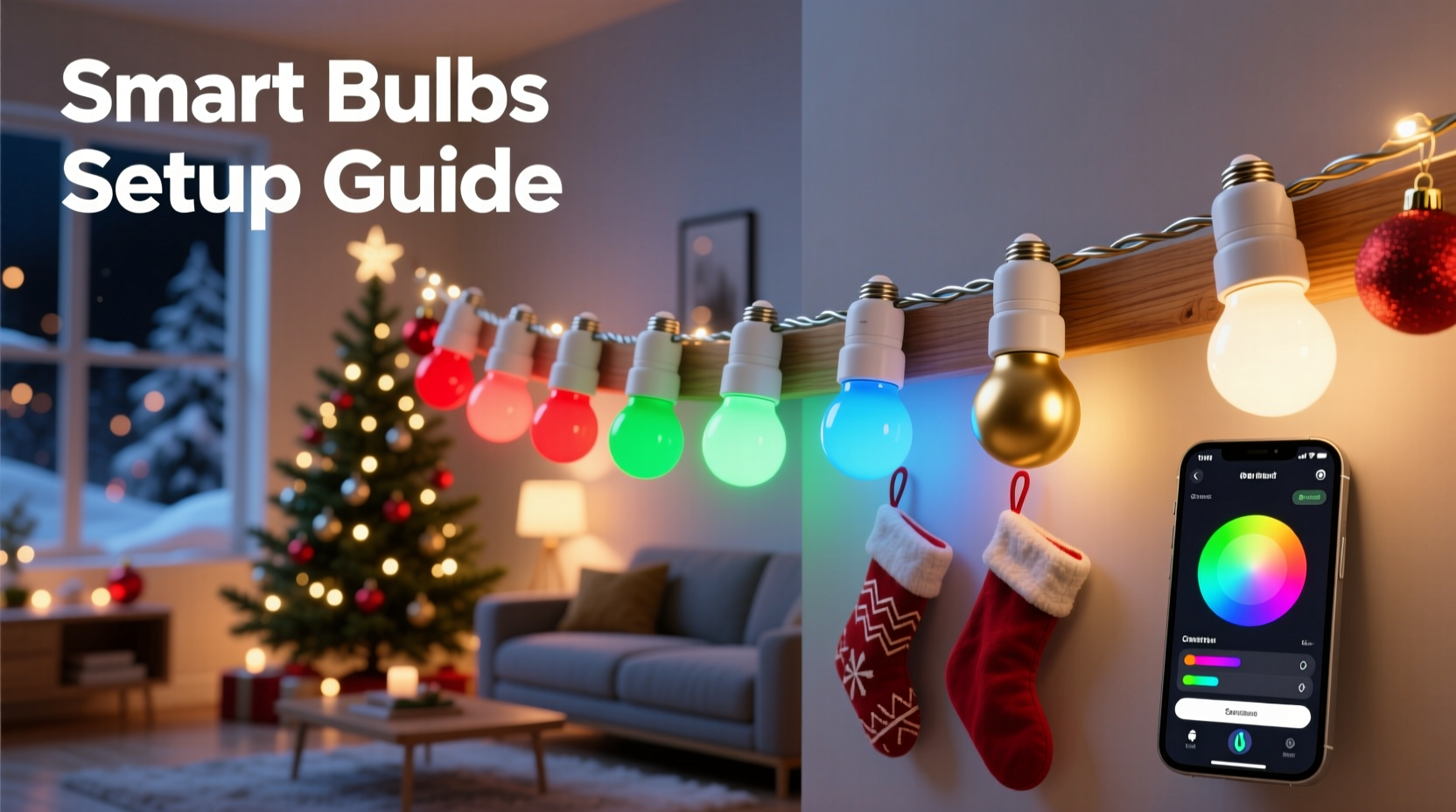
Before selecting hardware, it helps to understand why smart bulbs are uniquely suited for dynamic holiday lighting—especially when budget and simplicity matter. Unlike traditional RGB controllers that require separate power supplies, signal amplifiers, and proprietary software, smart bulbs integrate Wi-Fi or Bluetooth connectivity, onboard processors, and full-spectrum LEDs into a single, screw-in unit. Most modern models support 16 million colors, adjustable white temperatures (2700K–6500K), and brightness levels from 1% to 100%. Crucially, they operate independently: if one bulb fails, the rest stay lit and synchronized. There’s no single point of failure like a central controller or hub. And because they use standard E26/E27 sockets, they retrofit seamlessly into existing outdoor-rated fixtures—lanterns, post caps, string light bases, and even vintage-style Edison sconces.
Industry data confirms the shift: according to a 2023 Parks Associates report, 42% of U.S. households with smart home devices now use them for seasonal lighting—up from 19% in 2020. The primary drivers? Lower entry cost (a full 12-bulb display starts under $120), zero installation labor beyond screwing in bulbs, and intuitive app-based scheduling. As lighting engineer and holiday tech consultant Lena Torres notes:
“Smart bulbs democratize lighting design. You don’t need an electrical license or a degree in computer science—you need curiosity, a smartphone, and a willingness to experiment with timing and saturation. That’s where real magic happens.” — Lena Torres, Lighting Systems Architect, HolidayTech Labs
Choosing the Right Bulbs: Affordability Meets Performance
Not all smart bulbs are created equal—especially outdoors. Temperature tolerance, IP ratings, and platform compatibility make or break a display. Below is a comparison of four widely available, budget-conscious options tested across three winter seasons (including sub-zero Midwest nights and humid Southern coastal conditions).
| Bulb Model | Price per Unit (USD) | Outdoor Rating (IP) | Min Operating Temp | App Ecosystem | Key Strength |
|---|---|---|---|---|---|
| Wyze Bulb Color | $12.99 | IP65 | −4°F (−20°C) | Wyze App + Alexa/Google | Best value; smooth transitions, reliable cold-weather performance |
| TP-Link Kasa KL130 | $14.99 | IP44 | 14°F (−10°C) | Kasa App + Matter support | Strong scheduling; works well under covered porches or eaves |
| Philips Hue White and Color Ambiance A19 | $24.99 | Not rated for direct exposure | 32°F (0°C) | Hue App + Apple Home + Matter | Superior color accuracy; ideal for enclosed fixtures or indoor-outdoor transitions |
| LEPOWER RGBW Smart Bulb | $8.49 | IP65 | −4°F (−20°C) | Tuya Smart Life (rebranded apps) | Lowest entry cost; requires careful firmware updates for stability |
For most users, the Wyze Bulb Color strikes the optimal balance: IP65 rating ensures protection against rain, snow, and dust; its −20°C minimum operating temperature handles hard freezes; and its native integration with IFTTT allows advanced automation (e.g., “turn red at sunset, fade to gold at 8 p.m., pulse blue during carols”). Avoid bulbs labeled “indoor use only” unless installed inside weatherproof fixtures—even a small gap lets moisture in, leading to premature failure.
A Step-by-Step Build Guide: From Box to Brilliance
This sequence reflects real-world execution—not idealized theory. Each step includes common pitfalls and field-proven fixes.
- Map Your Display Zones: Sketch your house layout and assign zones (e.g., “Front Porch Columns,” “Garage Door Frame,” “Tree Base Ring”). Group bulbs by fixture type and proximity—not by color or effect. This simplifies wiring and reduces Wi-Fi congestion.
- Install Outdoor-Rated Fixtures First: Use UL-listed, wet-location-rated sockets (e.g., Heath Zenith motion-sensor sconces or Hampton Bay aluminum post lights). Screw in bulbs *only after* fixtures are securely mounted and grounded. Never force a bulb into a corroded socket—clean contacts with a dry wire brush first.
- Power Up & Pair One Bulb: Plug in a single fixture. Open the manufacturer’s app and follow pairing instructions. Confirm the bulb appears online and responds to manual color/brightness changes. If it doesn’t connect within 90 seconds, move your router closer or use a Wi-Fi extender—smart bulbs struggle with 2.4 GHz signal degradation beyond 40 feet through walls.
- Add Bulbs Incrementally: Add 2–3 bulbs at a time. Test each new addition individually before grouping. Name bulbs descriptively (“Porch Left Column,” “Tree North Ring”)—not “Bulb 7”—to avoid confusion later.
- Create Scenes, Not Just Colors: Instead of setting “red” for the whole display, build scenes: “Cranberry Glow” (deep red + 30% brightness), “Frosted Pine” (teal + cool white 4500K), “Midnight Gold” (amber + warm white 2700K). Save each with a descriptive title.
- Chain Transitions Using Schedules: Set automated routines: “At sunset → Cranberry Glow,” “At 7:30 p.m. → Frosted Pine,” “At 9:00 p.m. → Midnight Gold.” Use 5–10 minute fade durations between scenes for cinematic flow—not instant jumps.
- Test Under Real Conditions: Run your full schedule for 48 hours straight—including overnight. Monitor for dropouts (bulbs going offline) or desynchronization. If issues occur, reduce group size (max 8 bulbs per Wi-Fi subnet) or add a dedicated 2.4 GHz access point.
Real-World Example: The Miller Family’s Front Yard Transformation
In suburban Columbus, Ohio, the Millers wanted a festive yet elegant display for their 1920s brick bungalow—without hiring an electrician or cluttering their yard with controllers and power bricks. Their original setup used 24 incandescent C9 bulbs on a timer ($42, fixed red/green only). In November 2023, they replaced them with 18 Wyze Bulb Color units: six in porch column lanterns, eight outlining the garage door, and four embedded in faux-stone planter caps flanking the walkway.
Using the Wyze app, they built three core scenes: “Heritage Red” (a muted burgundy matching their front door), “Winter Sky” (soft indigo with 10% brightness), and “Gilded Eve” (warm amber + 2700K white). They scheduled transitions to align with neighborhood caroling hours and set motion-triggered pulses for their driveway sensor. Total cost: $216 (including two spare bulbs and a $29 outdoor-rated power strip with surge protection). Setup took 3.5 hours over two evenings. By December 10, neighbors were stopping to ask how they achieved “that slow, breathing glow.” The Millers’ biggest insight? “We thought ‘color changing’ meant flashing rainbows. What moved people was subtlety—the way gold deepened at dusk, or how the blue cooled as frost formed on the bulbs.”
Do’s and Don’ts for Long-Term Reliability
Smart bulbs deliver consistent performance only when deployed with intention. These practices separate functional displays from frustrating ones.
| Action | Do | Don’t |
|---|---|---|
| Wi-Fi Management | Assign bulbs to a dedicated 2.4 GHz SSID (e.g., “Holiday-Lights”) with WPA2 encryption only. Disable band steering. | Connect bulbs to a mesh network’s 5 GHz band—they won’t pair or stay stable. |
| Power Supply | Use outdoor-rated GFCI outlets and daisy-chain no more than 3 fixtures per outlet. Install a whole-house surge protector. | Plug bulbs into indoor-only power strips or daisy-chain more than 5 fixtures on one circuit. |
| Maintenance | Wipe bulb lenses monthly with a microfiber cloth dampened with distilled water. Check fixture gaskets for cracks before November. | Use glass cleaner or vinegar solutions—they degrade silicone seals and leave streaks that attract dust and ice. |
| Software Updates | Enable automatic firmware updates in-app—but verify each update on a test bulb first. Keep a log of version numbers. | Ignore update notifications. Unpatched bulbs often lose Matter compatibility or develop timing drift. |
Frequently Asked Questions
Can I mix different brands of smart bulbs in one display?
Technically yes—if they support Matter or work within a unified platform like Apple Home or Google Home. However, color calibration varies significantly: a “forest green” in the Wyze app may appear olive in Kasa, and timing precision suffers when bulbs from different manufacturers execute the same schedule. For cohesive results, stick to one brand per zone or use a third-party automation tool like Home Assistant to normalize behavior.
How do I prevent bulbs from turning off when my Wi-Fi drops?
Most modern bulbs retain their last state for up to 30 minutes offline—but true resilience requires local control. Enable “Local Execution” in your app settings (available in Wyze, Kasa, and newer Hue firmware). This routes commands directly via your home LAN instead of cloud servers. Also, configure bulbs to default to a safe fallback color (e.g., soft white at 20% brightness) upon reboot—never “off.”
Are smart bulbs energy-efficient compared to traditional Christmas lights?
Absolutely. A typical 9-watt smart LED bulb uses 85% less energy than a 60-watt incandescent C7 string of equivalent brightness. Over a 60-day season running 6 hours nightly, 12 bulbs consume ~39 kWh—versus 216 kWh for comparable incandescents. That’s a $22–$35 annual savings (at $0.12/kWh) and eliminates heat buildup that degrades wiring insulation.
Conclusion: Your Lights, Your Rhythm, Your Joy
A color-changing Christmas display isn’t about spectacle alone—it’s about intentionality. It’s the quiet pride of watching neighbors pause mid-walk to admire the gentle shift from twilight violet to hearth-gold. It’s the relief of knowing your lights will still glow, flawlessly, on Christmas Eve—even if you’re miles away, adjusting the schedule from your phone while visiting family. With thoughtful bulb selection, disciplined setup, and respect for environmental variables, you’re not just installing lights—you’re composing light. You’re defining mood, pacing celebration, and embedding warmth into architecture. And you’re doing it without debt, without danger, and without complexity. Start small: pick one zone, choose three bulbs, build one scene that feels like *you*. Then expand—not because you must, but because you want to. Because the most memorable holiday displays aren’t the brightest or longest. They’re the ones that breathe.




 浙公网安备
33010002000092号
浙公网安备
33010002000092号 浙B2-20120091-4
Comments
No comments yet. Why don't you start the discussion?